HelloGrowthCRM software
Built for real small-business sales teams
HelloGrowthCRM helps reps qualify faster, follow up on time, and close more deals—with practical automation in one place.
- AI lead scoring and pipeline visibility
- Built-in dialer, WhatsApp, and email automation
- Sales forecasting and RevOps-ready reporting
B2B payment automation means using software and systems to handle invoicing, payment requests, follow-ups, and reconciliation without manual intervention. This reduces errors, accelerates cash flow, and frees up your team to focus on sales and customer relationships.
Why this comes up / what goes wrong
Small and mid-sized businesses often lose leads or delay payments because their payment processes are slow and manual. They rely on spreadsheets, emails, and text messages to send invoices and chase payments, which leads to missed follow-ups, lost documents, and slow cash inflows. This slows down growth and adds stress to sales and finance teams.
Payment automation comes up as a solution to:
- Reduce the time spent on manual invoicing and payment tracking.
- Improve cash flow by accelerating payment collection.
- Keep sales and finance teams aligned with clear visibility of payment status.
- Avoid human errors that cause disputes or delays.
Step-by-step
- Assess your current payment process
- Document how you create, send, and track invoices.
- Identify bottlenecks like manual data entry or missed follow-ups.
- Choose payment automation tools that fit your business size and needs
- Look for software that integrates invoicing, payment requests, and follow-ups.
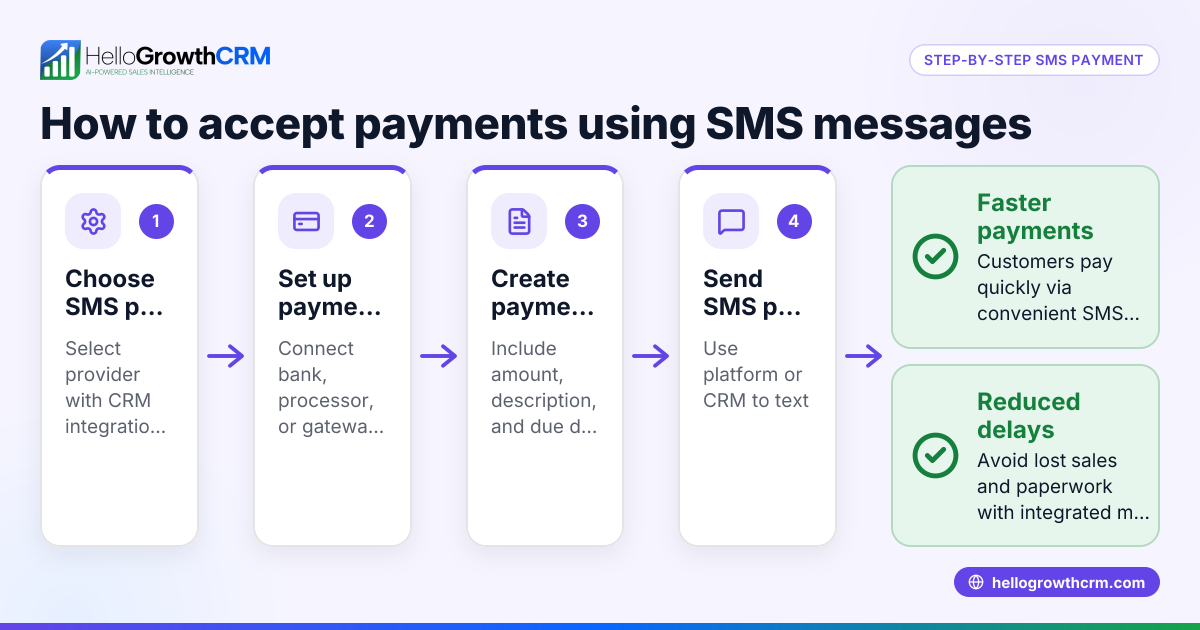
- Ensure it supports multi-channel communication like email and SMS.
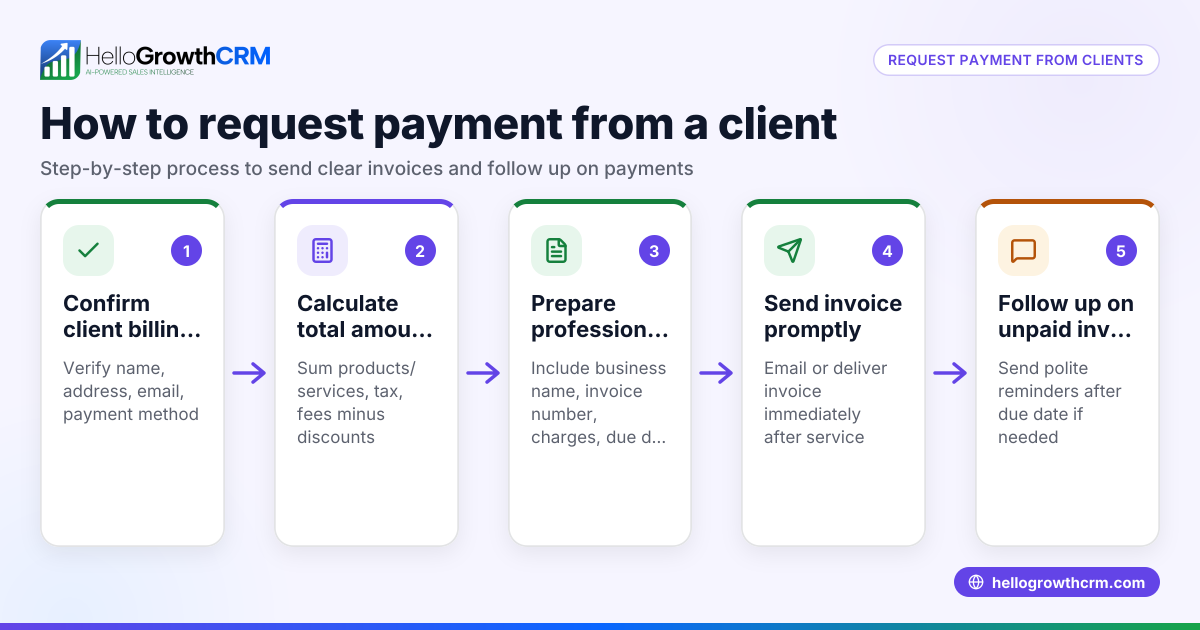
- Set up automated invoicing and payment requests
- Create templates for quotes, proposals, and invoices.
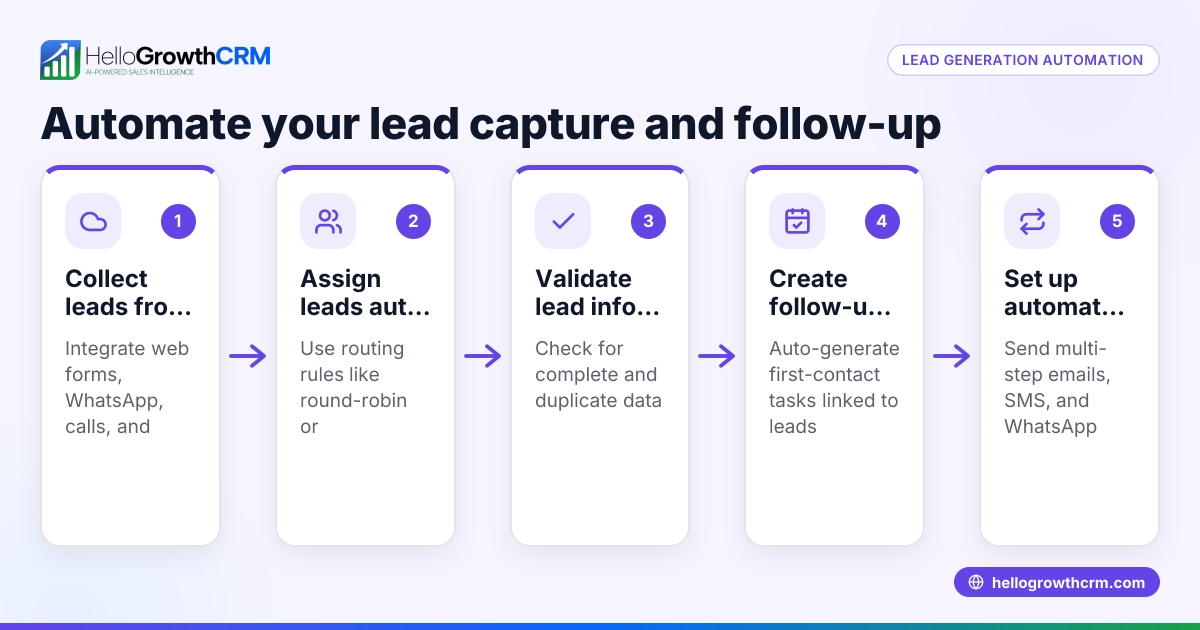
- Automate sending these documents right from your sales or CRM system.
- Implement automated follow-up sequences
- Schedule reminders and follow-ups to run automatically if payments are late.
- Use multi-step sequences that pause when a customer responds.
- Track payment status and reconcile payments automatically
- Monitor invoice views, acceptances, and payment receipts in one place.
- Link payments directly to deals or customer records for easy reporting.
- Train your team on the new system and monitor results
- Ensure sales and finance understand how to use the automation tools.
- Regularly review reports to identify further improvements.
For more on automating outreach and follow-ups, see how sequences and campaigns work in AI CRM.
Example (fictional figures)
Imagine a B2B software reseller in Denver, Colorado, called TechSolutions Inc. On 03/15/2026, they send a $25,000 software license quote to a client.
- Quote amount: $25,000
- Invoice sent automatically on 03/15/2026
- Payment terms: Net 30 days
If payment is not received by 04/14/2026, the system sends a first reminder:
- Reminder 1 sent on 04/15/2026
If still unpaid, a second reminder goes out on 04/22/2026, then a third on 04/29/2026.
On 05/01/2026, the client pays $25,000.
- Payment received on 05/01/2026
- Payment reconciled automatically with the invoice
Calculations:
$25,000 (invoice amount)
Payment received = $25,000
Balance due = $25,000 - $25,000 = $0
This automation reduces manual chasing and ensures TechSolutions keeps accurate records linked to each deal.
Common mistakes
- Using multiple disconnected tools
- Prevent by choosing an integrated system that handles quotes, invoices, and follow-ups together.
- Not automating follow-ups
- Prevent by setting up sequences that run automatically and stop when the client replies.
- Ignoring team training
- Prevent by providing clear instructions and support when rolling out new tools.
- Failing to monitor payment status regularly
- Prevent by using dashboards that show invoice and payment statuses at a glance.
- Sending generic payment requests
- Prevent by customizing messages and timing them to client behavior.
Learn how to avoid these pitfalls with WhatsApp and SMS CRM for multi-channel communication.
Doing this in HelloGrowthCRM
HelloGrowthCRM supports B2B payment automation with built-in tools for quotes, proposals, invoices, and payment tracking all accessible from the deal screen. You can send automated five-step follow-up sequences over two weeks that stop immediately when the prospect replies, ensuring timely payment reminders without manual effort. Additionally, AI agents can draft follow-up messages after calls, so reps only review and send, saving time and maintaining personalized communication. Explore these features at HelloGrowthCRM for the United States.
Frequently asked questions
What is the main benefit of automating B2B payments? Automating B2B payments speeds up cash flow by reducing manual delays and errors. It also frees your team from repetitive tasks, improving efficiency and customer experience.
Can small businesses afford payment automation tools? Many payment automation solutions are designed for small and mid-sized businesses with scalable pricing. Some CRM platforms include these features to help growing teams manage payments without extra software.
How does automation handle payment disputes or errors? Automation improves accuracy but does not replace human judgment. You can set alerts for unusual payment activity and maintain communication channels to resolve disputes quickly.
Is automation secure for handling payments? Reputable payment automation tools follow industry security standards and encrypt sensitive data. Always verify the security features before adopting a tool.
Can payment automation integrate with existing accounting software? Many systems offer integrations or export options for accounting platforms, allowing you to keep financial records synchronized.
Key takeaways
- B2B payment automation reduces manual invoicing and speeds up collections.
- Automate multi-step follow-ups that stop when the customer responds.
- Use integrated tools that link quotes, invoices, and payments to deals.
- Train your team and monitor payment statuses regularly.
- Avoid disconnected systems and generic messaging.
- HelloGrowthCRM offers built-in payment tracking, automated follow-ups, and AI-assisted messaging.
Start automating your B2B payments today to improve cash flow and free your team for growth. You can Start on the Free Forever plan (200 leads, no credit card) to try HelloGrowthCRM’s automation features.
Ready to put this into practice?
Set up your pipeline, WhatsApp follow-ups, and AI lead scoring in minutes — free, no credit card.
Try HelloGrowthCRM freeGet CRM tips in your inbox
Join thousands of sales professionals who get weekly insights on CRM strategy, AI automation, and pipeline optimization.

The HelloGrowthCRM team publishes guides on CRM strategy, AI sales tools, and revenue operations for small business sales teams.