HelloGrowthCRM software
Built for real small-business sales teams
HelloGrowthCRM helps reps qualify faster, follow up on time, and close more deals—with practical automation in one place.
- AI lead scoring and pipeline visibility
- Built-in dialer, WhatsApp, and email automation
- Sales forecasting and RevOps-ready reporting
A cloud CRM for small business is software hosted online that helps you manage customer relationships, sales leads, and follow-ups without complex IT setups. This article explains why small businesses look for cloud CRMs, what steps to follow when choosing one, common mistakes to avoid, and a realistic example to guide your decision.
Why this comes up / what goes wrong
Small-business owners often start with manual sales tracking using spreadsheets, email, or text messages. As leads grow, this approach causes slow follow-up, lost opportunities, and poor team coordination. A cloud CRM offers access from anywhere, easier collaboration, and automation to keep leads engaged. However, choosing the wrong CRM or one too complex can waste time and money. Owners want a system that fits their team size, sales process, and budget without heavy IT overhead.
Step-by-step
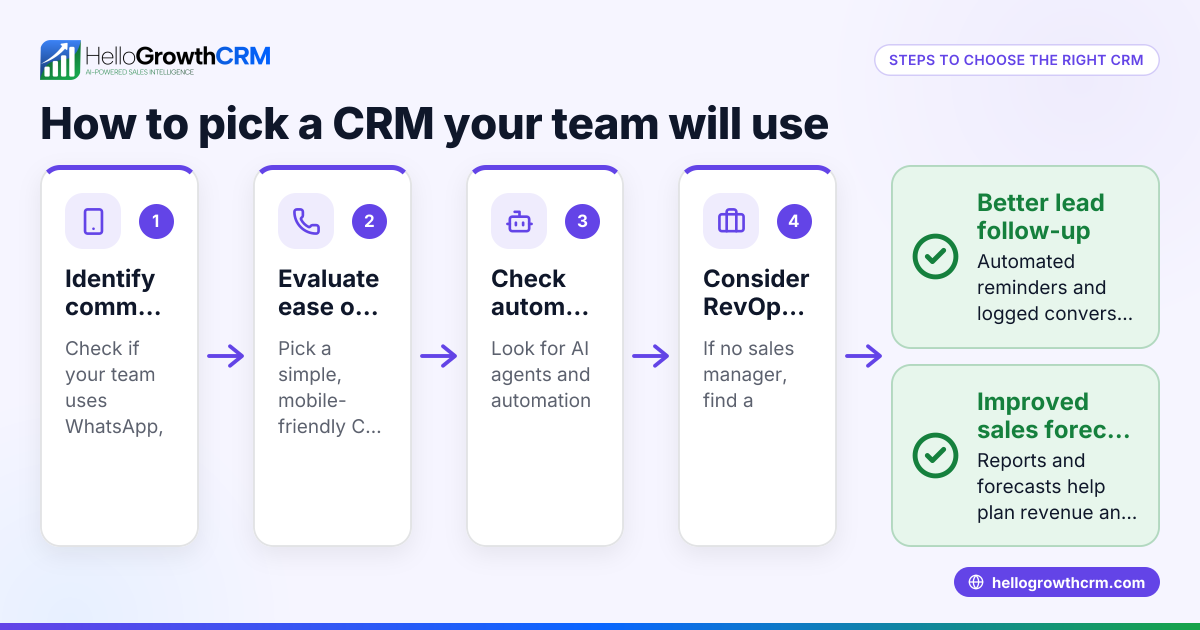
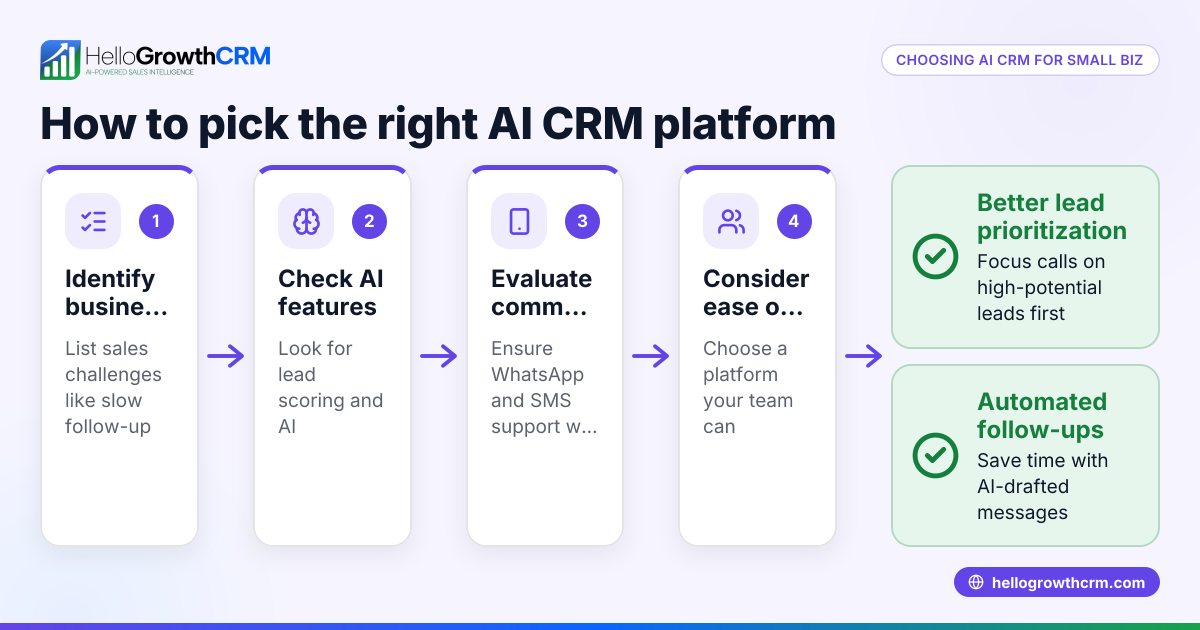
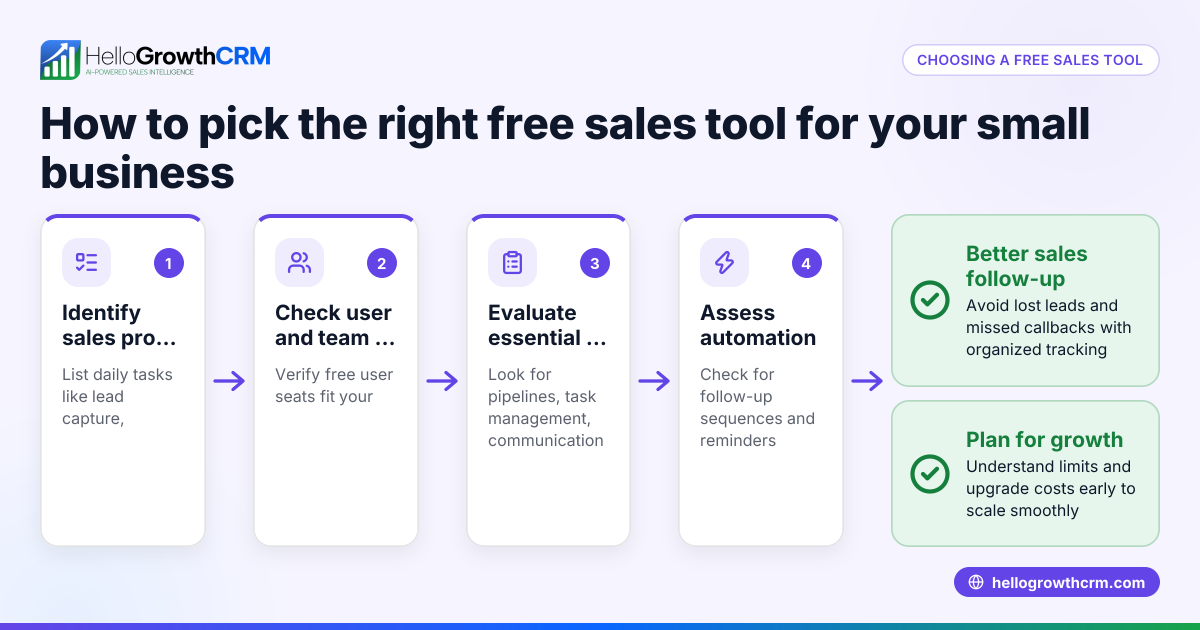
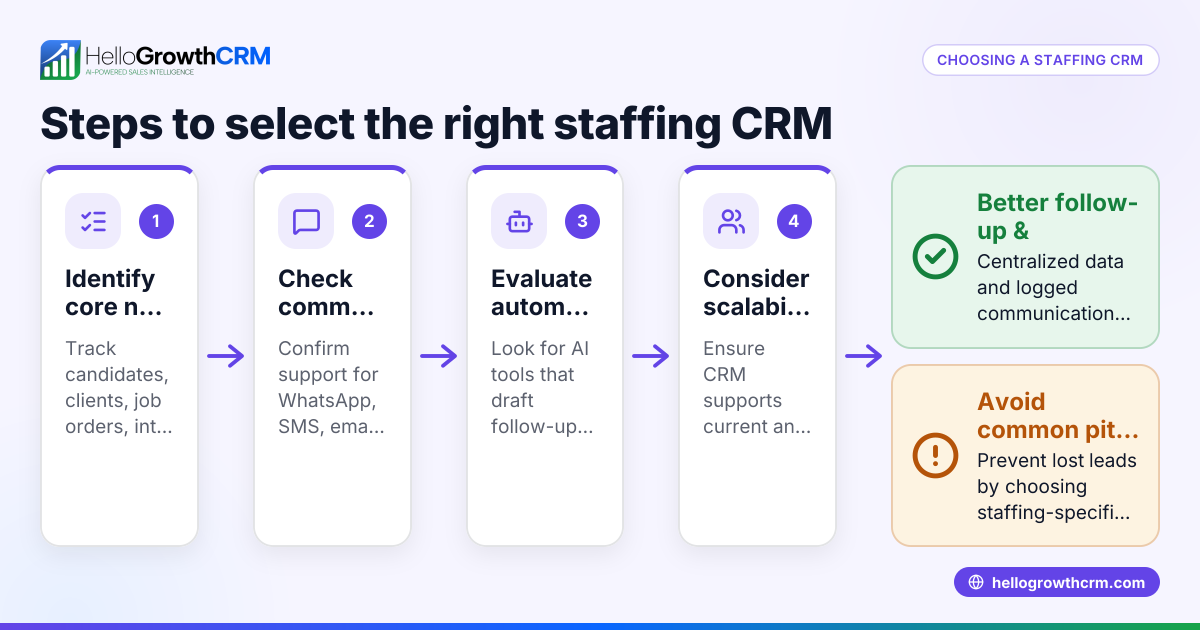
- Identify your business needs: List what your sales team must do daily—track leads, send follow-ups, manage pipelines, or forecast sales. Check if mobile access or messaging features like WhatsApp or SMS are important.
- Check ease of use: Test demos or free trials to see if your team can learn and use the CRM easily. Avoid systems that require heavy training or IT support.
- Verify cloud capabilities: Confirm the CRM is truly cloud-based, meaning no local installation and accessible on multiple devices anytime.
- Evaluate communication tools: Look for built-in messaging like WhatsApp and SMS that log conversations automatically. This keeps your team’s communication organized and timely.
- Consider automation and AI: Some CRMs offer AI agents that draft follow-ups or update records, saving time for your sales reps.
- Assess support and managed services: If you lack a sales manager, see if the vendor offers managed revenue operations support to keep your sales pipeline clean and leads followed up weekly.
- Review pricing and plans: Compare what features come with each plan. Avoid surprises on costs or limits on leads and users.
- Check integrations: Ensure the CRM connects with your existing tools like web forms or email marketing.
- Read reviews and ask for references: Learn from other small businesses’ experiences.
- Make a shortlist and test: Narrow down to 2-3 options and test with your team before deciding.
Example (fictional figures)
A B2B software reseller in Denver, Colorado, wants a cloud CRM to manage 500 leads and improve follow-up speed. They test three CRMs with these costs and benefits:
- CRM A: $100/month, no WhatsApp or SMS integration, manual follow-ups only.
- CRM B: $150/month, includes WhatsApp and SMS logging, but no AI assistance.
- CRM C: $200/month, offers WhatsApp and SMS, plus AI agents that draft follow-ups and managed RevOps support.
They estimate that faster follow-up can increase sales by $50,000 annually.
Choosing CRM C means paying $200 × 12 = $2,400 per year.
If the $50,000 gain from improved sales is realized, the net benefit is:
$50,000 - $2,400 = $47,600
This shows investing in CRM C’s advanced features and support can pay off well.
Common mistakes
- Choosing CRM based solely on price: This often leads to missing critical features like messaging or automation. Prevent by listing must-have features first.
- Ignoring user experience: Complex CRMs discourage team use. Prevent by testing demos with actual users.
- Skipping communication tools: Without integrated WhatsApp or SMS, follow-ups get lost. Prevent by selecting CRMs with these built-in.
- Overlooking support services: Founders without sales managers struggle to keep pipelines clean. Prevent by considering managed RevOps options.
- Not checking cloud access: Some CRMs require local installs or limited mobile use. Prevent by confirming cloud-native access.
- Failing to test integrations: Missing connections to web forms or email marketing cause manual data entry. Prevent by verifying integration capabilities.
Doing this in HelloGrowthCRM
HelloGrowthCRM offers WhatsApp and SMS workflows that log conversations on the lead record and allow follow-ups as messages, keeping communication organized. Its AI agents (in beta on the Growth plan) draft follow-up messages after calls for sales reps to review and send, saving time. For founders without a sales manager, Managed RevOps provides a dedicated specialist who works the follow-up queue weekly to keep leads engaged and pipelines clean. Learn more about these features at WhatsApp and SMS CRM.
Frequently asked questions
What makes a cloud CRM different from traditional CRM? A cloud CRM is hosted online and accessed via a web browser or app, requiring no local installation. This means your team can use it anywhere on any device. Traditional CRMs may require software installation and complex IT setups.
How important is mobile messaging integration in a CRM? Very important for small businesses that communicate with leads via WhatsApp or SMS. Integrated messaging logs conversations automatically and lets you send follow-ups directly from the CRM, reducing lost leads and improving response times. HelloGrowthCRM supports this feature.
Can AI help in managing sales follow-ups? Yes, AI agents can draft follow-up messages and update records automatically, reducing manual work for sales reps. This helps maintain consistent contact with leads and increases conversion chances. HelloGrowthCRM offers AI agents in beta.
What is Managed RevOps and do I need it? Managed RevOps is a service where a specialist helps manage your sales operations, including weekly follow-ups, pipeline cleanup, and reporting. If you don’t have a sales manager, this can keep your sales process on track.
Are there free cloud CRMs suitable for small businesses? Some cloud CRMs offer free plans with limited leads or features. These can be good for starting out but may lack messaging or automation. HelloGrowthCRM offers a free plan for up to 200 leads with no credit card required. See free CRM for small business.
How do I test if a cloud CRM fits my business? Use free trials or demos to test ease of use, messaging features, and automation. Involve your sales team in testing to ensure adoption. Narrow your choice to a few options before buying.
Key takeaways
- A cloud CRM helps small businesses manage leads and sales without complex IT.
- Prioritize ease of use, messaging integration, and automation when choosing.
- Managed RevOps support helps founders without sales managers keep pipelines clean.
- Testing multiple CRMs with your team prevents costly mistakes.
- HelloGrowthCRM offers WhatsApp and SMS logging, AI follow-up agents, and Managed RevOps.
Start your cloud CRM journey with confidence. Start on the Free Forever plan (200 leads, no credit card) and see how HelloGrowthCRM can help your small business grow.
Ready to put this into practice?
Set up your pipeline, WhatsApp follow-ups, and AI lead scoring in minutes — free, no credit card.
Try HelloGrowthCRM freeGet CRM tips in your inbox
Join thousands of sales professionals who get weekly insights on CRM strategy, AI automation, and pipeline optimization.

The HelloGrowthCRM team publishes guides on CRM strategy, AI sales tools, and revenue operations for small business sales teams.