HelloGrowthCRM software
Built for real small-business sales teams
HelloGrowthCRM helps reps qualify faster, follow up on time, and close more deals—with practical automation in one place.
- AI lead scoring and pipeline visibility
- Built-in dialer, WhatsApp, and email automation
- Sales forecasting and RevOps-ready reporting
The best CRM reporting and analytics software for New Zealand small businesses combines clear sales pipeline insights, easy-to-use task management, and communication tools like WhatsApp and SMS integration. This article covers how to evaluate CRM software, key features to check, a practical example with NZ figures, common pitfalls to avoid, and how HelloGrowthCRM supports these needs.
Why this comes up / what goes wrong
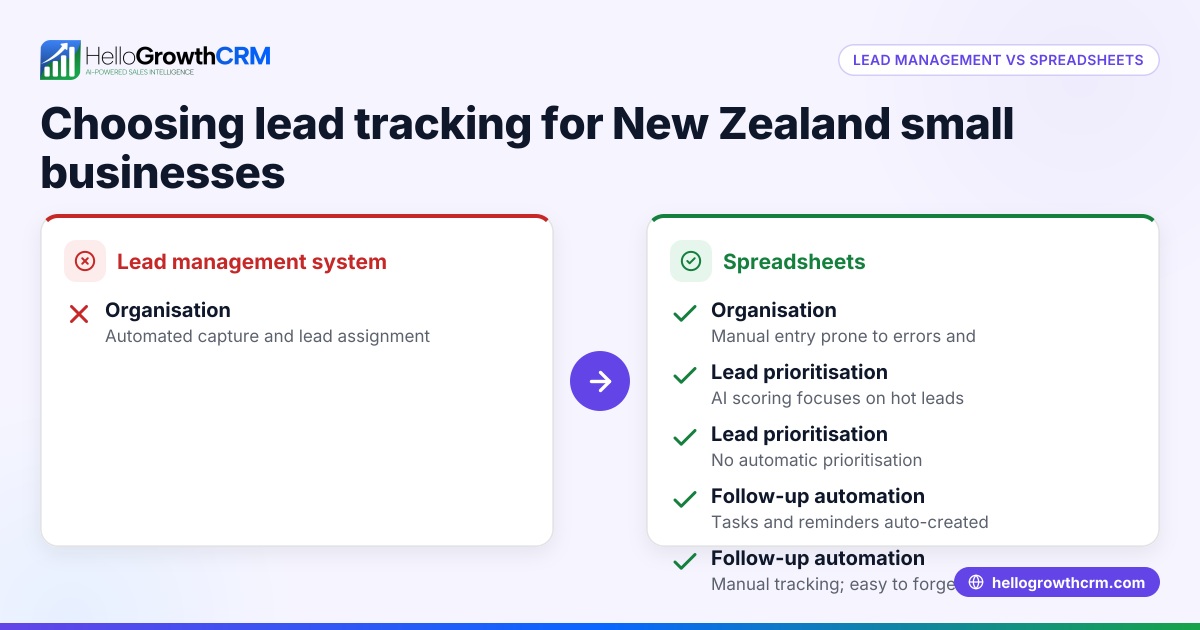
Small and mid-sized business owners in New Zealand often struggle to keep track of sales leads, follow-ups, and revenue forecasts. Many run their sales processes on spreadsheets, text messages, or email chains, which makes reporting and analytics slow, error-prone, and incomplete. Without clear insights, it is hard to spot stalled deals, forecast revenue accurately, or measure sales team performance. This leads to lost leads and missed growth opportunities.
Choosing the best CRM reporting and analytics software is about finding a tool that fits your team’s workflow, provides actionable insights without extra work, and supports your preferred communication channels.
Step-by-step
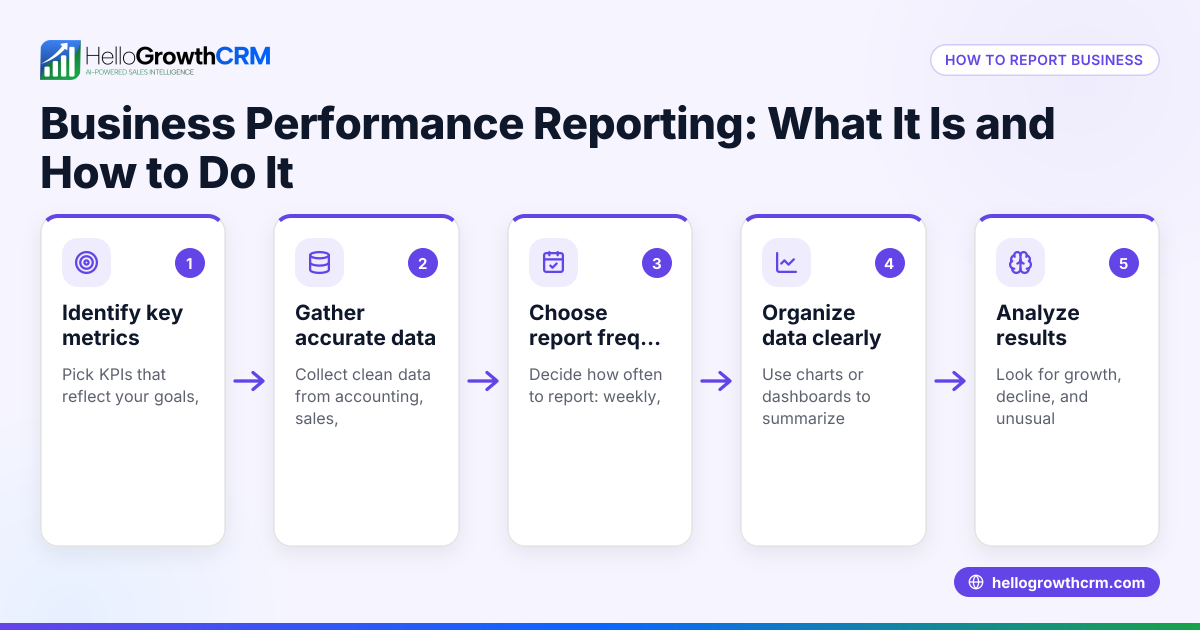
- Identify your reporting needs
- List the key sales metrics you want to track, such as deal stages, forecasted revenue, sales velocity, and team activity.
- Check if the CRM offers AI or automated forecasting to reduce manual spreadsheet work.
- Check communication integration
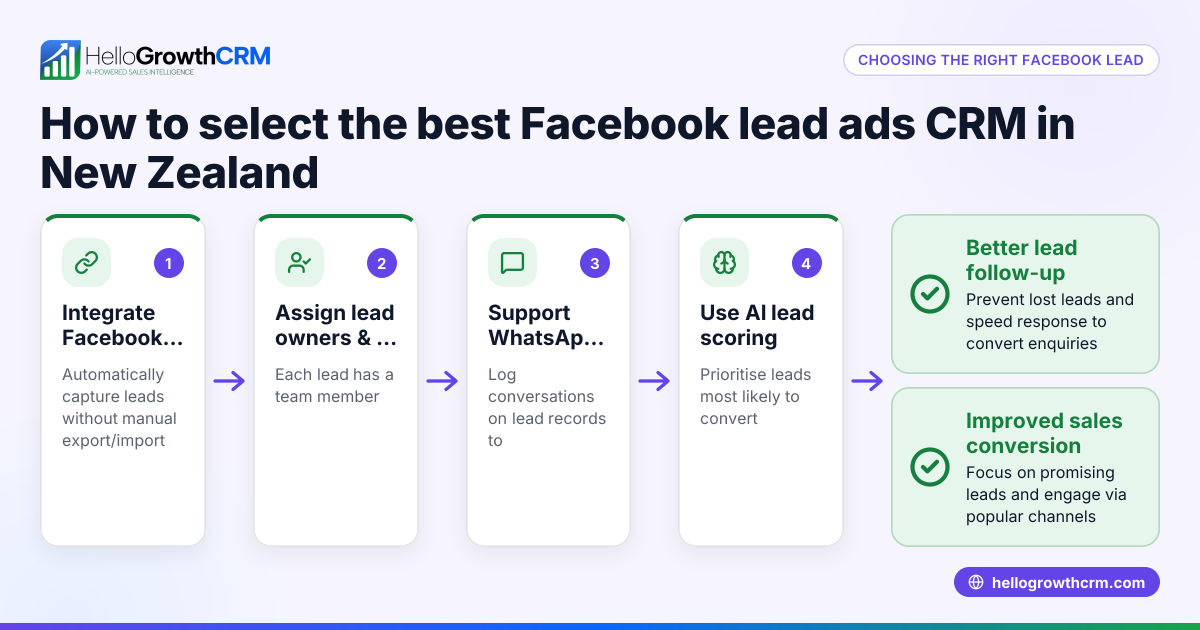
- Confirm the CRM supports your main communication channels, like WhatsApp and SMS, logging conversations directly on lead records.
- This saves time and keeps follow-ups visible to the whole team.
- Evaluate task and activity management
- Look for task boards or activity lists that organise follow-ups, calls, and meetings with due dates.
- This prevents leads falling through the cracks and reduces reliance on memory.
- Review reporting and analytics features
- Ensure the software provides pipeline health analysis and sales performance insights.
- AI insights can highlight stalled deals and suggest focus areas.
- Consider ease of use and adoption
- Choose software your team will actually use daily.
- Avoid complex tools that require extra training or duplicate work.
- Compare pricing and plans
- Check New Zealand pricing and what features are included at each tier.
- See CRM pricing in New Zealand for details.
- Test with a trial or demo
- Use free trials or demos to validate the software fits your workflow and reporting needs.
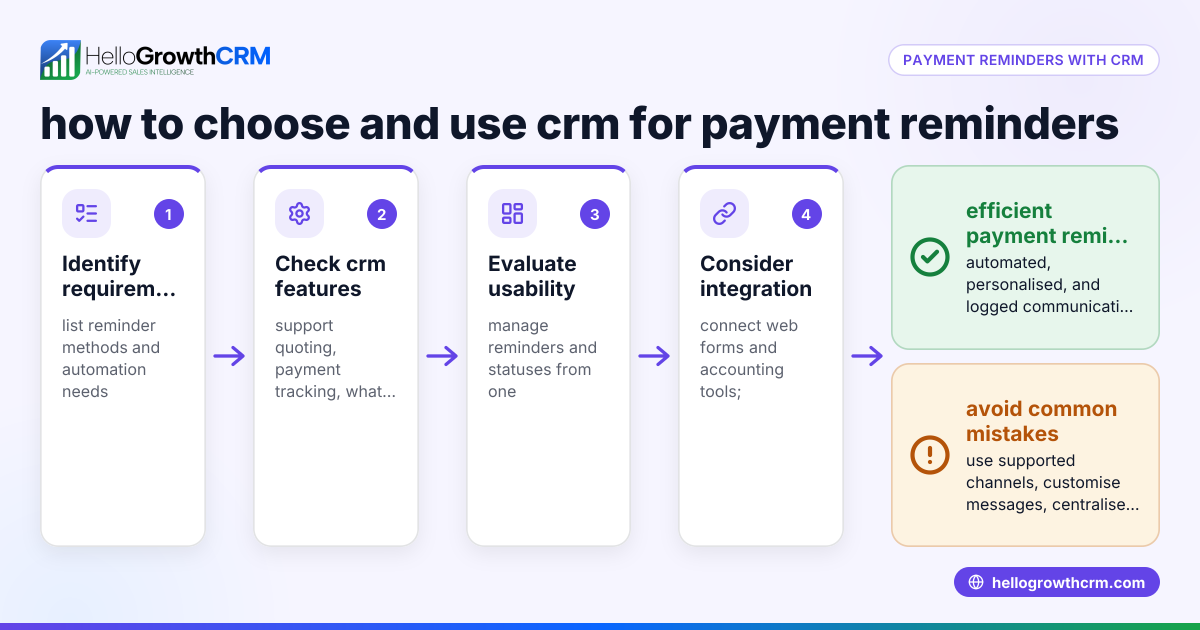
- Plan for integration and support
- Confirm the CRM integrates with your existing web forms or tools.
- Check support availability and training resources.
Example (fictional figures)
A dairy-equipment supplier in Hamilton wants to forecast revenue and spot stalled deals for the next quarter starting 01/07/2024. They have a sales pipeline with the following deals:
| Deal | Stage | Expected Close Date | Value (NZ$) |
|---|---|---|---|
| FarmPro 1000 | Proposal | 15/07/2024 | 45,000 |
| DairyMax 500 | Negotiation | 30/07/2024 | 75,000 |
| MilkFlow 2000 | Qualification | 20/08/2024 | 120,000 |
They want to forecast revenue for July and August.
Step 1: Sum deals expected to close in July:
NZ$45,000 + NZ$75,000 = NZ$120,000
Step 2: Sum deals expected to close in August:
NZ$120,000
Step 3: Total forecast for July and August:
NZ$120,000 + NZ$120,000 = NZ$240,000
Step 4: Using AI insights, the CRM flags that the "FarmPro 1000" deal has stalled in the Proposal stage for 10 days, suggesting follow-up.
This helps the supplier focus on key deals and plan cash flow.
Common mistakes
- Choosing software without AI forecasting
- Prevent by selecting CRM with pipeline forecast and AI insights to avoid manual spreadsheet work.
- Ignoring communication channels
- Prevent by ensuring WhatsApp and SMS integration logs conversations on lead records for easy follow-up.
- Overlooking task management
- Prevent by using CRMs with activities and task boards to organise calls and follow-ups.
- Picking complex software your team won’t use
- Prevent by testing usability and adoption during trials.
- Not checking New Zealand pricing and plans
- Prevent by reviewing local pricing and feature availability at CRM pricing in New Zealand.
- Failing to integrate with existing tools
- Prevent by confirming CRM integrates with your web forms and sales tools.
Doing this in HelloGrowthCRM
HelloGrowthCRM offers pipeline forecast and AI insights that show which sales stages deals are stalling in without building spreadsheets. Its WhatsApp and SMS features log conversations directly on lead records and allow follow-ups via messages. Activities and task boards turn each follow-up into a task with due dates, making daily calls a manageable list rather than a memory test. Learn more about these features at HelloGrowthCRM for New Zealand.
Frequently asked questions
What is the typical pricing for CRM reporting and analytics software in New Zealand? Pricing varies by features and user count. Many CRMs offer tiered plans with reporting, communication, and AI features increasing at higher levels. Check CRM pricing in New Zealand to compare options.
Are there good CRM alternatives for reporting and analytics? Yes, alternatives differ by complexity and focus. Some prioritise ease of use, others advanced analytics. See compare CRMs for side-by-side feature comparisons.
What features should sales directors look for in CRM reporting? Sales directors benefit from AI-driven pipeline forecasts, detailed deal stage analytics, and team performance reports. Integration with communication channels like WhatsApp and SMS also improves follow-up efficiency.
Can I use WhatsApp within CRM for sales follow-ups? Yes, some CRMs like HelloGrowthCRM are WhatsApp-native, logging conversations on lead records and enabling message sequences for follow-ups.
How do task boards help with CRM reporting? Task boards organise follow-ups and calls into due-date lists, reducing missed leads and helping track sales activities clearly.
Key takeaways
- Choose CRM software with AI pipeline forecasting to save time and improve accuracy.
- Ensure WhatsApp and SMS integration for seamless communication logging.
- Use task boards to organise daily sales activities and follow-ups.
- Test software usability and check New Zealand pricing before committing.
- Avoid manual spreadsheets by selecting CRMs with built-in reporting and analytics.
See detailed New Zealand pricing and plans at See New Zealand pricing.
Ready to put this into practice?
Set up your pipeline, WhatsApp follow-ups, and AI lead scoring in minutes — free, no credit card.
Try HelloGrowthCRM freeGet CRM tips in your inbox
Join thousands of sales professionals who get weekly insights on CRM strategy, AI automation, and pipeline optimization.

The HelloGrowthCRM team publishes guides on CRM strategy, AI sales tools, and revenue operations for small business sales teams.