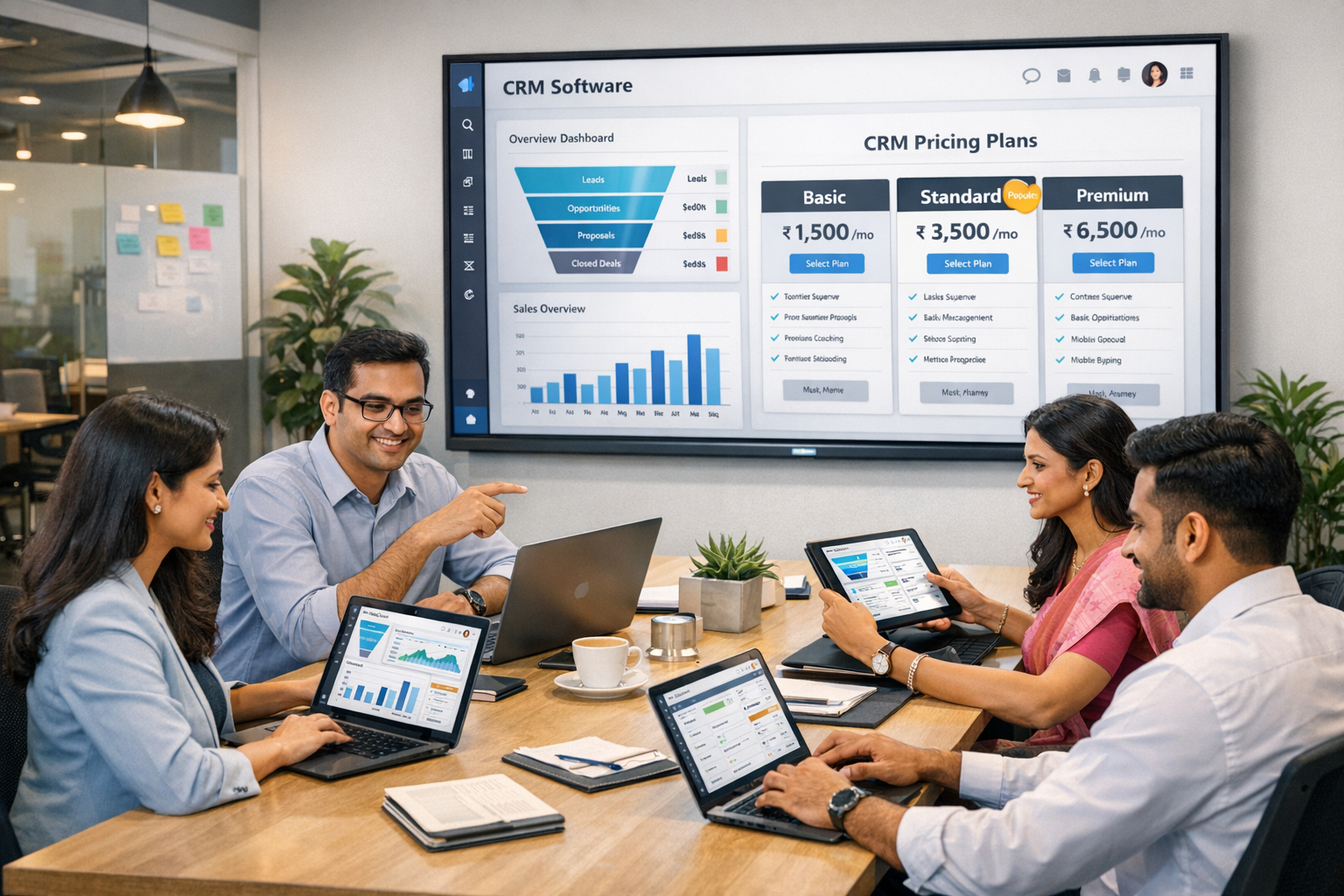
HelloGrowthCRM software
Built for real small-business sales teams
HelloGrowthCRM helps reps qualify faster, follow up on time, and close more deals—with practical automation in one place.
- AI lead scoring and pipeline visibility
- Built-in dialer, WhatsApp, and email automation
- Sales forecasting and RevOps-ready reporting
Choosing the right customer relationship management (CRM) software is crucial for small businesses aiming to improve their operations and customer interactions. As technology advances, the CRM landscape continues to evolve, offering various features that cater specifically to small business needs. In 2026, small business owners must consider several factors when selecting a CRM solution. This article explores the top CRM software options available for small businesses, focusing on features, pricing, and ease of use.
Key Features to Consider
When evaluating CRM software, small businesses should prioritize certain features that enhance customer relationships and streamline processes. Essential features typically include contact management, sales tracking, and reporting capabilities. Additionally, integration with other tools and platforms can significantly improve efficiency.
- Contact Management: This feature helps businesses organize customer information, including contact details and interaction history.
- Sales Tracking: Monitoring sales activities allows businesses to identify trends and optimize their sales strategies.
- Reporting: Robust reporting tools help analyze performance and make informed decisions.
These features are fundamental for small businesses looking to maximize their CRM investment. Understanding what each feature entails can help business owners make informed choices that align with their specific needs.
User Experience and Ease of Use
User experience plays a vital role in the success of any CRM implementation. A user-friendly interface ensures that team members can navigate the software without extensive training. In 2026, many CRM solutions prioritize intuitive design, making it easier for small business teams to adopt the software quickly.
- Training Resources: Many CRM providers offer tutorials and support materials to help users get started.
- Customization Options: A customizable interface allows businesses to tailor the CRM to their specific workflows.
- Mobile Accessibility: Mobile-friendly CRM solutions enable users to access information on the go, enhancing productivity.
By focusing on ease of use, small businesses can ensure that their teams are engaged and that the software delivers maximum value.
Pricing Models and Affordability
Small businesses often operate on tight budgets, making pricing a critical consideration when selecting CRM software. In 2026, various pricing models are available, ranging from subscription-based plans to one-time purchases. Understanding these models can help business owners choose a solution that fits their financial constraints.
- Subscription Plans: Monthly or annual fees typically cover software updates and support.
- Tiered Pricing: Many CRMs offer different pricing tiers based on the number of users or features included.
- Free Trials: Some providers offer free trials, allowing businesses to test the software before committing.
By exploring these pricing options, small businesses can identify a CRM solution that aligns with their budget while still meeting their operational needs.
Integration Capabilities
The ability to integrate CRM software with other business tools is essential for maximizing efficiency. In 2026, many CRM solutions support integrations with popular applications, enhancing functionality and creating a seamless workflow. This capability allows small businesses to leverage existing tools while benefiting from new CRM features.
- Email Integration: Connecting the CRM with email platforms helps streamline communication and track interactions.
- Marketing Tools: Integration with marketing software enables businesses to manage campaigns and analyze customer engagement.
- Accounting Software: Syncing with accounting tools helps maintain accurate financial records and simplifies invoicing.
By selecting a CRM that offers robust integration capabilities, small businesses can create a more cohesive operational environment.
Scalability for Future Growth
As small businesses grow, their CRM needs may change. A scalable CRM solution allows businesses to expand their use of the software without needing to switch platforms. In 2026, many CRM providers offer scalable options to accommodate varying business sizes and needs.
- User Limits: Some CRMs allow businesses to add users as their teams grow, ensuring everyone has access to necessary tools.
- Feature Upgrades: Scalable solutions often provide additional features that can be activated as needed.
- Customizable Workflows: Businesses can adapt workflows within the CRM to match evolving processes.
Choosing a scalable CRM ensures that small businesses can continue to benefit from the software as they expand.
Conclusion
Selecting the right CRM software is a significant decision for small businesses in 2026. By considering key features, user experience, pricing models, integration capabilities, and scalability, business owners can make informed choices that support their growth. Investing in a suitable CRM solution can enhance customer relationships, improve operational efficiency, and ultimately drive business success.
Frequently Asked Questions
What features should small businesses look for in a CRM?
Small businesses should prioritize contact management, sales tracking, and reporting capabilities when selecting a CRM.
How does pricing affect CRM selection for small businesses?
Pricing models, including subscription plans and tiered pricing, are crucial for small businesses operating on tight budgets.
Ready to put this into practice?
Set up your pipeline, WhatsApp follow-ups, and AI lead scoring in minutes — free, no credit card.
Try HelloGrowthCRM freeGet CRM tips in your inbox
Join thousands of sales professionals who get weekly insights on CRM strategy, AI automation, and pipeline optimization.

The HelloGrowthCRM team publishes guides on CRM strategy, AI sales tools, and revenue operations for small business sales teams.