HelloGrowthCRM software
Built for real small-business sales teams
HelloGrowthCRM helps reps qualify faster, follow up on time, and close more deals—with practical automation in one place.
- AI lead scoring and pipeline visibility
- Built-in dialer, WhatsApp, and email automation
- Sales forecasting and RevOps-ready reporting
The best customer contact management software in New Zealand helps small and mid-sized businesses organise leads, track customer interactions, and follow up efficiently without losing opportunities. This article covers how to evaluate software, key features to look for, common mistakes to avoid, and a practical example to guide your choice.
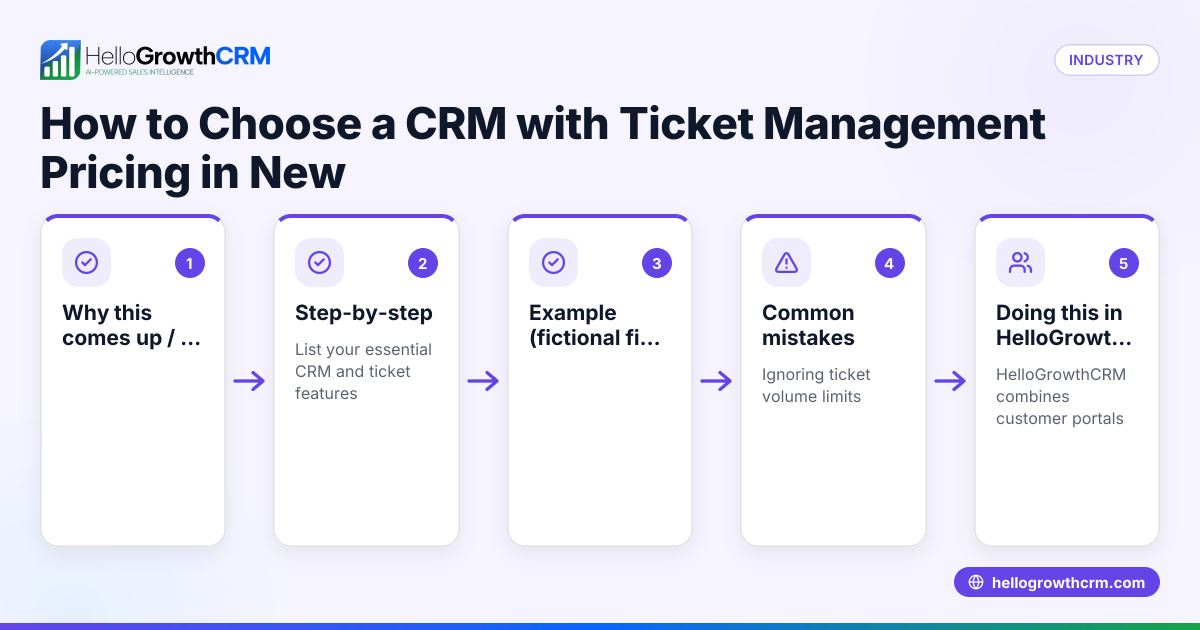
Why this comes up / what goes wrong
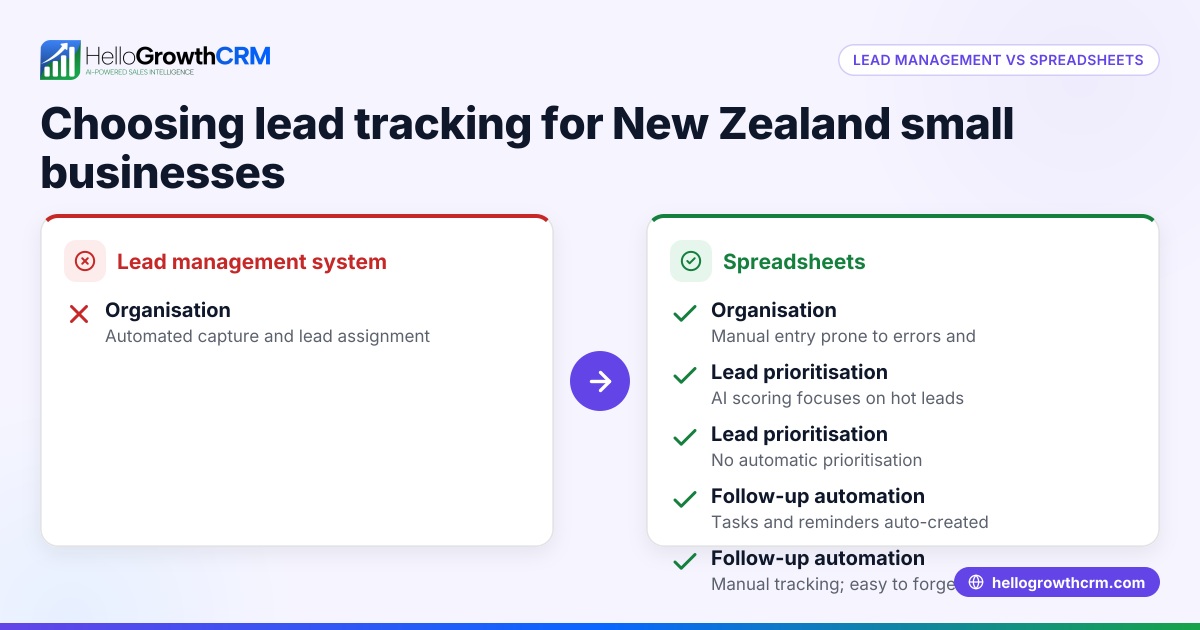
Many small business owners in New Zealand rely on spreadsheets, text messages, or email threads to manage customer contacts. This approach often leads to lost leads, slow follow-up, and unclear sales pipelines. Without a dedicated system, teams struggle to share information, assign tasks, and track progress. The search for the best customer contact management software usually comes from the need to improve organisation, speed up sales follow-up, and grow revenue without adding complexity.
Step-by-step
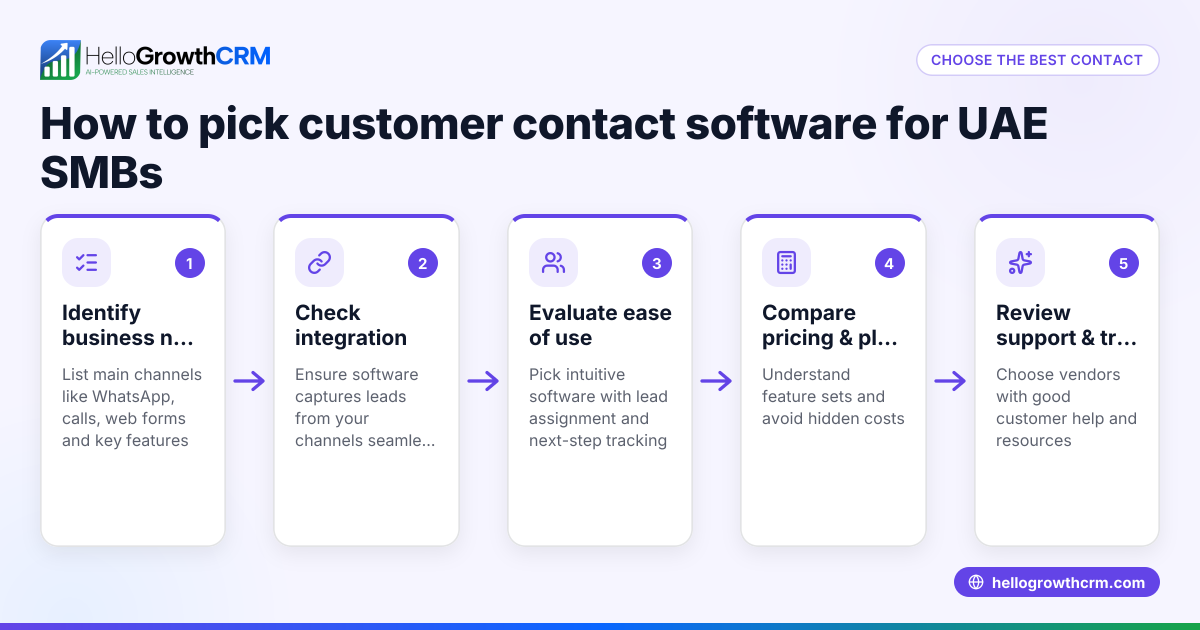
- Identify your business needs and team size
- Check how many users will access the system.
- Determine if you need multi-channel communication (email, WhatsApp, SMS).
- Decide if you want lead capture from web forms or integrations.
- Look for software that centralises customer data
- Ensure every enquiry is captured as a lead with an assigned owner and next step.
- Confirm the system supports tracking customer interactions in one place.
- Evaluate pipeline and task management features
- Check if the software offers visual pipelines and task boards.
- See if it supports follow-up reminders and task assignments.
- Check communication tools and automation
- Look for built-in dialers and messaging sequences via email, WhatsApp, and SMS.
- Verify if AI lead scoring or sales forecasting is included.
- Assess customer service and post-sale features
- Confirm whether support tickets and knowledge bases are integrated.
- Check if service requests stay linked to customer records.
- Compare pricing and plans
- Understand what features come with each tier.
- Consider scalability as your business grows.
- Test usability and team adoption potential
- Try demos or free trials.
- Involve your sales and support team to ensure the system fits their workflow.
For more detail on scoring leads and customer health, see customer health score. To compare options, visit compare CRMs.
Example (fictional figures)
A real-estate agency in Auckland wants to switch from spreadsheets to a CRM. They handle about 100 new leads monthly and have a 5-person sales team.
- Current monthly lost leads due to slow follow-up: 20 leads.
- Average sale value: NZ$500,000.
- Conversion rate from lead to sale: 10%.
If they recover 15 of those lost leads by improving contact management:
Recovered leads = 15
Expected sales from recovered leads = 15 × 10% = 1.5 sales
Additional revenue = 1.5 × NZ$500,000 = NZ$750,000
If the CRM costs NZ$1,000 monthly:
Annual CRM cost = NZ$1,000 × 12 = NZ$12,000
Return on investment:
Additional revenue − Annual CRM cost = NZ$750,000 − NZ$12,000 = NZ$738,000
This example shows how effective contact management can significantly increase revenue.
Common mistakes
- Choosing software without team input
- Prevent by involving sales and support staff early to ensure usability.
- Ignoring integration capabilities
- Prevent by checking if the software connects with your web forms and communication channels.
- Overlooking post-sale customer service features
- Prevent by selecting software that handles support tickets and knowledge bases on the same customer records.
- Underestimating training needs
- Prevent by planning onboarding sessions and ongoing support.
- Focusing only on price
- Prevent by balancing cost with features and potential revenue gains.
- Not using automation features
- Prevent by exploring AI lead scoring and automated messaging to save time.
Doing this in HelloGrowthCRM
HelloGrowthCRM captures every enquiry from forms, calls, or WhatsApp as a lead with an owner and next step, so nothing gets lost in notebooks. After the sale, service requests stay linked on the same customer record as the deal through the customer portal, referrals, tickets, and knowledge base features. This keeps your team organised from lead capture to ongoing support. Learn more at HelloGrowthCRM for New Zealand.
Frequently asked questions
What is the typical pricing for customer contact management software in New Zealand? Pricing varies widely depending on features and user numbers. Many providers offer tiered plans from free or low-cost starter options to more advanced packages. It’s important to compare what features you get at each price point and consider future growth. See detailed CRM pricing in New Zealand for examples.
Are there alternatives to traditional CRM software suitable for small teams? Yes, some businesses use simpler tools like spreadsheets or messaging apps. However, these often lack automation, lead tracking, and pipeline management, which can limit growth. Look for software designed for small teams that integrates communication and sales tasks in one place.
How can customer contact management software help customer-facing teams? It centralises customer data and communication, enabling quicker follow-up and better team collaboration. Features like task boards, messaging sequences, and customer portals improve efficiency and customer satisfaction.
What features should I prioritise when choosing software? Focus on lead capture, pipeline visibility, communication tools (email, WhatsApp, SMS), task management, and post-sale service features. Also, consider ease of use and integration with your existing tools.
Can I try customer contact management software before buying? Most providers offer free trials or demos. Testing the software with your team helps ensure it fits your workflows and encourages adoption.
Key takeaways
- The best software captures every lead with an owner and next step to prevent lost opportunities.
- Multi-channel communication and automation save time and improve follow-up.
- Post-sale features like tickets and knowledge bases keep service organised on one customer record.
- Evaluate usability, integration, and pricing carefully to match your business needs.
- Avoid common mistakes by involving your team and planning training.
- Use trials and demos to test software before committing.
Choosing the right customer contact management software can transform how your small business handles leads and customers. For detailed pricing options, see See New Zealand pricing.
Ready to put this into practice?
Set up your pipeline, WhatsApp follow-ups, and AI lead scoring in minutes — free, no credit card.
Try HelloGrowthCRM freeGet CRM tips in your inbox
Join thousands of sales professionals who get weekly insights on CRM strategy, AI automation, and pipeline optimization.

The HelloGrowthCRM team publishes guides on CRM strategy, AI sales tools, and revenue operations for small business sales teams.