HelloGrowthCRM software
Built for real small-business sales teams
HelloGrowthCRM helps reps qualify faster, follow up on time, and close more deals—with practical automation in one place.
- AI lead scoring and pipeline visibility
- Built-in dialer, WhatsApp, and email automation
- Sales forecasting and RevOps-ready reporting
Building great customer experiences means consistently meeting or exceeding customer expectations at every interaction. It involves understanding customer needs, responding quickly, and delivering personalized service. This article covers why customer experience matters for small businesses, step-by-step actions to improve it, common pitfalls to avoid, a practical example, and how HelloGrowthCRM helps you manage customer service efficiently.
Why this comes up / what goes wrong
Small-business owners often struggle with building great customer experiences because they juggle many roles and lack streamlined processes. Customers expect fast, personalized responses and seamless communication across channels like WhatsApp, SMS, and email. Without a clear system, businesses lose leads due to slow follow-up or miss service requests after a sale. Running sales and support on spreadsheets or disconnected apps makes it hard to track customer history, leading to inconsistent experiences and lost revenue.
Step-by-step
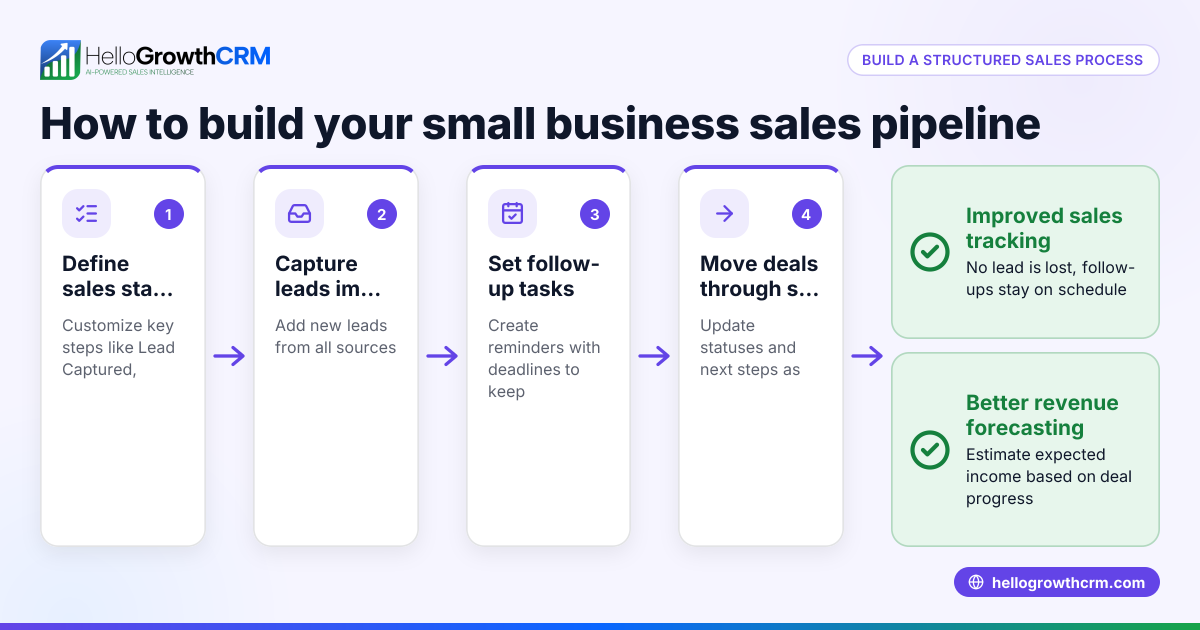
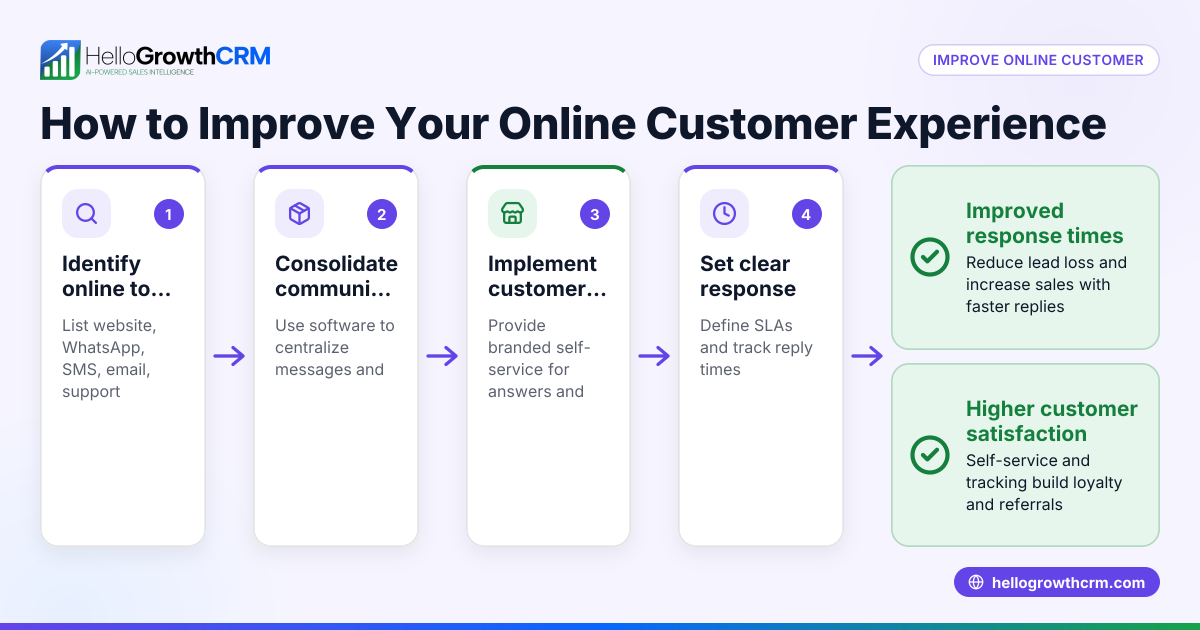
- Map your customer journey: Identify key touchpoints where customers interact with your business—from first inquiry to post-sale support. Check that each step is clear and easy for customers to navigate.
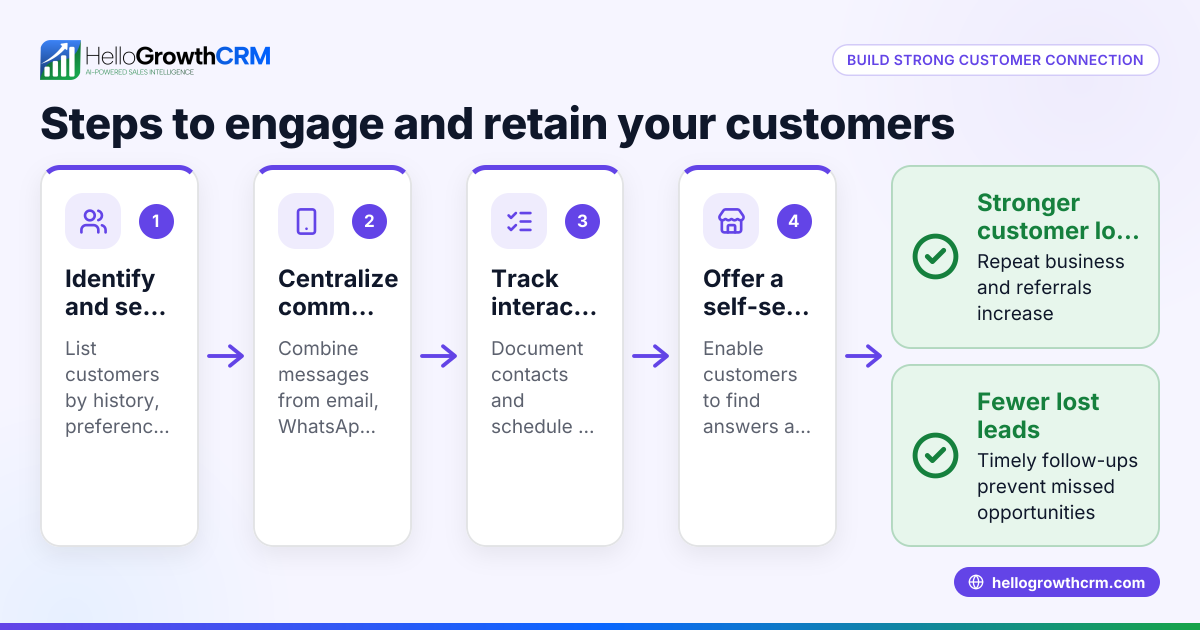
- Collect and organize customer information: Use tools to capture leads from web forms and integrate communication channels like WhatsApp and SMS. Verify that all customer data stays in one place for easy access.
- Respond promptly and personally: Set up sequences for follow-up messages via email, WhatsApp, or SMS to engage customers quickly. Check response times regularly to avoid delays.
- Track service requests on the same record: Keep after-sale tickets and support requests linked to the original customer and deal to maintain context. Confirm that your CRM supports this unified view.
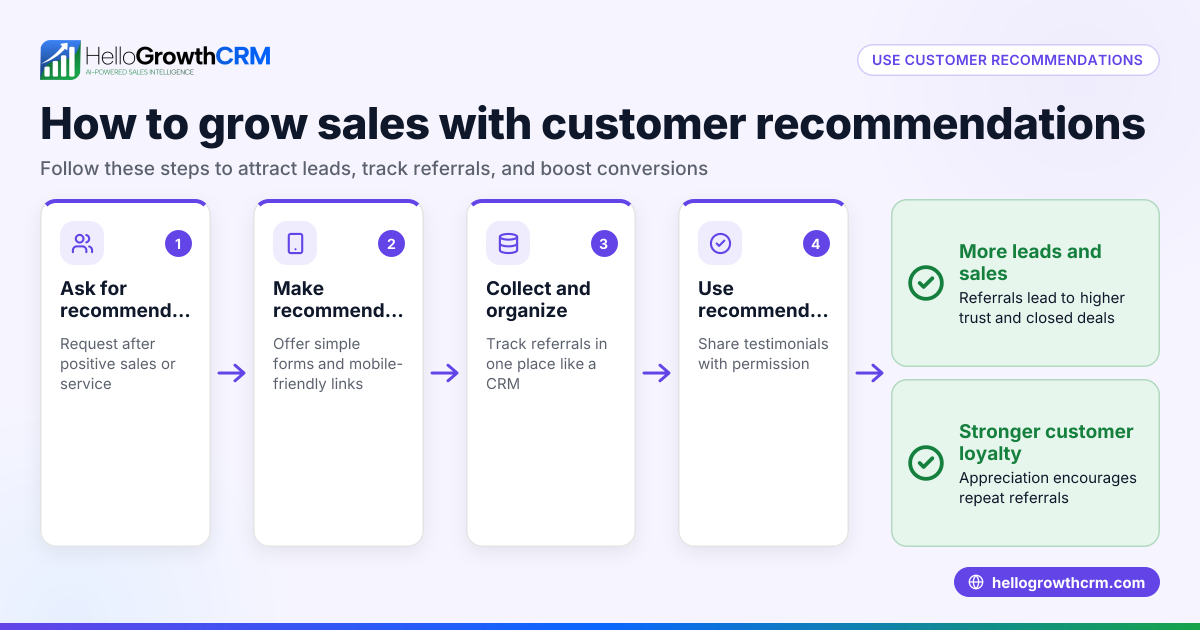
- Encourage referrals and use a knowledge base: Motivate satisfied customers to refer others and provide a self-service portal with FAQs and guides. Verify that these resources are easy to find and update.
- Measure customer health and forecast sales: Use customer health scores to identify at-risk clients and prioritize outreach. Forecasting helps plan resources for better service.
- Review and improve continuously: Regularly analyze customer feedback and service metrics. Check for bottlenecks or recurring issues and adjust processes accordingly.
For detailed CRM features that support these steps, see customer health score and WhatsApp and SMS CRM.
Example (fictional figures)
A B2B software reseller in Denver, Colorado, wants to improve customer experience starting 04/01/2026. They track monthly leads and revenue to measure impact.
- Total leads per month: 1,000
- Average deal value: $5,000
- Current lost leads due to slow follow-up (estimated): 100
- Potential revenue lost monthly: 100 × $5,000 = $500,000
They implement a CRM that captures leads automatically and sends follow-up sequences within 1 hour, aiming to reduce lost leads.
- New lost leads after CRM adoption (estimated): 40
- Leads recovered: 100 - 40 = 60
- Additional monthly revenue: 60 × $5,000 = $300,000
This improvement adds $300,000 in monthly revenue by building a better customer experience through timely engagement.
Common mistakes
- Ignoring follow-up speed: Waiting too long to contact leads causes loss. Prevent by automating follow-ups with sequences.
- Scattered customer data: Using multiple apps or spreadsheets leads to incomplete views. Prevent by centralizing data in a CRM.
- Not linking service requests to sales: Losing context on customer issues reduces satisfaction. Prevent by tracking tickets on the same customer record.
- Neglecting self-service options: Customers want quick answers without calling support. Prevent by maintaining a knowledge base and customer portal.
- Failing to ask for referrals: Missing opportunities to grow through word-of-mouth. Prevent by implementing referral tracking.
- Overlooking measurement: Without metrics like customer health scores, problems go unnoticed. Prevent by regularly reviewing service data.
See how HelloGrowthCRM helps avoid these mistakes with a unified platform for communication and support at HelloGrowthCRM for the United States.
Doing this in HelloGrowthCRM
HelloGrowthCRM offers a branded self-service customer portal where customers can find answers and submit support tickets. After the sale, service requests stay on the same customer record as the deal, ensuring your team has full context. You can also track referrals and maintain a knowledge base to empower customers. These features help you deliver consistent, efficient service that builds great customer experiences. Learn more at customer health score.
Frequently asked questions
What is the most important factor in building great customer experiences? The most important factor is consistently meeting or exceeding customer expectations, especially in response time and personalization. Quick, relevant communication shows customers they are valued.
How can small businesses track customer interactions effectively? Using a CRM that integrates communication channels like WhatsApp and SMS with lead capture and ticketing ensures all interactions stay organized on one customer record. This prevents missed follow-ups and service requests.
Why is a customer portal useful? A customer portal allows clients to access information and support independently, reducing wait times and support load. It improves satisfaction by providing 24/7 access to resources.
How do referrals improve customer experience? Referrals encourage satisfied customers to spread the word, creating trust and new leads. Tracking referrals in your CRM helps reward and motivate customers, strengthening relationships.
What role does a knowledge base play? A knowledge base offers self-service answers that help customers solve common issues quickly. It reduces repetitive support requests and empowers customers.
How does customer health scoring help? Customer health scores identify clients who may need extra attention, allowing proactive outreach to prevent churn and improve satisfaction. This metric supports better sales forecasting.
See more on WhatsApp and SMS CRM.
Key takeaways
- Build great customer experiences by meeting expectations with fast, personalized service.
- Centralize customer data and track all interactions on one record to avoid missed opportunities.
- Use self-service portals, knowledge bases, and referral tracking to empower customers and grow your business.
- Automate follow-ups and monitor customer health scores to maintain engagement and forecast sales.
- Avoid common mistakes like slow response, scattered data, and unlinked service tickets.
- HelloGrowthCRM supports these efforts with customer portals, tickets, referrals, and knowledge base features.
Start building better customer experiences today. Start on the Free Forever plan (200 leads, no credit card).
Ready to put this into practice?
Set up your pipeline, WhatsApp follow-ups, and AI lead scoring in minutes — free, no credit card.
Try HelloGrowthCRM freeGet CRM tips in your inbox
Join thousands of sales professionals who get weekly insights on CRM strategy, AI automation, and pipeline optimization.

The HelloGrowthCRM team publishes guides on CRM strategy, AI sales tools, and revenue operations for small business sales teams.