HelloGrowthCRM software
Built for real small-business sales teams
HelloGrowthCRM helps reps qualify faster, follow up on time, and close more deals—with practical automation in one place.
- AI lead scoring and pipeline visibility
- Built-in dialer, WhatsApp, and email automation
- Sales forecasting and RevOps-ready reporting
A call calendar is a structured schedule that helps your business organize and prioritize phone calls to leads, customers, or partners. It ensures calls are made on time, follow-ups are consistent, and no important contact is forgotten. Small businesses often struggle with managing calls effectively, leading to lost leads or delayed responses. This article covers why call calendars are essential, how to create one, an example with realistic figures, common mistakes to avoid, and how HelloGrowthCRM’s built-in dialer can streamline your calling tasks.
Why this comes up / what goes wrong
Small-business owners often juggle many tasks and rely on manual methods like notes, spreadsheets, or memory to track calls. Without a call calendar, calls can be missed or delayed, causing lost sales or unhappy customers. For example, a sales rep might forget to call a lead back on the promised day, or calls may be clustered inefficiently, wasting time. A call calendar brings order by planning calls ahead, setting reminders, and prioritizing contacts based on urgency or sales stage.
Step-by-step
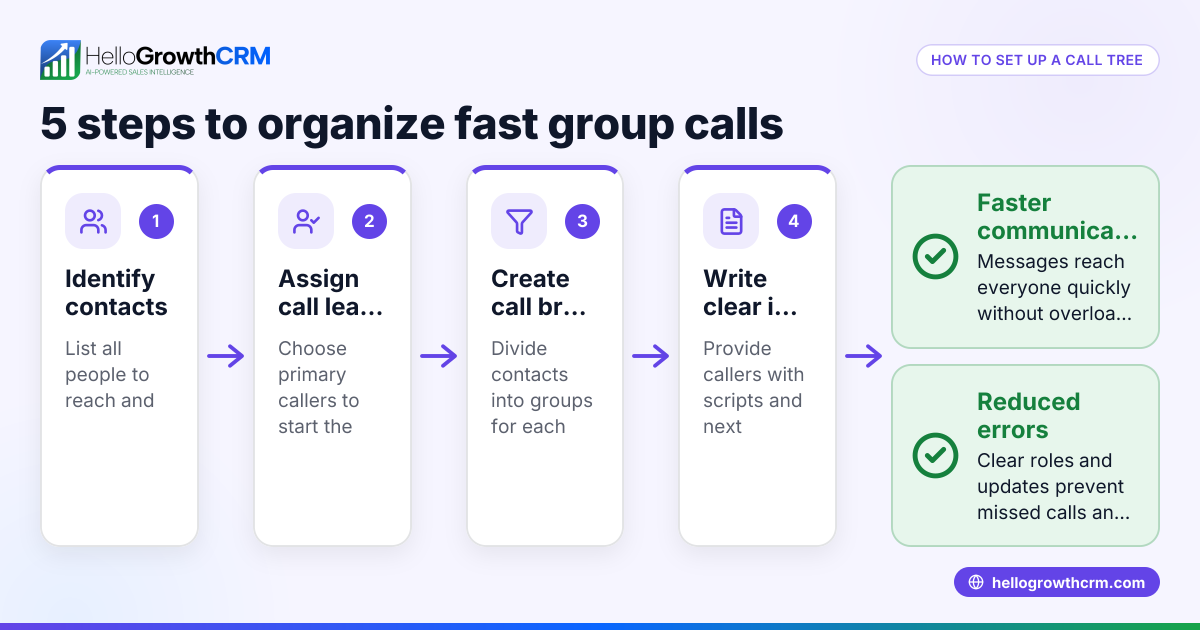
- Identify your call goals: Decide what types of calls you need—sales outreach, follow-ups, customer service, or partner check-ins.
- List your contacts: Gather all leads, customers, and partners you need to call. Include phone numbers and any notes on their status.
- Prioritize calls: Rank contacts by urgency or sales stage to decide call order.
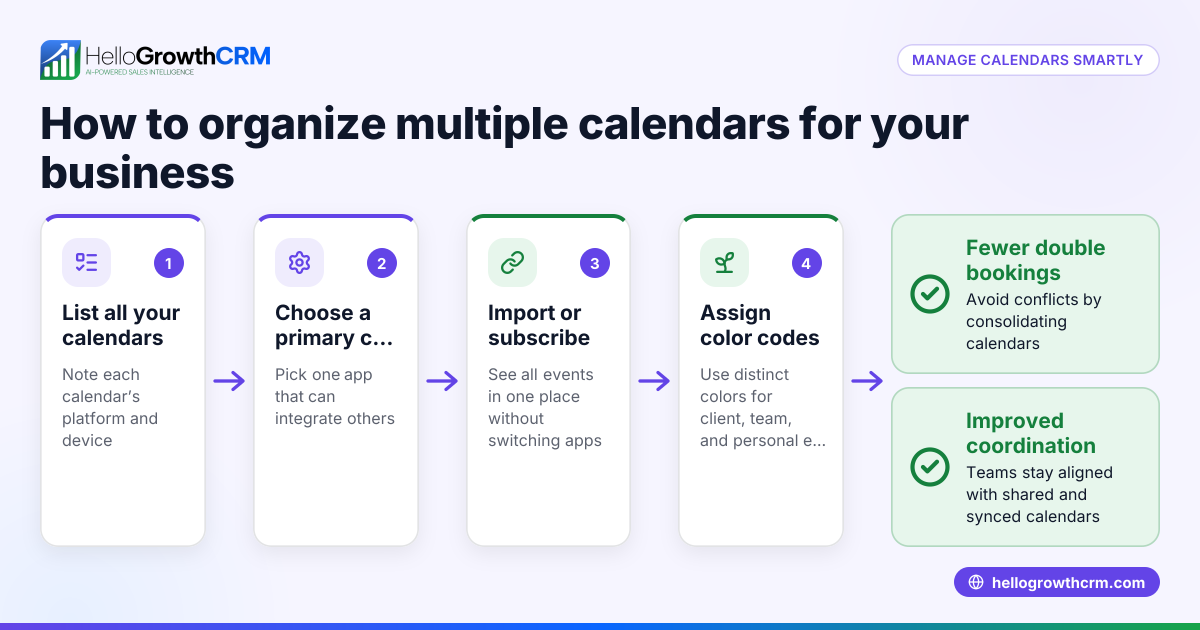
- Choose your calendar tool: Use a digital calendar (Google Calendar, Outlook) or a CRM with calling features.
- Schedule call blocks: Allocate specific times during your workday for calls, avoiding interruptions.
- Set reminders: Add notifications before each call to stay on track.
- Log call outcomes: After each call, record results such as next steps or follow-up dates.
- Review and adjust daily: At the end of each day, update your call calendar to reflect completed calls and reschedule missed ones.
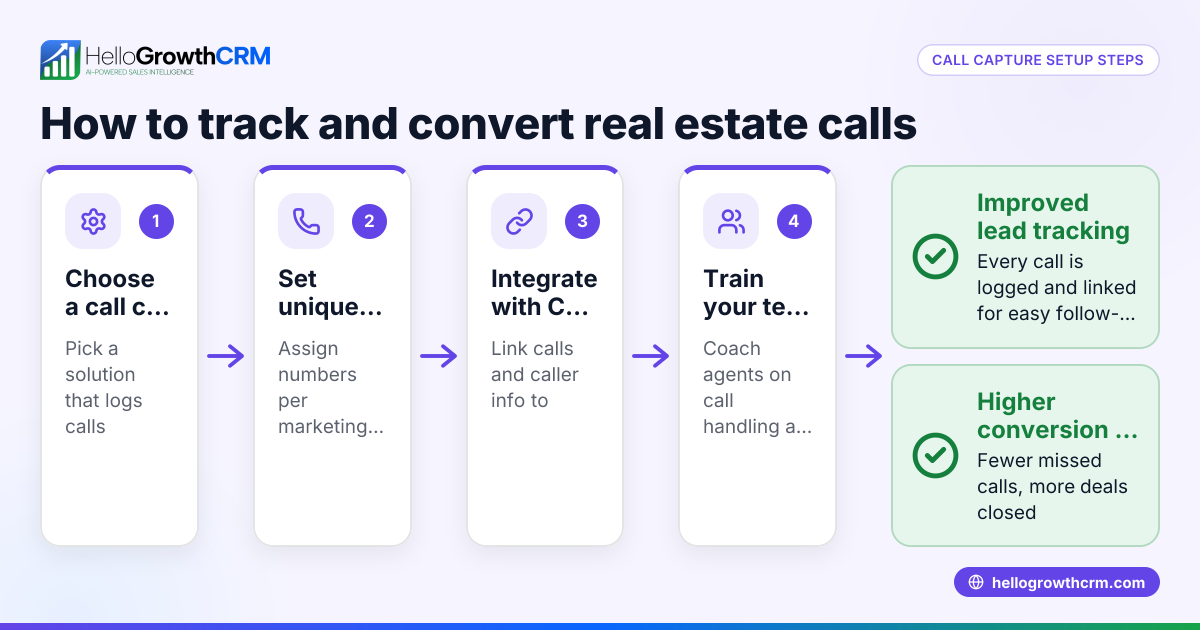
Using a CRM with a built-in dialer can automate many of these steps, including scheduling and logging calls for better tracking. Learn more about the built-in CRM dialer.
Example (fictional figures)
A B2B software reseller in Denver, Colorado, wants to improve their sales calls for May 2026.
- They have 50 leads to call.
- They allocate 2 hours daily for calls from 9 AM to 11 AM.
- Each call averages 6 minutes.
Calculations:
50 leads × 6 minutes = 300 minutes total 300 minutes ÷ 60 = 5 hours needed
Since they have 2 hours per day, calls will take 3 days:
Day 1: 20 calls (20 × 6 = 120 minutes = 2 hours) Day 2: 20 calls (2 hours) Day 3: 10 calls (1 hour)
They schedule calls in their calendar accordingly, setting reminders 10 minutes before each call block. After each call, they log the outcome and next action. This organized approach prevents missed calls and ensures consistent follow-up.
Common mistakes
- Overloading call times: Scheduling too many calls in one block leads to rushed or missed calls. Prevent by realistically estimating call duration and spreading calls over several days.
- No prioritization: Calling contacts randomly wastes time on low-priority leads. Prevent by ranking calls based on sales stage or urgency.
- Failing to log outcomes: Without notes, follow-ups get missed. Prevent by immediately recording call results.
- Ignoring reminders: Without alerts, calls get forgotten. Prevent by setting calendar notifications.
- Using multiple unconnected tools: Managing calls across spreadsheets, email, and calendars causes confusion. Prevent by consolidating calls in one system or CRM.
Using a WhatsApp and SMS CRM can help keep communication organized alongside calls.
Doing this in HelloGrowthCRM
HelloGrowthCRM offers a built-in dialer that lets your rep work through a call list directly inside the CRM. Each call’s outcome is logged automatically on the lead record, keeping your call history organized and accessible. This reduces manual tracking and helps your sales team stay on top of follow-ups efficiently. Learn more about the built-in CRM dialer.
Frequently asked questions
What is a call calendar used for? A call calendar organizes your phone calls by scheduling who to call and when. It helps ensure timely follow-ups, improves sales efficiency, and reduces missed calls.
How do I create a call calendar for my small business? Start by listing your contacts, prioritizing them, and blocking time in a calendar for calls. Use reminders and log call outcomes for effective tracking. Digital calendars or CRMs with calling features can simplify this.
Can a CRM help manage my call calendar? Yes, many CRMs include built-in dialers and scheduling tools that let you call leads directly, log call results, and keep your call calendar updated automatically.
What happens if I miss a scheduled call? If you miss a call, update your calendar promptly to reschedule. Consistently review your call calendar daily to catch and adjust missed calls.
How long should I schedule for each call? Estimate based on your typical call length, usually 5-10 minutes for sales calls. Adjust your calendar blocks accordingly to avoid overload.
Key takeaways
- A call calendar schedules and prioritizes your business phone calls to improve follow-up and sales.
- Use realistic time blocks and set reminders to avoid missed or rushed calls.
- Always log call outcomes immediately for effective next steps.
- Avoid juggling multiple tools by consolidating calls in one calendar or CRM.
- HelloGrowthCRM’s built-in dialer helps automate call scheduling and logging inside the CRM.
Organizing your calls with a call calendar can significantly improve your sales and customer service efficiency. To get started easily, try HelloGrowthCRM’s built-in dialer and manage your call calendar in one place. Start on the Free Forever plan (200 leads, no credit card).
Ready to put this into practice?
Set up your pipeline, WhatsApp follow-ups, and AI lead scoring in minutes — free, no credit card.
Try HelloGrowthCRM freeGet CRM tips in your inbox
Join thousands of sales professionals who get weekly insights on CRM strategy, AI automation, and pipeline optimization.

The HelloGrowthCRM team publishes guides on CRM strategy, AI sales tools, and revenue operations for small business sales teams.