HelloGrowthCRM software
Built for real small-business sales teams
HelloGrowthCRM helps reps qualify faster, follow up on time, and close more deals—with practical automation in one place.
- AI lead scoring and pipeline visibility
- Built-in dialer, WhatsApp, and email automation
- Sales forecasting and RevOps-ready reporting
Call center problems are issues that reduce the effectiveness of customer communication and sales outreach. These include slow follow-up, inconsistent call logging, and difficulty managing leads. Such problems often result in lost sales opportunities and unhappy customers. This article covers why these problems arise, practical step-by-step fixes, a realistic example with USD calculations, common mistakes to avoid, and how HelloGrowthCRM’s built-in dialer can improve your call center operations.
Why this comes up / what goes wrong
Small-business owners running call centers or sales teams often face these problems because they rely on separate tools like spreadsheets, phones, and text messages instead of a centralized system. Without one place to track calls, leads, and outcomes, it’s difficult to know which leads were contacted, what was discussed, or what the next step is. This leads to:
- Slow or missed follow-ups that cause lost leads.
- No clear record of call outcomes or customer history.
- Difficulty managing call lists and prioritizing leads.
- Inefficient time spent manually dialing numbers.
As the business grows and lead lists expand, these problems become more severe, making it harder to keep sales organized and responsive.
Step-by-step
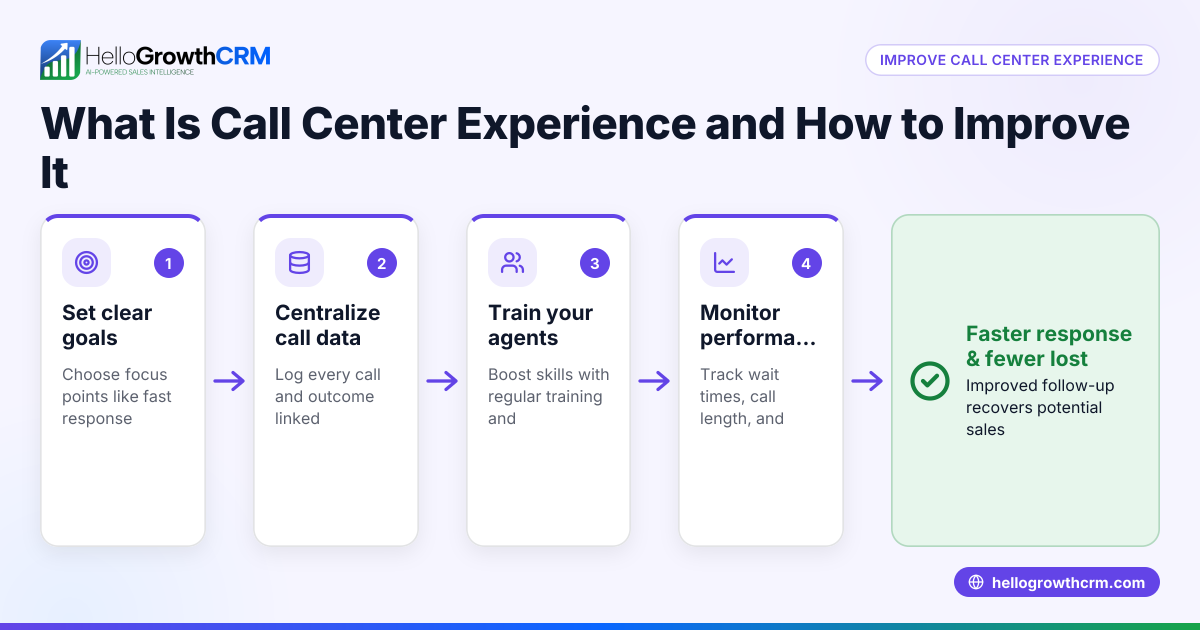
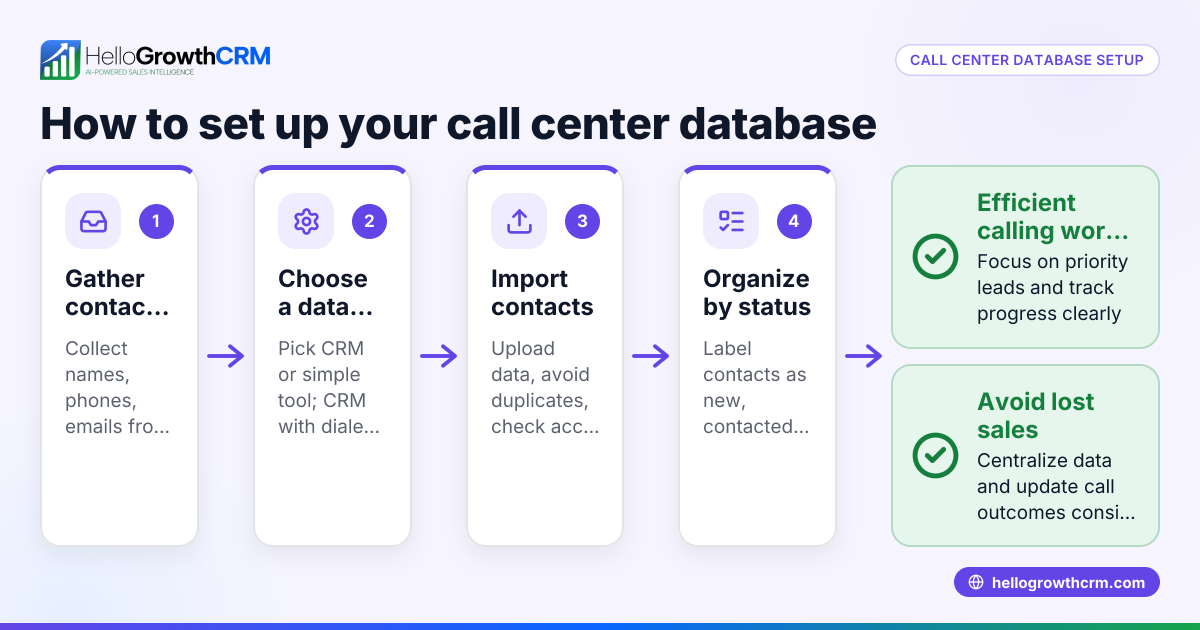
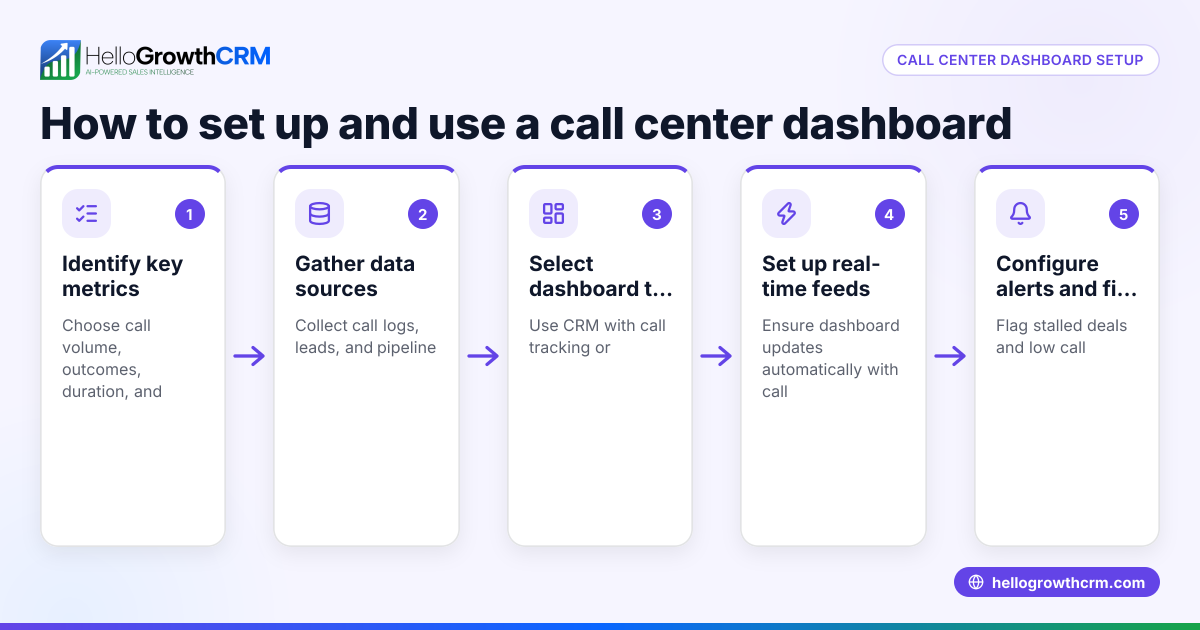
- Centralize lead and call data
- Use a CRM or system that stores all lead contact details and call history in one place.
- Check that every call attempt and outcome is logged immediately.
- Use a dialer to speed calling
- Implement a built-in dialer so reps can call leads directly without switching apps.
- Verify the dialer logs call outcomes automatically.
- Prioritize leads with clear next steps
- Organize leads by priority or stage in the sales funnel.
- Check that each lead has a scheduled follow-up task.
- Train your team on consistent call logging
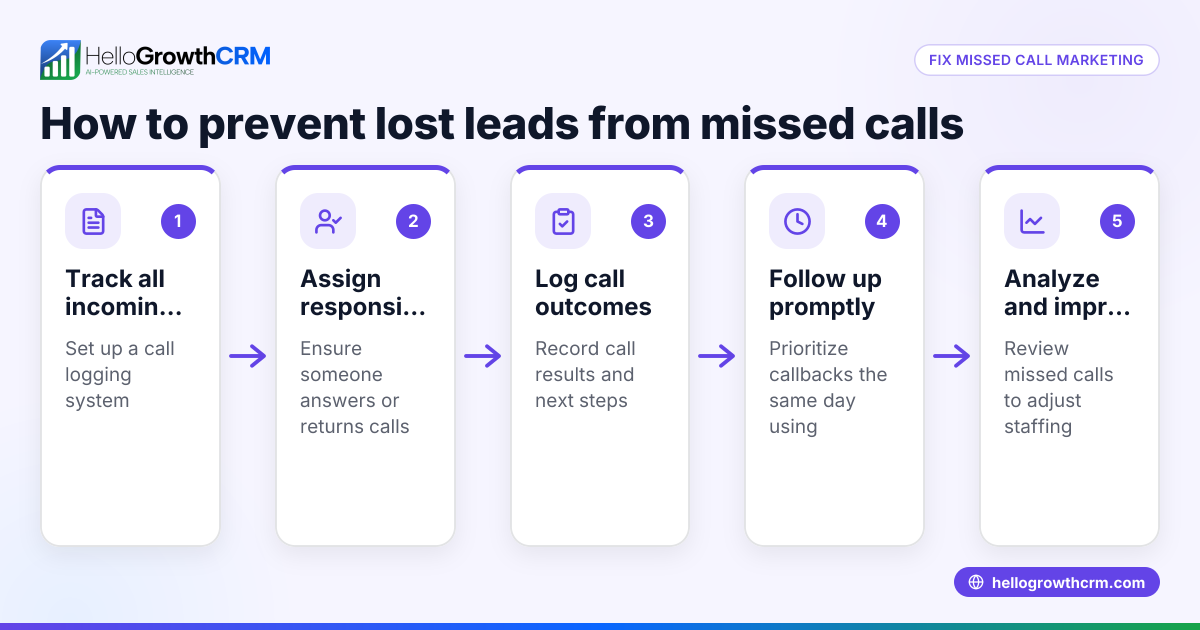
- Ensure every rep records call results like "interested," "no answer," or "follow-up scheduled."
- Regularly review call logs for accuracy.
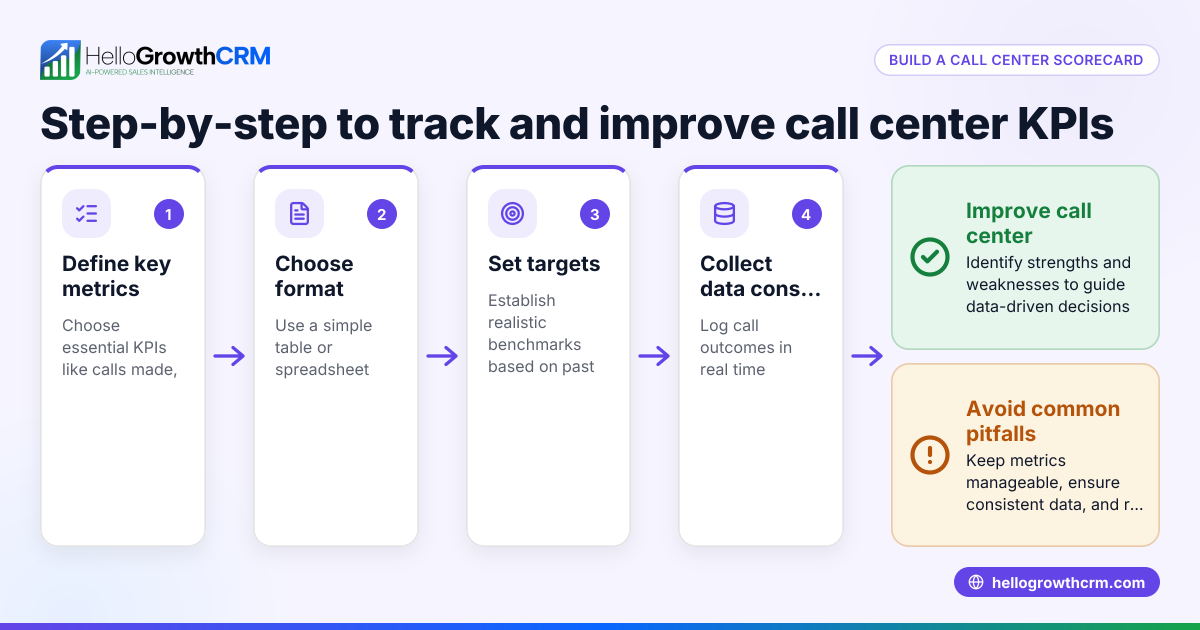
- Monitor call performance and follow-ups
- Track metrics such as calls made, follow-ups done, and conversion rates.
- Check for any leads left without recent contact.
- Integrate communication channels
- Use a CRM that supports WhatsApp and SMS sequences alongside calls to cover all outreach.
- Confirm all communications are tracked in one system. See WhatsApp and SMS CRM.
Example (fictional figures)
Austin Plumbing Co., a plumbing business in Austin, Texas, has 1,000 leads to call by 06/30/2026. They currently use phones and spreadsheets.
They estimate:
- Each manual call takes 3 minutes to dial and log.
- They have 8 reps working 8 hours per day.
Manual calling capacity per day:
Calls per rep per day = 8 hours × 60 minutes ÷ 3 minutes per call = 480 minutes ÷ 3 minutes per call = 160 calls per rep per day
Total calls per day = 160 calls per rep × 8 reps = 1,280 calls per day
Using a CRM with a built-in dialer reduces dialing time to 1 minute per call:
Calls per rep per day = 8 hours × 60 minutes ÷ 1 minute per call = 480 calls per rep per day
Total calls per day = 480 calls per rep × 8 reps = 3,840 calls per day
Impact:
With manual dialing, calling all 1,000 leads takes:
1,000 leads ÷ 1,280 calls per day = 0.78 days (approximately 1 day)
With the dialer, calling all 1,000 leads takes:
1,000 leads ÷ 3,840 calls per day = 0.26 days (approximately 3 hours)
This faster calling allows the team to follow up sooner, reducing lost leads and improving sales efficiency.
Common mistakes
- Not logging call outcomes immediately
- Prevent this by using a system that prompts outcome logging right after each call.
- Using separate tools for calls and lead data
- Prevent this by centralizing calls and leads in one CRM with a built-in dialer.
- Ignoring follow-up scheduling
- Prevent this by assigning follow-up tasks and reminders for every lead.
- Failing to prioritize leads
- Prevent this by scoring or categorizing leads to focus on high-potential contacts.
- Overlooking multi-channel communication
- Prevent this by integrating WhatsApp and SMS outreach with calls for complete coverage. See WhatsApp and SMS CRM.
Doing this in HelloGrowthCRM
HelloGrowthCRM offers a built-in dialer that lets your rep work through a lead list directly inside the CRM. Each call’s outcome is logged automatically on the lead’s record, keeping full call history tied to contacts and deals. This ensures no lead is lost, follow-ups are clear, and your team spends less time switching apps. Learn more about the built-in CRM dialer.
Frequently asked questions
What are the biggest call center problems for small businesses? Common problems include slow follow-up, poor call outcome tracking, disconnected tools, and inefficient dialing. These cause lost leads and frustrated customers.
How can I improve call center efficiency? Centralize your leads and calls in a CRM with a built-in dialer, log every call outcome, prioritize leads, and schedule follow-ups. Integrate WhatsApp and SMS for broader outreach. See WhatsApp and SMS CRM.
Why is call outcome logging important? Logging outcomes ensures your team knows the lead’s status and next steps, preventing duplicate calls or missed follow-ups.
Can a CRM help with call center problems? Yes, a CRM like HelloGrowthCRM with a built-in dialer centralizes calling, logs outcomes, and tracks follow-ups, reducing errors and speeding outreach.
What is the benefit of integrating WhatsApp and SMS with calls? Using multiple channels increases contact chances and keeps communication consistent. HelloGrowthCRM supports this integration. See WhatsApp and SMS CRM.
Key takeaways
- Call center problems come from slow follow-up, poor logging, and disconnected tools.
- Centralize calls and leads in one CRM to track every call and outcome.
- Use a built-in dialer to speed calling and reduce manual errors.
- Prioritize leads and schedule follow-ups consistently.
- Integrate WhatsApp and SMS outreach for complete communication.
- Avoid common mistakes by training your team and using the right tools.
Improving your call center starts with organizing calls and leads in one place. HelloGrowthCRM’s built-in dialer helps your team call faster and log outcomes automatically. Start on the Free Forever plan (200 leads, no credit card) to see how it works.
Ready to put this into practice?
Set up your pipeline, WhatsApp follow-ups, and AI lead scoring in minutes — free, no credit card.
Try HelloGrowthCRM freeGet CRM tips in your inbox
Join thousands of sales professionals who get weekly insights on CRM strategy, AI automation, and pipeline optimization.

The HelloGrowthCRM team publishes guides on CRM strategy, AI sales tools, and revenue operations for small business sales teams.