HelloGrowthCRM software
Built for real small-business sales teams
HelloGrowthCRM helps reps qualify faster, follow up on time, and close more deals—with practical automation in one place.
- AI lead scoring and pipeline visibility
- Built-in dialer, WhatsApp, and email automation
- Sales forecasting and RevOps-ready reporting
A call center database is a centralized system that stores customer and lead information used by call center agents to manage calls efficiently. This database helps organize contact details, call history, and interaction outcomes to improve follow-up and sales processes. This article explains why small businesses need a call center database, how to set one up step-by-step, common mistakes to avoid, and how HelloGrowthCRM’s built-in dialer can streamline your calling workflow.
Why this comes up / what goes wrong
Small business owners often struggle with managing their customer contacts and sales leads across multiple platforms like spreadsheets, text messages, and email. Without a centralized call center database, calls can be missed, follow-ups delayed, and important customer details lost. This leads to lost sales opportunities and inefficient use of staff time. A call center database helps by consolidating all contact data and call outcomes into one place, making it easier for inside sales teams or reps to work through leads systematically.
Step-by-step
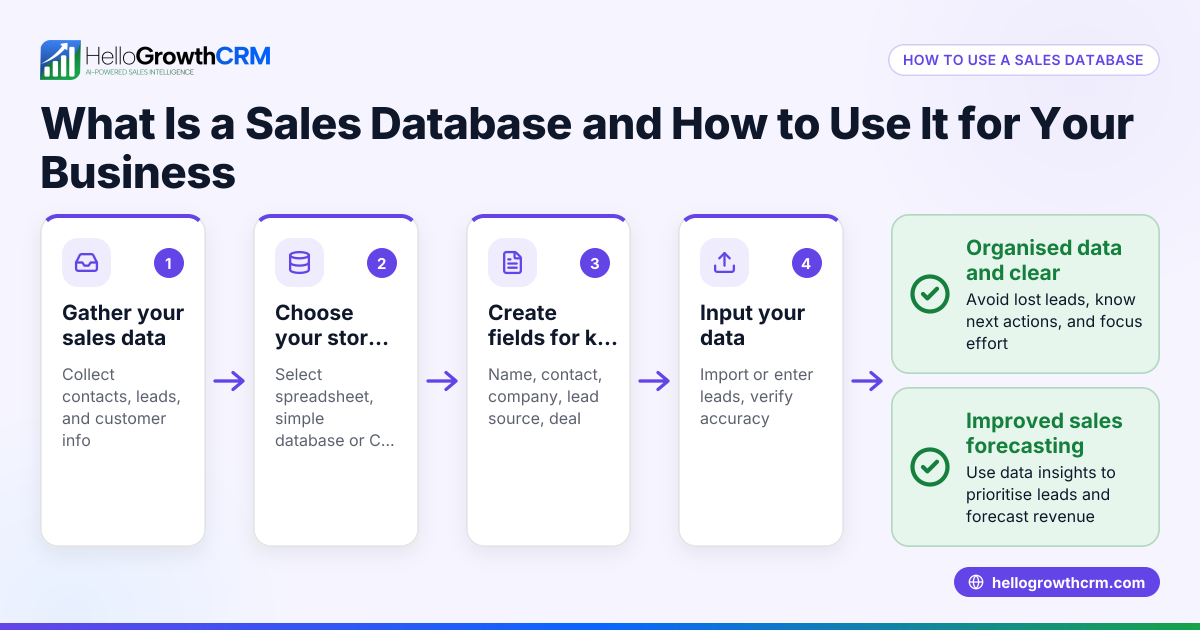
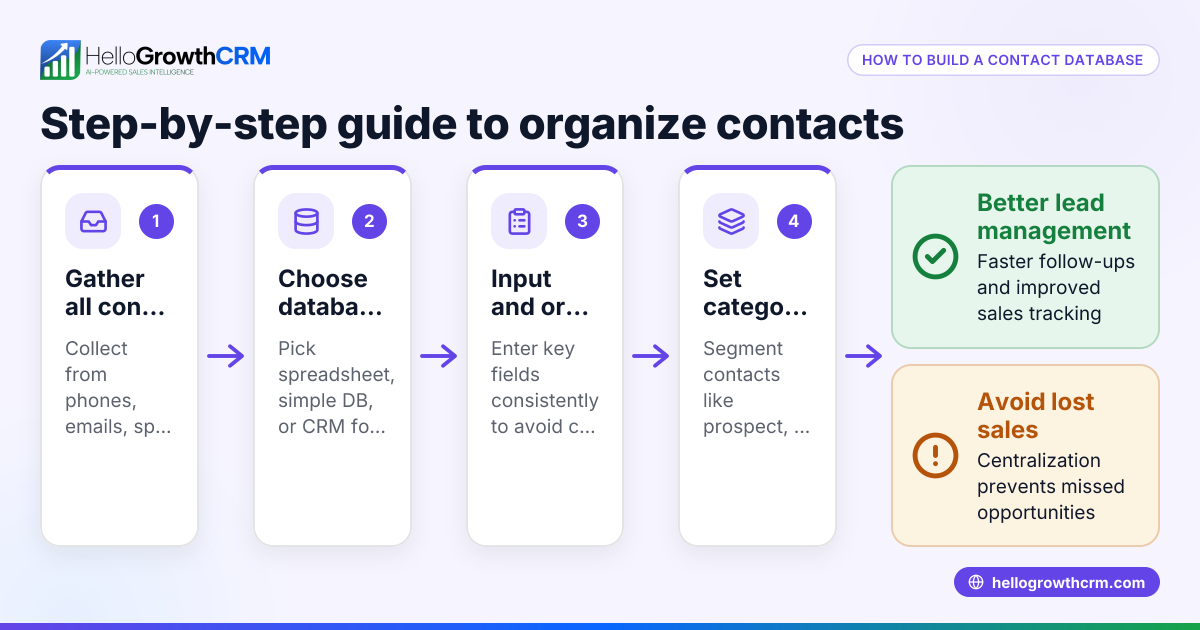
- Gather your contact data: Collect all customer and lead information from spreadsheets, web forms, emails, and previous call logs. Check that each contact has at least a name, phone number, and email.
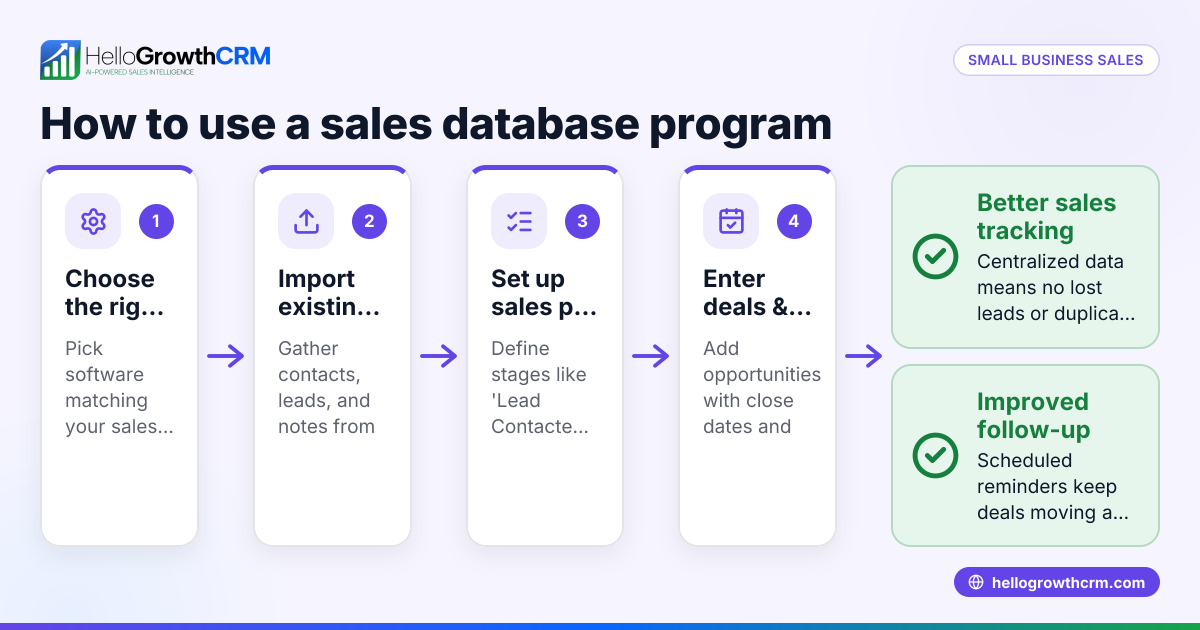
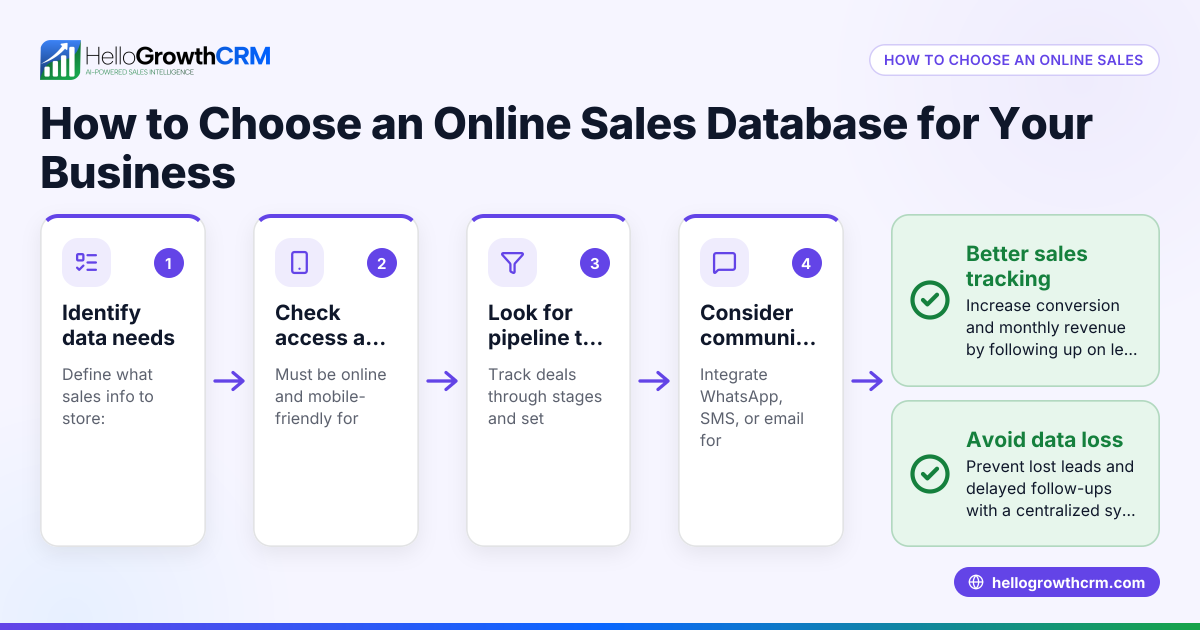
- Choose a database system: Decide whether to use a CRM or a simple database tool. For growing sales teams, a CRM with a built-in dialer can improve efficiency.
- Import contacts into the database: Upload your data ensuring no duplicates. Check for data accuracy and completeness during import.
- Organize contacts by status or pipeline stage: Label contacts as new leads, contacted, interested, or closed to prioritize calling.
- Set up call lists for agents: Create calling lists grouped by lead priority or geography.
- Log call outcomes consistently: After each call, record the result (e.g., no answer, interested, follow-up scheduled) to update contact status.
- Review call history regularly: Check call logs to identify follow-up needs and improve calling strategies.
- Integrate with other communication channels: Use email, SMS, or WhatsApp sequences alongside calls to increase engagement. See how HelloGrowthCRM supports WhatsApp and SMS CRM for this purpose.
Example (fictional figures)
GreenLeaf Landscaping in Charlotte, North Carolina, wants to improve its sales calls. They have 1,000 leads collected from their website and trade shows.
- They import 1,000 contacts into their call center database.
- They organize leads into three priority groups: 400 high, 400 medium, 200 low.
- Each rep is assigned 200 leads to call per week.
- After calling, the rep logs outcomes: 100 interested, 50 no answer, 50 wrong number.
- They plan 75 follow-up calls next week.
This organization helps GreenLeaf focus on promising leads and track progress clearly.
Common mistakes
- Not centralizing data: Keeping contacts scattered in spreadsheets and emails causes lost information. Prevent this by consolidating into one database.
- Ignoring call outcome logging: Without logging call results, follow-ups are missed. Always update the call status immediately after each call.
- Calling without prioritization: Calling leads randomly wastes time. Organize contacts by priority or pipeline stage.
- Failing to review call history: Not analyzing past calls leads to repeated mistakes. Regularly review call logs to refine your approach.
- Using separate tools for calling and data: Switching between apps slows agents down. Use a CRM with a built-in dialer to keep everything in one place, like HelloGrowthCRM’s dialer.
- Neglecting multi-channel communication: Relying solely on calls misses chances to engage via SMS or WhatsApp. Combine channels for better results.
Doing this in HelloGrowthCRM
HelloGrowthCRM offers a built-in dialer that lets reps work through calling lists directly inside the CRM. Every call outcome is logged on the lead record, keeping the full call history tied to contacts and deals. This helps sales teams avoid switching apps and keeps all communication organized. Learn more about the built-in CRM dialer and how HelloGrowthCRM supports WhatsApp and SMS CRM for multi-channel outreach. HelloGrowthCRM is designed for small and mid-sized businesses in the US, helping teams follow up faster and close more leads. Find out why HelloGrowthCRM for the United States fits your needs.
Frequently asked questions
What is a call center database used for? It stores contact details, call history, and interaction outcomes to help call center agents manage leads and customers efficiently. It supports prioritizing calls, tracking follow-ups, and improving sales conversions.
How do I organize contacts in a call center database? Organize contacts by status such as new lead, contacted, interested, or closed. You can also group them by priority, geography, or product interest to focus calling efforts.
Can I use a CRM for my call center database? Yes, a CRM often provides better tools than a basic database, including built-in dialers, call logging, and integration with email and SMS. This reduces manual work and improves team coordination.
How does HelloGrowthCRM help with call center databases? HelloGrowthCRM includes a built-in dialer so reps can call directly from the CRM and log outcomes immediately. This keeps all call data connected to leads and deals, simplifying follow-up and reporting.
Is it important to log every call outcome? Absolutely. Logging call outcomes ensures you know which leads need follow-up and prevents wasted effort on unproductive calls.
What common mistakes should I avoid when managing a call center database? Avoid scattered data, poor logging, random calling without prioritization, and using separate tools for calling and data management. Using an integrated CRM dialer can help prevent these issues.
Key takeaways
- A call center database centralizes customer and lead information for efficient call management.
- Organize contacts by status and priority to focus calling efforts.
- Log every call outcome to track progress and plan follow-ups.
- Use a CRM with a built-in dialer to streamline calls and data management.
- Multi-channel outreach with WhatsApp and SMS improves engagement.
- Regularly review call history to refine sales strategies.
Start organizing your calls today with HelloGrowthCRM’s built-in dialer and multi-channel CRM features. Start on the Free Forever plan (200 leads, no credit card) to see how it works for your team.
Ready to put this into practice?
Set up your pipeline, WhatsApp follow-ups, and AI lead scoring in minutes — free, no credit card.
Try HelloGrowthCRM freeGet CRM tips in your inbox
Join thousands of sales professionals who get weekly insights on CRM strategy, AI automation, and pipeline optimization.

The HelloGrowthCRM team publishes guides on CRM strategy, AI sales tools, and revenue operations for small business sales teams.