HelloGrowthCRM software
Built for real small-business sales teams
HelloGrowthCRM helps reps qualify faster, follow up on time, and close more deals—with practical automation in one place.
- AI lead scoring and pipeline visibility
- Built-in dialer, WhatsApp, and email automation
- Sales forecasting and RevOps-ready reporting
Call centre solutions are systems designed to help businesses manage customer calls more effectively, whether for sales, support, or information. They typically include software that routes calls, logs interactions, and helps teams track outcomes. Small businesses use these solutions to ensure no customer inquiry is missed and to improve response times.
Why this comes up / what goes wrong
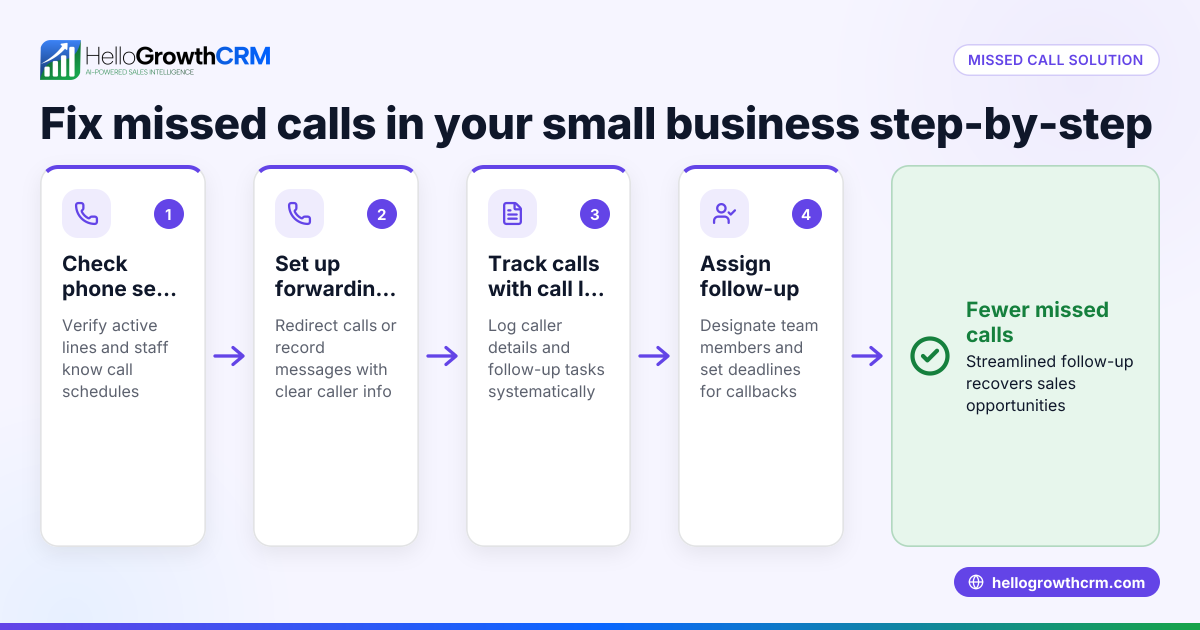
Small business owners often find themselves overwhelmed by managing customer calls manually. They may handle calls on personal phones, miss follow-ups, or lose track of customer details in spreadsheets or notes. This leads to lost sales, frustrated customers, and inefficient use of staff time. Without a proper call centre solution, it’s hard to scale customer communication or maintain consistent service quality.
Step-by-step
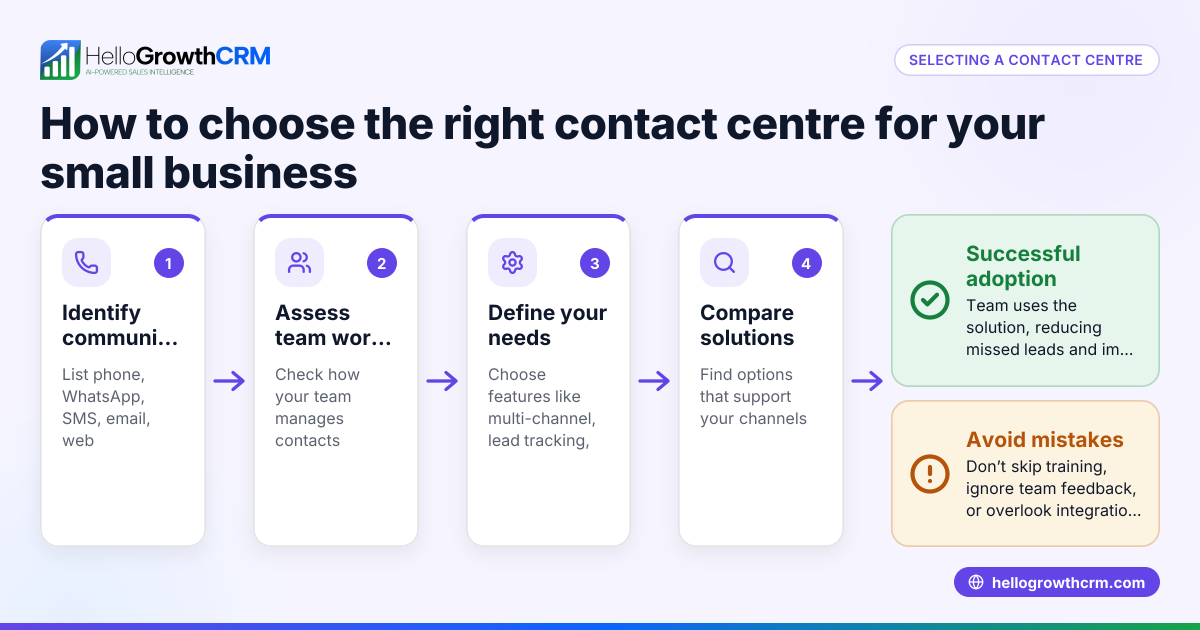
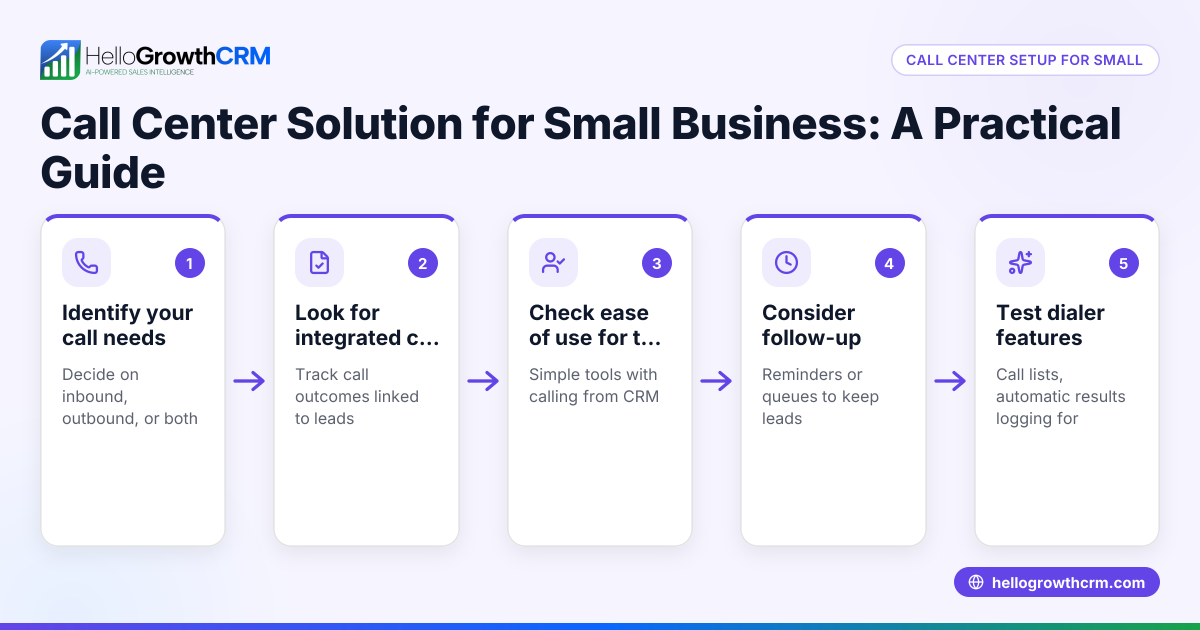
- Assess your call volume and needs: Determine how many calls your business receives daily and what types of calls (sales, support, inquiries). Check if you need inbound, outbound, or both call handling.
- Identify key features required: Look for features like call logging, call outcome tracking, call lists, and integration with your existing customer management tools.
- Evaluate software options: Compare call centre solutions that fit your budget and scale. Check if they include built-in dialers or CRM integration to avoid switching between apps.
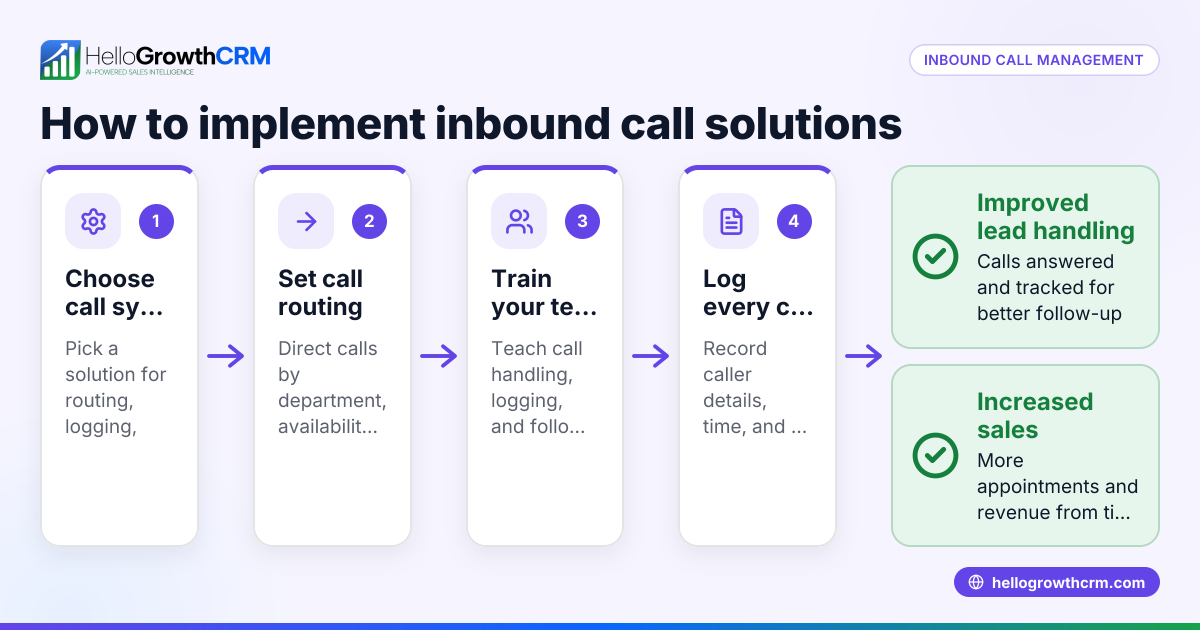
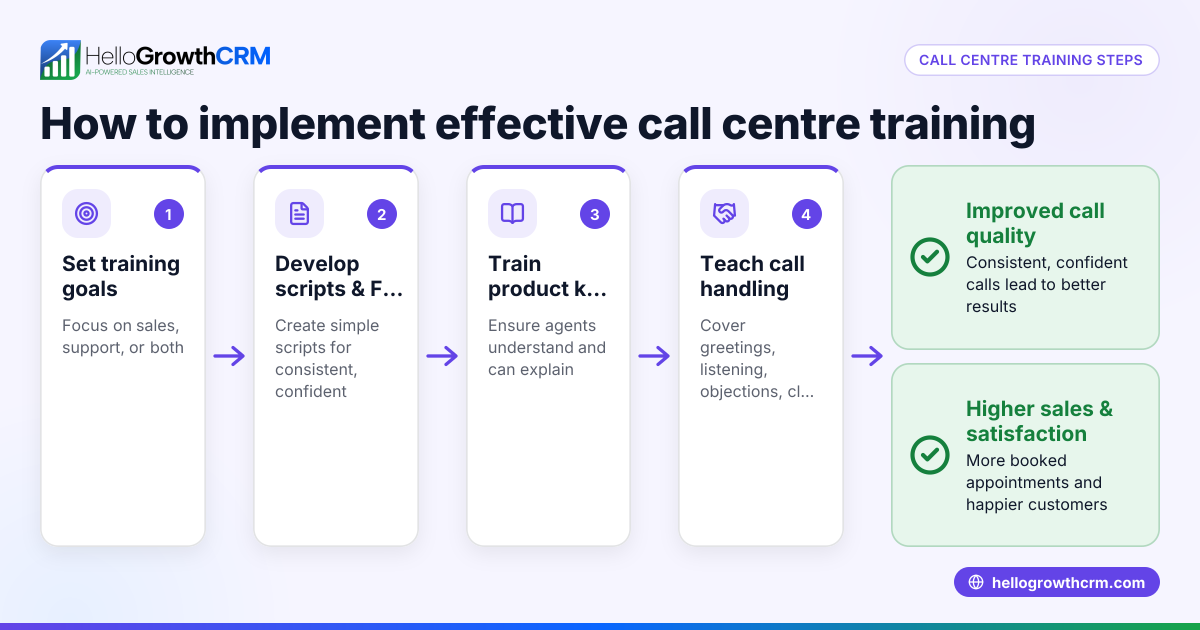
- Plan your call handling workflow: Define how calls will be routed, who answers them, and how outcomes are recorded. Decide on scripts or templates for consistent communication.
- Train your team: Ensure your sales or support staff know how to use the call centre tools effectively, including dialing, logging, and follow-up tasks.
- Monitor and optimize: Regularly review call outcomes, response times, and customer feedback to improve your process.
Example (fictional figures)
GreenLeaf Landscaping in Charlotte, North Carolina, receives about 50 customer calls per day related to quotes, scheduling, and follow-ups. They decide to implement a call centre solution with a built-in dialer.
- Monthly call volume: 50 calls/day × 22 working days = 1,100 calls/month
- Average call duration: 5 minutes
- Total call time per month: 1,100 calls × 5 minutes = 5,500 minutes = 91.67 hours
By using a call centre solution, they automate call logging and track outcomes, saving about 10 minutes per call previously spent on manual notes.
- Time saved per month: 1,100 calls × 10 minutes = 11,000 minutes = 183.33 hours
This frees staff to focus more on customer service and sales conversion.
Common mistakes
- Choosing a solution without CRM integration: This causes duplicate data entry and lost context. Prevent by choosing solutions with built-in dialers or CRM links like HelloGrowthCRM’s built-in dialer.
- Underestimating training needs: Staff unfamiliar with the system will resist using it or use it incorrectly. Prevent by scheduling thorough training sessions.
- Ignoring call outcome tracking: Without logging call results, follow-ups are missed. Prevent by enforcing outcome logging after every call.
- Not planning call workflows: Random call handling leads to inconsistent customer experiences. Prevent by defining clear call routing and scripts.
- Overlooking mobile or remote access: Inflexible systems hinder remote work. Prevent by choosing cloud-based solutions that support mobile use.
Doing this in HelloGrowthCRM
HelloGrowthCRM offers a built-in dialer that lets your rep work a list directly inside the CRM. Each call’s outcome is logged on the lead automatically, keeping your call history tied to contact and deal records. This helps your team stay organized and focused without switching apps. Learn more about the built-in CRM dialer and how HelloGrowthCRM supports US businesses in managing calls efficiently at HelloGrowthCRM for the United States. The platform also integrates WhatsApp and SMS messaging to complement your call centre efforts, detailed at WhatsApp and SMS CRM.
Frequently asked questions
What is the difference between a call centre and a contact centre? A call centre primarily handles voice calls, while a contact centre manages multiple communication channels including email, chat, and social media. Small businesses often start with call centre solutions and expand to contact centres as they grow.
Can small businesses afford call centre solutions? Yes, many call centre solutions are scalable and priced for small businesses. Cloud-based options reduce upfront costs and allow you to pay based on usage or users.
Do I need special hardware for a call centre solution? Not necessarily. Many modern call centre solutions use software-based dialers that work on regular computers or mobile devices, eliminating the need for expensive phones.
How does a built-in dialer improve sales calls? A built-in dialer lets your sales reps call leads directly from the CRM, automatically logging outcomes and keeping call history linked to each contact. This saves time and ensures no lead is forgotten.
Can call centre solutions integrate with other tools? Yes, many solutions integrate with CRMs, email platforms, and messaging apps to centralize customer communication and improve efficiency.
Key takeaways
- Call centre solutions help small businesses manage customer calls systematically and efficiently.
- Choosing a solution with CRM integration and a built-in dialer reduces manual work and errors.
- Planning workflows and training staff are essential for success.
- Avoid common mistakes like ignoring call outcomes or insufficient training.
- HelloGrowthCRM’s built-in dialer supports call management directly inside the CRM.
Start improving your customer calls today. Start on the Free Forever plan (200 leads, no credit card) and see how HelloGrowthCRM can help your small business manage calls better.
Ready to put this into practice?
Set up your pipeline, WhatsApp follow-ups, and AI lead scoring in minutes — free, no credit card.
Try HelloGrowthCRM freeGet CRM tips in your inbox
Join thousands of sales professionals who get weekly insights on CRM strategy, AI automation, and pipeline optimization.

The HelloGrowthCRM team publishes guides on CRM strategy, AI sales tools, and revenue operations for small business sales teams.