HelloGrowthCRM software
Built for real small-business sales teams
HelloGrowthCRM helps reps qualify faster, follow up on time, and close more deals—with practical automation in one place.
- AI lead scoring and pipeline visibility
- Built-in dialer, WhatsApp, and email automation
- Sales forecasting and RevOps-ready reporting
When your phone shows ‘call failed when calling someone’, it means the call attempt did not go through. This can happen for several reasons including poor network coverage, dialling errors, or phone configuration problems. Fixing it involves checking your network, confirming the phone number, and adjusting your device settings. We’ll explain why this happens, how to troubleshoot it step-by-step, common errors to avoid, and how using HelloGrowthCRM’s built-in dialer can streamline your calling process.
Why this comes up / what goes wrong
As a small business owner in Australia, you rely on calls to connect with customers and suppliers. When a call fails, it disrupts communication and can cost leads or deals. Common situations include:
- Calling a client but the phone shows ‘call failed’ after dialling.
- Trying to reach a supplier and the call drops immediately.
- Phone shows ‘call failed’ even though the signal bar is full.
- Using multiple devices or apps and calls won’t connect.
These issues often stem from network or device problems, incorrect numbers, or restrictions on the phone or network.
Step-by-step
- Check your mobile network signal
- Look at your phone’s signal bars.
- Move to a location with better reception if signal is weak.
- Switch off and on airplane mode to reset network connection.
- Verify the phone number you are calling
- Confirm the number is correct and includes the right area code.
- For Australian numbers, ensure the number format follows common local or international dialing conventions.
- Avoid extra spaces or characters.
- Restart your phone
- Power off your device, wait 10 seconds, then power it on.
- This can clear temporary glitches causing call failures.
- Check for call barring or restrictions
- Go to your phone settings > Call settings > Call barring.
- Ensure outgoing calls are not blocked.
- Test calling another number
- Try calling a different contact to see if the issue is with one number or all calls.
- Check your account and balance
- For prepaid SIMs, ensure you have enough credit.
- Contact your carrier if unsure about your account status.
- Update your phone software
- Go to Settings > Software update.
- Install any pending updates to fix bugs affecting calls.
- Reset network settings
- In Settings > General Management > Reset > Reset network settings.
- This removes saved Wi-Fi, Bluetooth, and mobile data settings and can fix call issues.
- Contact your mobile carrier
- If the problem continues, your carrier may have network outages or account issues.
- Use a CRM with a built-in dialer
- Consider HelloGrowthCRM’s built-in dialer to make calls directly from your CRM.
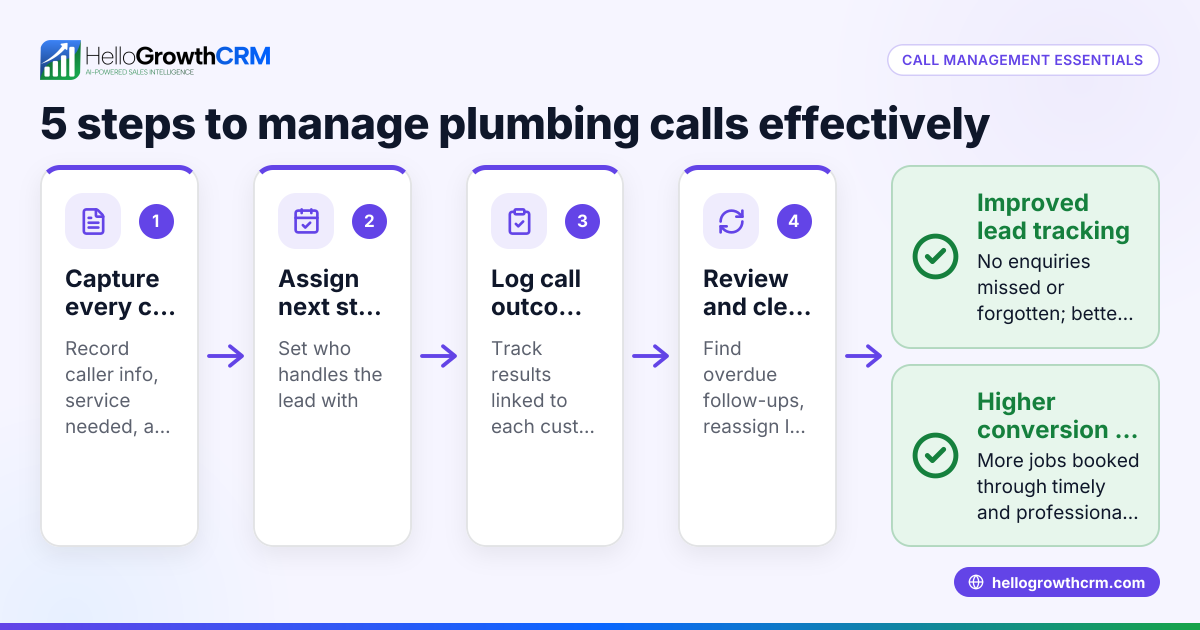
- It logs call outcomes and keeps call history tied to contacts, reducing errors from manual dialling.
Example (fictional figures)
A buyer’s agency in Melbourne, Victoria, was calling a prospective client but kept seeing ‘call failed’.
- The agent checked the number: 03 9123 4567 (correct).
- Signal strength was low at the office, so they moved to a window with better reception.
- Restarted the phone.
- Tried calling again and the call connected.
If the phone credit was low, say the agent had A$5 on a prepaid SIM and each call costs A$1.50:
A$5 - A$1.50 = A$3.50 remaining credit after one call.
This example shows checking number accuracy, signal, and balance solves the issue.
Common mistakes
- Ignoring weak signal areas: Always check your reception before calling. Move to improve signal.
- Dialling wrong numbers or missing area codes: Double-check the number format to avoid failed calls.
- Not restarting the phone: Temporary glitches can cause call failures; a restart often fixes this.
- Not checking call barring or restrictions: Sometimes outgoing calls are blocked without you realising.
- Skipping software updates: Updates fix bugs that might affect calling.
- Manually dialling from multiple apps or devices: This can cause errors; use a CRM dialer instead.
For a reliable calling workflow, try HelloGrowthCRM’s built-in CRM dialer which helps avoid manual dialling mistakes.
Doing this in HelloGrowthCRM
HelloGrowthCRM includes a built-in dialer that lets your sales or calling team call directly from the CRM. Each call outcome is logged on the lead, and the full call history is tied to contact and deal records. This reduces errors from manual dialling and helps you track your calling performance easily. Learn more about the built-in CRM dialer and how it integrates with your sales process.
Frequently asked questions
Why does my phone say ‘call failed’ even with full signal? Your phone might have network restrictions, call barring enabled, or software glitches. Restart your phone, check call barring settings, and update software. If the problem persists, contact your carrier.
Can a wrong number format cause call failures? Yes. In Australia, you must include the correct area code or country code (+61). Missing or extra digits can cause the call to fail.
How do I check if my account balance is causing call failures? If you use a prepaid SIM, check your credit balance via your carrier’s app or USSD code. Low or zero balance can prevent outgoing calls.
Will using a CRM dialer reduce call failed errors? Using a CRM dialer like HelloGrowthCRM’s reduces manual dialling errors by calling directly from contact records and logging outcomes automatically.
What should I do if calls fail only to one specific number? The issue might be with the recipient’s phone or network. Try contacting them via SMS or email to confirm their number and availability.
Can software updates fix call failed issues? Yes. Phone manufacturers release updates that fix bugs affecting calls. Keep your device updated.
Key takeaways
- ‘Call failed’ means your call did not connect due to network, number, or device issues.
- Check your signal strength, number format, and phone settings first.
- Restart your phone and update software regularly to avoid glitches.
- Avoid manual dialling errors by using HelloGrowthCRM’s built-in dialer.
- Contact your carrier if problems persist after troubleshooting.
Start improving your calling process today with HelloGrowthCRM. Start on the Free Forever plan (200 leads, no credit card).
Ready to put this into practice?
Set up your pipeline, WhatsApp follow-ups, and AI lead scoring in minutes — free, no credit card.
Try HelloGrowthCRM freeGet CRM tips in your inbox
Join thousands of sales professionals who get weekly insights on CRM strategy, AI automation, and pipeline optimization.

The HelloGrowthCRM team publishes guides on CRM strategy, AI sales tools, and revenue operations for small business sales teams.