HelloGrowthCRM software
Built for real small-business sales teams
HelloGrowthCRM helps reps qualify faster, follow up on time, and close more deals—with practical automation in one place.
- AI lead scoring and pipeline visibility
- Built-in dialer, WhatsApp, and email automation
- Sales forecasting and RevOps-ready reporting
Call masking solutions hide the real phone numbers of callers and recipients by using virtual or temporary numbers during calls. This protects the privacy of both the business and its customers, prevents unwanted callbacks, and allows tracking of call sources and outcomes. Small businesses use call masking to maintain professional contact points and secure customer interactions.
Why this comes up / what goes wrong
Many small business owners rely on personal phones or shared lines for sales and customer service calls. This can cause privacy issues when customers see personal numbers, leading to unwanted calls or reduced professionalism. Without call masking, it is also difficult to track which marketing campaigns generate calls or measure sales team performance. Missed calls and unclear call routing can reduce lead conversion and hurt customer trust.
Step-by-step
- Identify your call masking needs
- Decide if you need to mask outbound calls, inbound calls, or both.
- Determine which team members or campaigns require masked numbers.
- Research call masking providers
- Look for providers offering virtual or temporary phone numbers.
- Check that the provider integrates well with your existing phone system or CRM.
- Purchase virtual numbers
- Buy virtual numbers to replace your real business or personal numbers.
- Assign these numbers to specific sales reps, departments, or marketing campaigns.
- Set up call routing and masking
- Configure the system so calls to or from virtual numbers forward correctly.
- Test to ensure calls connect properly and caller information is masked.
- Integrate with CRM or call management tools
- Connect masked numbers to your CRM to log call details and outcomes.
- Use tools like a built-in dialer for efficient calling and record keeping.
- Train your team
- Explain the purpose of call masking and how to use virtual numbers.
- Emphasize logging call results and maintaining customer privacy.
- Monitor and optimize
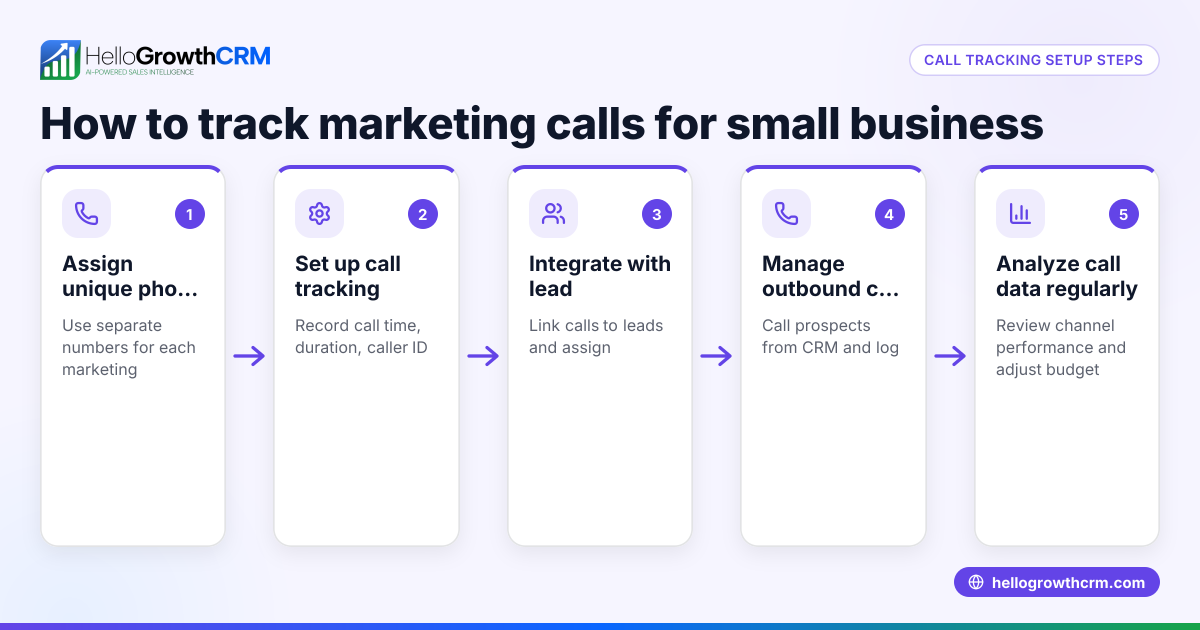
- Track call volumes, source campaigns, and conversion rates.
- Adjust virtual number assignments and routing based on performance.
Example (fictional figures)
A residential real-estate team in Phoenix, Arizona, wants to keep agents’ personal numbers private while tracking leads from online ads. They purchase 3 virtual numbers for different neighborhoods.
- Monthly cost per virtual number: $50
- Number of virtual numbers: 3
- Total monthly cost = $50 × 3 = $150
They assign these numbers to online ads and route calls to agents’ personal phones, masking real numbers.
- Leads received in a month: 200
- Conversion rate: 10%
- Sales closed = 200 × 10% = 20
This setup helps the team measure which neighborhood ads perform best and keeps agent numbers private.
Common mistakes
- Using personal numbers without masking: This exposes private numbers and looks unprofessional. Prevent by always using virtual numbers.
- Not tracking call outcomes: Without logging calls, you miss insights on lead quality and sales progress. Prevent by using a CRM to record call results.
- Choosing incompatible call masking solutions: Some providers don’t integrate well with your phone system, causing call failures. Prevent by confirming compatibility before purchase.
- Ignoring team training: If staff don’t understand call masking, they may misuse numbers or fail to log calls. Prevent by providing clear instructions and training.
- Overpaying for virtual numbers: Buying more numbers than needed wastes money. Prevent by analyzing call volume and adjusting the number of virtual lines accordingly.
Doing this in HelloGrowthCRM
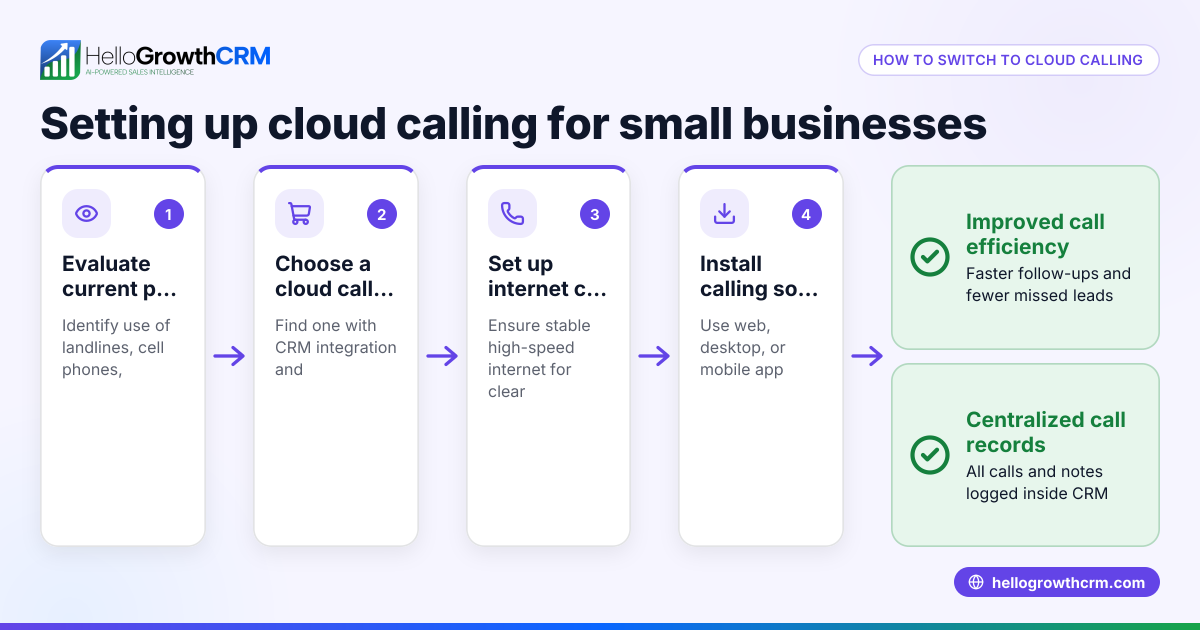
HelloGrowthCRM offers a built-in dialer that lets your sales reps call leads directly from the CRM. Each call’s outcome is logged automatically on the lead record, keeping your communication organized and trackable. While the dialer does not provide call masking itself, it supports efficient call management alongside your call masking solution. Learn more about the built-in CRM dialer and how HelloGrowthCRM supports WhatsApp and SMS CRM for comprehensive communication. For US businesses, see HelloGrowthCRM for the United States.
Frequently asked questions
What is call masking and why is it important? Call masking replaces real phone numbers with virtual ones during calls to protect privacy and control communication. It prevents customers from seeing personal numbers and helps businesses track calls effectively.
Can call masking work with my existing phone system? Most call masking solutions can integrate with common phone systems and CRMs. Verify compatibility before choosing a provider to ensure smooth call routing and logging.
Does call masking affect call quality? Properly implemented call masking should not degrade call quality. Choose reliable providers and test calls to ensure clear communication.
Is call masking legal for business use? Call masking is legal when used transparently and not for fraudulent purposes. Always comply with local regulations and inform customers if required.
How does HelloGrowthCRM help with call management? HelloGrowthCRM’s built-in dialer lets your team call leads directly from the CRM and logs call outcomes automatically, helping track communication and sales progress efficiently.
Key takeaways
- Call masking replaces real phone numbers with virtual numbers to protect privacy.
- It helps small businesses maintain professionalism and track call sources.
- Implement call masking by assessing needs, choosing providers, setting up numbers, and training your team.
- Avoid common mistakes like using personal numbers or skipping call tracking.
- Use tools like the built-in dialer in HelloGrowthCRM to log call outcomes and manage sales efficiently.
Start managing your calls more securely and efficiently with call masking. To try a CRM that supports organized calling and lead tracking, start on the Free Forever plan (200 leads, no credit card).
Ready to put this into practice?
Set up your pipeline, WhatsApp follow-ups, and AI lead scoring in minutes — free, no credit card.
Try HelloGrowthCRM freeGet CRM tips in your inbox
Join thousands of sales professionals who get weekly insights on CRM strategy, AI automation, and pipeline optimization.

The HelloGrowthCRM team publishes guides on CRM strategy, AI sales tools, and revenue operations for small business sales teams.