HelloGrowthCRM software
Built for real small-business sales teams
HelloGrowthCRM helps reps qualify faster, follow up on time, and close more deals—with practical automation in one place.
- AI lead scoring and pipeline visibility
- Built-in dialer, WhatsApp, and email automation
- Sales forecasting and RevOps-ready reporting
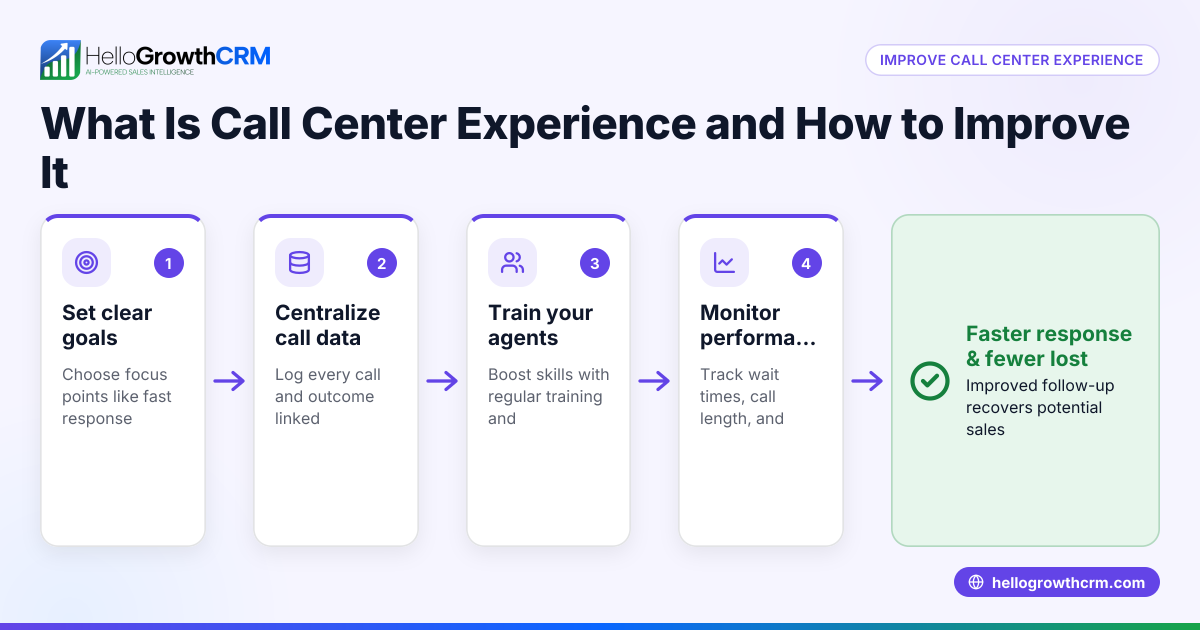
A centralized call center is a dedicated hub where all customer calls—both inbound and outbound—are managed from one place. This approach helps small businesses improve response times, maintain consistent communication, and better track customer interactions. In this article, you will learn why small businesses turn to centralized call centers, how to build one in clear steps, see a practical example with numbers, avoid common mistakes, and discover how a built-in dialer can assist your sales team.
Why this comes up / what goes wrong
Small business owners often struggle with scattered communication channels. For example, sales or support calls might be handled by different employees working remotely or using personal phones. This leads to missed calls, slow follow-up, and inconsistent customer experiences. Without a central system, it’s hard to track which leads have been contacted or what was discussed. This inefficiency can cause lost sales and frustrated customers. A centralized call center solves these problems by consolidating call handling into a single system or location, making it easier to manage and measure sales and support efforts.
Step-by-step
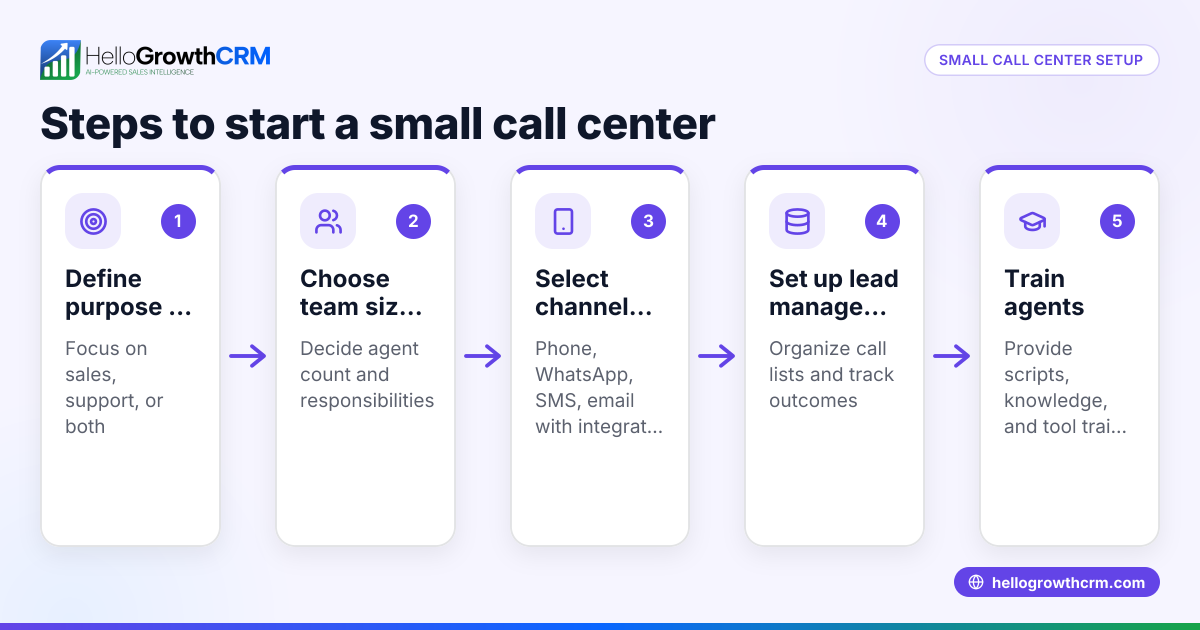
- Assess your call volume and team size
- Determine how many calls your business receives and makes daily.
- Check if your current staff can handle this volume or if you need dedicated reps.
- Choose a centralized communication system
- Select a platform that allows calls to be routed through one system.
- Verify it supports call logging and history tracking.
- Set up a dedicated call center space or virtual system
- For physical centers, allocate a room with phones and computers.
- For virtual setups, ensure your software supports remote calling and logging.
- Train your team on call handling and logging procedures
- Teach how to answer calls, update customer records, and log call outcomes.
- Emphasize consistent follow-up and note-taking.
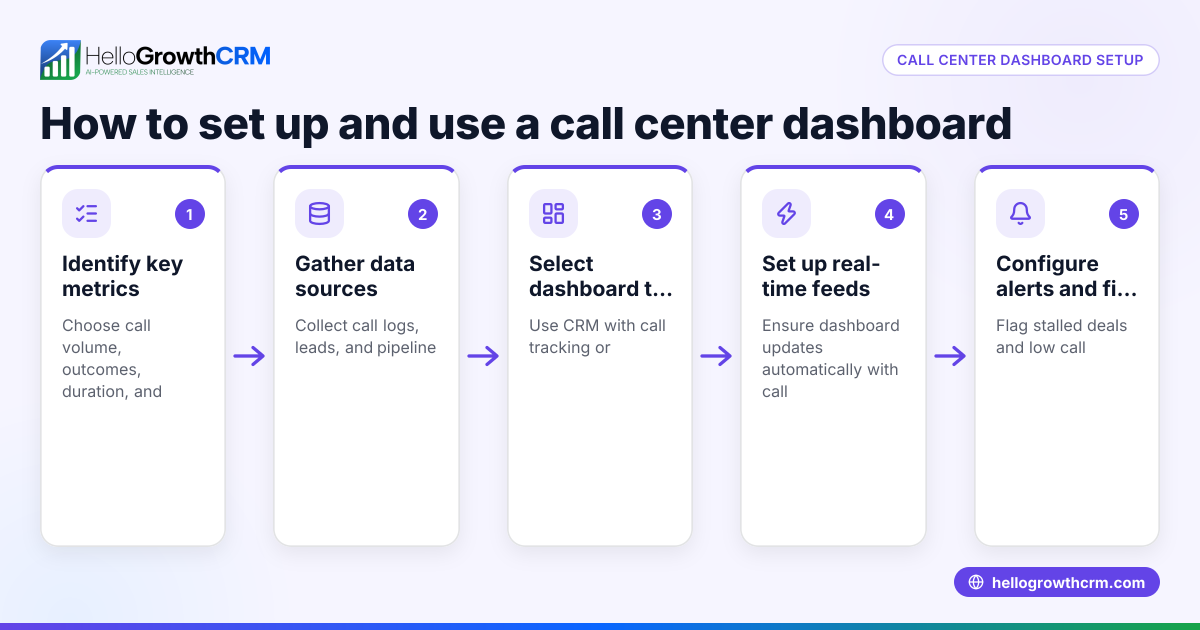
- Implement call tracking and reporting
- Use software tools to monitor call volume, duration, and success rates.
- Regularly review reports to improve performance.
- Integrate with your CRM
- Connect your call system to your CRM to keep all customer data in one place.
- Ensure calls and notes are automatically linked to contacts and deals.
- Review and optimize regularly
- Collect feedback from the team and customers.
- Adjust call scripts, hours, or staffing as needed.
Example (fictional figures)
A plumbing company in Austin, Texas, wants to improve its sales follow-up. They currently handle calls on individual cell phones and lose leads due to missed calls.
- Monthly inbound calls: 1,200
- Outbound sales calls: 800
- Current staff: 3 employees handling calls part-time
They decide to centralize their calls with a dedicated team of 4 reps using a CRM with a built-in dialer.
Costs:
- Rep salaries: 4 × $3,000 = $12,000/month
- CRM subscription with dialer: $500/month
Expected benefits:
- Increase lead follow-up rate from 60% to 90%
- Add $15,000 monthly revenue from improved sales
Calculations:
Additional revenue = $15,000/month Total call center cost = $12,000 + $500 = $12,500/month
Net gain = $15,000 - $12,500 = $2,500/month
This shows that investing in a centralized call center can increase sales and justify the additional costs.
Common mistakes
- Not tracking call outcomes properly
- Prevent by using a system that logs every call and its result.
- Insufficient training for call center staff
- Prevent by providing clear scripts and follow-up procedures.
- Failing to integrate calls with CRM data
- Prevent by choosing a CRM with a built-in dialer that links calls to contacts.
- Ignoring call volume fluctuations
- Prevent by regularly reviewing call data and adjusting staffing accordingly.
- Using multiple disconnected communication tools
- Prevent by centralizing calls on one platform to avoid lost information.
- Overlooking customer feedback on call experience
- Prevent by collecting and acting on feedback to improve service.
Doing this in HelloGrowthCRM
HelloGrowthCRM offers a built-in dialer that lets your reps work a call list directly inside the CRM. Each call’s outcome is logged on the lead, keeping a full call history tied to contact and deal records. This simplifies managing your centralized call center by consolidating calls, notes, and follow-ups in one place. Learn more about the built-in CRM dialer and how HelloGrowthCRM supports WhatsApp and SMS CRM communication for US businesses on our HelloGrowthCRM for the United States page.
Frequently asked questions
What is the main advantage of a centralized call center? A centralized call center consolidates all customer calls into one system or location, improving efficiency, consistency, and tracking. This reduces missed calls and helps ensure timely follow-up.
Can small businesses benefit from a centralized call center? Yes, even small businesses with moderate call volumes can improve customer service and sales by centralizing calls. It helps organize communication and prevents leads from falling through the cracks.
How does call logging help in a centralized call center? Call logging records the details and outcomes of each call, providing a history that sales and support teams can reference. This improves follow-up accuracy and customer experience.
Is specialized software required for a centralized call center? While not strictly required, software with integrated calling and CRM features makes managing a centralized call center much easier and more effective.
How does a built-in dialer support centralized call centers? A built-in dialer allows reps to call directly from the CRM and log outcomes on leads. This keeps all communication organized and accessible for the team.
Key takeaways
- A centralized call center manages all customer calls from one system or location.
- It improves call tracking, follow-up speed, and customer experience.
- Set up involves assessing call volume, choosing a system, training staff, and integrating with CRM.
- Common mistakes include poor call logging, lack of training, and disconnected tools.
- A built-in dialer helps centralize calls and log outcomes efficiently.
Start improving your call management today. Start on the Free Forever plan (200 leads, no credit card) with HelloGrowthCRM and see how a centralized call center can boost your sales and service.
Ready to put this into practice?
Set up your pipeline, WhatsApp follow-ups, and AI lead scoring in minutes — free, no credit card.
Try HelloGrowthCRM freeGet CRM tips in your inbox
Join thousands of sales professionals who get weekly insights on CRM strategy, AI automation, and pipeline optimization.

The HelloGrowthCRM team publishes guides on CRM strategy, AI sales tools, and revenue operations for small business sales teams.