HelloGrowthCRM software
Built for real small-business sales teams
HelloGrowthCRM helps reps qualify faster, follow up on time, and close more deals—with practical automation in one place.
- AI lead scoring and pipeline visibility
- Built-in dialer, WhatsApp, and email automation
- Sales forecasting and RevOps-ready reporting
A chatbot script is a structured dialogue plan that your chatbot follows to communicate clearly and efficiently with customers. It maps out questions, answers, and possible user replies to keep conversations on track and achieve business goals like lead capture or support.
Why this comes up / what goes wrong
Small-business owners often consider chatbot scripts when they want to automate customer interactions but don’t know where to start. Many rely on manual texting or email, which can slow down response times and lose leads. Without a clear script, chatbots can confuse customers or fail to answer key questions, resulting in poor user experience and missed sales opportunities. A well-designed chatbot script ensures consistent, helpful conversations that move prospects through your sales funnel faster.
Step-by-step
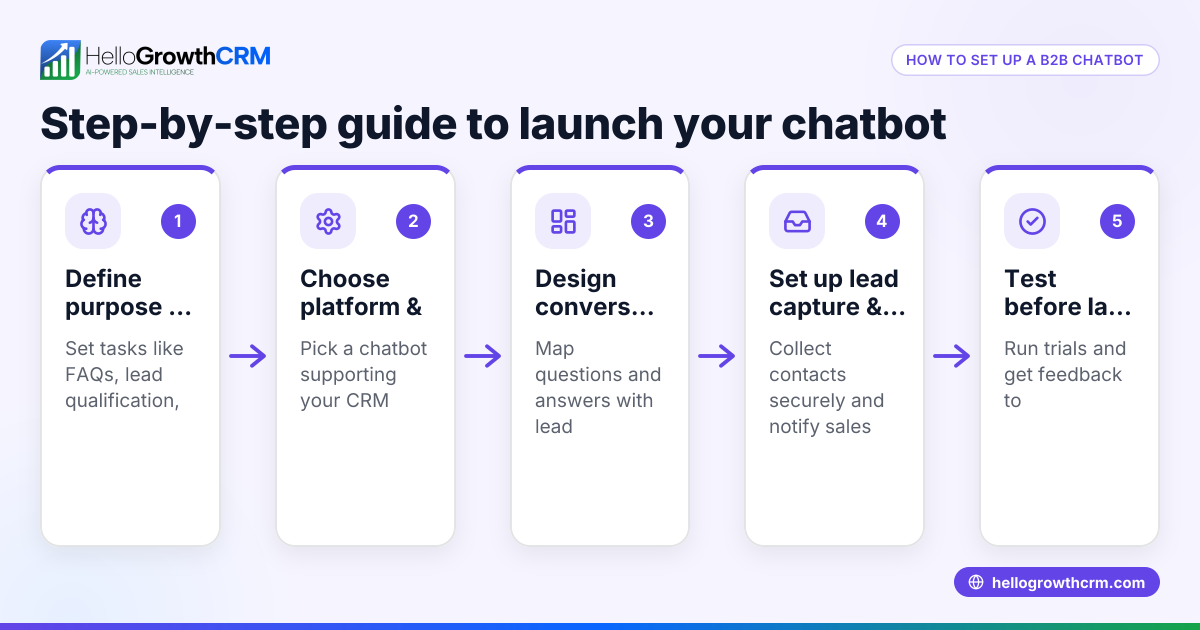
- Define your chatbot’s purpose: Decide if the chatbot will generate leads, answer FAQs, book appointments, or help with sales. Check that this goal aligns with your business needs.
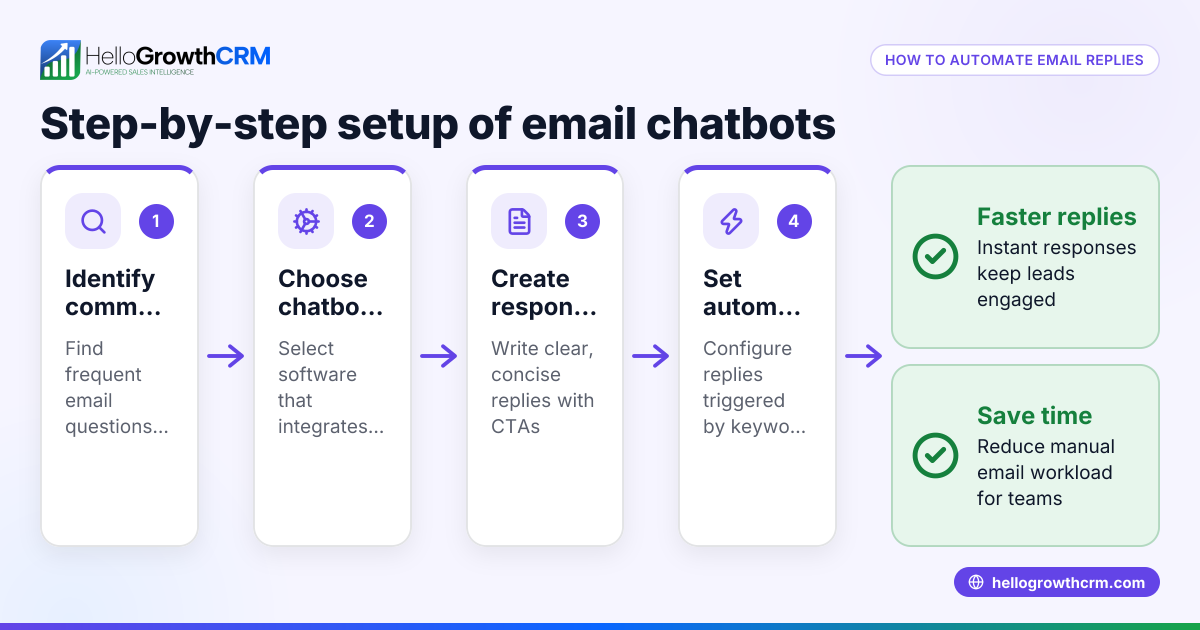
- List common customer questions and intents: Collect typical inquiries your team receives via phone, email, or chat. Verify these cover the main topics customers ask about.
- Draft clear, concise responses: Write simple answers that directly address each question. Avoid jargon and keep language friendly.
- Map conversation flow: Create a flowchart showing how the chatbot moves from greeting to question, possible user replies, and follow-up messages. Check for loops or dead ends.
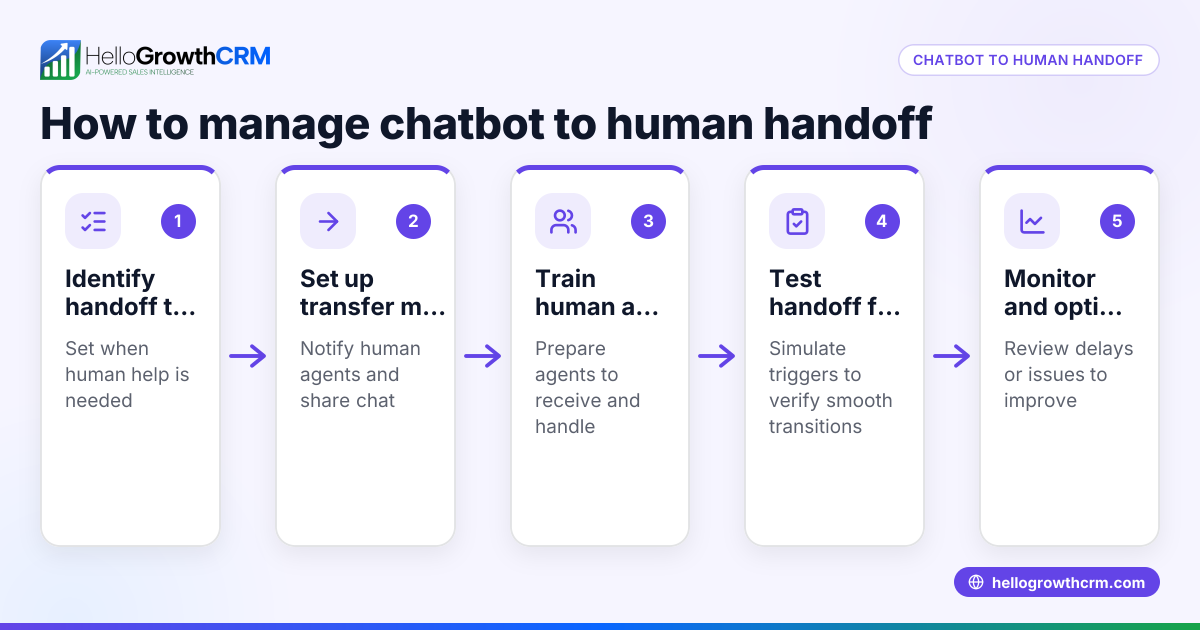
- Include fallback options: Plan responses for when the chatbot doesn’t understand or the user provides unexpected input. Ensure it can transfer to a human or ask for clarification.
- Test the script internally: Role-play conversations with your team to spot confusing parts or missing information. Adjust as needed.
- Implement and monitor: Use your chatbot platform to upload the script. Monitor conversations and update the script regularly based on real user feedback.
Example (fictional figures)
Imagine a plumbing company in Austin, Texas, called "Austin PipeFix" wants to automate lead capture for emergency repairs.
- Step 1: Purpose — qualify emergency repair leads.
- Step 2: Common questions — "Do you offer 24/7 service?", "What areas do you serve?", "How soon can someone come?"
- Step 3: Responses — "Yes, we offer 24/7 emergency repairs.", "We serve the Austin metro area.", "We can usually arrive within 2 hours."
- Step 4: Flow —
- Bot: "Hi! Need emergency plumbing help?"
- User: "Yes"
- Bot: "Are you located in Austin metro?"
- User: "Yes"
- Bot: "Great! Can you describe the problem briefly?"
- User: "Burst pipe in kitchen"
- Bot: "Thanks, an expert will call you in 15 minutes."
- Step 5: Fallback — If user says "No" to location, bot replies: "Sorry, we only serve Austin metro. Can I help with something else?"
This script helps Austin PipeFix capture qualified leads quickly, improving response time and customer satisfaction.
Common mistakes
- Too complex or long scripts: Keep messages simple and avoid overwhelming users. Prevent this by testing with real people.
- Ignoring fallback responses: Without fallback, chatbots stall on unexpected input. Always add a fallback that offers help or human contact.
- Not updating scripts: Customer needs change. Schedule regular reviews to keep scripts relevant.
- Using robotic language: Chatbots should sound natural and friendly. Avoid jargon and stiff phrases.
- Skipping user intent mapping: Without understanding what users want, scripts miss the mark. Collect real questions first.
Prevent these by following the step-by-step method and testing thoroughly.
Doing this in HelloGrowthCRM
HelloGrowthCRM offers free sales tools, templates, and calculators that can help you design and organize your chatbot script. You can download a follow-up cadence or pipeline template without needing an account. This makes it easier to plan your chatbot conversations and sales steps in one place. Explore the free sales templates at sales templates.
Frequently asked questions
What is the difference between a chatbot script and a chatbot flow? A chatbot script is the actual text and responses the bot uses, while the chatbot flow is the overall structure or map of how conversations progress. The script fills in the flow with specific messages.
Can I use a chatbot script for WhatsApp or SMS? Yes, chatbot scripts can be designed for any messaging platform, including WhatsApp and SMS. HelloGrowthCRM supports WhatsApp and SMS CRM features to help manage these conversations efficiently (WhatsApp and SMS CRM).
How do I test my chatbot script before going live? You can test by role-playing conversations with your team or using chatbot platform simulators. This helps find confusing parts and ensures smooth user experience.
Do I need programming skills to create a chatbot script? No, writing a chatbot script is about planning conversation text and flow, which anyone can do. Implementation may require platform-specific setup, but many tools are user-friendly.
How often should I update my chatbot script? Review your script regularly, at least every few months or when you notice user questions changing. Continuous improvement keeps your chatbot effective.
Can HelloGrowthCRM help me automate chatbot conversations? HelloGrowthCRM focuses on sales pipelines and messaging templates rather than chatbot automation. However, its free sales tools can assist in planning your chatbot scripts and follow-ups.
Key takeaways
- A chatbot script is a predefined set of messages guiding automated conversations.
- Start by defining your chatbot’s purpose and common customer questions.
- Map the conversation flow including fallback responses for unexpected input.
- Test your script with real users and update regularly.
- Avoid overly complex scripts and robotic language.
- Use free sales templates from HelloGrowthCRM to organize your chatbot plan.
Start automating your customer conversations today by trying the free sales tools and templates available at HelloGrowthCRM. Start on the Free Forever plan (200 leads, no credit card).
Ready to put this into practice?
Set up your pipeline, WhatsApp follow-ups, and AI lead scoring in minutes — free, no credit card.
Try HelloGrowthCRM freeGet CRM tips in your inbox
Join thousands of sales professionals who get weekly insights on CRM strategy, AI automation, and pipeline optimization.

The HelloGrowthCRM team publishes guides on CRM strategy, AI sales tools, and revenue operations for small business sales teams.