HelloGrowthCRM software
Built for real small-business sales teams
HelloGrowthCRM helps reps qualify faster, follow up on time, and close more deals—with practical automation in one place.
- AI lead scoring and pipeline visibility
- Built-in dialer, WhatsApp, and email automation
- Sales forecasting and RevOps-ready reporting
A B2B chatbot is an automated messaging tool designed to interact with business customers, answer questions, and qualify leads in real time. It helps small and mid-sized businesses speed up lead follow-up and improve customer engagement. This article explains why B2B chatbots matter, how to set one up step-by-step, common mistakes to avoid, and answers common questions about using them.
Why this comes up / what goes wrong
Many small and mid-sized businesses struggle to respond quickly to inquiries from potential business customers. Sales teams often rely on email, text messages, or spreadsheets to track leads, which can slow down follow-up. This delay means leads lose interest or choose competitors. A B2B chatbot can help by providing automated responses that keep prospects engaged at any time. It also helps qualify leads automatically, so sales teams focus on the most promising opportunities.
Without a chatbot, small businesses may waste time on unqualified leads or miss leads entirely. Slow response times can frustrate potential clients and reduce trust. Moreover, sales reps juggling multiple communication channels like email, WhatsApp, and SMS may overlook or forget to follow up on some leads. This fragmentation causes lost sales and inefficient workflows.
Step-by-step
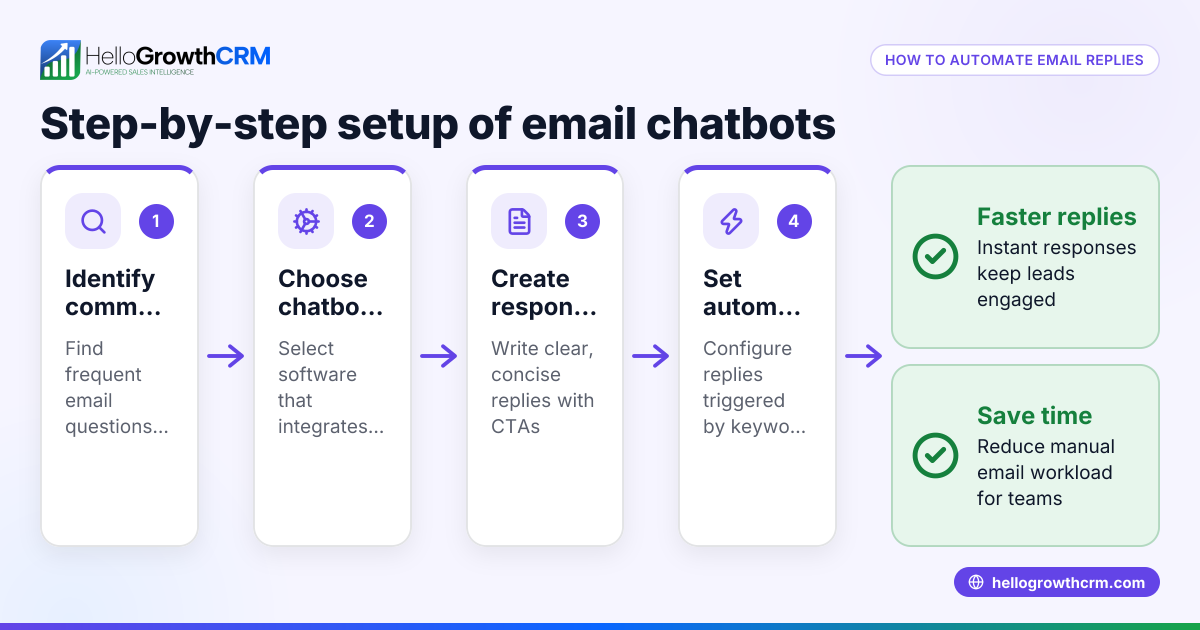
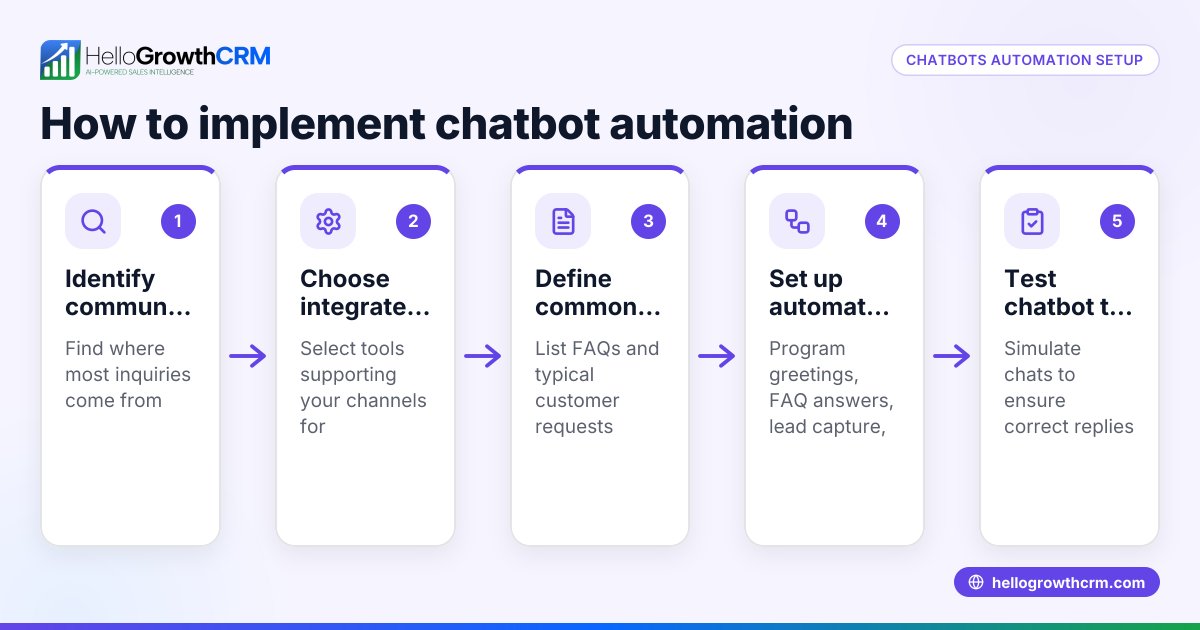
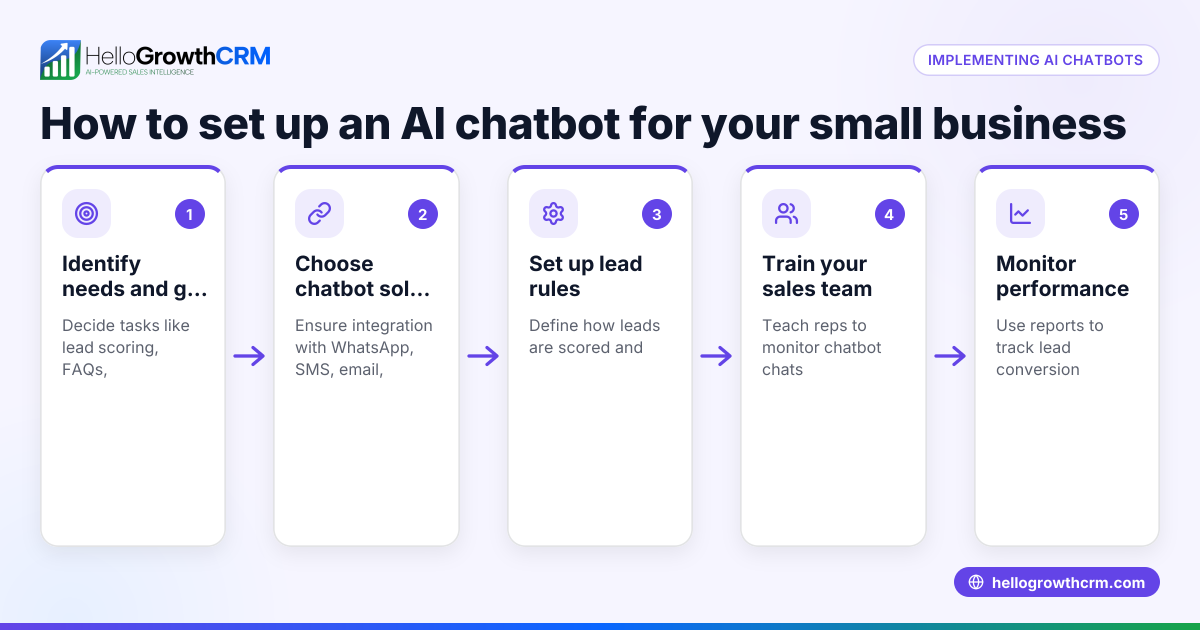
- Define your chatbot’s purpose and audience
- Decide what tasks the chatbot will handle: answering FAQs, qualifying leads, booking demos, or routing to sales reps.
- Identify your typical B2B customers and their common questions.
- Choose a chatbot platform that integrates with your sales tools
- Look for platforms that connect with your CRM, email, or messaging apps.
- Check if it supports channels your customers use, like WhatsApp or SMS.
- Design the chatbot conversation flow
- Map key questions and answers your customers need.
- Include lead qualification questions to score and prioritize prospects.
- Set up lead capture and notifications
- Ensure the chatbot collects contact details and stores them securely.
- Configure alerts so your sales team can follow up on qualified leads promptly.
- Test the chatbot thoroughly before launch
- Run through conversations to catch errors or confusing responses.
- Get feedback from team members and a small group of customers.
- Launch and monitor chatbot performance
- Track metrics like response times, lead conversion rates, and customer satisfaction.
- Adjust the chatbot flow based on feedback and data.
- Integrate chatbot data with your CRM for sales follow-up
- Connect chatbot leads to your CRM pipeline to manage next steps.
- Use the CRM to assign tasks, schedule calls, or send follow-up sequences.
Using a CRM with WhatsApp and SMS integration can streamline this process further. Tools like HelloGrowthCRM offer features such as a built-in CRM dialer and WhatsApp and SMS CRM capabilities to handle leads captured by chatbots efficiently. See WhatsApp and SMS CRM and built-in CRM dialer for more details.
Example (fictional figures)
A B2B software reseller in Denver, Colorado, installs a chatbot on their website on 04/01/2026 to qualify leads automatically.
- They receive 1,000 new inquiries monthly.
- The chatbot qualifies 400 as sales-ready leads.
- Their sales team follows up on these leads within 24 hours.
Calculations:
1,000 × 40% = 400 qualified leads
If the sales team converts 100 of these qualified leads:
100 sales
Average sale value: $12,000
Total monthly revenue from chatbot-qualified leads:
100 × $12,000 = $1,200,000
This example shows how a chatbot can help prioritize leads and increase sales efficiency.
Common mistakes
- Not defining clear chatbot goals: Without specific tasks, the chatbot may confuse users. Prevent this by outlining objectives before setup.
- Ignoring customer language and tone: A robotic or unclear chatbot frustrates users. Use conversational, simple language.
- Failing to integrate with CRM: Leads captured by the chatbot must flow into your CRM for sales follow-up. Set up integrations early.
- Neglecting testing and updates: Skipping testing leads to errors. Regularly review chatbot conversations and improve.
- Overloading the chatbot with complex tasks: Start simple and expand features gradually to avoid overwhelming users.
For managing leads efficiently after chatbot capture, consider a CRM designed for US businesses like HelloGrowthCRM for the United States.
Frequently asked questions
What is a B2B chatbot used for? A B2B chatbot automates conversations with business customers to answer questions, qualify leads, and schedule meetings. It helps sales teams respond faster and focus on high-potential prospects.
How does a chatbot qualify leads? Chatbots ask predefined questions about the prospect’s needs, budget, timeline, or company size. Based on responses, the chatbot assigns a lead score to prioritize follow-up.
Can a chatbot handle WhatsApp messages? Yes, many chatbots integrate with WhatsApp and SMS channels to meet customers where they communicate. This improves reach and response rates.
Do I need technical skills to set up a B2B chatbot? Many chatbot platforms offer drag-and-drop builders and templates requiring little technical knowledge. However, some integration with your CRM or website may need technical help.
How do I measure chatbot success? Track metrics like number of conversations, lead qualification rate, response time, and conversion rate. Use this data to optimize the chatbot’s performance.
Key takeaways
- A B2B chatbot automates initial customer interactions and lead qualification.
- Clear goals and simple conversation flows improve chatbot effectiveness.
- Integration with your CRM is essential for seamless sales follow-up.
- Regular testing and updates prevent errors and improve user experience.
- Using chatbots on WhatsApp and SMS channels expands customer reach.
- Monitoring chatbot metrics helps optimize lead conversion.
Start using a chatbot to speed up your sales process and never lose leads to slow follow-up. To get started without any risk, Start on the Free Forever plan (200 leads, no credit card).
Ready to put this into practice?
Set up your pipeline, WhatsApp follow-ups, and AI lead scoring in minutes — free, no credit card.
Try HelloGrowthCRM freeGet CRM tips in your inbox
Join thousands of sales professionals who get weekly insights on CRM strategy, AI automation, and pipeline optimization.

The HelloGrowthCRM team publishes guides on CRM strategy, AI sales tools, and revenue operations for small business sales teams.