HelloGrowthCRM software
Built for real small-business sales teams
HelloGrowthCRM helps reps qualify faster, follow up on time, and close more deals—with practical automation in one place.
- AI lead scoring and pipeline visibility
- Built-in dialer, WhatsApp, and email automation
- Sales forecasting and RevOps-ready reporting
A cheap CRM is software that helps you manage your sales leads and customer contacts without costing a lot. It should fit your business needs and not add hidden expenses. This article covers how to evaluate affordable CRMs, what to check before buying, common pitfalls, and a practical example for a Canadian small business.
Why this comes up / what goes wrong
Small-business owners in Canada often search for a cheap CRM when they want to organize their sales process but have limited budgets. They may currently track leads using text messages, email, or spreadsheets, which can lead to lost opportunities due to slow follow-up or poor visibility. However, the cheapest CRM is not always the best value if it lacks essential features or is difficult for the team to use. The challenge is to find a CRM that balances cost with functionality and ease of adoption.
Step-by-step
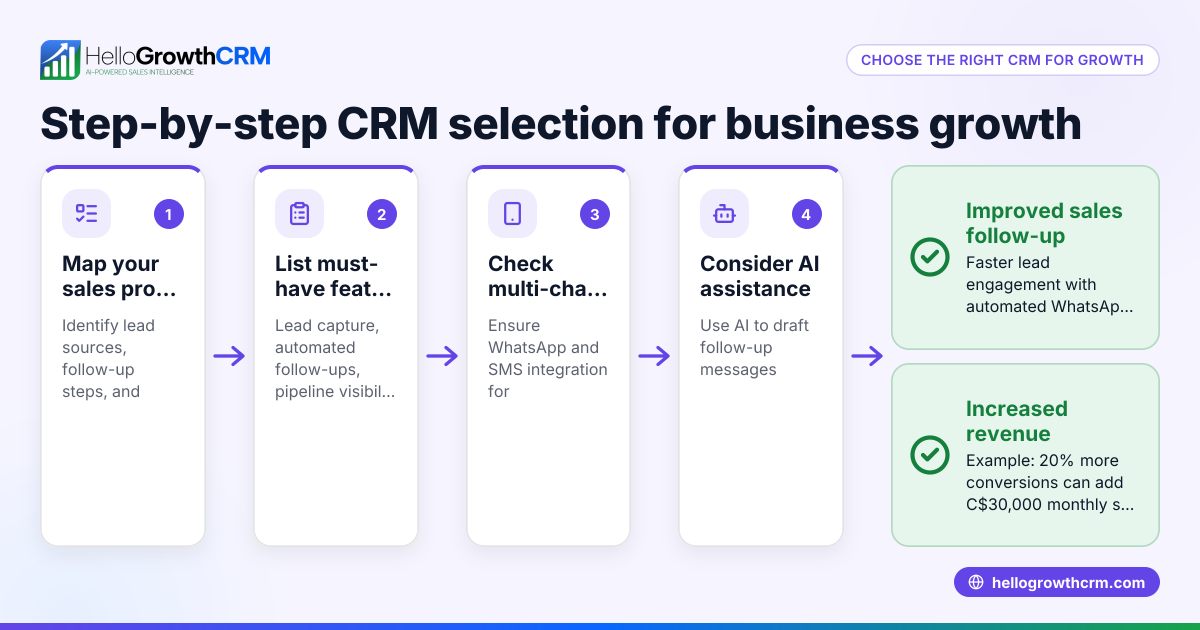
- List your must-have features. Identify what your business needs: lead capture, pipeline management, follow-up reminders, email or messaging sequences, reporting, or integrations with your website or tools.
- Set a realistic budget. Decide how much you can spend monthly or annually on CRM software, considering potential growth.
- Compare pricing models. Check if pricing is per user, per contact, or tiered by features. Watch for extra fees for add-ons like calling or messaging.
- Test usability. Use free trials or demos to see if the CRM is easy for your team to learn and use daily.
- Check support and updates. Find out if customer support is included and how often the software is updated.
- Review integration options. Ensure the CRM can connect with your website forms, email, or other apps.
- Consider scalability. Choose a CRM that can grow with your business without forcing a costly switch later.
- Read user reviews and ask peers. Learn from other Canadian small businesses about their experiences.
Example (fictional figures)
A mortgage brokerage in Mississauga, Ontario, with 5 employees wants a cheap CRM to track leads from their website and manage follow-ups.
- Monthly budget: C$50
- Needs: lead capture, pipeline view, email and SMS follow-ups
They compare two CRM options:
Option A:
- Monthly fee: C$40 for 3 users
- Includes lead capture, pipeline, email sequences
- SMS and calling cost extra
Option B:
- Monthly fee: C$30 for 2 users
- Includes lead capture, pipeline, email, and SMS follow-ups
- Extra users: C$10 each
They choose Option B because SMS follow-ups are important for their market.
Calculation for 5 users with Option B:
C$30 + (3 × C$10) = C$30 + C$30 = C$60 per month
This is slightly above budget but covers all needed features without surprise costs.
Common mistakes
- Choosing the cheapest option without testing usability. Prevent by trying demos and ensuring the team can use it easily.
- Ignoring additional costs for essential features like SMS or calling. Prevent by reading pricing details carefully.
- Picking a CRM that doesn’t integrate with your existing tools. Prevent by verifying integration options before buying.
- Not considering future growth needs. Prevent by choosing scalable software.
- Overlooking customer support quality. Prevent by checking support options and response times.
- Failing to involve the sales team in evaluation. Prevent by getting feedback from users early.
Doing this in HelloGrowthCRM
HelloGrowthCRM offers a Free Forever plan for two-person teams to run their pipeline at no cost, including a full Kanban pipeline and task management. While WhatsApp and SMS messaging features are on paid plans, WhatsApp conversations with leads are logged on the lead record, and follow-ups can be sent as messages. AI agents can draft follow-up messages after calls, so reps only review and send them. Learn more about the WhatsApp and SMS CRM and the built-in CRM dialer features. For Canadian businesses, see HelloGrowthCRM for Canada.
Frequently asked questions
What is the difference between a cheap CRM and a free CRM? A cheap CRM usually charges a low monthly fee and may include more features or users than a free CRM. A free CRM often has limits on users, contacts, or features. Your choice depends on your business size and needs.
Can I switch CRMs easily if I pick a cheap one first? Switching CRMs can be time-consuming and may require exporting and importing data. It’s best to choose a CRM that can grow with your business to avoid switching costs.
Are there hidden costs with cheap CRMs? Sometimes, yes. Features like SMS, calling, integrations, or extra users might cost extra. Always check the pricing details carefully.
How important is ease of use in a cheap CRM? Very important. A CRM that your team doesn’t use wastes time and money. Test the software with your team before buying.
Can I use WhatsApp or SMS with a cheap CRM? Some CRMs include WhatsApp and SMS messaging features, but they may be on higher-priced plans. HelloGrowthCRM supports WhatsApp and SMS messaging on paid plans, with conversation logging and follow-up sequences.
Key takeaways
- Define your must-have CRM features before shopping.
- Set a clear budget and watch for extra fees.
- Test CRM usability with your team.
- Check integration and scalability options.
- Avoid common mistakes like ignoring hidden costs or future needs.
- Consider HelloGrowthCRM’s Free Forever plan for a no-cost start.
Start managing your leads better today with a CRM that fits your budget and needs. Start on the Free Forever plan (200 leads, no credit card).
Ready to put this into practice?
Set up your pipeline, WhatsApp follow-ups, and AI lead scoring in minutes — free, no credit card.
Try HelloGrowthCRM freeGet CRM tips in your inbox
Join thousands of sales professionals who get weekly insights on CRM strategy, AI automation, and pipeline optimization.

The HelloGrowthCRM team publishes guides on CRM strategy, AI sales tools, and revenue operations for small business sales teams.