HelloGrowthCRM software
Built for real small-business sales teams
HelloGrowthCRM helps reps qualify faster, follow up on time, and close more deals—with practical automation in one place.
- AI lead scoring and pipeline visibility
- Built-in dialer, WhatsApp, and email automation
- Sales forecasting and RevOps-ready reporting
A staffing CRM is specialized software designed to manage candidate and client relationships, track job orders, and streamline communications for staffing agencies. This article explains why staffing businesses need a CRM, steps to evaluate and select one, common pitfalls to avoid, and how HelloGrowthCRM supports staffing teams with features like WhatsApp and SMS integration and AI-powered follow-ups.
Why this comes up / what goes wrong
Small and mid-sized staffing agencies often manage leads, candidates, and job orders using email, spreadsheets, and text messages. This scattered approach causes slow follow-up, lost leads, and missed placements. Without a dedicated CRM, it is difficult to track conversations, schedule interviews, and keep client data organized. As a result, agencies lose potential placements and revenue. Owners and sales leaders search for a "staffing CRM" to find software that can centralize these processes, improve team collaboration, and automate repetitive tasks.
Step-by-step
- Identify your staffing agency’s core needs. List what your team must track, such as candidate profiles, client contacts, job orders, interview scheduling, and follow-up communications.
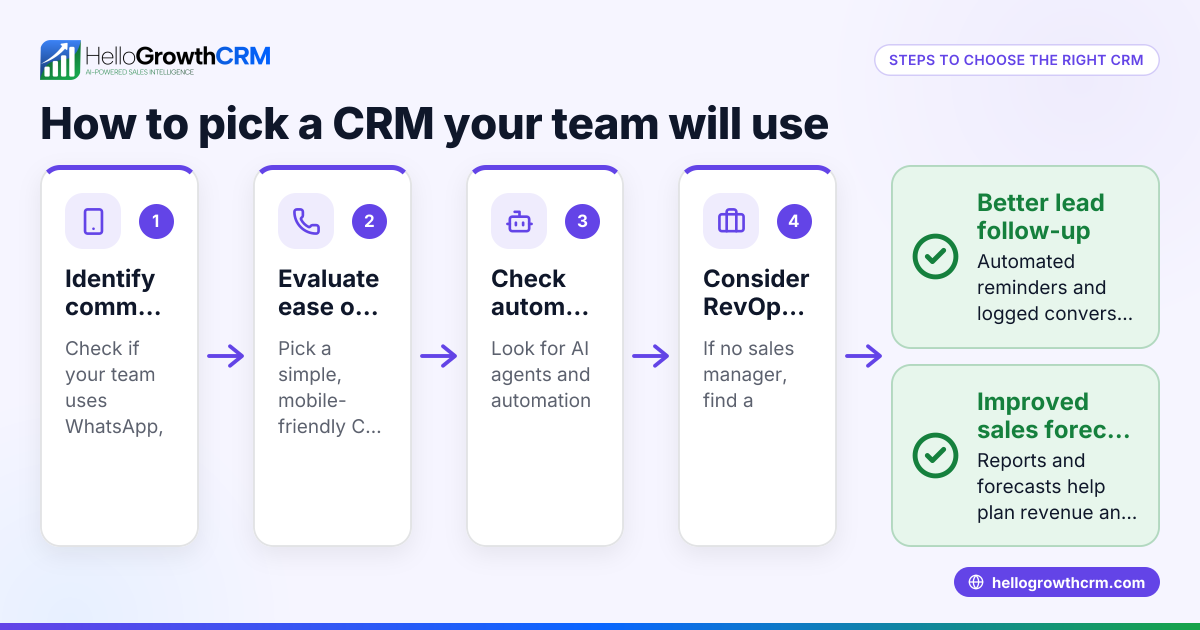
- Check communication channels supported. Confirm the CRM handles the channels your team uses, like WhatsApp, SMS, and email, to keep conversations logged and accessible.
- Evaluate automation features. Look for AI-powered tools that draft follow-up messages or update records automatically to save time.
- Consider team size and scalability. Ensure the CRM supports your current team and can grow as you add more recruiters or sales reps.
- Assess ease of use and adoption. Choose a CRM your team will actually use daily, with a simple interface and mobile access.
- Review pricing and plans. Understand what features are included at each price level and whether a free or trial plan is available.
- Test integrations. Confirm the CRM can capture leads from your website forms or other software you use.
- Request demos or trials. Use them to see how well the CRM fits your workflow and whether it improves your follow-up speed.
- Check reporting and forecasting. Ensure the CRM provides clear pipeline views and sales forecasts to manage your business better.
- Verify support and training resources. Confirm you can get help quickly and that training materials are available.
Example (fictional figures)
A staffing agency in Charlotte, North Carolina, called "TalentFinders," wants to improve follow-up speed and candidate tracking. They currently lose about $50,000 monthly in potential placements due to slow responses.
- Monthly revenue loss due to slow follow-up = $50,000
- They estimate a CRM can reduce this loss by 60%.
Calculations:
$50,000 × 60% = $30,000 (potential monthly recovery)
Annual recovered revenue:
$30,000 × 12 months = $360,000
TalentFinders invests $500 monthly in a CRM subscription.
Annual CRM cost:
$500 × 12 = $6,000
Net annual gain:
$360,000 - $6,000 = $354,000
With a CRM, TalentFinders can potentially recover $354,000 annually by improving follow-up and placement rates.
Common mistakes
- Choosing a CRM without staffing-specific features. Prevent by verifying the CRM supports candidate and job order tracking.
- Ignoring communication channels your team uses. Prevent by confirming WhatsApp and SMS support to log conversations and send follow-ups. See WhatsApp and SMS CRM.
- Overlooking ease of use. Prevent by involving your team in demos and selecting user-friendly software.
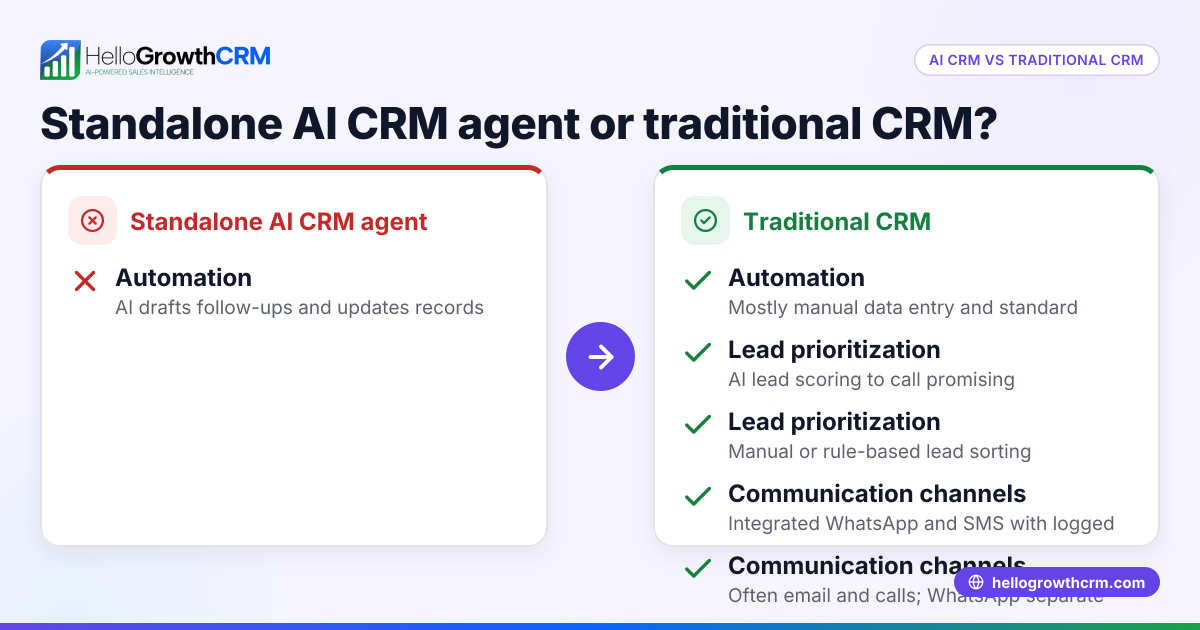
- Not testing automation capabilities. Prevent by assessing AI agents that draft follow-ups after calls to save time.
- Underestimating the need for scalability. Prevent by choosing a CRM that grows with your team.
- Skipping integration checks. Prevent by ensuring the CRM captures leads from your web forms or other sources.
Doing this in HelloGrowthCRM
HelloGrowthCRM supports staffing teams with WhatsApp and SMS messaging workflows that log conversations on lead records and allow follow-ups directly as messages. Its AI agents (currently in beta) draft follow-up messages after calls for rep review and sending, saving time and improving response speed. The Free Forever plan lets a two-person team run a full pipeline at no cost until calling or WhatsApp automation is needed. Learn more about WhatsApp and SMS CRM and the built-in CRM dialer. For US businesses, see HelloGrowthCRM for the United States.
Frequently asked questions
What is a staffing CRM? A staffing CRM is software tailored to manage candidates, clients, and job orders for staffing agencies. It centralizes communication, tracks placements, and automates follow-ups.
How does a staffing CRM differ from a general CRM? Staffing CRMs include features specific to recruiting, like candidate profiles, job order tracking, interview scheduling, and integration with communication channels like WhatsApp and SMS.
Can a staffing CRM handle WhatsApp messages? Yes, some staffing CRMs, including HelloGrowthCRM, log WhatsApp conversations on lead records and enable follow-ups via WhatsApp messages, improving engagement. See WhatsApp and SMS CRM.
Are there free staffing CRM options? Some CRMs offer free plans suitable for small teams. HelloGrowthCRM’s Free Forever plan supports two users managing a pipeline at no cost until advanced calling or WhatsApp automation is needed.
What should I ask when evaluating staffing CRM software? Ask about supported communication channels, automation features like AI agents, ease of use, scalability, integrations, reporting capabilities, and available support.
Can AI help in a staffing CRM? Yes, AI agents can draft follow-up messages and update records, reducing manual work and speeding up communication. HelloGrowthCRM offers AI agents in beta on its Growth plan.
Key takeaways
- A staffing CRM centralizes candidate and client data, improving follow-up and placements.
- Support for WhatsApp and SMS messaging helps keep all communications logged and accessible.
- AI agents can automate follow-up message drafting, saving time for recruiters.
- Evaluate CRMs based on staffing-specific features, ease of use, scalability, and integrations.
- Free plans like HelloGrowthCRM’s allow small teams to start without upfront costs.
- Testing the CRM with your team ensures better adoption and fit.
Start your staffing CRM journey with HelloGrowthCRM’s Free Forever plan, which supports up to two users managing 200 leads without a credit card at Start on the Free Forever plan (200 leads, no credit card).
Ready to put this into practice?
Set up your pipeline, WhatsApp follow-ups, and AI lead scoring in minutes — free, no credit card.
Try HelloGrowthCRM freeGet CRM tips in your inbox
Join thousands of sales professionals who get weekly insights on CRM strategy, AI automation, and pipeline optimization.

The HelloGrowthCRM team publishes guides on CRM strategy, AI sales tools, and revenue operations for small business sales teams.