HelloGrowthCRM software
Built for real small-business sales teams
HelloGrowthCRM helps reps qualify faster, follow up on time, and close more deals—with practical automation in one place.
- AI lead scoring and pipeline visibility
- Built-in dialer, WhatsApp, and email automation
- Sales forecasting and RevOps-ready reporting
A commercial electrical quote template is essential for businesses to communicate service costs clearly and professionally to clients. It standardizes pricing, scope, and terms, reducing misunderstandings and speeding up approval. This article explains why businesses need this template, how to build one step-by-step, a detailed example with figures, common pitfalls, and how HelloGrowthCRM can simplify the quoting process.
Why this comes up / what goes wrong
Many small electrical contractors or commercial electrical service providers lose leads or delay projects because their quotes are unclear, incomplete, or slow to produce. Without a ready-to-use template, business owners often scramble to include all necessary details, miss important cost factors, or send inconsistent proposals. This leads to back-and-forth clarifications, lost trust, and missed sales. A commercial electrical quote template ensures every quote includes all required components, is easy to customize, and speeds up client approvals.
Step-by-step
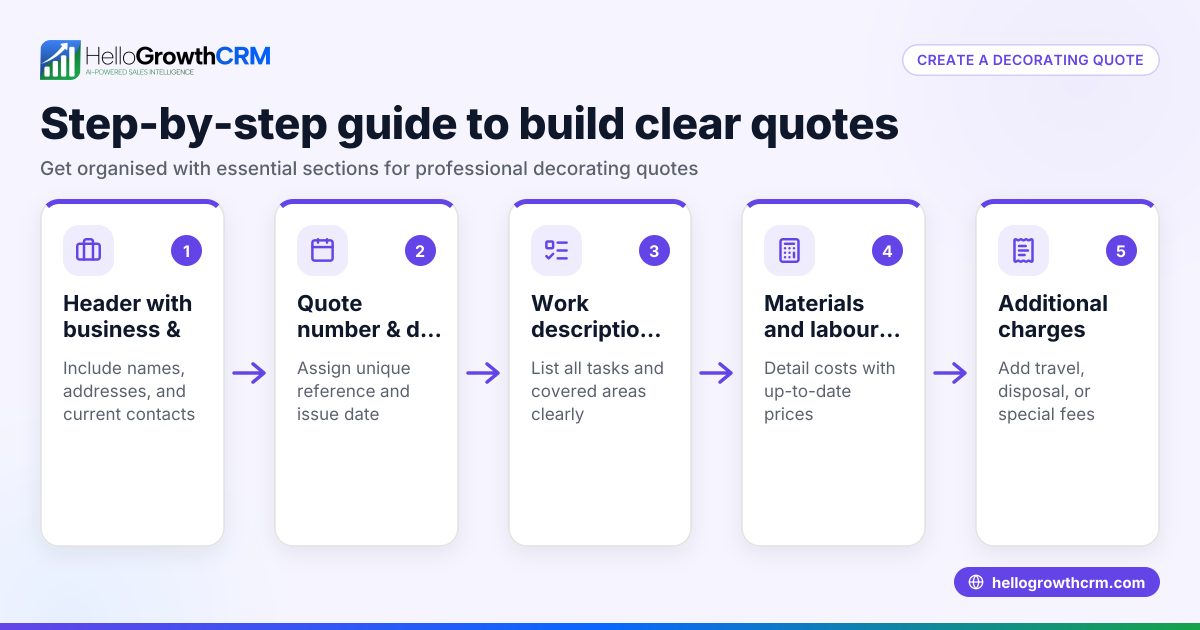
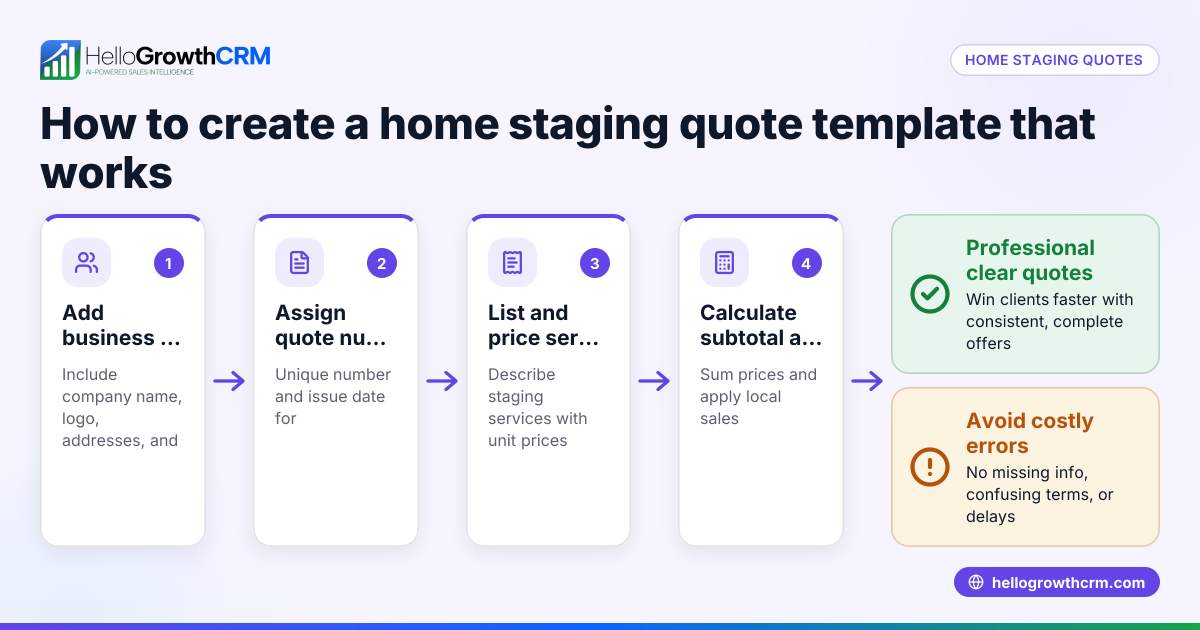
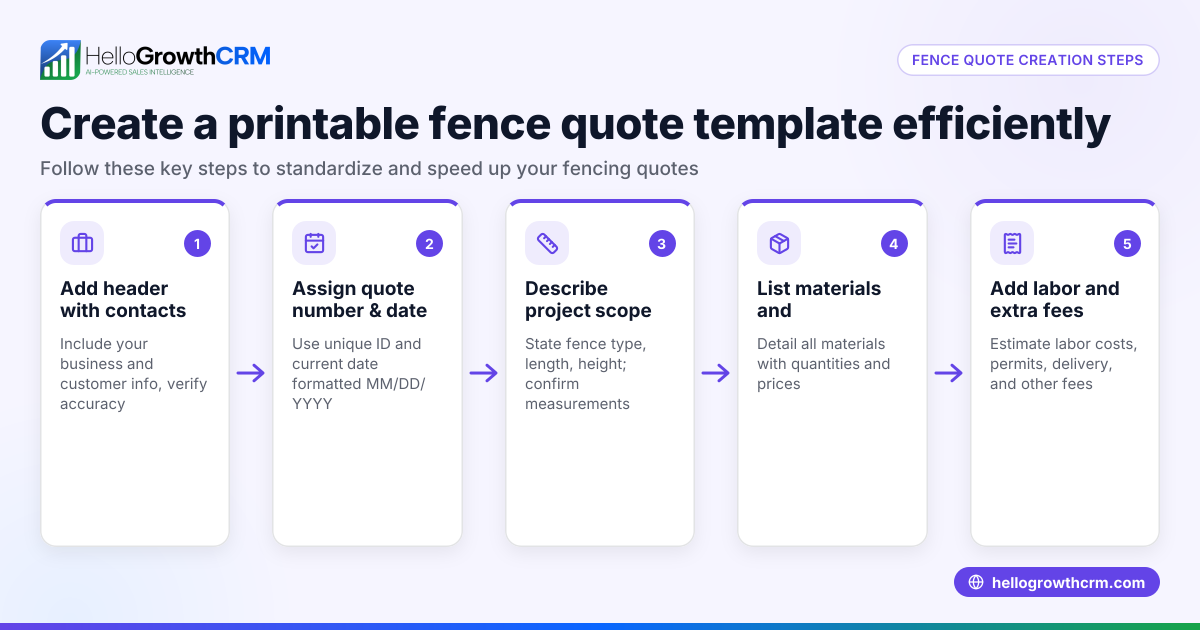
- Start with your company information: Include your business name, address, phone number, email, and license or registration numbers. Check accuracy to build trust.
- Add client details: Name, company, address, and contact information. Confirm spelling and contact points.
- Quote number and date: Assign a unique quote number and the date issued. This helps tracking and referencing.
- Scope of work description: Clearly describe the electrical services or products you will provide. Be specific about locations, materials, and any exclusions.
- Itemized cost list: Break down labor, materials, equipment rental, permits, and any other charges. Use clear units and quantities. Double-check calculations.
- Total price and payment terms: Sum all costs, state the total amount, and specify payment methods and due dates.
- Terms and conditions: Include warranty, validity period of the quote, cancellation policy, and liability disclaimers.
- Signature lines: Provide space for both your representative and the client to sign and date the acceptance.
After drafting, review the template for clarity and completeness. Keep a digital copy to customize quickly for each client. You can also find free sales templates to adapt at sales templates.
Example (fictional figures)
A commercial electrical contractor in Denver, Colorado, issues a quote on 07/15/2026 to install lighting in a new office building.
- Labor: 120 hours × $65/hour = $7,800
- Materials: LED fixtures 50 units × $45 = $2,250
- Equipment rental: Scaffolding 5 days × $200/day = $1,000
- Permits: City electrical permit = $500
- Miscellaneous supplies = $450
Total cost calculation: $7,800 + $2,250 + $1,000 + $500 + $450 = $12,000
Payment terms: 50% upfront, balance upon completion within 30 days.
Quote number: CEQ-2026-078
This example shows clear itemization and total pricing, helping the client understand the cost breakdown.
Common mistakes
- Omitting detailed scope: Prevent by always describing exactly what work is included and excluded.
- Skipping itemized costs: Prevent by listing labor, materials, permits separately to avoid confusion.
- No payment terms or deadlines: Prevent by specifying payment schedule and accepted methods.
- Using inconsistent formatting: Prevent by using a standardized template for all quotes.
- Not updating template regularly: Prevent by reviewing costs and terms quarterly.
- Failing to track quote status: Prevent by using a CRM or tracking tool.
You can download a free pipeline or follow-up cadence template to manage your sales process at free sales tools and calculators.
Doing this in HelloGrowthCRM
HelloGrowthCRM offers built-in quoting and proposal tools that let you build, send, and track commercial electrical quotes directly from a deal record. The quote status (sent, viewed, accepted) appears on the same screen as your follow-up task, keeping your sales process organized. You can also generate invoices tied to closed deals and reconcile payments. For additional resources, explore sales templates and free sales tools and calculators without needing an account.
Frequently asked questions
What should a commercial electrical quote template include? It should include company and client details, quote number and date, a detailed scope of work, itemized costs, total price, payment terms, terms and conditions, and signature lines for acceptance.
How do I ensure my quote is competitive but profitable? Research local market rates, calculate all direct and indirect costs accurately, and include a reasonable margin. Regularly update your template with current prices and review competitor pricing.
Can I use a commercial electrical quote template for residential jobs? While some elements overlap, commercial and residential projects differ in scale, regulations, and pricing. It’s best to use a template tailored for commercial projects to cover all necessary details.
How do I follow up after sending a quote? Set reminders and follow-up tasks to check in with clients after sending a quote. Using a CRM like HelloGrowthCRM helps track status and schedule follow-ups efficiently.
Is it better to send quotes as PDFs or editable documents? PDFs are preferred for professionalism and to prevent unauthorized changes. Editable documents can be used internally or for draft discussions.
Key takeaways
- Use a standardized commercial electrical quote template to ensure clarity and consistency.
- Include company and client info, detailed scope, itemized costs, payment terms, and acceptance signatures.
- Review and update your template regularly to reflect current costs and policies.
- Avoid common mistakes like missing details or unclear payment terms by following a checklist.
- Use HelloGrowthCRM’s quoting tools to create, send, and track quotes alongside follow-up tasks.
- Download free sales templates and tools at free sales tools and calculators and sales templates to improve your sales process.
Start organizing your commercial electrical quotes today with HelloGrowthCRM. Start on the Free Forever plan (200 leads, no credit card) to streamline your sales and quoting process.
Ready to put this into practice?
Set up your pipeline, WhatsApp follow-ups, and AI lead scoring in minutes — free, no credit card.
Try HelloGrowthCRM freeGet CRM tips in your inbox
Join thousands of sales professionals who get weekly insights on CRM strategy, AI automation, and pipeline optimization.

The HelloGrowthCRM team publishes guides on CRM strategy, AI sales tools, and revenue operations for small business sales teams.