HelloGrowthCRM software
Built for real small-business sales teams
HelloGrowthCRM helps reps qualify faster, follow up on time, and close more deals—with practical automation in one place.
- AI lead scoring and pipeline visibility
- Built-in dialer, WhatsApp, and email automation
- Sales forecasting and RevOps-ready reporting
A company contact information database is a centralized digital list of business contacts including names, phone numbers, emails, and addresses. It helps small businesses organize leads, customers, and partners for faster communication and better sales follow-up. This article explains why such a database matters, how to create one step-by-step, common mistakes to avoid, and answers frequent questions about managing company contacts.
Why this comes up / what goes wrong
Small-business owners often find themselves juggling contacts scattered across emails, text messages, spreadsheets, and paper notes. This scattered information leads to slow responses, lost leads, and missed sales opportunities. Without a company contact information database, teams waste time searching for details or risk contacting outdated or incorrect information. As businesses grow, managing contacts manually becomes unmanageable, causing frustration and lost revenue.
Step-by-step
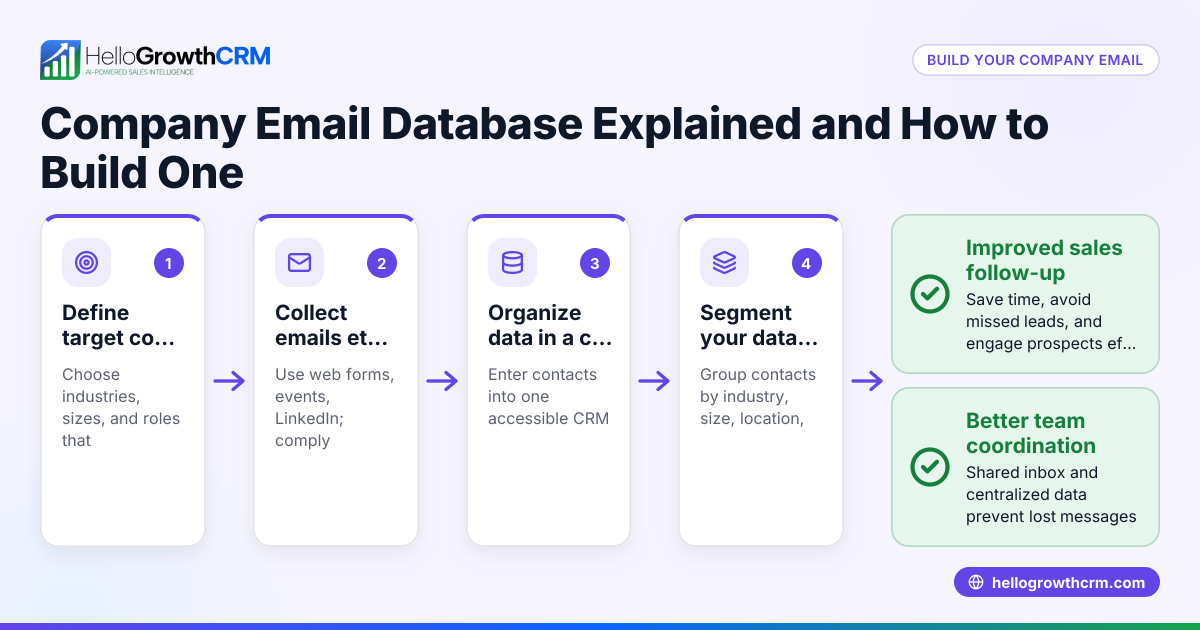
- Gather all existing contact information: Collect contacts from emails, spreadsheets, business cards, text messages, and any other sources. Check for duplicates and outdated entries.
- Choose a format for your database: Decide if you want to use a spreadsheet, a simple database app, or a CRM system designed for small businesses.
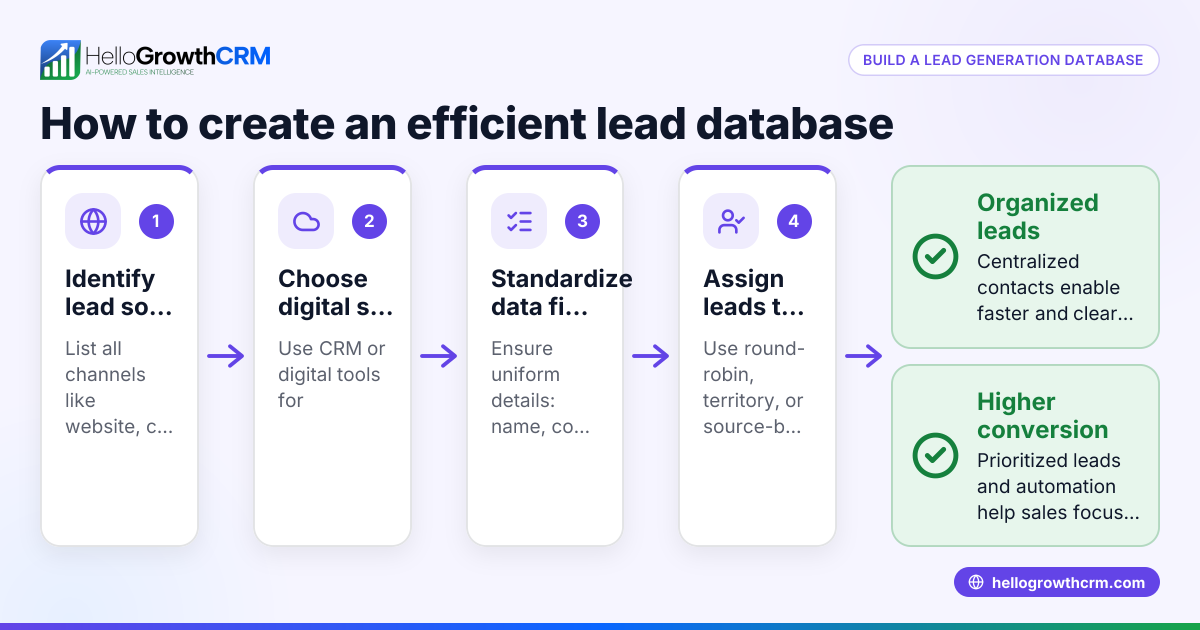
- Standardize data fields: Ensure each contact entry includes consistent fields such as company name, contact person, phone number, email, physical address, and notes.
- Enter or import data carefully: Input the gathered contacts into your chosen system, verifying accuracy as you go.
- Set rules for updating and maintaining: Assign responsibility for keeping the database current. Regularly check and remove outdated contacts.
- Use the database for communication: Leverage the contact information for timely follow-ups via email, phone, SMS, or WhatsApp. Consider tools with built-in dialers or messaging sequences to streamline outreach.
- Secure your data: Protect sensitive contact information with access controls and backups.
- Train your team: Ensure everyone understands how to use and update the database properly to keep it reliable.
Example (fictional figures)
A two-location dental practice in Columbus, Ohio, wants to organize its company contacts for suppliers, insurance companies, and patient referral sources.
- They gather 350 contacts from emails, paper files, and text messages.
- They decide to use a simple spreadsheet with columns for Company Name, Contact Person, Phone, Email, Address, and Notes.
- They remove 50 duplicate or outdated contacts.
- They enter the remaining 300 contacts carefully, verifying phone numbers.
- They assign their office manager to update the list monthly.
- They use the contact list to send reminder texts and emails for appointments.
This process helps the practice respond faster to suppliers and referral partners, improving business relationships and patient care.
Common mistakes
- Not centralizing contacts: Keeping contacts scattered leads to confusion and lost information. Prevent by consolidating all contacts into one database.
- Ignoring data accuracy: Outdated or incorrect phone numbers and emails waste time. Prevent by regularly verifying and updating contacts.
- No update process: Without assigned responsibility, databases become stale. Prevent by setting clear rules and regular maintenance schedules.
- Overcomplicating the system: Using complex software without need can cause low adoption. Prevent by choosing a simple, user-friendly format.
- Failing to train staff: If team members don’t know how to use the database, it won’t be effective. Prevent by providing training and documentation.
- Not securing data: Sensitive information can be exposed or lost. Prevent by restricting access and backing up data.
Frequently asked questions
What is the difference between a contact list and a company contact information database? A contact list is often a simple collection of names and numbers, while a company contact information database is a structured system that includes detailed fields, is regularly updated, and supports organized communication and sales processes.
Can I use a spreadsheet as a company contact information database? Yes, spreadsheets are a common starting point for small businesses. They allow easy entry and sorting but may lack automation features. As your business grows, you might consider CRM software for better management and communication.
How often should I update my contact database? Regular updates are essential. Monthly or quarterly reviews help ensure information stays current. Assigning responsibility to a team member helps maintain accuracy.
What are the benefits of using a CRM with a built-in dialer for contact management? A CRM with a built-in dialer lets you call contacts directly from the database, log calls automatically, and schedule follow-ups. This saves time and ensures no lead is forgotten. See more about the built-in CRM dialer.
Is it safe to store company contacts in a cloud database? Cloud databases can be secure if they have proper access controls, encryption, and backup systems. Always choose reputable providers and follow best practices for data security.
How can I integrate WhatsApp and SMS messaging with my contact database? Some CRM systems support WhatsApp and SMS sequences directly from your contact database, enabling efficient, automated communication. Learn more about WhatsApp and SMS CRM.
Key takeaways
- A company contact information database centralizes and organizes business contacts to improve communication.
- Collect and standardize contact data from all sources, then regularly update it.
- Assign clear responsibility for maintaining the database to keep it accurate.
- Use simple, user-friendly tools that fit your business size and needs.
- Protect your contact data with security measures and backups.
- Consider CRM features like built-in dialers and messaging sequences to streamline outreach.
Start organizing your contacts today to speed up follow-ups and grow your business. For a CRM designed for small businesses in the US, check out HelloGrowthCRM for the United States.
Start on the Free Forever plan (200 leads, no credit card).
Ready to put this into practice?
Set up your pipeline, WhatsApp follow-ups, and AI lead scoring in minutes — free, no credit card.
Try HelloGrowthCRM freeGet CRM tips in your inbox
Join thousands of sales professionals who get weekly insights on CRM strategy, AI automation, and pipeline optimization.

The HelloGrowthCRM team publishes guides on CRM strategy, AI sales tools, and revenue operations for small business sales teams.