HelloGrowthCRM software
Built for real small-business sales teams
HelloGrowthCRM helps reps qualify faster, follow up on time, and close more deals—with practical automation in one place.
- AI lead scoring and pipeline visibility
- Built-in dialer, WhatsApp, and email automation
- Sales forecasting and RevOps-ready reporting
A company email database is a list that stores email addresses and contact information for companies and their relevant personnel. This centralized resource allows small-business owners to manage leads, run targeted campaigns, and follow up efficiently without losing track of conversations.
Why this comes up / what goes wrong
Small-business owners often collect email contacts in scattered places like spreadsheets, text messages, or personal email inboxes. This fragmentation causes slow follow-up, lost leads, and poor team coordination. Without a centralized company email database, sales teams struggle to track conversations, resulting in missed opportunities and wasted time. Managing emails manually also makes it hard to run consistent outreach campaigns or measure results.
Step-by-step
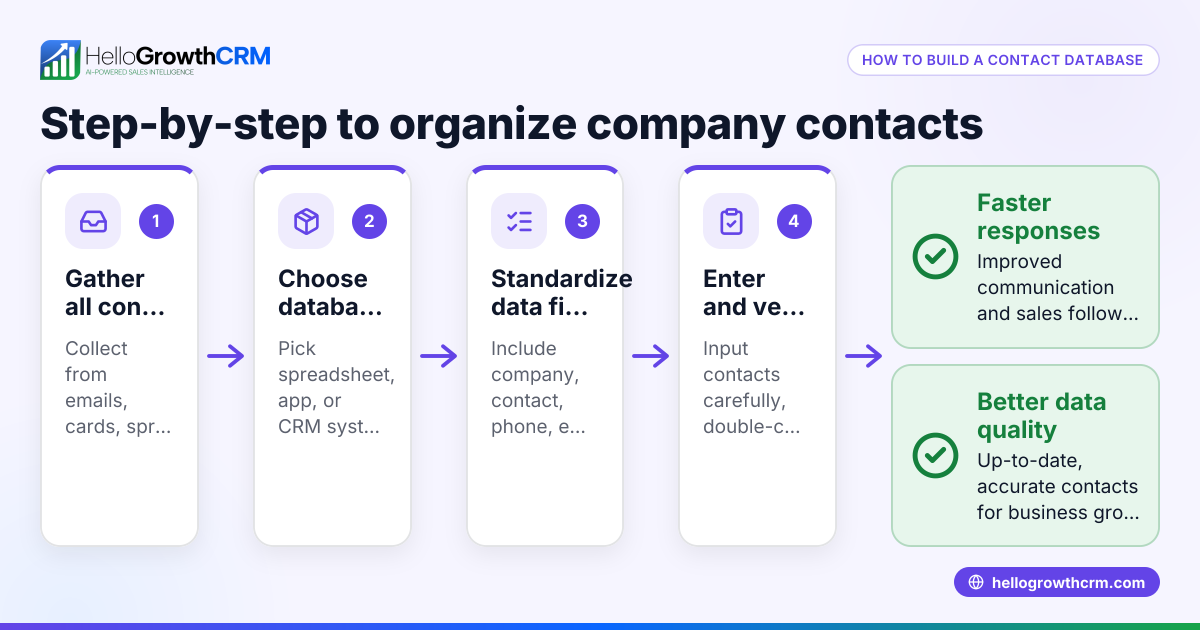
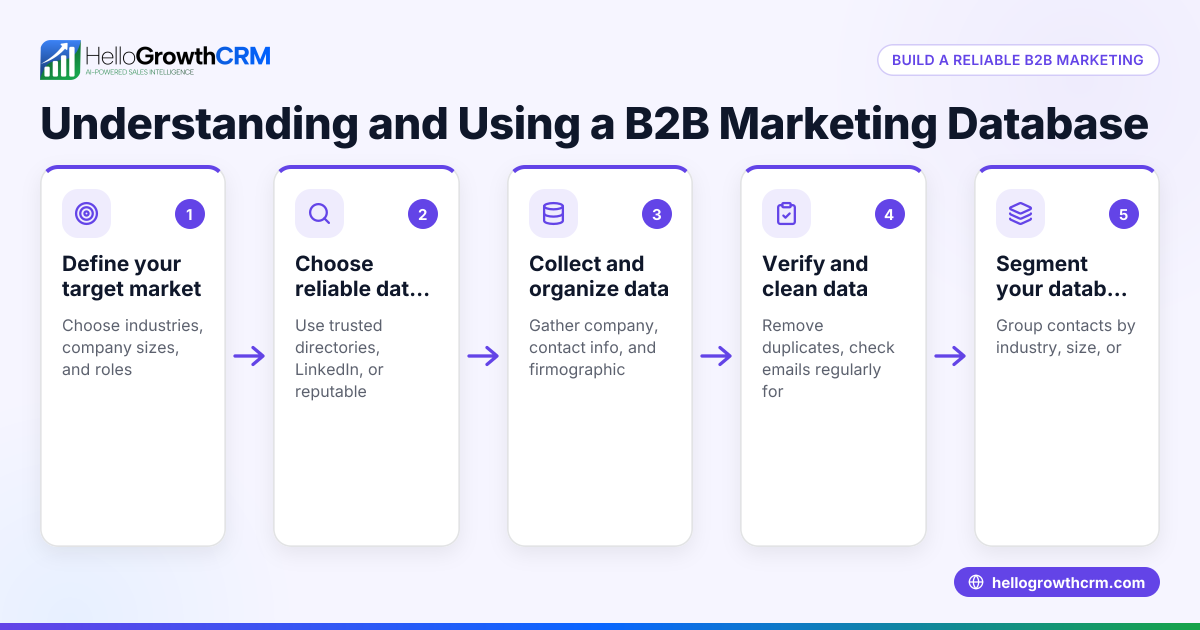
- Define your target companies and contacts: Decide which industries, company sizes, and job roles fit your sales goals. Check that these criteria are clear and practical.
- Collect email addresses ethically and legally: Use web forms on your website, networking events, LinkedIn connections, or purchase from reputable vendors. Always ensure compliance with laws like CAN-SPAM by offering opt-out options; consent is not required before sending emails. (ftc.gov) Verify emails with validation tools to reduce bounce rates.
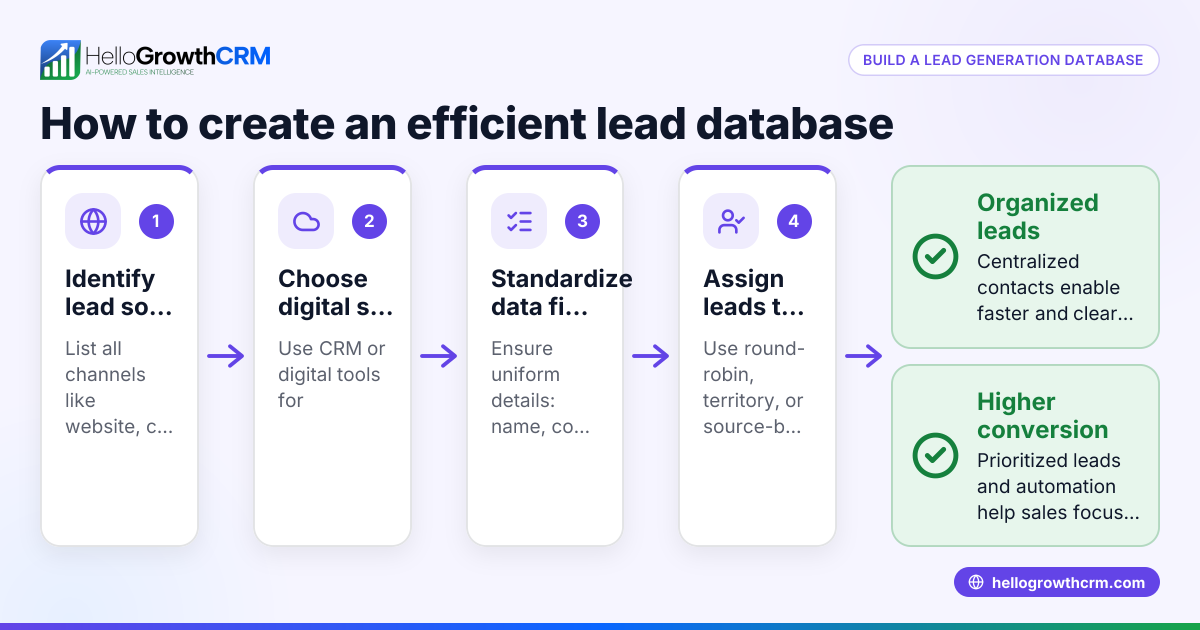
- Organize data in a central system: Enter all collected emails and related details into a CRM or database accessible to your team. Regularly check and update the data for accuracy.
- Segment your database: Group contacts by industry, location, company size, or lead status to tailor your messaging.
- Set up email sequences and campaigns: Automate follow-ups with multi-step workflows that send timed messages until a prospect replies. Track open and response rates to optimize outreach.
- Train your team on usage and updates: Make sure everyone knows how to add new contacts, log interactions, and respond promptly.
- Review and clean your database periodically: Remove invalid or unresponsive contacts every 3-6 months to keep your outreach effective.
For more on automating email outreach, see email automation and sequences.
Example (fictional figures)
An Austin, Texas plumbing company wants to build a company email database targeting property management firms.
- They identify 500 target property management companies.
- They collect 1,000 email contacts (averaging 2 per company) through web forms and events.
- They verify these emails and find 900 are valid.
- They segment the valid contacts into 600 small and 300 medium-sized companies.
- They set up a 5-step email follow-up sequence over two weeks.
Calculations:
Emails collected: 1,000 Invalid emails: 100 Valid emails = 1,000 - 100 = 900
Messages sent per email in the sequence: 5 Total messages = 900 × 5 = 4,500
Cost per message (assumed): $0.10 Total cost = 4,500 × $0.10 = $450
This organized database helps the company automate follow-up, saving time and increasing lead engagement.
Common mistakes
- Collecting emails without consent: Always get permission and follow legal requirements like CAN-SPAM to avoid penalties.
- Storing data in multiple unlinked places: Centralize contacts in one CRM to improve access and reduce errors.
- Not verifying email addresses: Use email validation tools before outreach to avoid bounces and damage to sender reputation.
- Failing to segment the database: Group contacts for targeted messaging to increase relevance and response rates.
- Ignoring follow-up automation: Use sequences and campaigns to ensure timely and consistent contact without manual effort.
- Not updating or cleaning the database regularly: Schedule periodic reviews to remove outdated or unresponsive contacts.
See how WhatsApp and SMS CRM can complement your email outreach for multi-channel engagement.
Doing this in HelloGrowthCRM
HelloGrowthCRM provides a HelloMail shared inbox feature where replies to quotation emails are visible to the entire team on the deal, preventing missed messages and improving collaboration. Additionally, you can set up sequences and campaigns that automate a five-step follow-up over two weeks, stopping immediately when a prospect replies. These features help small and mid-sized businesses manage email outreach efficiently without switching apps. Learn more about these tools at email automation and sequences.
Frequently asked questions
What is a company email database used for? A company email database stores email contacts for targeted outreach, follow-up, and sales campaigns. It helps small-business sales teams organize leads, communicate consistently, and increase efficiency.
How do I build a company email database legally? Collect emails with consent through web forms, networking, or reputable vendors. Follow laws like CAN-SPAM by providing opt-out options and respecting privacy. Verify emails to ensure deliverability and reduce bounce rates.
Can I use spreadsheets instead of a CRM for my email database? Spreadsheets can store contacts but lack automation, shared access, and tracking. A CRM like HelloGrowthCRM centralizes data, automates follow-ups, and improves team collaboration and sales efficiency.
How often should I update my company email database? Review and clean your database regularly to remove invalid or unresponsive contacts and add new leads. Regular updates keep your outreach effective.
What are email sequences and how do they help? Email sequences are automated, timed messages sent to prospects until they respond. They save time, ensure consistent follow-up, and increase engagement. See email automation and sequences for details.
Key takeaways
- A company email database centralizes your business contacts for better sales outreach.
- Collect emails ethically, verify them, and organize them in one system.
- Segment contacts and automate follow-up with email sequences.
- Avoid common mistakes like unverified emails and scattered data storage.
- HelloGrowthCRM offers shared inbox and automated sequences to streamline email management.
Start building your company email database today to speed up follow-up and close more deals. To get started easily, Start on the Free Forever plan (200 leads, no credit card).
Ready to put this into practice?
Set up your pipeline, WhatsApp follow-ups, and AI lead scoring in minutes — free, no credit card.
Try HelloGrowthCRM freeGet CRM tips in your inbox
Join thousands of sales professionals who get weekly insights on CRM strategy, AI automation, and pipeline optimization.

The HelloGrowthCRM team publishes guides on CRM strategy, AI sales tools, and revenue operations for small business sales teams.