HelloGrowthCRM software
Built for real small-business sales teams
HelloGrowthCRM helps reps qualify faster, follow up on time, and close more deals—with practical automation in one place.
- AI lead scoring and pipeline visibility
- Built-in dialer, WhatsApp, and email automation
- Sales forecasting and RevOps-ready reporting
HubSpot is widely recognized for its all-in-one sales, marketing, and service platform, but small business owners often ask how it stacks up against other CRM options. This comparison focuses on key factors relevant to Canadian small businesses, helping you understand where HubSpot excels and where alternatives might be better suited.
Why this comes up / what goes wrong
Small business owners in Canada frequently search "compare HubSpot" when they realize their current sales tools—whether spreadsheets, email threads, or basic contact lists—are causing slow lead follow-up and lost sales. They want a CRM that improves team collaboration, automates routine tasks, and integrates well with their existing tools. However, with multiple CRM platforms available, each with different pricing models, features, and user experiences, it can be hard to choose the right one without a direct comparison.
Step-by-step
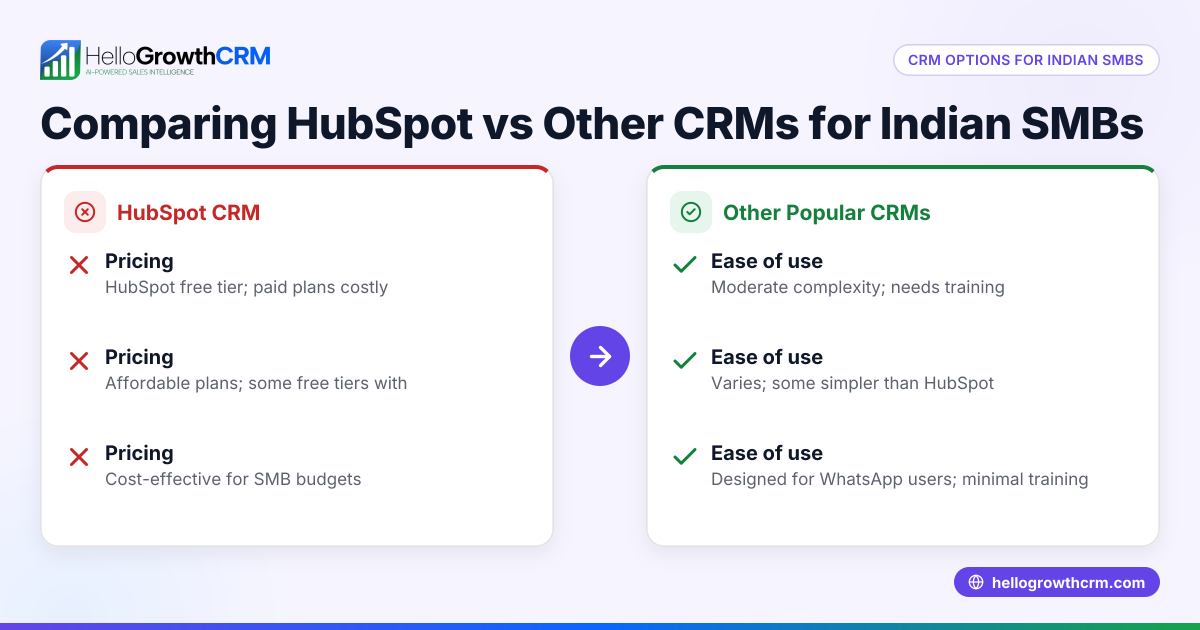
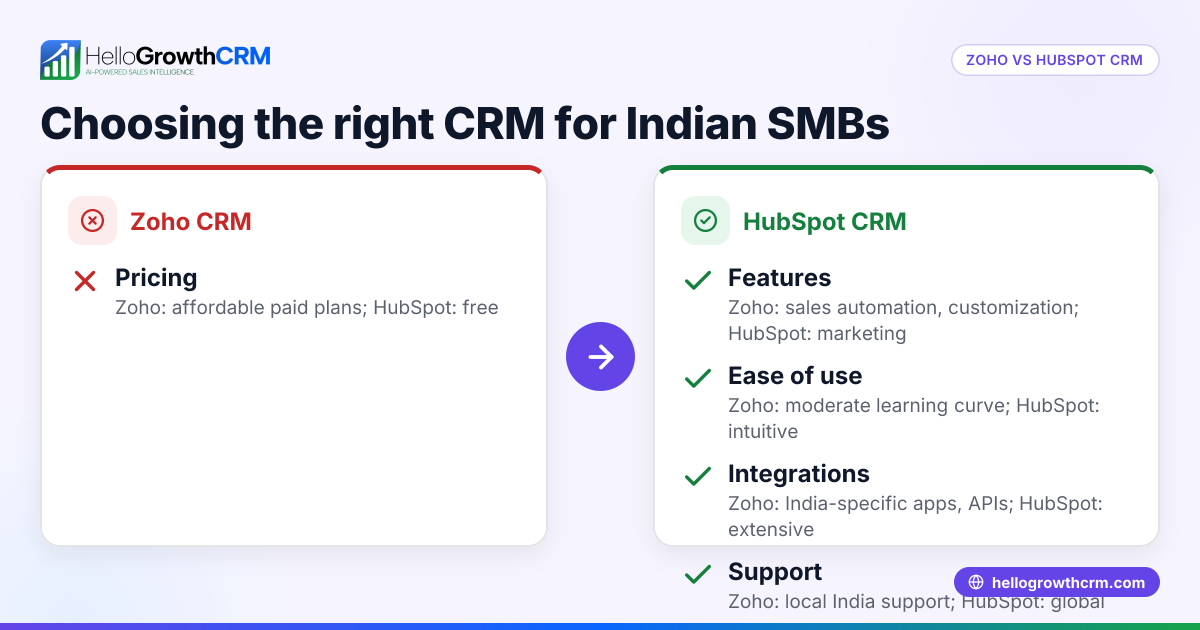
The table below compares HubSpot with typical CRM alternatives on criteria important to Canadian small and mid-sized businesses:
| Criteria | HubSpot | Typical Alternative CRM | Notes for Small Businesses |
|---|---|---|---|
| Pricing Structure | Freemium with tiered paid plans | Usually subscription-based | HubSpot's free tier is generous but paid plans can get costly as you add users and features. Alternatives may offer simpler flat fees. |
| Ease of Use | User-friendly, but feature-rich | Varies; some simpler, some complex | HubSpot has a learning curve due to many features; some alternatives focus on minimalism for faster adoption. |
| Lead Capture & Management | Strong web form and email integration | Varies; some lack native email or form builders | HubSpot excels in capturing and nurturing leads automatically. |
| Integrations | Extensive marketplace | Varies widely | HubSpot integrates with many tools but can be overwhelming. Alternatives may focus on essential integrations. |
| Automation | Advanced workflows and sequences | Basic to moderate automation | HubSpot offers powerful automation; alternatives may be simpler but easier to set up. |
| Reporting & Forecasting | Comprehensive dashboards | Basic to advanced | HubSpot provides detailed analytics; alternatives may lack depth. |
| Support & Resources | Extensive documentation and community | Varies; often smaller support teams | HubSpot has a large knowledge base; smaller CRMs may offer more personalized support. |
Who should pick which?
- Choose HubSpot if: you want an all-in-one solution with extensive features, plan to scale your sales and marketing, and are comfortable with some complexity.
- Choose an alternative CRM if: you prefer simplicity, lower or predictable pricing, or need a CRM tailored to specific workflows without overwhelming features.
For more on how CRM options compare generally, see our compare CRMs page.
Example (fictional figures)
Consider a staffing agency in Halifax, Nova Scotia, evaluating CRM costs and benefits for 10 users in 2024.
- HubSpot Starter Plan costs approximately C$50 per user per month.
- Alternative CRM offers a flat rate of C$400 per month for unlimited users.
Calculations:
HubSpot cost = 10 users × C$50 × 12 months = C$6,000 per year Alternative CRM cost = C$400 × 12 months = C$4,800 per year
If the staffing agency values advanced automation and reporting, HubSpot’s extra C$1,200 may be justified. If budget is tight and they want straightforward features, the alternative CRM saves money.
Common mistakes
- Choosing based on price alone: Lower cost CRMs may lack needed features. Prevent this by listing must-have features first.
- Ignoring user adoption: Complex CRMs can discourage team use. Prevent by trialing the CRM with your team before buying.
- Overlooking integration needs: A CRM that doesn't connect with your email or web forms causes workflow gaps. Prevent by checking integration options upfront.
- Neglecting scalability: A CRM that fits today’s needs but doesn’t scale can cause costly migrations. Prevent by considering growth plans early.
- Skipping support evaluation: Poor support can delay issue resolution. Prevent by testing support responsiveness during trials.
Explore more on choosing the right CRM for Canadian businesses on our HelloGrowthCRM for Canada page.
Frequently asked questions
How does HubSpot compare with Pipedrive? HubSpot offers a broader suite including marketing and service tools, while Pipedrive focuses primarily on sales pipeline management. HubSpot is feature-rich but more complex; Pipedrive is simpler and may suit smaller teams prioritizing sales tracking.
Is HubSpot free for small businesses? HubSpot provides a free CRM tier with basic features suitable for small teams. However, advanced features and more users require paid plans, which can become costly. Alternatives may offer different pricing structures.
What CRM features are essential for Canadian small businesses? Key features include easy lead capture, task automation, integration with email and web forms, and reliable reporting. Support and data security are also important considerations.
Can I switch from HubSpot to another CRM easily? Switching CRMs involves data migration and user retraining. Planning the transition carefully and using migration tools can ease the process.
For more detailed comparisons and CRM advice, visit our WhatsApp and SMS CRM page.
Key takeaways
- HubSpot is strong in features and scalability but may be complex and costly for some small businesses.
- Simpler CRM alternatives can offer easier adoption and predictable pricing.
- Consider your business size, budget, and feature needs carefully before choosing.
- Trial multiple CRMs with your team to assess usability and support.
- Integration and automation capabilities are critical for efficient sales workflows.
- Planning for future growth helps avoid costly CRM changes later.
Start with a CRM that fits your current needs but can grow with your business. To begin, you can Start on the Free Forever plan (200 leads, no credit card).
Ready to put this into practice?
Set up your pipeline, WhatsApp follow-ups, and AI lead scoring in minutes — free, no credit card.
Try HelloGrowthCRM freeGet CRM tips in your inbox
Join thousands of sales professionals who get weekly insights on CRM strategy, AI automation, and pipeline optimization.

The HelloGrowthCRM team publishes guides on CRM strategy, AI sales tools, and revenue operations for small business sales teams.