HelloGrowthCRM software
Built for real small-business sales teams
HelloGrowthCRM helps reps qualify faster, follow up on time, and close more deals—with practical automation in one place.
- AI lead scoring and pipeline visibility
- Built-in dialer, WhatsApp, and email automation
- Sales forecasting and RevOps-ready reporting
A contractor call back system is essential for construction businesses to handle client inquiries promptly and systematically. Without it, leads can be lost due to slow or missed responses, affecting revenue and reputation. This article explains why contractors need a call back system, how to set one up, common mistakes to avoid, and a worked example featuring contractors in Nagpur and Hyderabad. It also describes how HelloGrowthCRM’s built-in dialer can simplify calling and logging outcomes.
Why this comes up / what goes wrong
Contractor business owners and accountants in India often face challenges managing incoming calls and leads across multiple projects. For example, a civil contractor in Nagpur may receive calls about ongoing projects with retention payments due, while an interior contractor in Hyderabad might handle numerous small leads from site visits or referrals. Without a clear call back system:
- Calls and follow-ups get missed or delayed.
- Information about client needs or project status is scattered.
- Sales or contract opportunities slip away.
- Telecalling teams or sales staff waste time on uncoordinated outreach.
A call back system tailored to contractors helps organise callbacks by priority, track outcomes, and maintain a history of communication linked to projects and clients. This is crucial when billing, retention, and multiple stakeholders are involved.
Step-by-step
- List all incoming call sources: Identify where calls come from—phone lines, WhatsApp, IndiaMART inquiries, site visits, or referrals. Check if these sources are recorded or tracked.
- Create a lead capture and logging process: Ensure every inquiry is logged with client details, inquiry date, and project type. Verify the system captures caller contact info accurately.
- Assign responsibility for callbacks: Decide who on the team handles callbacks (telecallers, sales staff, or project managers). Confirm they have clear daily call lists.
- Set callback priority and timing rules: For example, urgent project issues or retention discussions get callbacks within 1 hour; new leads within 24 hours. Check if these rules are documented.
- Use a tracking tool or CRM: Use a system to record call outcomes (interested, call back later, no answer). Check if it links calls to specific projects or contracts.
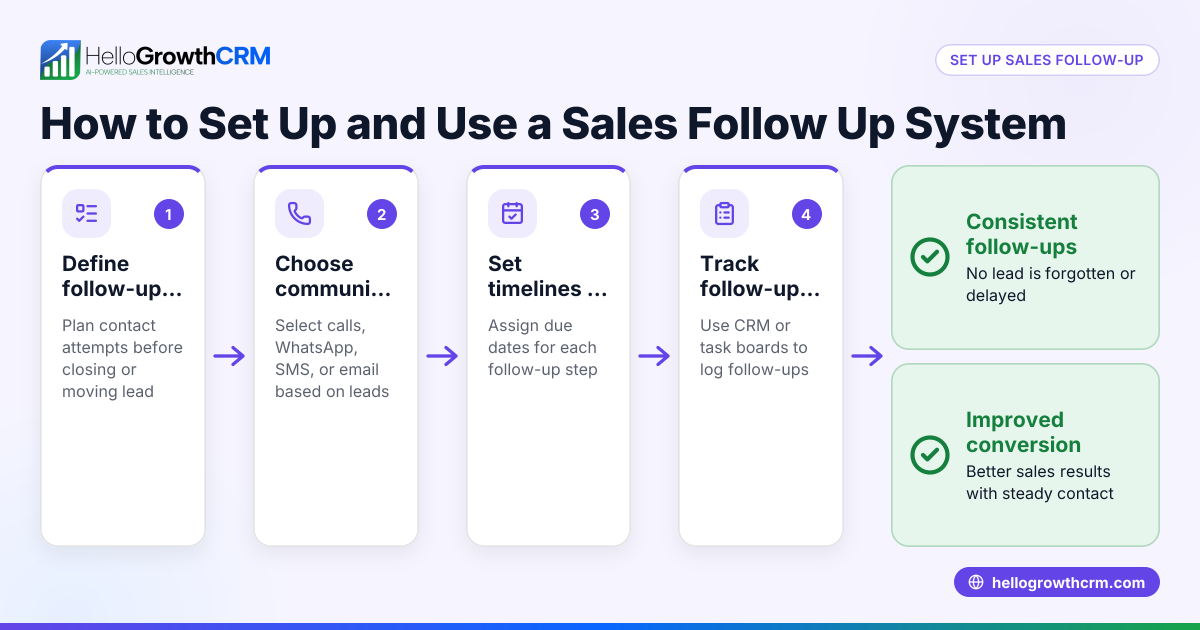
- Schedule follow-ups and reminders: Ensure callbacks are scheduled with reminders. Verify that no lead or client is left without a follow-up.
- Review call logs regularly: Weekly review of call outcomes and pending callbacks helps identify bottlenecks or missed opportunities.
- Train staff on the system: Make sure everyone understands the process and how to use the tools for logging and callbacks.
This stepwise approach helps contractors maintain timely communication and convert leads efficiently.
Example (fictional figures)
A civil contractor in Nagpur receives a retention payment inquiry on 10/03/2024 for a project billed at ₹15,00,000 with 10% retention.
- Retention amount = ₹15,00,000 × 10% = ₹1,50,000
- Client calls on 10/03/2024 requesting callback.
- Telecaller logs the lead and schedules callback within 2 hours.
- Callback made on 10/03/2024, outcome logged as "Retention payment confirmed".
Meanwhile, an interior contractor in Hyderabad gets a new lead on 10/03/2024 for a ₹2,50,000 renovation.
- Lead logged with inquiry date and contact details.
- Callback scheduled within 24 hours.
- Callback made on 11/03/2024, outcome "Site visit scheduled".
This example shows how timely callbacks and logging support project billing and lead conversion.
Common mistakes
- Not logging every call or inquiry: Leads get lost if not captured. Prevent by mandating logging at first contact.
- Delaying callbacks beyond set priority times: Causes client frustration and lost business. Prevent by setting reminders and accountability.
- Using multiple unconnected tools: Leads and call histories scatter across WhatsApp, spreadsheets, and phone logs. Prevent by centralising in one system.
- Lack of clear responsibility: If no one owns callbacks, they fall through cracks. Prevent by assigning roles and monitoring.
- Ignoring follow-up scheduling: Leads need multiple touches. Prevent by scheduling callbacks with reminders.
- Not reviewing call outcomes regularly: Misses chances to improve. Prevent by weekly reviews.
Using a system designed for contractors can help avoid these errors. See Contractors and construction for more.
Doing this in HelloGrowthCRM
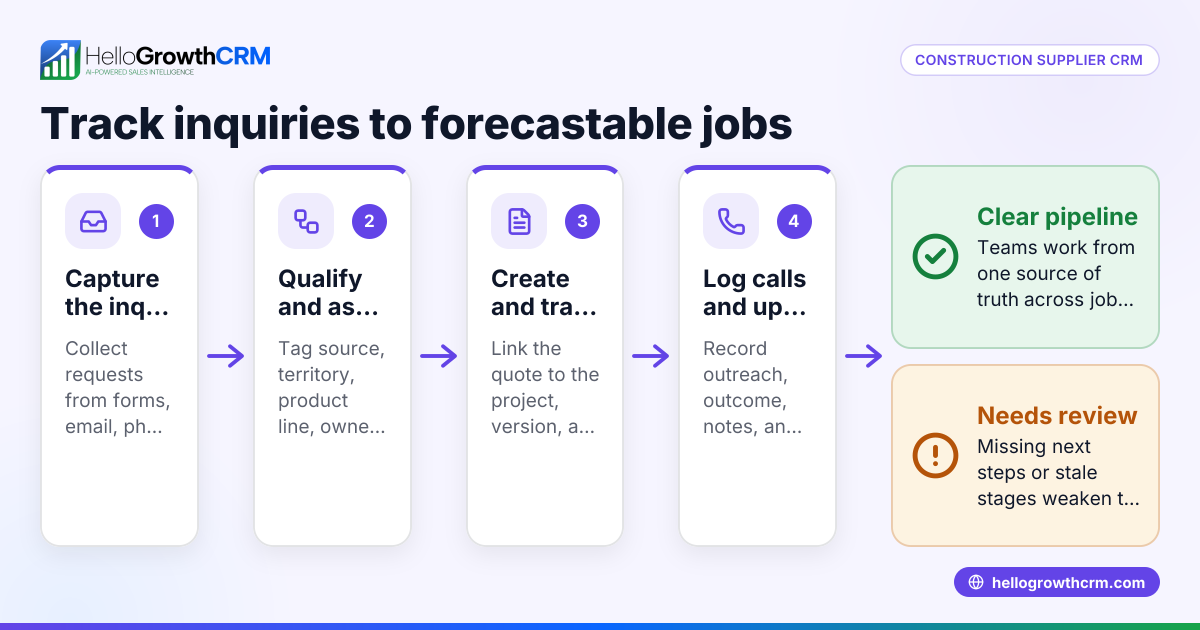
HelloGrowthCRM offers a built-in dialer that lets your telecalling team call leads directly from the CRM. Each call’s outcome is logged on the lead record, keeping a full call history tied to contacts and deals. This helps contractors track callbacks, follow-ups, and project-related communications all in one place. Learn more about the built-in CRM dialer.
Frequently asked questions
What is the best way to prioritise callbacks for contractors? Prioritise callbacks based on lead type and urgency—retention payments or ongoing project queries first, then new leads. Set clear timing rules (e.g., within 1 hour for urgent, 24 hours for new inquiries) and use reminders.
How can I track call outcomes effectively? Use a CRM or call logging tool that links call results to client and project records. This keeps communication history organised and helps plan next steps.
Can WhatsApp be used for contractor call backs? WhatsApp is widely used but managing callbacks solely on WhatsApp can lead to scattered information. Combining WhatsApp with a CRM that logs calls and messages improves tracking and follow-up.
How do I ensure my telecalling team follows the callback system? Assign clear roles, provide training, and monitor call logs regularly. Tools like HelloGrowthCRM’s dialer help by making calls and logging outcomes easy and integrated.
Is it necessary to have a CRM for a small contractor business? Even small teams benefit from a CRM to organise leads, schedule callbacks, and maintain communication history. This reduces lost leads and improves client relationships.
Key takeaways
- A contractor call back system organises incoming inquiries and schedules timely follow-ups.
- Logging every call and its outcome is essential to avoid lost leads.
- Prioritise callbacks based on urgency and lead type.
- Use a single system or CRM to centralise call tracking and follow-ups.
- Assign responsibility and monitor call activity regularly.
- HelloGrowthCRM’s built-in dialer supports efficient calling and logging for contractor teams.
Start managing your contractor callbacks better today. Start on the Free Forever plan (200 leads, no credit card).
Ready to put this into practice?
Set up your pipeline, WhatsApp follow-ups, and AI lead scoring in minutes — free, no credit card.
Try HelloGrowthCRM freeGet CRM tips in your inbox
Join thousands of sales professionals who get weekly insights on CRM strategy, AI automation, and pipeline optimization.

The HelloGrowthCRM team publishes guides on CRM strategy, AI sales tools, and revenue operations for small business sales teams.