HelloGrowthCRM software
Built for real small-business sales teams
HelloGrowthCRM helps reps qualify faster, follow up on time, and close more deals—with practical automation in one place.
- AI lead scoring and pipeline visibility
- Built-in dialer, WhatsApp, and email automation
- Sales forecasting and RevOps-ready reporting
CRM and accounting integration links your customer relationship management data with your financial systems. This connection automates data sharing between sales and accounting, reducing manual entry errors, speeding invoicing, and improving cash flow tracking. For small businesses, this means less duplicated work and clearer financial insights. This article explains why integration is crucial, how to evaluate and implement it step-by-step, includes a fictional example with calculations, outlines common mistakes to avoid, and describes how HelloGrowthCRM supports this process.
Why this comes up / what goes wrong
Small-business owners often use separate tools for sales tracking and accounting—sometimes even spreadsheets for one or both. This separation causes delays and errors. For example, sales teams may not know if invoices are paid, while accounting might miss revenue details or enter data twice. These issues slow cash flow visibility, complicate forecasting, and increase manual workload.
Owners searching for CRM and accounting integration want to automate data flow between sales and finance teams. They aim to reduce errors, speed up invoicing and payment tracking, and get a unified view of customer and financial data. But integration options vary widely, and choosing the wrong approach can cause data mismatches or complicated setups.
Step-by-step
- Identify your business needs: Write down which processes you want integrated, such as syncing customer contacts, automating invoice creation, tracking payments, or generating sales reports.
- Review your current software: List the CRM and accounting software you currently use or plan to use. Check if they have built-in connectors or support integration through APIs or third-party tools.
- Research integration options: Look for direct integrations, middleware platforms, or custom API connections. Verify if the integration supports real-time syncing or batch updates.
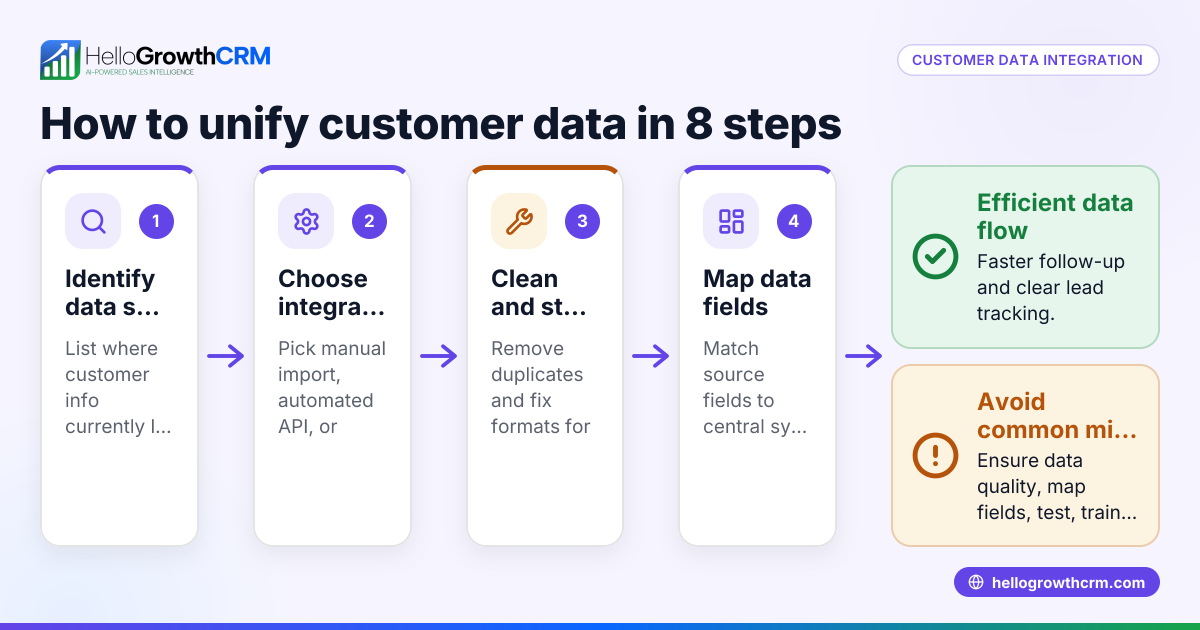
- Map data fields: Compare customer, product, invoice, and payment data fields between systems. Ensure they match to avoid errors during syncing.
- Evaluate user experience: The integration should simplify workflows for sales and accounting teams without requiring manual data transfers.
- Test integration with sample data: Use real or dummy data to verify that syncing works correctly before full deployment.
- Train your team: Educate sales and accounting staff on how the integrated system works and what new steps they need to follow.
- Monitor and maintain: Regularly check integration health, fix errors promptly, and update connections as software changes.
For more on connecting software, see integrations.
Example (fictional figures)
A plumbing company in Austin, Texas, wants to integrate its CRM and accounting to speed up billing and cash flow visibility.
- Monthly sales recorded in CRM: $48,000
- Average invoice processing delay without integration: 7 days
- Goal: Reduce delay to 1 day with integration
Without integration: Salespeople manually enter $48,000 into accounting after 7 days, delaying cash flow updates.
With integration: Sales data flows automatically daily.
Calculate daily sales: $48,000 ÷ 30 days = $1,600 per day
By reducing delay to 1 day, accounting sees almost real-time sales: $1,600 × 1 day = $1,600 daily sales updated
This faster update improves cash flow forecasting and speeds up collections.
Common mistakes
- Ignoring data field mismatches: Prevent by carefully mapping CRM and accounting data fields before integration.
- Choosing incompatible software: Check software compatibility and available integrations upfront to avoid costly workarounds.
- Skipping testing: Always test integration with sample data to catch errors early.
- Neglecting user training: Train both sales and accounting teams on new workflows to ensure adoption.
- Assuming integration is set-and-forget: Regularly monitor integration health and update connections as software evolves.
Learn more about managing workflows with WhatsApp and SMS CRM and task boards at activities and task boards.
Doing this in HelloGrowthCRM
HelloGrowthCRM supports integration with accounting and other systems through its API and integrations, allowing inquiries to arrive directly as leads. WhatsApp conversations with leads are logged on the lead record, and follow-ups can be sent as messages. Each follow-up becomes a task with a due date, and daily calls appear as a list, reducing memory load and improving follow-up consistency. For details, see integrations, WhatsApp and SMS CRM, and activities and task boards.
Frequently asked questions
What are the benefits of integrating CRM and accounting software? Integration reduces manual data entry, minimizes errors, speeds up invoicing and payment tracking, and provides a unified view of customer and financial data.
Can I integrate HelloGrowthCRM with popular accounting software? Yes, HelloGrowthCRM offers API and integrations with other business tools, enabling data syncing and lead capture from sources such as web forms and other connected lead sources.
How do I ensure data accuracy between CRM and accounting? Careful data mapping, testing integration with sample data, and ongoing monitoring help maintain accuracy and prevent mismatches.
Is user training necessary for integrated systems? Yes, training ensures sales and accounting teams understand new workflows and can use the integrated system effectively.
What should I do if integration stops working? Check for software updates, review API connection status, and consult support to troubleshoot and restore syncing.
Key takeaways
- Integration connects sales and financial data, reducing errors and saving time.
- Evaluate needs, compatibility, data mapping, and user experience before choosing integration.
- Test thoroughly and train your team to ensure smooth adoption.
- Monitor integration regularly to keep it reliable.
- HelloGrowthCRM supports integration with key platforms and logs communications and tasks to streamline workflows.
Start integrating your CRM and accounting smoothly. Start on the Free Forever plan (200 leads, no credit card).
Ready to put this into practice?
Set up your pipeline, WhatsApp follow-ups, and AI lead scoring in minutes — free, no credit card.
Try HelloGrowthCRM freeGet CRM tips in your inbox
Join thousands of sales professionals who get weekly insights on CRM strategy, AI automation, and pipeline optimization.

The HelloGrowthCRM team publishes guides on CRM strategy, AI sales tools, and revenue operations for small business sales teams.