HelloGrowthCRM software
Built for real small-business sales teams
HelloGrowthCRM helps reps qualify faster, follow up on time, and close more deals—with practical automation in one place.
- AI lead scoring and pipeline visibility
- Built-in dialer, WhatsApp, and email automation
- Sales forecasting and RevOps-ready reporting
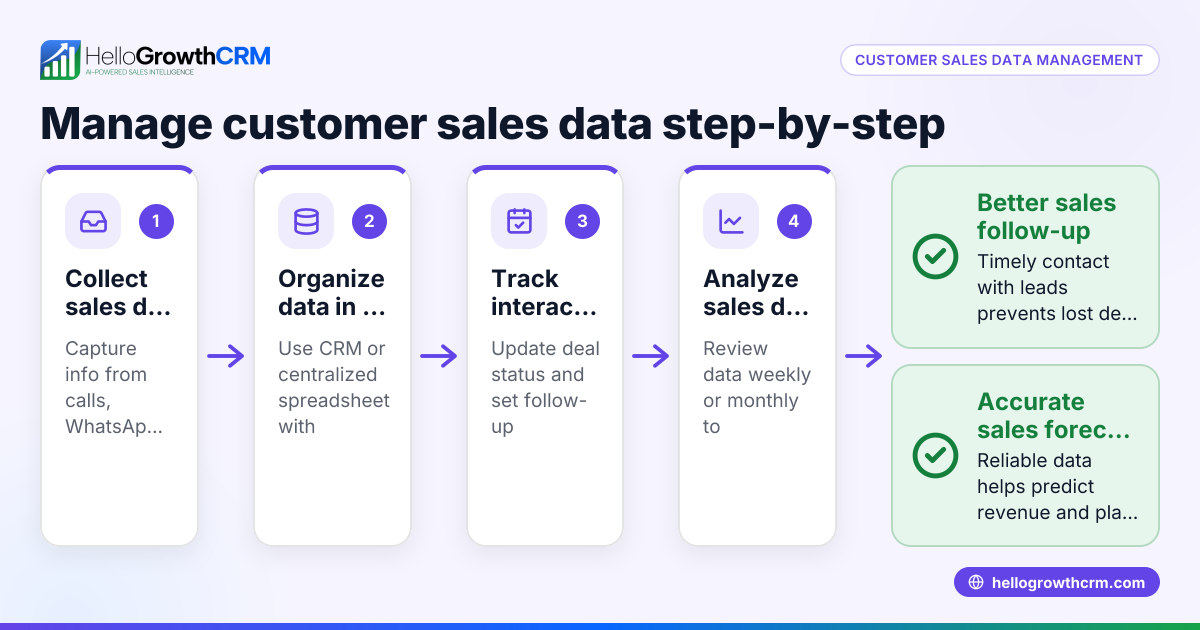
Customer data integration is the process of collecting and unifying customer information from multiple sources—such as web forms, emails, phone calls, WhatsApp messages, and sales platforms—into a single system. This helps businesses avoid losing leads, reduces manual data entry, and provides a clearer view of each customer’s journey.
Why this comes up / what goes wrong
Small-business owners often face scattered customer data stored in different places like spreadsheets, text messages, email threads, or separate apps. This fragmentation causes slow follow-up, missed sales opportunities, and poor customer service. For example, a lead captured on a website might not get added promptly to the sales pipeline, or customer service requests might be handled separately without context from sales data. Without integration, teams spend time duplicating efforts and risk inconsistent communication.
Step-by-step
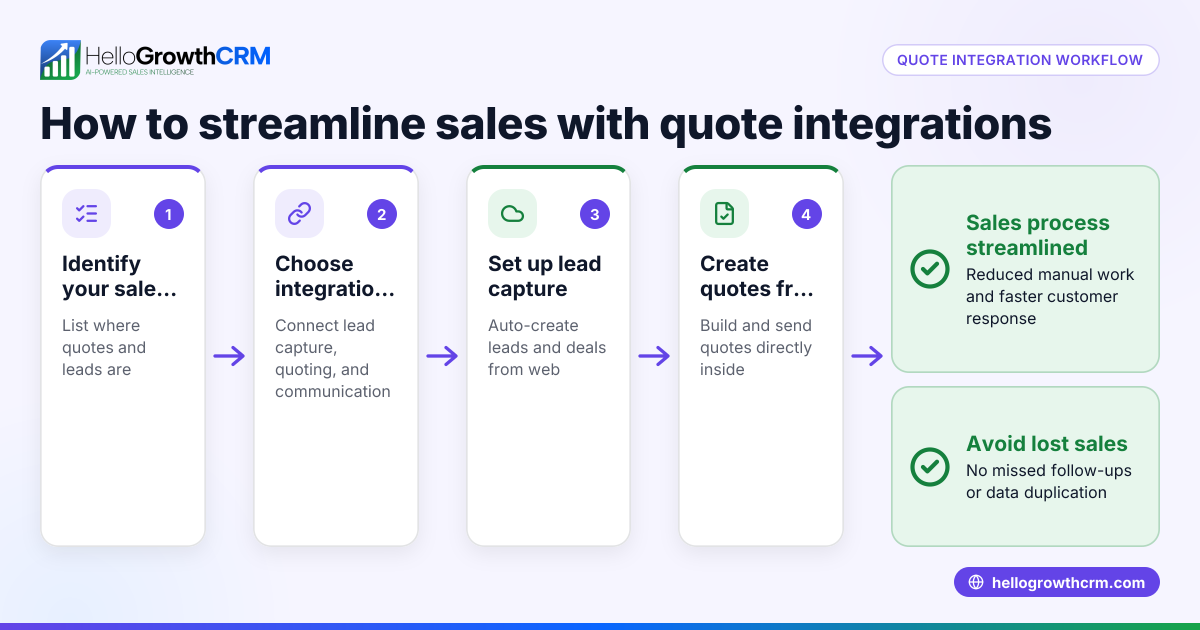
- Identify all customer data sources: List where customer information currently resides—CRM, email, WhatsApp messages, spreadsheets, web forms, or third-party platforms.
- Choose your integration method: Decide if you will use manual import/export, automated API connections, or integration tools that sync data in real time.
- Clean and standardize data: Check for duplicates, incomplete records, or inconsistent formats. Standardizing ensures smooth merging.
- Map data fields: Match fields from each source to your central system’s fields (e.g., name, phone, email, lead status).
- Set up data syncing: Configure your system or integration tool to import and update customer records regularly.
- Test the integration: Verify that new and updated data from all sources appears correctly in your central system.
- Train your team: Ensure everyone knows how to use the integrated system and enter data consistently.
- Monitor and maintain: Regularly check for errors, duplicates, or missing data and adjust integration settings as needed.
For more on connecting multiple platforms, see integrations.
Example (fictional figures)
GreenLeaf Landscaping in Charlotte, North Carolina, wants to integrate customer data from their website form, WhatsApp messages, and manual phone logs into one CRM.
- Website leads last month: 300
- WhatsApp inquiries last month: 150
- Phone logs last month: 50
Step 1: Identify sources — website form, WhatsApp, phone logs.
Step 2: Choose integration — use API connections for website and WhatsApp, manual import for phone logs.
Step 3: Clean data — remove 20 duplicate phone entries.
Step 4: Map fields — name, phone, email, inquiry date, source.
Step 5: Set up syncing — configure API to import website and WhatsApp leads daily.
Step 6: Test — confirm 480 leads appear correctly.
Calculation for total leads after removing duplicates:
300 (website leads) + 150 (WhatsApp inquiries) + 50 (phone logs) = 500 (total raw leads)
500 - 20 (duplicate phone entries) = 480 (cleaned leads)
Step 7: Train team — sales reps learn to update lead status in CRM.
Step 8: Monitor — monthly review finds 5 missing phone logs; adjust manual import process.
This integration helps GreenLeaf respond faster and track lead sources clearly.
Common mistakes
- Ignoring data quality: Poor or duplicate data causes confusion. Prevent by cleaning and standardizing before integration.
- Not mapping fields properly: Leads to missing or misplaced information. Prevent by carefully matching fields during setup.
- Lack of testing: Errors unnoticed cause lost leads. Prevent by thorough testing before going live.
- Overlooking team training: Users may enter data inconsistently. Prevent by training and clear data entry guidelines.
- Failing to monitor: Integration issues can arise over time. Prevent by scheduling regular audits.
- Relying on manual updates only: Slows down data flow. Prevent by automating syncing where possible.
For tips on tracking customer engagement after integration, see customer health score.
Doing this in HelloGrowthCRM
HelloGrowthCRM supports customer data integration with API and integrations that bring inquiries from web forms and other connected lead sources directly as leads into the CRM. HelloGrowthCRM has completed a SOC 2 Type II examination and supports CCPA data-subject rights. After the sale, customer service requests, referrals, and support tickets remain linked to the same customer record, keeping all information unified and accessible. Learn more about these features at HelloGrowthCRM for the United States.
Frequently asked questions
What is the main benefit of customer data integration? It centralizes customer information, reducing manual work and improving response times. This leads to better sales follow-up and customer service.
How often should customer data be synced? It depends on your business needs. Real-time or daily syncing works well for active sales teams, while weekly may suffice for slower cycles.
Can I integrate WhatsApp messages with my CRM? Yes, many CRMs, including HelloGrowthCRM, support WhatsApp integration to capture leads and conversations directly.
Is customer data integration secure? Security depends on the CRM and integration tools you use. HelloGrowthCRM follows SOC 2 Type II standards and supports data residency options for compliance.
Do I need technical skills to set up integration? Basic technical knowledge helps, especially for API setups. However, many CRMs provide user-friendly tools and support to simplify the process.
For more on integrations, visit integrations.
Key takeaways
- Customer data integration combines scattered data into one system for better use.
- Identifying sources and cleaning data are crucial first steps.
- Mapping fields and testing ensure accurate data flow.
- Avoid common mistakes like poor data quality and lack of training.
- HelloGrowthCRM offers API integrations and customer portals to support integration and ongoing service.
Start managing your customer data efficiently today. Start on the Free Forever plan (200 leads, no credit card).
Ready to put this into practice?
Set up your pipeline, WhatsApp follow-ups, and AI lead scoring in minutes — free, no credit card.
Try HelloGrowthCRM freeGet CRM tips in your inbox
Join thousands of sales professionals who get weekly insights on CRM strategy, AI automation, and pipeline optimization.

The HelloGrowthCRM team publishes guides on CRM strategy, AI sales tools, and revenue operations for small business sales teams.