HelloGrowthCRM software
Built for real small-business sales teams
HelloGrowthCRM helps reps qualify faster, follow up on time, and close more deals—with practical automation in one place.
- AI lead scoring and pipeline visibility
- Built-in dialer, WhatsApp, and email automation
- Sales forecasting and RevOps-ready reporting
CRM customization options allow Indian small business owners to adapt their CRM software to their unique sales process, lead sources, and communication needs. Customization typically includes adjusting data fields to capture relevant lead information, defining sales stages that reflect your pipeline, setting up communication templates for WhatsApp, SMS, or email, and automating repetitive tasks. This article explains why customization is important, how to evaluate it step-by-step, a practical example, common mistakes to avoid, and how HelloGrowthCRM supports customization for SMB sales teams.
Why this comes up / what goes wrong
Small and mid-sized business owners in India often face challenges when their CRM does not fit their sales process or lead sources. Many businesses generate leads from platforms like IndiaMART or JustDial and communicate mainly via WhatsApp and SMS. Without customization, teams struggle with irrelevant fields, generic sales stages, and manual follow-ups, causing slow lead response and lost sales. Moreover, sales teams using spreadsheets or WhatsApp alone miss out on automation and tracking. Evaluating CRM customization options helps ensure the software matches your business workflow, improving adoption and sales efficiency.
Step-by-step
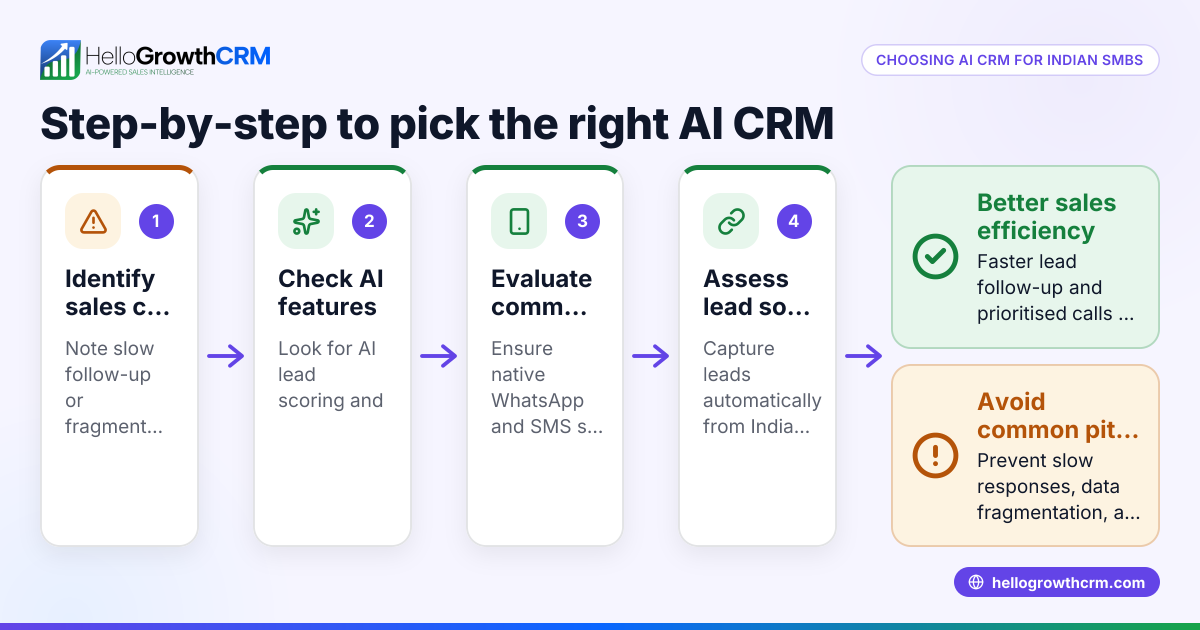
- List your sales process steps clearly. Write down how a lead moves from initial contact to closing a sale in your business. Identify key stages and decision points.
- Identify the data you need to capture. Note the specific lead information you must track, such as product interest, budget, location, or preferred contact time.
- Check if the CRM allows custom fields and sales stages. Confirm that you can add or rename fields and stages to match your process.
- Evaluate communication options. See if the CRM supports WhatsApp and SMS messaging, and whether you can customize message templates for follow-ups.
- Look for automation capabilities. Check if the CRM can automate tasks like follow-up reminders, message drafts, or lead scoring.
- Consider user experience for your team. The CRM should be simple enough for your sales reps to use daily without extra training.
- Test integration with your lead sources. Ensure the CRM can capture leads automatically from platforms like IndiaMART or your website forms.
- Review reporting and forecasting customization. The CRM should allow you to customize reports and forecasts based on your sales stages and data.
- Ask about scalability and future customization. Your CRM should allow easy changes as your business grows or processes evolve.
- Trial the CRM with your team. Use a free plan or demo to test customization in real sales scenarios.
See more about WhatsApp and SMS CRM features in HelloGrowthCRM’s WhatsApp and SMS CRM and check the built-in calling options at the built-in CRM dialer.
Example (fictional figures)
An Indian SME selling industrial equipment wants to customize its CRM pipeline. Their sales process has these stages:
- Inquiry received
- Needs analysis
- Quotation sent
- Negotiation
- Order received
They want to track the lead source (IndiaMART or JustDial) and preferred contact time.
Step 1: Define custom fields:
Lead source = IndiaMART or JustDial Preferred contact time = Morning, Afternoon, Evening
Step 2: Set sales stages as above.
Step 3: Create WhatsApp message templates for follow-up after inquiry and quotation.
Step 4: Automate reminder tasks 2 days after quotation if no response.
Step 5: Use AI agent (if on Growth plan) to draft follow-up messages after calls.
This setup helps the sales team respond faster and track leads properly.
Common mistakes
- Choosing a CRM without custom fields: Prevent by confirming the CRM allows adding and editing fields.
- Ignoring sales stage customization: Prevent by mapping your exact sales process before choosing.
- Overcomplicating workflows: Prevent by keeping customization simple and relevant.
- Not testing communication templates: Prevent by creating and sending test messages via WhatsApp or SMS.
- Ignoring team usability: Prevent by involving sales reps in trials and training.
- Skipping automation checks: Prevent by verifying the CRM can automate repetitive tasks like follow-ups.
Learn how HelloGrowthCRM helps avoid these with its WhatsApp and SMS workflows at HelloGrowthCRM for India.
Doing this in HelloGrowthCRM
HelloGrowthCRM supports WhatsApp and SMS messaging where conversations with leads are logged on their records, and follow-ups can be sent as messages. Its AI agents (in Beta on the Growth plan) draft follow-up messages after calls, so sales reps only review and send them. For small teams, the Free Forever plan lets two users manage their pipeline at no cost until they need calling or WhatsApp automation. This helps Indian SMBs customize communication and sales workflows effectively. Learn more about these features at WhatsApp and SMS CRM.
Frequently asked questions
What CRM customization options are essential for small businesses? Custom fields, sales stages, communication templates, and automation are key. These allow tailoring the CRM to your specific sales process and lead sources.
Can I customize WhatsApp messages in a CRM? Yes, many CRMs support WhatsApp messaging with customizable templates. This lets you standardize follow-ups and save time.
How do I know if my CRM allows automation? Check if the CRM can create automatic reminders, draft messages, or update records without manual input. Automation reduces errors and speeds up sales.
Is it difficult to customize a CRM? Customization complexity varies. Many modern CRMs offer user-friendly interfaces for adding fields and stages. Testing with your team helps ensure ease of use.
Can I start with a free CRM plan and customize later? Yes, free plans often let you try basic customization. As your needs grow, you can upgrade to add advanced automation or AI features.
How does HelloGrowthCRM support customization? HelloGrowthCRM logs WhatsApp conversations on lead records, supports follow-up messages, and offers AI agents to draft messages. Its Free Forever plan suits small teams starting with pipeline management.
Key takeaways
- CRM customization lets you match software to your sales process and lead sources.
- Essential customizations include data fields, sales stages, communication templates, and automation.
- Testing customization with your team prevents adoption problems.
- Avoid overcomplicating workflows; keep them relevant and simple.
- HelloGrowthCRM supports WhatsApp and SMS workflows and AI message drafting to streamline sales.
- Start small with free plans and expand customization as your business grows.
Explore the Free Forever plan with 200 leads and no credit card at Start on the Free Forever plan (200 leads, no credit card).
Ready to put this into practice?
Set up your pipeline, WhatsApp follow-ups, and AI lead scoring in minutes — free, no credit card.
Try HelloGrowthCRM freeGet CRM tips in your inbox
Join thousands of sales professionals who get weekly insights on CRM strategy, AI automation, and pipeline optimization.

The HelloGrowthCRM team publishes guides on CRM strategy, AI sales tools, and revenue operations for small business sales teams.