HelloGrowthCRM software
Built for real small-business sales teams
HelloGrowthCRM helps reps qualify faster, follow up on time, and close more deals—with practical automation in one place.
- AI lead scoring and pipeline visibility
- Built-in dialer, WhatsApp, and email automation
- Sales forecasting and RevOps-ready reporting
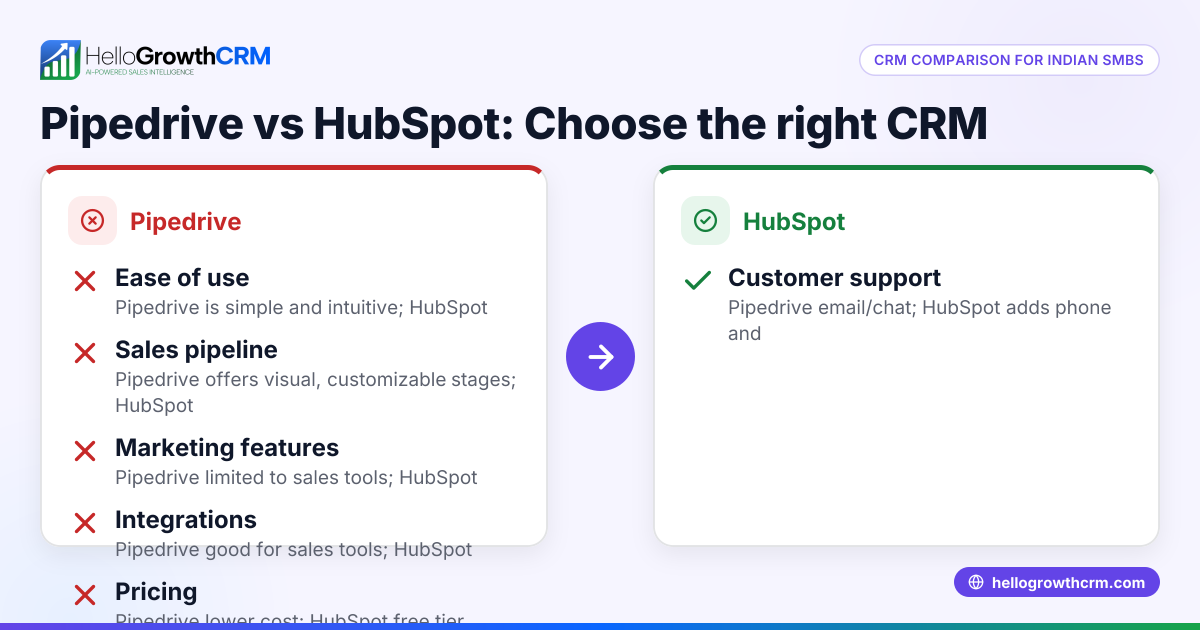
Pipedrive and Zoho CRM are two leading CRM options for Indian small and mid-sized businesses, but they differ significantly in customization capabilities. Pipedrive focuses on simple, sales pipeline-centric customization, making it quick to set up and use. Zoho CRM offers extensive customization options that cover multiple modules, complex workflows, and user roles, suited for businesses with more detailed sales processes.
Why this comes up / what goes wrong
Many Indian small business owners start managing sales leads using WhatsApp, Excel sheets, or basic tools. As their business grows, these tools become inefficient and lead to lost leads or slow follow-ups. Choosing the right CRM with the right customization is critical because it must fit the unique sales stages, data fields, and workflows of the business.
The search for "Pipedrive vs Zoho customization capabilities" comes from the need to find a CRM that balances ease of use with the ability to tailor the system to specific business needs. Without proper customization, sales teams face delays, duplicated efforts, or incomplete customer data.
Step-by-step
Here is a detailed comparison table of Pipedrive and Zoho CRM customization features important for small and mid-sized Indian businesses:
| Customization Aspect | Pipedrive | Zoho CRM |
|---|---|---|
| Sales Pipeline Customization | Easy drag-and-drop pipeline stages; single pipeline focus; limited views | Multiple pipelines supported; customizable stages and related modules |
| Custom Fields | Add custom fields per deal, contact, organization; simple field types only | Extensive field types including conditional fields and validation rules |
| Workflow Automation | Basic workflow automation with triggers and simple actions | Advanced multi-step workflow automation with approvals and complex rules |
| Module Customization | Limited to standard modules (Deals, Contacts, Organizations) | Ability to create custom modules tailored to business-specific data needs |
| User Interface Customization | Basic layout changes within modules | Flexible layouts, sections, and tabs configurable per user role |
| Integration Customization | Pre-built integrations with limited custom API use | Extensive API support and custom integration options for various apps |
| Mobile App Customization | Limited customization options on mobile app | More configurable mobile experience based on user roles and workflows |
Who should pick which?
- Pipedrive suits small businesses that want a simple CRM focused on managing sales pipelines with quick setup and minimal training.
- Zoho CRM is better for businesses that need complex customization across multiple modules, workflows, and user roles to match detailed sales and operational processes.
Indian SMBs choosing between these should consider whether they value ease of use and speed or require deep customization and automation. For more CRM options tailored for Indian businesses, see our compare CRMs page.
Example (fictional figures)
Consider "Ravi's Electronics," a Bengaluru-based small business with 15 employees and ₹25,00,000 in annual sales. Ravi wants to customize his CRM to track sales stages, product categories, and automate follow-up tasks.
- Pipedrive subscription cost (approximate): ₹10,000/month × 12 = ₹1,20,000/year
- Zoho CRM subscription cost (approximate): ₹8,000/month × 12 = ₹96,000/year
- Additional Zoho customization cost: ₹3,000 one-time
Ravi finds Pipedrive’s pipeline customization easy but limited in tracking product categories and automating complex workflows.
Zoho CRM allows Ravi to create custom modules for products and automate follow-ups across teams, saving manual effort.
Ravi estimates saving 5 hours per week in manual tracking, valued at ₹500/hour:
5 hours × ₹500 = ₹2,500/week ₹2,500 × 52 weeks = ₹1,30,000 saved annually
This saving offsets Zoho CRM’s customization cost and subscription difference, making it a cost-effective choice for Ravi despite the initial setup effort.
Common mistakes
- Choosing a CRM without clearly defining customization needs: Prevent this by listing all must-have custom fields, workflows, and modules before selecting.
- Ignoring user roles and permissions during customization: Define roles clearly and check if the CRM supports role-based UI and data access.
- Overcomplicating workflows too early: Start with simple automation, then expand gradually to avoid overwhelming users.
- Neglecting mobile customization and usability: Since many Indian sales teams work on mobile, test the CRM’s mobile app customization and usability before finalizing.
- Skipping integration checks: Verify the CRM can integrate with your lead sources like IndiaMART, JustDial, or web forms.
For more guidance on CRM use in Indian sales teams, visit HelloGrowthCRM for India.
Frequently asked questions
Which CRM is easier to customize for a small business? Pipedrive is easier for quick pipeline customization and simple workflows. Zoho CRM requires more setup but offers deeper customization across modules, fields, workflows, and user roles.
Can I create custom modules in Pipedrive or Zoho? Zoho CRM supports creating custom modules tailored to your business data. Pipedrive mainly limits customization to standard modules like Deals, Contacts, and Organizations.
Does Zoho CRM support better automation than Pipedrive? Yes, Zoho CRM offers advanced multi-step workflow automation with approvals and complex rules, while Pipedrive provides basic automation with simple triggers and actions.
Is mobile customization important for Indian SMBs? Yes, many Indian sales teams work primarily from mobile devices. Zoho CRM offers more flexible mobile customization and user-role-based views compared to Pipedrive.
Where can I compare more CRM options suitable for Indian businesses? You can visit our detailed compare CRMs page to explore more CRM options and features.
Key takeaways
- Pipedrive offers simple, pipeline-focused customization ideal for straightforward sales processes and quick setup.
- Zoho CRM provides extensive customization across modules, fields, workflows, user roles, and integrations.
- Choose Pipedrive for ease of use and fast deployment; choose Zoho for complex business needs requiring detailed customization.
- Test mobile usability and integration options before deciding, especially for Indian SMB sales teams.
- Avoid common mistakes by clearly defining customization needs and starting with simple workflows.
To try a CRM designed for Indian sales teams with lead capture and pipeline features, Start on the Free Forever plan (200 leads, no credit card).
Ready to put this into practice?
Set up your pipeline, WhatsApp follow-ups, and AI lead scoring in minutes — free, no credit card.
Try HelloGrowthCRM freeGet CRM tips in your inbox
Join thousands of sales professionals who get weekly insights on CRM strategy, AI automation, and pipeline optimization.

The HelloGrowthCRM team publishes guides on CRM strategy, AI sales tools, and revenue operations for small business sales teams.