HelloGrowthCRM software
Built for real small-business sales teams
HelloGrowthCRM helps reps qualify faster, follow up on time, and close more deals—with practical automation in one place.
- AI lead scoring and pipeline visibility
- Built-in dialer, WhatsApp, and email automation
- Sales forecasting and RevOps-ready reporting
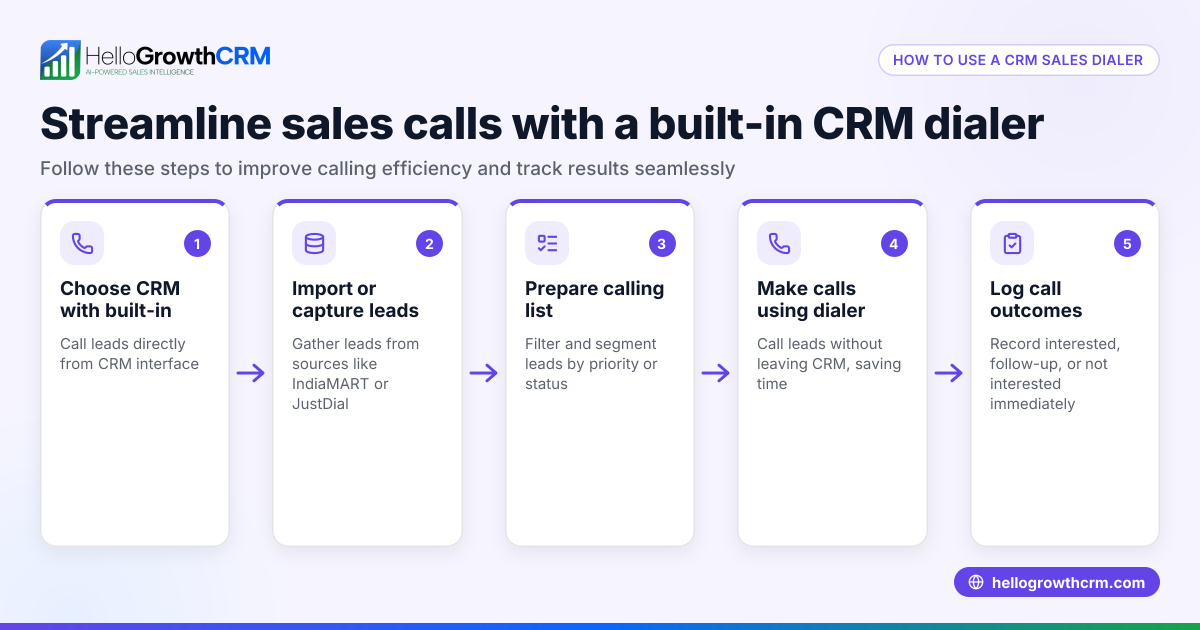
A CRM dialer is software integrated with your customer relationship management system that lets your sales team call leads directly from the CRM, logging call outcomes automatically. This article explains why UK small businesses look for a CRM dialer, the steps to evaluate one, common mistakes to avoid, and how HelloGrowthCRM’s built-in dialer can support your sales process.
Why this comes up / what goes wrong
Small and mid-sized businesses in the UK often struggle with slow or inconsistent follow-up on leads. Sales teams might be juggling calls on mobile phones, tracking contacts and conversations in spreadsheets, WhatsApp, or email, which leads to lost leads and missed opportunities. Without a dialer integrated into a CRM, reps waste time switching between apps and manually logging calls, which reduces efficiency and visibility for sales leaders. Choosing a CRM dialer helps centralise calls, track outcomes, and speed up follow-up.
Step-by-step
- Identify your sales calling needs
- Check how many calls your team makes daily and if you need features like power dialling (calling multiple numbers in sequence automatically).
- Decide if you want calls logged automatically with outcomes tied to contact and deal records.
- Check CRM integration
- Confirm the dialer integrates directly with your CRM to avoid double entry.
- Look for features like call outcome logging and call history attached to leads.
- Evaluate dialer types
- Local dialer: lets reps manually dial and log calls inside the CRM.
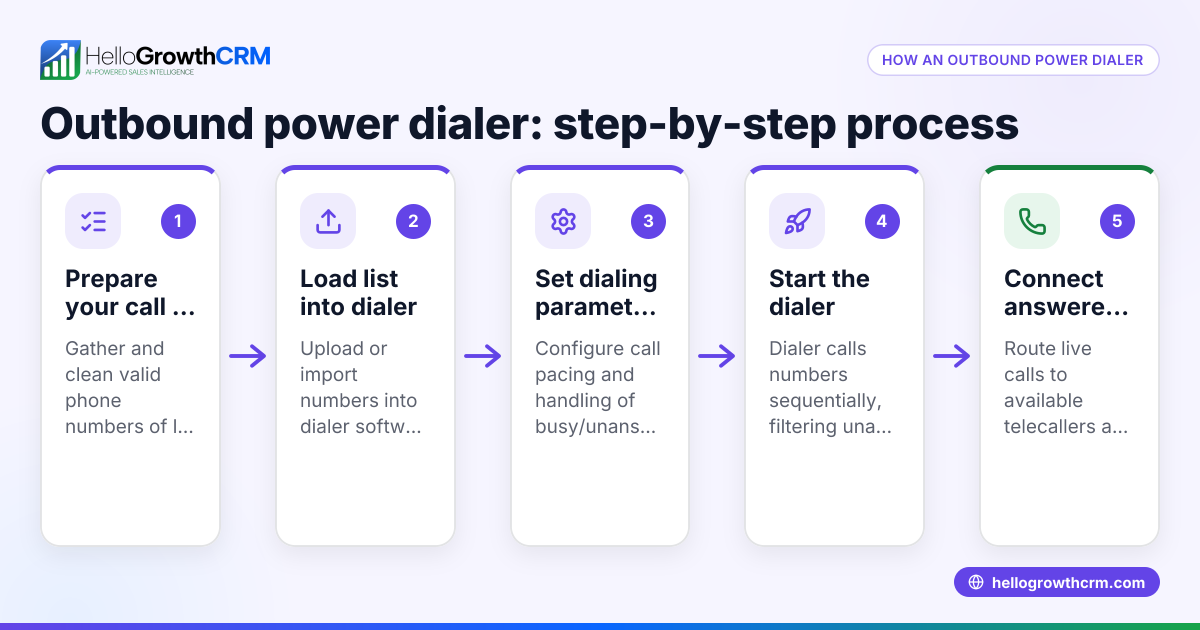
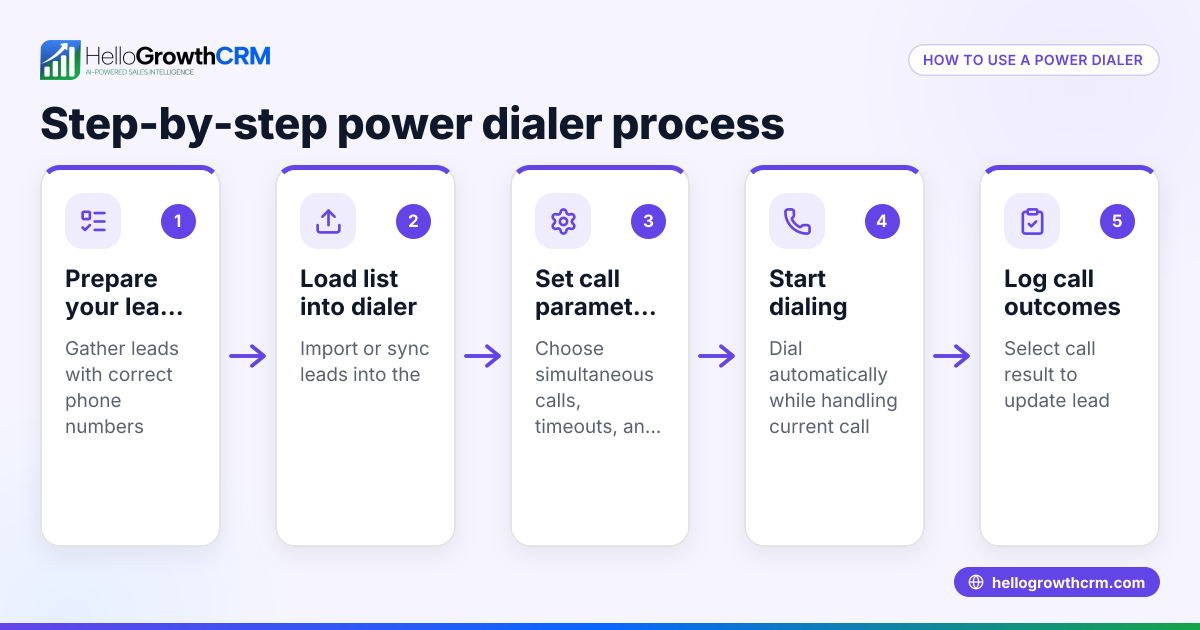
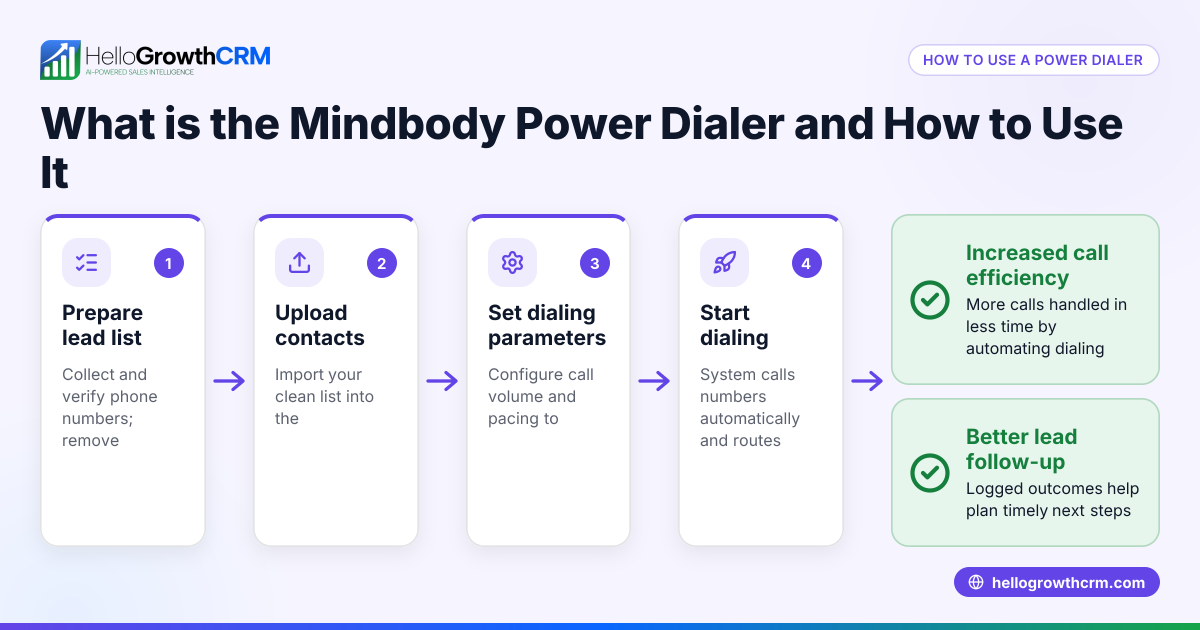
- Power dialer: automates calling lists and queues calls for reps, increasing efficiency.
- Auto dialer: automatically dials numbers and connects answered calls to reps.
- Consider multi-channel communication
- See if the CRM supports WhatsApp and SMS messaging alongside calls for follow-up.
- Check if conversations on WhatsApp or SMS are logged on the lead record.
- Review AI assistance
- Some CRMs offer AI agents that draft follow-up messages after calls for reps to review.
- This can save time and improve follow-up quality.
- Test usability and reporting
- Ensure your team finds the dialer easy to use.
- Confirm you can track call outcomes and sales progress with reports.
- Check pricing and plan limits
- Understand which dialer features come with which CRM plans.
- Confirm if the dialer is included or an add-on.
Example (fictional figures)
A Glasgow-based solar panel installer has a sales team of 5 reps making 40 calls each per day. They want to reduce lead loss from slow follow-up and improve call logging.
- Calls per day: 5 reps × 40 calls = 200 calls
- Average call duration: 3 minutes
- Time spent calling daily: 200 calls × 3 minutes = 600 minutes = 10 hours
Using a power dialer integrated with their CRM:
- They reduce manual dialing time by 30%: 10 hours × 30% = 3 hours saved
- Reps spend 7 hours calling and 3 hours on follow-up and admin instead of 10 hours calling and 1 hour on admin
- Better call logging improves lead follow-up, increasing conversion rates by an assumed amount (NEEDS EXPERT REVIEW)
This saves time and improves sales tracking, helping the business grow more efficiently.
Common mistakes
- Choosing a dialer not integrated with your CRM
- Prevent by confirming integration before buying.
- Ignoring multi-channel communication
- Prevent by checking if WhatsApp and SMS messages can be logged and sent from the CRM.
- Overlooking user experience
- Prevent by trialling the dialer with your team to ensure ease of use.
- Not checking plan limitations
- Prevent by reviewing which dialer features are included in your CRM plan.
- Failing to track call outcomes properly
- Prevent by ensuring call results are logged directly on leads for visibility.
- Neglecting AI features that save time
- Prevent by exploring AI agents that draft follow-ups and automate updates.
Doing this in HelloGrowthCRM
HelloGrowthCRM offers a built-in dialer that lets your telecaller work a list from inside the CRM, logging the outcome of each call directly on the lead. WhatsApp conversations with leads are logged on the lead record, and follow-ups can be sent as messages. Additionally, AI agents draft follow-up messages after calls for reps to review and send, saving time. Learn more about the built-in CRM dialer and WhatsApp and SMS CRM features in HelloGrowthCRM.
Frequently asked questions
What is a power dialer in a CRM? A power dialer automatically calls numbers from a list one after another, connecting answered calls to reps without manual dialing. This speeds up calling and reduces downtime between calls.
How does a CRM auto dialer differ from a power dialer? An auto dialer automatically dials numbers and can screen calls, sometimes leaving voicemails or routing calls without rep intervention. A power dialer queues calls for reps to connect once answered.
Can I use WhatsApp with a CRM dialer? Yes, some CRMs like HelloGrowthCRM integrate WhatsApp messaging alongside calls, logging conversations on lead records and enabling follow-up messages.
Do CRM dialers log call outcomes automatically? Good CRM dialers log call results directly on the lead or deal record, helping sales teams track progress and next steps without manual entry.
Are AI features common in CRM dialers? AI is becoming more common, with agents drafting follow-up messages or updating records after calls to reduce admin work.
Is the dialer included in all CRM plans? Dialer availability depends on the CRM and plan. For example, HelloGrowthCRM includes a local dialer in Starter plans and adds a power dialer in Growth plans. Check plan details before purchasing.
Key takeaways
- A CRM dialer lets sales reps call leads directly from the CRM and logs call outcomes automatically.
- Power dialers and auto dialers increase calling efficiency by automating dialing sequences.
- Multi-channel messaging with WhatsApp and SMS alongside calls improves follow-up.
- AI agents can draft follow-up messages after calls, saving reps time.
- Check CRM integration, plan limits, and ease of use before choosing a dialer.
- HelloGrowthCRM offers a built-in dialer with WhatsApp, SMS, and AI features to support UK small businesses.
Start streamlining your sales calls today by trying HelloGrowthCRM’s built-in dialer with WhatsApp and AI support. Start on the Free Forever plan (200 leads, no credit card).
Ready to put this into practice?
Set up your pipeline, WhatsApp follow-ups, and AI lead scoring in minutes — free, no credit card.
Try HelloGrowthCRM freeGet CRM tips in your inbox
Join thousands of sales professionals who get weekly insights on CRM strategy, AI automation, and pipeline optimization.

The HelloGrowthCRM team publishes guides on CRM strategy, AI sales tools, and revenue operations for small business sales teams.