HelloGrowthCRM software
Built for real small-business sales teams
HelloGrowthCRM helps reps qualify faster, follow up on time, and close more deals—with practical automation in one place.
- AI lead scoring and pipeline visibility
- Built-in dialer, WhatsApp, and email automation
- Sales forecasting and RevOps-ready reporting
CRM recruiting means using a Customer Relationship Management system to organise, track and communicate with candidates and clients during the recruitment process. This article explains why UK small businesses seek recruiting CRMs, the key steps to evaluate them, a practical example, common pitfalls to avoid, and how HelloGrowthCRM supports recruiting teams.
Why this comes up / what goes wrong
Small UK businesses involved in recruitment or staffing often struggle with managing candidate information, client contacts, and communications spread across WhatsApp, email, spreadsheets, or paper notes. This leads to lost leads, slow follow-up, and missed placements. Many founders or sales leaders want a CRM that fits recruitment workflows but find generic CRMs too complex or not tailored to recruiting needs. They search for "crm recruiting" to find software that helps organise candidate pipelines, automate follow-ups, and keep all conversations in one place.
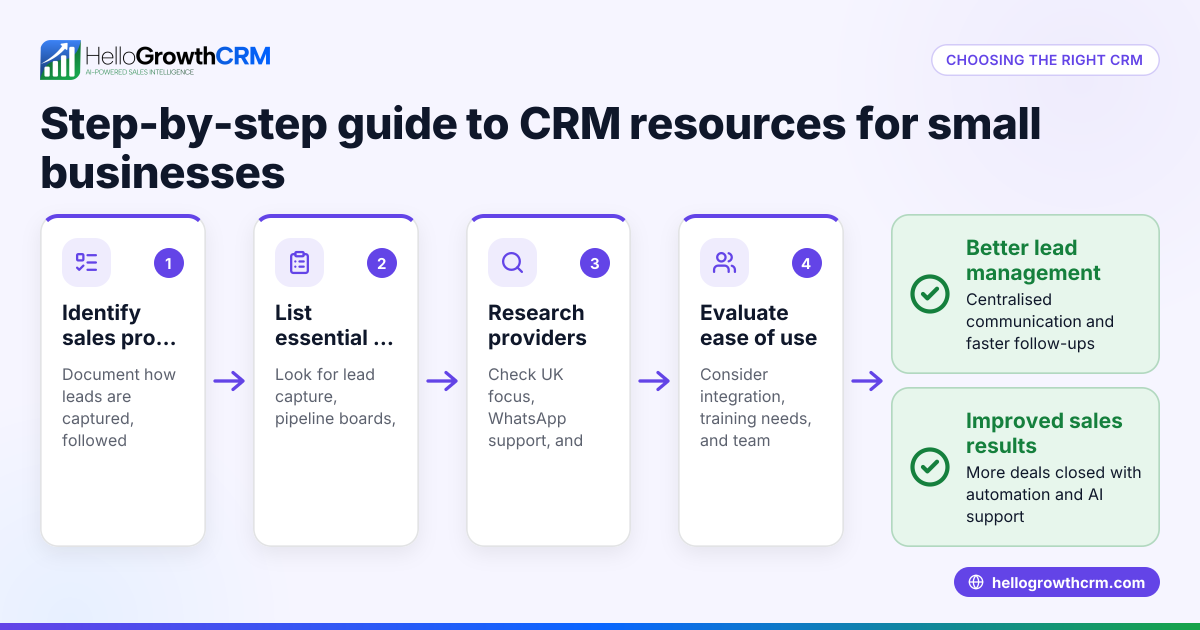
Step-by-step
- Define your recruitment process and needs
- List stages like sourcing, interviewing, offer, and placement.
- Identify communication channels used (email, WhatsApp, phone).
- Decide if you need features like automated follow-ups or AI assistance.
- Check CRM candidate and client management features
- Ensure it can store candidate profiles, CVs, and client details.
- Look for pipeline or Kanban boards to visualise recruitment stages.
- Evaluate communication tools
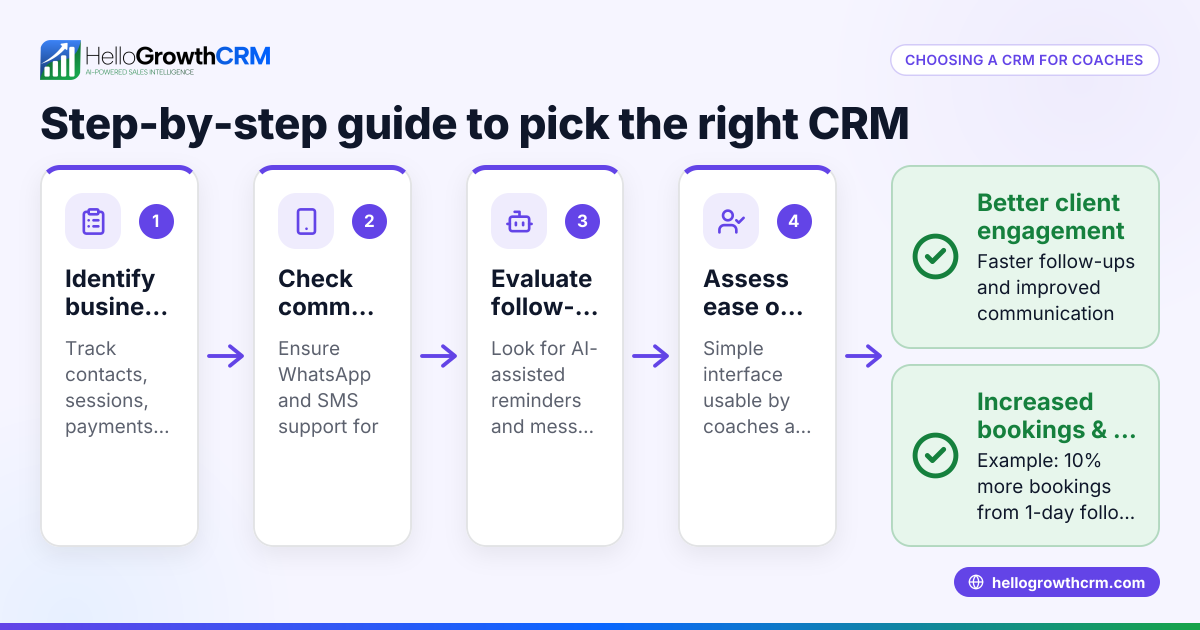
- Confirm the CRM supports WhatsApp and SMS messaging if these are key channels.
- Check if conversations are logged automatically for easy reference.
- Assess automation and AI capabilities
- See if the CRM offers AI agents to draft messages or automate routine tasks.
- Consider whether automation can save time on follow-ups after calls or emails.
- Consider team size and pricing
- Find out if there is a free or low-cost plan for small teams.
- Check limits on leads, users, and features.
- Test usability and integrations
- Trial the CRM to see if it’s easy for your team to adopt.
- Confirm it integrates with your web forms or job boards to capture leads.
- Review reporting and forecasting
- Ensure the CRM provides clear reports on recruitment progress and forecasts.
- Ask for references or demos focused on recruiting businesses
- See how similar UK businesses use the CRM for recruiting.
Example (fictional figures)
An accountancy practice in Birmingham started recruiting for a new junior accountant role on 01/02/2024. They used a CRM to manage candidates and client contacts.
- They received 120 applications.
- They shortlisted 30 candidates for interview.
- They made 5 offers.
- They placed 3 candidates successfully.
Cost of lost placements without CRM: estimated £5,000 per lost placement.
With CRM:
- Time saved on follow-ups: 15 hours at £20/hour = £300
- Faster placements reduced vacancy time by 10 days, saving £200/day in lost productivity = £2,000
Total benefit = £300 + £2,000 = £2,300
Without CRM:
- 1 placement lost due to slow follow-up = £5,000 loss
Net gain from CRM use:
£2,300 saved - £0 CRM cost (Free Forever plan) = £2,300 benefit
This example shows how organising recruitment with a CRM can save money and time.
Common mistakes
- Choosing a CRM without WhatsApp or SMS support
- Prevent by verifying messaging channels match your team's habits.
- Ignoring ease of use leading to poor adoption
- Prevent by trialling the CRM with actual users before committing.
- Overlooking automation features that save time
- Prevent by exploring AI or workflow automation options early.
- Not considering team size and cost limits
- Prevent by checking free or starter plans and scaling options.
- Failing to integrate with lead capture tools
- Prevent by testing web form or job board integrations.
- Neglecting reporting needs for recruitment forecasting
- Prevent by reviewing CRM reports and dashboards.
Doing this in HelloGrowthCRM
HelloGrowthCRM supports recruiting teams with WhatsApp and SMS messaging where all conversations with leads are logged on the lead record, making follow-ups easy and transparent. Its AI agents (in beta on Growth plans) draft follow-up messages after calls, so reps only need to review and send, saving time. For small teams, the Free Forever plan lets two people run their pipeline at no cost until they need calling or WhatsApp automation. Learn more about HelloGrowthCRM’s WhatsApp and SMS CRM and built-in CRM dialer features, and see how it fits UK businesses on HelloGrowthCRM for the United Kingdom.
Frequently asked questions
What is a recruiting CRM? A recruiting CRM is software that helps organise candidate and client information, track recruitment stages, and manage communication channels like email, WhatsApp, and SMS. It streamlines recruitment workflows and improves follow-up speed.
How does a CRM help recruitment teams? A CRM centralises candidate data, automates follow-ups, logs conversations, and provides visibility of the recruitment pipeline. This reduces lost leads, speeds up placements, and improves team collaboration.
Can I use WhatsApp within a recruiting CRM? Yes, some CRMs integrate WhatsApp messaging directly, logging conversations on candidate records and allowing teams to send follow-ups without switching apps. HelloGrowthCRM offers this feature.
Is there a free CRM suitable for small recruiting teams? Yes, HelloGrowthCRM offers a Free Forever plan for two-person teams to manage pipelines with up to 200 leads, ideal for small recruiting teams getting started.
What should I ask when evaluating recruiting CRMs? Ask about communication channel support (WhatsApp, SMS), automation capabilities, ease of use, integrations with job boards or web forms, reporting features, and pricing plans.
Key takeaways
- Define your recruitment workflow and communication needs before choosing a CRM.
- Look for WhatsApp and SMS support to keep candidate conversations in one place.
- Automation and AI features can save significant time on follow-ups.
- Start with a free or low-cost plan suitable for your team size.
- Test usability and integration with your existing tools.
- Use reporting features to track recruitment progress and forecast placements.
Start organising your recruitment pipeline now with HelloGrowthCRM’s Free Forever plan for two-person teams, no credit card needed, at Start on the Free Forever plan (200 leads, no credit card).
Ready to put this into practice?
Set up your pipeline, WhatsApp follow-ups, and AI lead scoring in minutes — free, no credit card.
Try HelloGrowthCRM freeGet CRM tips in your inbox
Join thousands of sales professionals who get weekly insights on CRM strategy, AI automation, and pipeline optimization.

The HelloGrowthCRM team publishes guides on CRM strategy, AI sales tools, and revenue operations for small business sales teams.