HelloGrowthCRM software
Built for real small-business sales teams
HelloGrowthCRM helps reps qualify faster, follow up on time, and close more deals—with practical automation in one place.
- AI lead scoring and pipeline visibility
- Built-in dialer, WhatsApp, and email automation
- Sales forecasting and RevOps-ready reporting
A CRM that turns call transcripts into follow-up tasks helps sales teams by automatically converting important points from phone conversations into actionable tasks. This ensures no follow-up is missed and improves lead conversion. This article covers why small businesses need this feature, how to implement it step-by-step, a worked example with realistic figures, common pitfalls, and how HelloGrowthCRM supports this process.
Why this comes up / what goes wrong
Small and mid-sized businesses in India often lose leads or delay follow-ups because sales teams rely on memory or scattered notes after calls. Many run sales on WhatsApp and spreadsheets, which do not automatically capture call details or convert them into tasks. Without a system to turn call transcripts into follow-ups, important next steps get missed, causing lost revenue and inefficiency.
Sales leaders want a CRM that integrates calling, logs call outcomes, and creates follow-up tasks automatically. This reduces manual effort and keeps the entire team aligned on what to do next. Telecalling teams especially benefit when they can work from a list inside the CRM and see all follow-ups in task boards.
Step-by-step
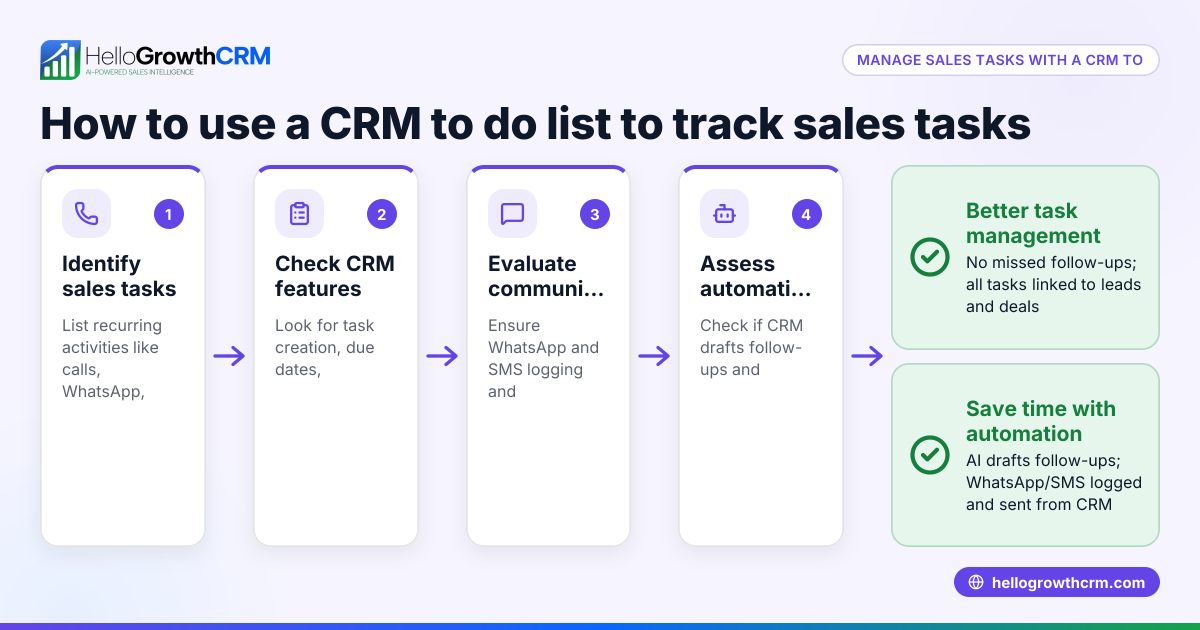
- Choose a CRM with call logging and task management: Verify the CRM can log calls and create tasks from call notes or transcripts. Check if it supports task boards to organise follow-ups visually.
- Set up your calling system inside the CRM: Use a built-in dialer or integrate your phone system so calls and their outcomes are recorded automatically against leads.
- Enable or configure call transcription: If the CRM offers AI summaries or transcription, activate this feature to convert call audio into text.
- Define rules for task creation: Decide how follow-up tasks are generated from transcripts—e.g., any mention of "send quote" creates a task to send a quotation within 2 days.
- Train your sales team: Teach telecallers to review call transcripts and confirm or edit follow-up tasks before assigning due dates.
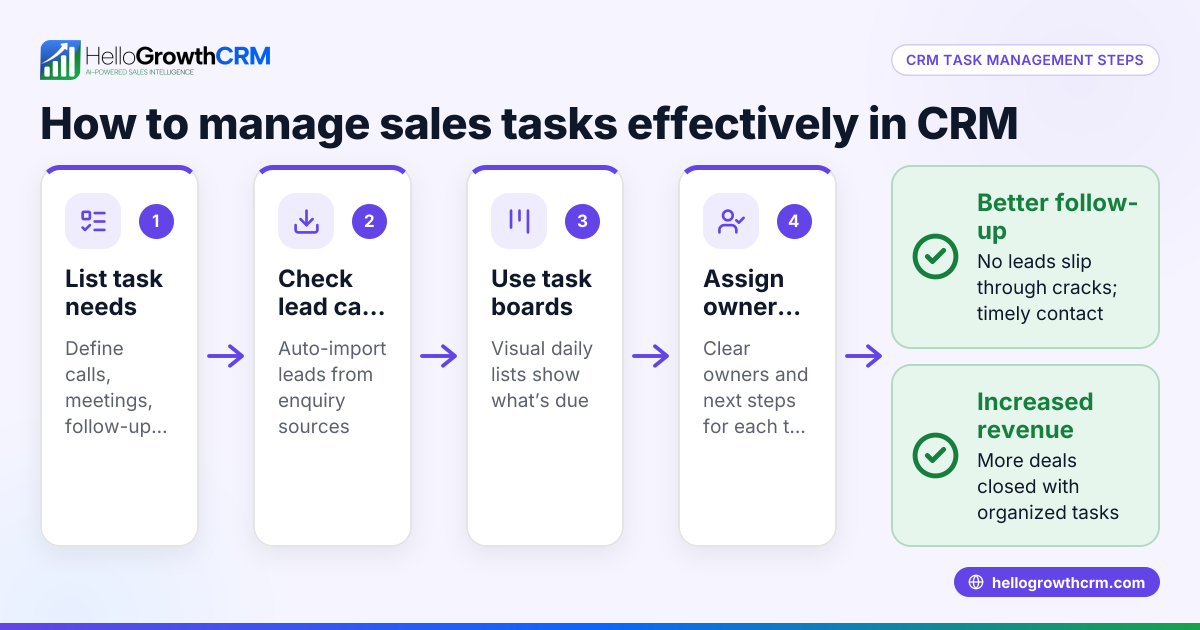
- Use task boards daily: Have the team work from sales task boards to see all due follow-ups and update task status after completion.
- Monitor and adjust: Regularly review task completion rates and call outcomes to tweak transcription rules and task assignment.
Example (fictional figures)
A Delhi-based SMB sells custom packaging solutions. On 01/05/2024, a telecaller speaks to a lead who requests a sample and a price quote.
- Call transcript notes: "Send sample pack by 05/05/2024 and quote by 07/05/2024."
- CRM creates two tasks:
- Task 1: Send sample pack, due 05/05/2024
- Task 2: Send quote, due 07/05/2024
The sales manager assigns the sample pack task to the logistics team. The sample cost is ₹1,500.
Calculation for sample cost:
₹1,500 × 1 = ₹1,500
The quote task is assigned to the sales executive.
This ensures both tasks are tracked, preventing missed deadlines.
Common mistakes
- Relying on manual note-taking only: Prevent by using a CRM with call transcription or AI summaries to automate task creation.
- Not training the team on task boards: Avoid by conducting regular training sessions on using sales task boards effectively. See sales task boards.
- Ignoring call outcomes in the CRM: Prevent by logging every call outcome with the built-in dialer. See built-in CRM dialer.
- Overloading follow-up tasks without priorities: Prevent by setting clear rules on which call transcript items generate tasks and prioritising urgent follow-ups.
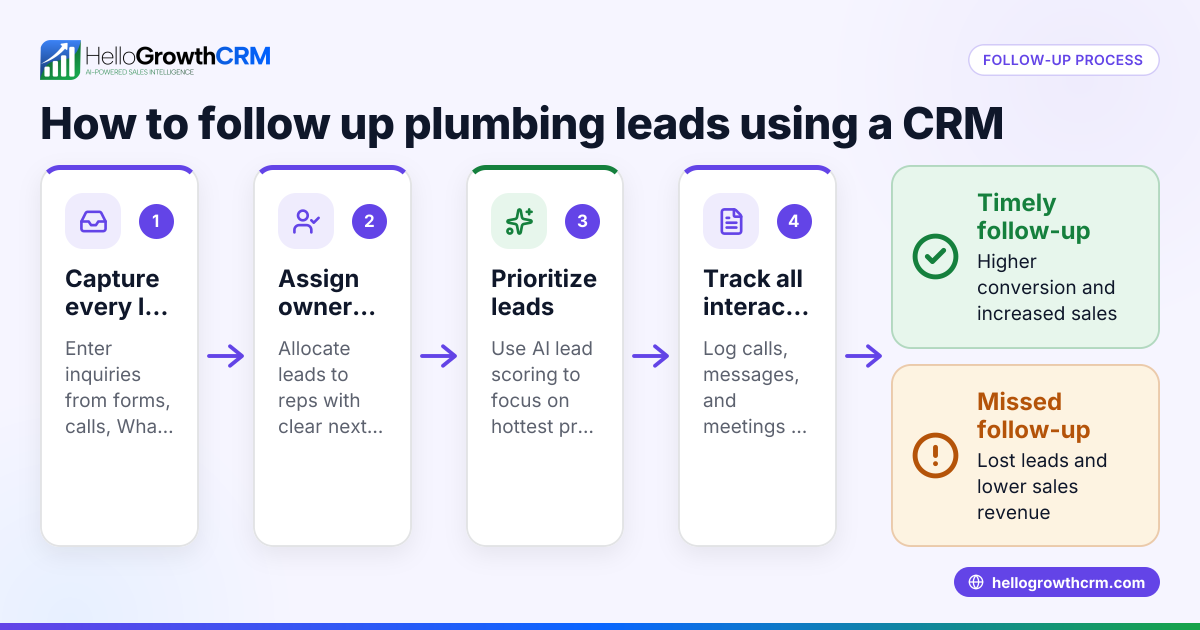
- Not integrating WhatsApp conversations: Prevent by using CRM features that log WhatsApp messages and enable follow-ups via WhatsApp or SMS. See WhatsApp and SMS.
Doing this in HelloGrowthCRM
HelloGrowthCRM supports turning call outcomes into follow-up tasks with its Activities and task boards feature. Each call's outcome is logged on the lead, and follow-ups become tasks with due dates, so the day's calls are a manageable list rather than a memory test. The built-in dialer lets telecallers work from inside the CRM and log call results instantly. WhatsApp and SMS conversations with leads are also logged on the lead record, enabling follow-ups via messaging channels.
Learn more about HelloGrowthCRM's sales task boards, built-in CRM dialer, and WhatsApp and SMS features.
Frequently asked questions
Can a CRM automatically create tasks from call transcripts? Some CRMs with AI capabilities can transcribe calls and identify follow-up actions to create tasks automatically. Check if the CRM offers AI summaries or transcription features.
How do task boards help sales teams with follow-ups? Task boards organise follow-ups visually by due date and priority, helping teams track what needs to be done daily. This reduces missed tasks and improves accountability.
Is it better to use a built-in dialer or integrate an external phone system? A built-in dialer inside the CRM simplifies call logging and task creation since the call outcome is recorded immediately. Integration with external systems may require extra setup and may not capture all data automatically.
Can WhatsApp conversations be part of follow-up tasks? Yes, CRMs that log WhatsApp messages on lead records allow follow-ups to be sent as WhatsApp or SMS messages, keeping communication seamless.
How do I ensure my telecalling team uses the CRM for follow-ups? Provide training on using the CRM’s task boards and dialer, set clear processes for logging calls and creating tasks, and monitor usage regularly.
Key takeaways
- A CRM that turns call transcripts into follow-up tasks automates next steps and reduces missed leads.
- Use a CRM with built-in dialer and task boards to log call outcomes and organise follow-ups.
- Train your sales team to work from task boards and review AI-generated tasks.
- Integrate WhatsApp and SMS messaging into your CRM for smooth follow-ups.
- Monitor task completion and adjust rules to improve efficiency.
Start using a CRM that helps your sales team convert calls into action with HelloGrowthCRM. Start on the Free Forever plan (200 leads, no credit card).
Ready to put this into practice?
Set up your pipeline, WhatsApp follow-ups, and AI lead scoring in minutes — free, no credit card.
Try HelloGrowthCRM freeGet CRM tips in your inbox
Join thousands of sales professionals who get weekly insights on CRM strategy, AI automation, and pipeline optimization.

The HelloGrowthCRM team publishes guides on CRM strategy, AI sales tools, and revenue operations for small business sales teams.