HelloGrowthCRM software
Built for real small-business sales teams
HelloGrowthCRM helps reps qualify faster, follow up on time, and close more deals—with practical automation in one place.
- AI lead scoring and pipeline visibility
- Built-in dialer, WhatsApp, and email automation
- Sales forecasting and RevOps-ready reporting
A CRM with ticket management for support managers in Singapore is software that combines customer relationship management with tools to track, assign, and resolve customer support tickets efficiently. This article explains why support managers look for such CRMs, outlines steps to evaluate them, lists common mistakes to avoid, and describes relevant HelloGrowthCRM features to help your team stay organised and responsive.
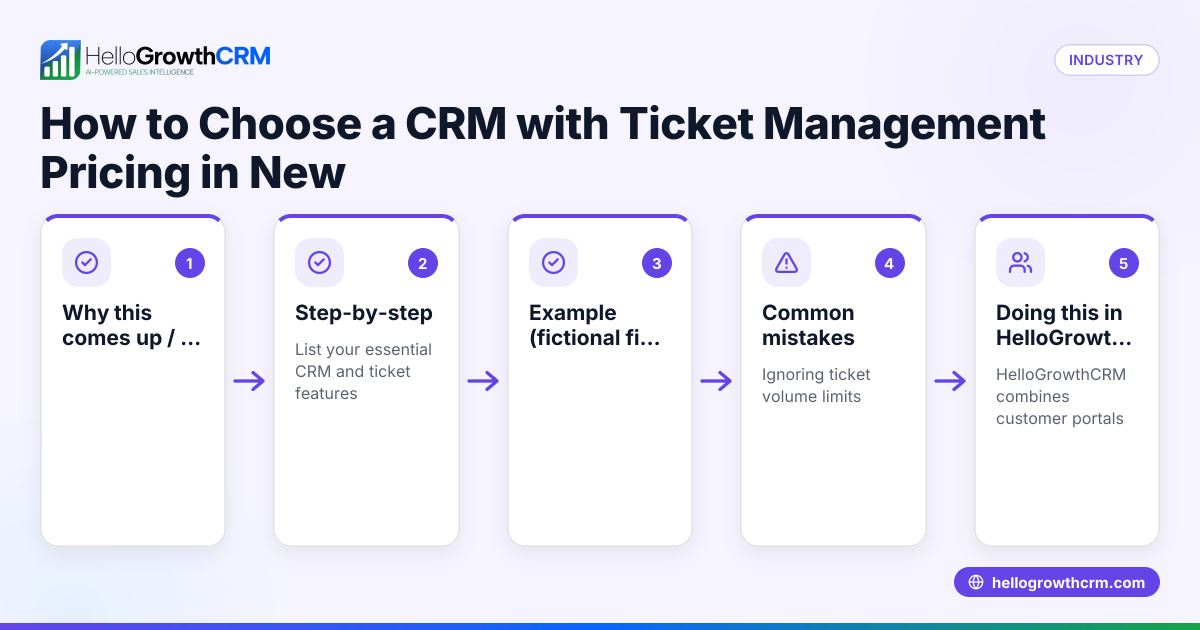
Why this comes up / what goes wrong
Small and mid-sized businesses in Singapore often struggle with fragmented customer support processes. Support managers may rely on WhatsApp chats, emails, or spreadsheets to track service requests, causing delays, lost tickets, and poor customer satisfaction. Without a unified system, it is hard to see all support interactions in one place or measure team performance. This leads to missed follow-ups and inconsistent service, which can harm customer loyalty and business growth.
Support managers searching for a CRM with ticket management want a solution that centralises customer data and support cases. They want to assign tickets to team members, track statuses, and keep communication logs linked to the customer record. This helps resolve issues faster and provides a better customer experience.
Step-by-step
- Identify your support needs: List the types of support requests your business receives and how you currently handle them. Check if you need features like ticket assignment, SLA tracking, or a customer self-service portal.
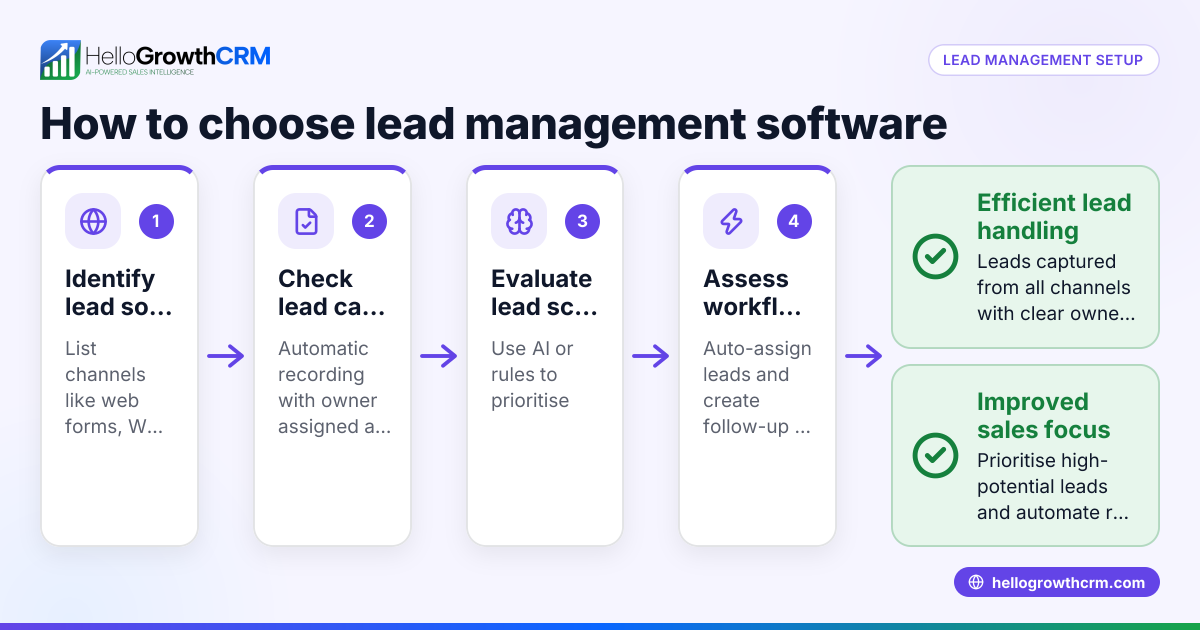
- Check integration with your sales and communication channels: Confirm the CRM can capture leads and support requests from web forms, WhatsApp, calls, or email. This avoids manual data entry and keeps customer histories complete.
- Evaluate ticket management features: Look for the ability to create, assign, and prioritise tickets. Check if the CRM allows status updates and notes, and whether support requests stay linked to the customer record.
- Assess communication logging: Ensure conversations via WhatsApp, SMS, or email are logged automatically on the ticket or customer record to maintain context.
- Review reporting and analytics: Determine if the CRM provides reports on ticket volumes, response times, and team performance to help improve support operations.
- Consider customer self-service options: A branded customer portal where customers can submit tickets and access a knowledge base reduces support load.
- Test usability and adoption potential: The CRM should be easy for your team to use daily. Check if mobile access and familiar communication channels are supported.
- Compare pricing and plans carefully: Ensure the features you need are included and check for limits on users or tickets.
- Ask about local support and compliance: Confirm the vendor understands Singapore business practices and data protection requirements.
Example (fictional figures)
A tuition centre in Tampines handles about 200 support requests monthly. They want to track requests from parents and students via WhatsApp and web forms.
- Monthly revenue: S$120,000
- Current support staff: 2 full-time agents
- Average resolution time: 3 days
They choose a CRM that captures WhatsApp messages automatically and creates tickets linked to each student’s record.
With the CRM:
- Number of tickets per month = 200
- Average resolution time reduced to 1 day
- Support staff capacity improved by 50%
Calculations:
200 tickets × 1 day = 200 ticket-days of work 200 tickets × 3 days = 600 ticket-days of work (previous)
Time saved = 600 - 200 = 400 ticket-days
This efficiency allows the tuition centre to handle more enquiries without hiring extra staff.
Common mistakes
- Choosing CRM without ticket linkage to customer records: This causes fragmented data. Prevent by verifying tickets and customer data stay connected.
- Ignoring communication channel integration: Not capturing WhatsApp or email chats in the CRM leads to lost context. Check for WhatsApp and SMS CRM features like those in WhatsApp and SMS CRM.
- Overlooking customer self-service options: Without a customer portal, support requests flood in manually. Use a CRM with a branded portal and knowledge base, as described in customer health score.
- Underestimating team adoption barriers: Complex or slow CRMs reduce usage. Test ease of use before committing.
- Neglecting reporting needs: Without analytics, it’s hard to improve support. Choose a CRM with clear ticket and team performance reports.
Doing this in HelloGrowthCRM
HelloGrowthCRM offers a customer portal with branded self-service, support tickets, and a knowledge base, keeping service requests linked to the same customer record as the deal. Every enquiry from forms, calls, or WhatsApp lands as a lead with an owner and next step, avoiding lost information. WhatsApp conversations with leads are logged on the lead record, and follow-ups can be sent as WhatsApp or SMS messages. This helps support managers in Singapore organise customer interactions and tickets efficiently.
Learn more about HelloGrowthCRM features at HelloGrowthCRM for Singapore.
Frequently asked questions
What is ticket management in a CRM? Ticket management in a CRM is the process of creating, assigning, tracking, and resolving customer support requests within the CRM system. It helps support teams manage workloads and maintain communication history.
How does WhatsApp integration help support managers? WhatsApp integration logs conversations directly into the CRM, linking them to the customer record and support tickets. This ensures no messages are missed and follow-ups are timely, improving customer satisfaction.
Can customers submit support requests themselves? Yes, some CRMs offer a branded customer portal where customers can open tickets, check status, and access a knowledge base. This reduces the support team's workload.
What should I look for in reports for support management? Look for ticket volume trends, average resolution times, agent performance, and customer satisfaction metrics. These help identify bottlenecks and improve processes.
Is it important for a CRM to link support tickets with sales data? Yes, linking tickets with sales records provides a full customer view, helping support and sales teams collaborate and personalise service.
Key takeaways
- A CRM with ticket management centralises customer support and sales data for better service.
- Integration with WhatsApp and SMS channels ensures all conversations are logged and actionable.
- A branded customer portal and knowledge base reduce manual support requests.
- Choose a CRM with clear ticket assignment, status tracking, and reporting features.
- Ease of use and local support are important for team adoption in Singapore.
Start organising your support tickets and customer interactions with HelloGrowthCRM. Start on the Free Forever plan (200 leads, no credit card).
Ready to put this into practice?
Set up your pipeline, WhatsApp follow-ups, and AI lead scoring in minutes — free, no credit card.
Try HelloGrowthCRM freeGet CRM tips in your inbox
Join thousands of sales professionals who get weekly insights on CRM strategy, AI automation, and pipeline optimization.

The HelloGrowthCRM team publishes guides on CRM strategy, AI sales tools, and revenue operations for small business sales teams.