HelloGrowthCRM software
Built for real small-business sales teams
HelloGrowthCRM helps reps qualify faster, follow up on time, and close more deals—with practical automation in one place.
- AI lead scoring and pipeline visibility
- Built-in dialer, WhatsApp, and email automation
- Sales forecasting and RevOps-ready reporting
CRM workflow automation means using a CRM system to automate routine tasks in sales and customer management, such as assigning leads, scheduling follow-ups, and updating records. This reduces manual work, speeds up responses, and improves lead conversion. This article covers why small-business owners look for CRM workflow automation, how to evaluate options step-by-step, a realistic example, common pitfalls, and how HelloGrowthCRM supports these workflows.
Why this comes up / what goes wrong
Small-business owners often struggle with slow lead follow-up, lost opportunities, and chaotic sales processes managed by spreadsheets, email, or text messages. As teams grow, manual tracking of leads and tasks becomes inefficient and error-prone. They search for "crm workflow automation" to find software that can automatically route leads, create follow-up tasks, and keep sales moving without constant manual intervention. The goal is to increase sales efficiency and ensure no lead falls through the cracks.
Step-by-step
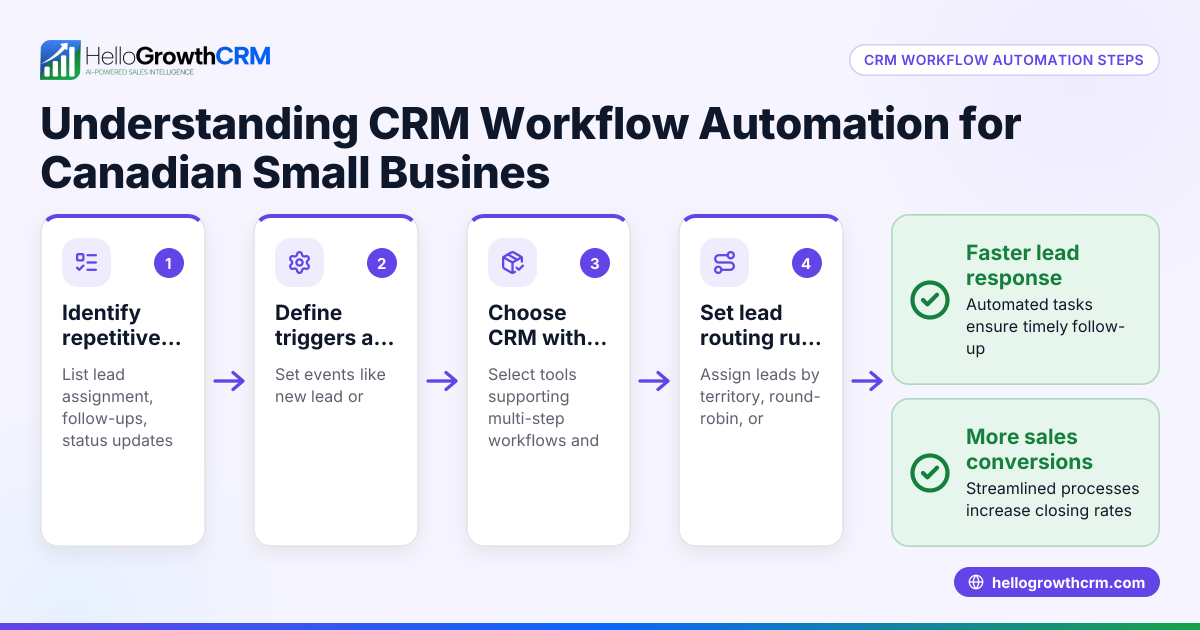
- Identify your sales process steps: Map out your current lead handling and follow-up steps. Check which tasks repeat often and could be automated.
- List must-have automation features: Common needs include automatic lead routing by source or territory, task creation for follow-ups, notifications for sales reps, and multi-step outreach sequences.
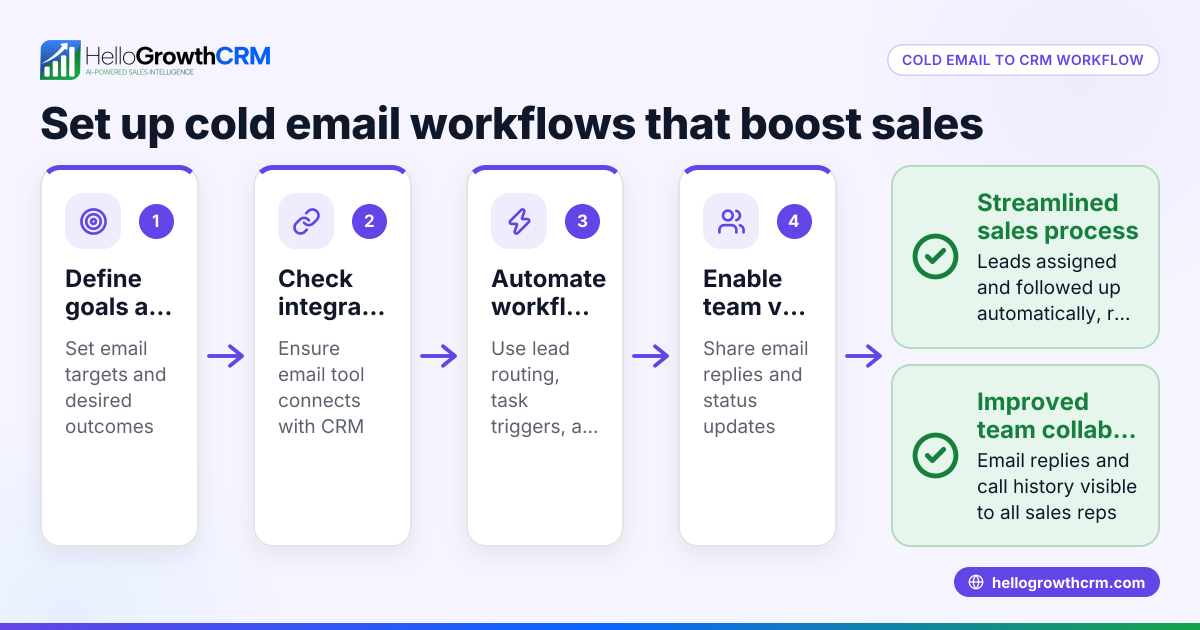
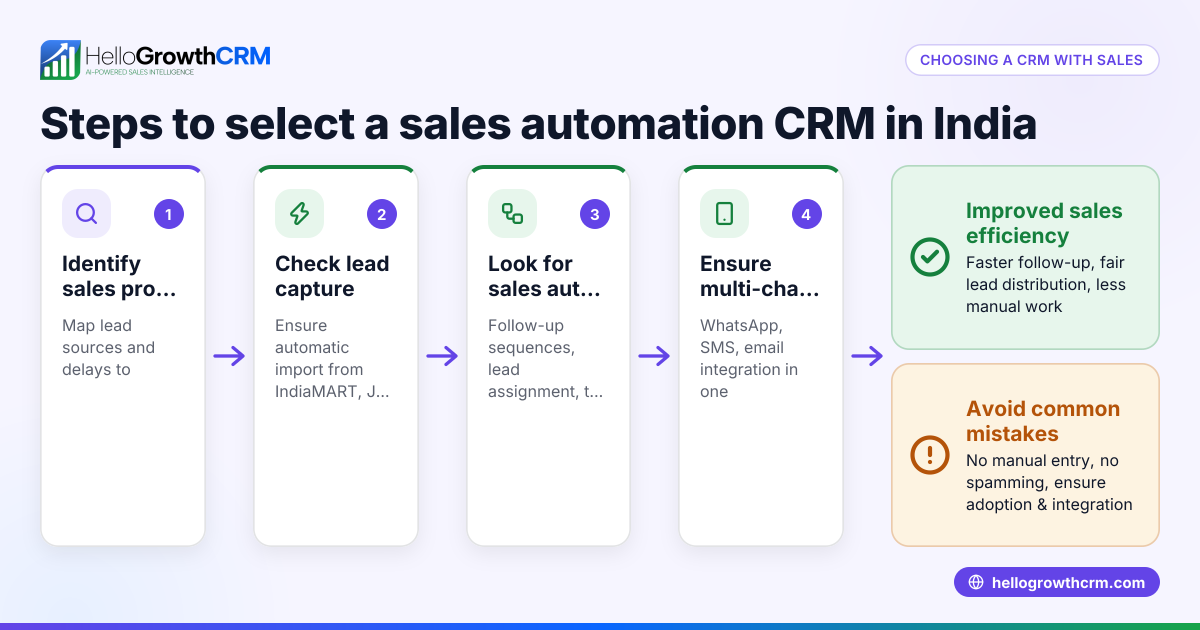
- Check integration capabilities: Ensure the CRM can capture leads from your existing web forms or platforms and connect with email, SMS, and WhatsApp for outreach.
- Evaluate ease of use: The automation should be easy to set up and modify without heavy IT support.
- Review AI assistance options: Some CRMs offer AI agents that draft follow-up messages or update records automatically, reducing rep workload.
- Consider scalability and limits: Confirm the CRM supports your team size and sales volume, and check any feature restrictions on different plans.
- Test with a trial or demo: Use a free plan or demo to build simple workflows and see how automation impacts your sales process.
- Ask about reporting and forecasting: Automation should include tracking of task completions and lead status to help forecast sales.
For more on automation features, see AI CRM and WhatsApp and SMS CRM.
Example (fictional figures)
A B2B software reseller in Denver, Colorado, receives 500 new leads per month from web forms and trade shows. They want to automate lead routing and follow-up to improve conversion.
- Leads per month = 500
- Average lead response time before automation = 3 days
- Goal: reduce response time to under 1 day
They set up automation:
- Leads assigned round-robin to 5 sales reps: 500 leads ÷ 5 reps = 100 leads per rep
- First-call task created automatically for each lead
- AI drafts follow-up messages after calls for reps to review
- Five-step follow-up sequence runs over 14 days, stopping when prospect replies
Results:
- Lead response time drops from 3 days to under 1 day
- Follow-up consistency improves
- Sales reps spend more time selling, less on admin
This example shows how workflow automation can organize lead handling and speed up sales cycles.
Common mistakes
- Over-automating complex decisions: Avoid automating tasks that need human judgment. Use automation for routine steps only.
- Ignoring team input: Involve sales reps in designing workflows to ensure they fit real processes.
- Setting and forgetting workflows: Regularly review and update automation as your sales process evolves.
- Not testing workflows before full rollout: Test automation on a small scale to catch errors.
- Choosing software without integration options: Ensure your CRM connects with your communication channels and lead sources.
- Overlooking AI features: AI agents can save time drafting messages; don’t miss out on this if available.
For more on avoiding pitfalls and setting up automation, see HelloGrowthCRM for the United States.
Doing this in HelloGrowthCRM
HelloGrowthCRM offers automated workflows, lead routing, and validation rules that assign leads round-robin and create first-call tasks automatically. Its AI agents (currently in Beta) draft follow-up messages after calls, so reps only review and send them. The platform also supports sequences and campaigns for automated multi-step outreach over email, WhatsApp, and SMS that stops as soon as the prospect replies. These features help small and mid-sized businesses automate lead management and follow-up efficiently. Learn more at AI CRM.
Frequently asked questions
What is a CRM workflow? A CRM workflow is a series of automated actions triggered by specific events in the CRM, such as new lead creation or stage changes. It helps standardize and speed up sales and customer management tasks.
How does workflow automation improve sales? Automation reduces manual follow-up delays, ensures consistent communication, and frees sales reps to focus on selling rather than administrative tasks.
Can I automate lead assignment in a CRM? Yes, many CRMs offer lead routing rules to assign leads automatically based on territory, source, score, or round-robin distribution.
What is the difference between CRM workflow and sequences? Workflows automate internal CRM actions like task creation and notifications. Sequences automate outbound multi-step communications like emails and SMS until a prospect replies.
Do CRM workflows support AI? Some CRMs include AI agents that draft messages or update records automatically, reducing manual work. HelloGrowthCRM offers AI agents in Beta.
Key takeaways
- CRM workflow automation streamlines repetitive sales tasks like lead routing and follow-ups.
- Evaluate automation by mapping your sales process and identifying repeatable tasks.
- Test automation features like lead assignment, task creation, and multi-step outreach before buying.
- Avoid over-automating complex decisions and involve your sales team.
- HelloGrowthCRM supports workflows, AI agents, and sequences to automate lead management and follow-up.
Start automating your sales process today with HelloGrowthCRM. Start on the Free Forever plan (200 leads, no credit card).
Ready to put this into practice?
Set up your pipeline, WhatsApp follow-ups, and AI lead scoring in minutes — free, no credit card.
Try HelloGrowthCRM freeGet CRM tips in your inbox
Join thousands of sales professionals who get weekly insights on CRM strategy, AI automation, and pipeline optimization.

The HelloGrowthCRM team publishes guides on CRM strategy, AI sales tools, and revenue operations for small business sales teams.