HelloGrowthCRM software
Built for real small-business sales teams
HelloGrowthCRM helps reps qualify faster, follow up on time, and close more deals—with practical automation in one place.
- AI lead scoring and pipeline visibility
- Built-in dialer, WhatsApp, and email automation
- Sales forecasting and RevOps-ready reporting
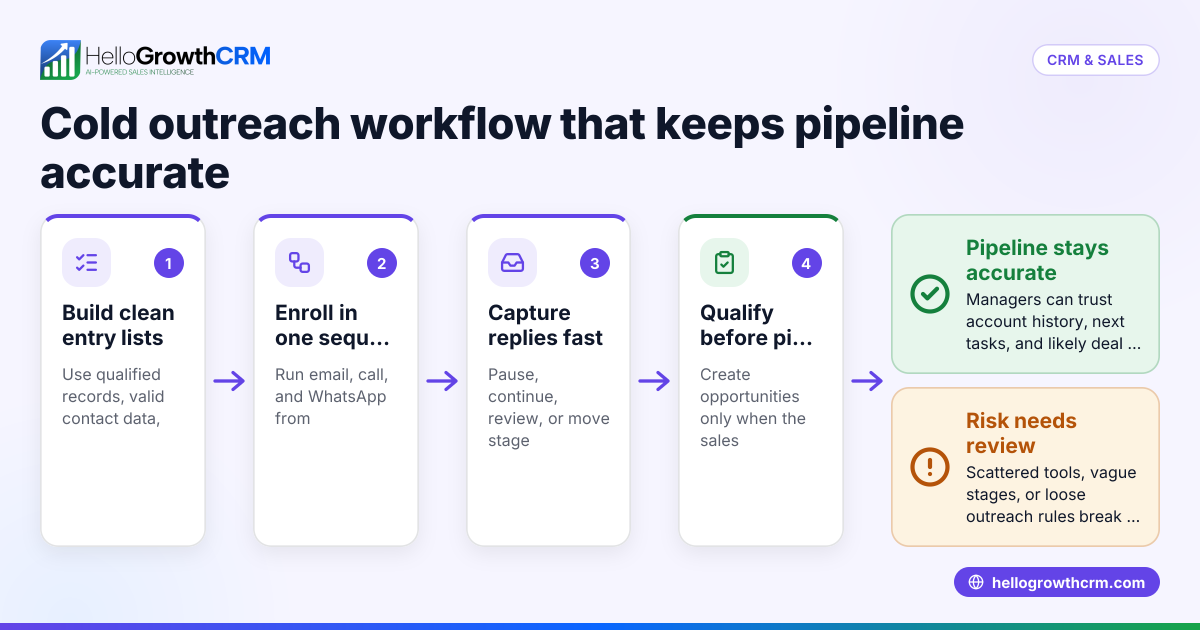
Cold email to CRM workflow tools automate and organize the process of sending unsolicited emails to potential leads and managing their responses within a CRM system. These tools ensure your cold outreach integrates smoothly with lead capture, task management, and follow-up workflows, reducing manual work and missed opportunities.
Why this comes up / what goes wrong
Many small-business owners trying to grow sales rely on cold emails to reach new prospects. However, without proper tools, these emails often end up scattered across personal inboxes or spreadsheets. Leads get lost, follow-up is delayed, and sales teams waste time juggling multiple apps. The search for "cold email to CRM workflow tools" arises because business owners want a system that captures leads automatically, assigns them to reps, triggers follow-up tasks, and keeps email conversations visible to the whole team.
Step-by-step
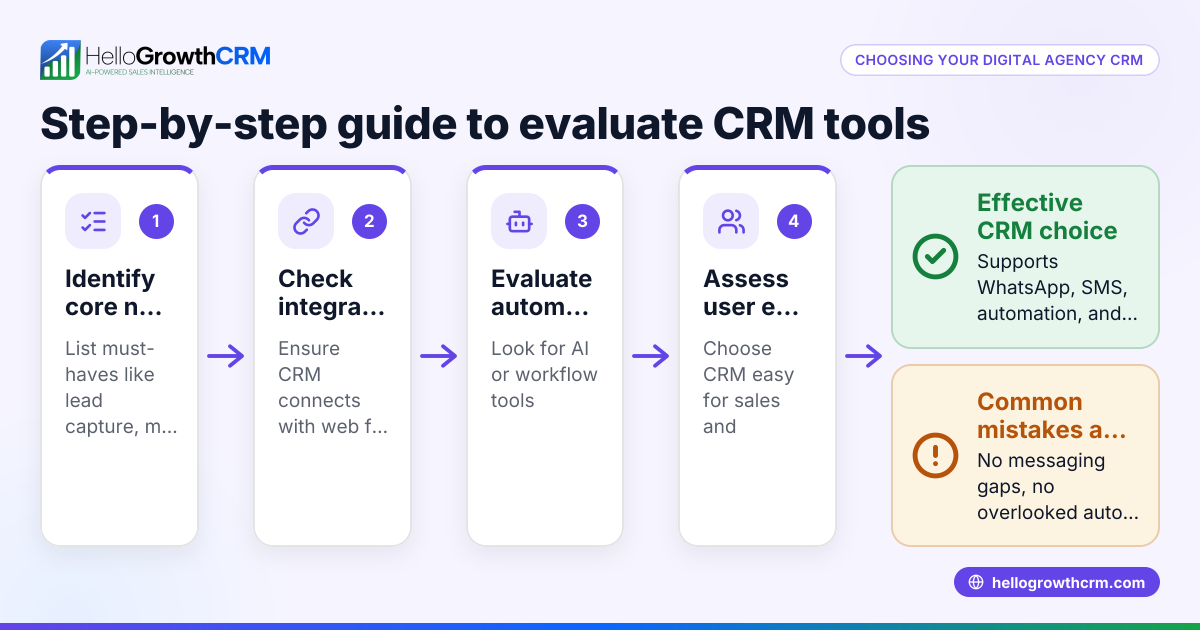
- Define your cold email goals and volume: Determine how many emails you plan to send and what outcomes you want (e.g., booked calls, demo requests). This helps identify the scale and features you need.
- Check integration capabilities: Ensure the tool can connect your cold email platform with your CRM or has built-in email sending and tracking. Verify it supports automated lead capture from email replies.
- Evaluate workflow automation features: Look for lead routing rules, task creation triggers, and validation rules to automate assignment and follow-up. Confirm you can set rules like round-robin assignment or lead scoring.
- Assess communication visibility: The tool should allow team members to see email replies and status updates within the CRM, avoiding siloed information.
- Review dialing and call logging options: If your sales process includes calls after emails, check for built-in dialers that log call outcomes directly to contacts and deals.
- Consider ease of use and adoption: Choose a tool your team will actually use daily. Look for a shared inbox and simple workflow builders.
- Try free plans or demos: Test features like email sequences and workflows before committing. For more on automating email outreach, see email automation and sequences.
- Check pricing and scalability: Ensure the tool fits your budget and can grow with your team.
Example (fictional figures)
A B2B software reseller in Denver, Colorado, plans to send 5,000 cold emails monthly starting 07/01/2024. They want to assign leads evenly among 5 sales reps and automatically create follow-up call tasks.
- Total cold emails sent: 5,000
- Expected response rate: 5% (250 leads)
- Leads per rep: 250 ÷ 5 = 50
They set up a round-robin lead routing workflow:
- Each new lead is assigned to the next rep in rotation
- A first-call task is created automatically for each lead
They use a built-in dialer to call leads and log outcomes:
- Calls per rep: 50 leads × 1.5 calls per lead = 75 calls
- Total calls: 75 calls × 5 reps = 375 calls
This setup saves manual lead distribution and task creation, letting reps focus on calls and emails.
Common mistakes
- Not automating lead capture: Leads from cold emails get lost if not automatically added to the CRM. Prevent this by integrating your email tool with lead capture workflows.
- Ignoring team visibility: When email replies are only visible to one person, others miss context. Use shared inbox features so the whole team can track conversations.
- Manual lead assignment: Assigning leads by hand wastes time and causes uneven workloads. Use automated lead routing like round-robin or territory rules.
- Skipping follow-up tasks: Without automated task creation, follow-ups are forgotten. Set workflow triggers to create tasks immediately after lead capture.
- Using separate tools without integration: Managing cold emails, CRM, and calls in disconnected apps causes data loss and inefficiency. Choose tools that combine these functions or integrate tightly.
- Overcomplicating workflows: Complex rules can confuse users and reduce adoption. Start simple and improve workflows gradually.
For more tips on sales workflows, visit free sales tools and calculators.
Doing this in HelloGrowthCRM
HelloGrowthCRM supports cold email to CRM workflows with several features:
- HelloMail shared inbox lets your team see all replies to quotation emails on the deal, avoiding missed messages or duplicated replies.
- Workflows, lead routing and validation rules automate lead assignment and task creation, such as assigning new enquiries round-robin and creating first-call tasks automatically.
- Built-in dialer enables reps to call leads directly from the CRM, logging call outcomes and keeping full call history tied to contacts and deals.
Learn more about these capabilities at HelloGrowthCRM for the United States.
Frequently asked questions
What is the benefit of integrating cold email with CRM workflows? Integrating cold email with CRM workflows automates lead capture, assignment, and follow-up tasks, reducing manual errors and speeding up sales responses. It also centralizes communication, improving team collaboration.
Can I use any email service with CRM workflow tools? Not all email services integrate smoothly with CRM workflow tools. Look for platforms with native integration or API support to automate lead capture and email tracking effectively.
How does lead routing improve cold email results? Lead routing assigns leads automatically based on rules like round-robin or territory, ensuring balanced workloads and faster follow-up, which increases conversion chances.
Do CRM workflow tools support multi-channel outreach beyond email? Some tools support SMS, WhatsApp, and calls alongside email. This multi-channel approach can improve engagement but requires tools that unify communication channels.
Is it hard to set up workflows for cold email? Setup complexity varies by tool. Many modern CRMs offer drag-and-drop workflow builders and templates, making it easier to automate lead routing and task creation without coding.
How can I track the effectiveness of my cold email campaigns in a CRM? Use CRM reporting features to monitor email open rates, reply rates, lead conversion, and sales pipeline progression. Automated sequences and activity logging help gather this data.
Key takeaways
- Cold email to CRM workflow tools automate lead capture, assignment, and follow-up, reducing manual tasks.
- Look for features like shared inboxes, lead routing, automated task creation, and built-in dialers.
- Avoid common mistakes like manual lead assignment, siloed email replies, and disconnected tools.
- Start with simple workflows and scale as you learn what works.
- HelloGrowthCRM offers shared inbox, workflows, lead routing, and a built-in dialer to support these processes.
Start your journey by exploring the free tools and automation options available at HelloGrowthCRM.
Start on the Free Forever plan (200 leads, no credit card) to try these features yourself and improve your cold email to CRM workflow today.
Ready to put this into practice?
Set up your pipeline, WhatsApp follow-ups, and AI lead scoring in minutes — free, no credit card.
Try HelloGrowthCRM freeGet CRM tips in your inbox
Join thousands of sales professionals who get weekly insights on CRM strategy, AI automation, and pipeline optimization.

The HelloGrowthCRM team publishes guides on CRM strategy, AI sales tools, and revenue operations for small business sales teams.