HelloGrowthCRM software
Built for real small-business sales teams
HelloGrowthCRM helps reps qualify faster, follow up on time, and close more deals—with practical automation in one place.
- AI lead scoring and pipeline visibility
- Built-in dialer, WhatsApp, and email automation
- Sales forecasting and RevOps-ready reporting
A CTI call center combines telephony technology with computer software to streamline how businesses handle calls. It allows sales teams to make and track calls, log outcomes automatically, and manage contacts and leads all in one place. This reduces lost leads and speeds up follow-up, making sales processes more efficient.
Why this comes up / what goes wrong
Small-business owners often juggle phone calls using separate tools like phones, spreadsheets, and email. Without integration, calls can be missed, outcomes may not be recorded, and lead follow-up can be delayed. This inefficiency leads to lost sales opportunities and wasted time. A CTI call center addresses these problems by linking phone calls directly to customer data and sales workflows, so teams can work faster and smarter.
Many small businesses run sales on text messages, email, and spreadsheets, which can cause slow follow-up and lost leads. Without a unified system, tracking call results and managing callbacks becomes difficult. This is why CTI call centers, which integrate phone systems with CRM software, become essential for improving sales effectiveness.
Step-by-step
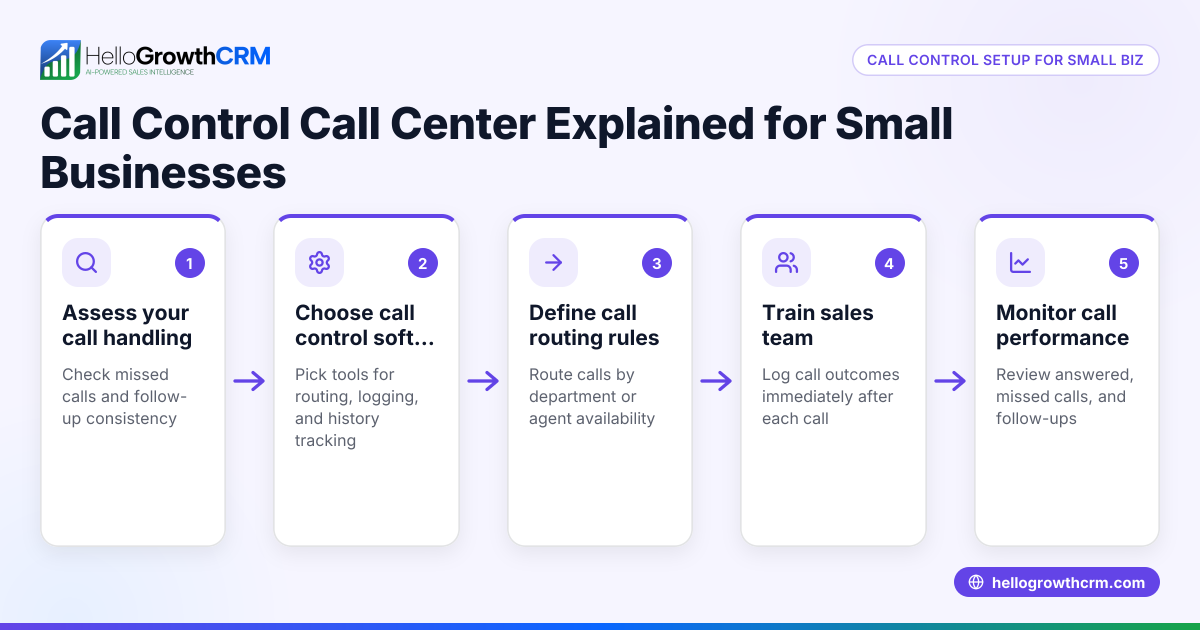
- Assess your current call process: Review how your team handles inbound and outbound calls. Check for missed calls, delays in callbacks, and how call outcomes are recorded.
- Identify your needs: Decide which features matter most, such as click-to-call, automatic call logging, call outcome tracking, and CRM integration. Consider your call volume and team size.
- Choose a CTI system that fits your business: Look for a solution that integrates well with your CRM and supports your communication channels.
- Integrate your phone system with your CRM: Connect telephony to your customer database so calls and results are automatically logged. This reduces manual entry and errors.
- Train your sales team: Provide hands-on training so they know how to use call lists, log outcomes, and handle calls efficiently.
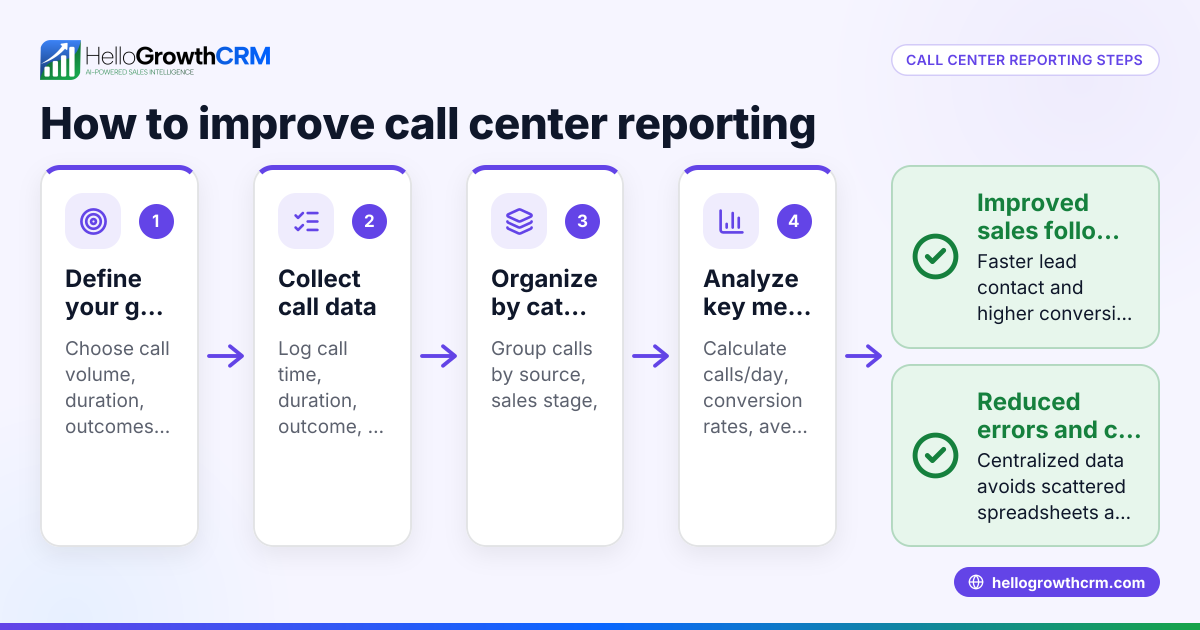
- Monitor call data regularly: Track call volume, success rates, and follow-up tasks to identify areas for improvement.
- Adjust workflows as needed: Use data insights to refine call scripts, schedules, and lead prioritization.
Using a system with a built-in dialer can simplify these steps. For example, HelloGrowthCRM offers a built-in CRM dialer that lets reps work a list directly inside the CRM, logging each call outcome automatically. This helps keep the full call history tied to contact and deal records.
Example (fictional figures)
A residential real-estate team in Phoenix, Arizona, uses a CTI call center to manage leads from their website.
- The team has 3 agents.
- Each agent makes 50 calls per day.
- Each call lasts about 5 minutes.
- Before CTI, many leads were lost due to missed follow-ups.
Calculations:
Calls per day = 3 agents × 50 calls = 150 calls
Time spent calling = 150 calls × 5 minutes = 750 minutes
Convert minutes to hours: 750 minutes ÷ 60 = 12.5 hours
Assume each closed deal earns $10,000 commission.
If improved follow-up leads to 10 additional deals per month:
Additional revenue = 10 deals × $10,000 = $100,000
This example shows how better call management with CTI can increase efficiency and revenue by improving follow-up and reducing lost leads.
Common mistakes
- Not integrating phone and CRM systems properly: Prevent this by verifying integration before rollout and testing thoroughly.
- Ignoring team training: Prevent by scheduling comprehensive training sessions and ongoing support.
- Failing to log call outcomes consistently: Prevent by automating call logging and making it part of the workflow.
- Overlooking call data monitoring: Prevent by setting up regular reviews of call metrics to spot issues early.
- Choosing a system that is too complex or too simple: Prevent by selecting a CTI solution that matches your team’s size and skills, such as a built-in dialer.
Learn more about managing calls with WhatsApp and SMS channels in a CRM on the WhatsApp and SMS CRM page.
Doing this in HelloGrowthCRM
HelloGrowthCRM includes a built-in dialer that lets reps work a call list directly inside the CRM. Each call’s outcome is logged on the lead record, keeping the full call history tied to contacts and deals. This setup simplifies managing calls and follow-ups without juggling separate tools. Learn more about the built-in CRM dialer and how HelloGrowthCRM supports US businesses in the HelloGrowthCRM for the United States section.
Frequently asked questions
What does CTI stand for in a call center? CTI means Computer Telephony Integration. It connects phone systems with computers to manage calls more efficiently, linking calls to customer data.
How does a CTI call center help small businesses? It streamlines call handling by automating call logging, improving follow-up speed, and reducing lost leads. This helps sales teams stay organized and close more deals.
Can CTI systems work with messaging platforms like WhatsApp or SMS? Yes. Some CRM systems integrate CTI with WhatsApp and SMS, allowing sales teams to communicate across multiple channels from one place.
Is training necessary to use a CTI call center effectively? Yes. Proper training ensures your team uses features like call lists and logging correctly, maximizing the benefits of CTI.
What features should I look for in a CTI system? Look for a built-in dialer, automatic call logging, call outcome tracking, and seamless CRM integration.
Key takeaways
- CTI call centers link telephony and computer systems to manage sales calls efficiently.
- They reduce lost leads by automating call logging and improving follow-up.
- Small businesses should choose CTI systems that integrate with their CRM and fit their team size.
- Training and monitoring call data are essential for success.
- Using a built-in dialer inside a CRM simplifies call management.
Start improving your sales calls with a CTI call center today. You can Start on the Free Forever plan (200 leads, no credit card) to try the built-in dialer and see how it helps your team manage calls and leads better.
Ready to put this into practice?
Set up your pipeline, WhatsApp follow-ups, and AI lead scoring in minutes — free, no credit card.
Try HelloGrowthCRM freeGet CRM tips in your inbox
Join thousands of sales professionals who get weekly insights on CRM strategy, AI automation, and pipeline optimization.

The HelloGrowthCRM team publishes guides on CRM strategy, AI sales tools, and revenue operations for small business sales teams.