HelloGrowthCRM software
Built for real small-business sales teams
HelloGrowthCRM helps reps qualify faster, follow up on time, and close more deals—with practical automation in one place.
- AI lead scoring and pipeline visibility
- Built-in dialer, WhatsApp, and email automation
- Sales forecasting and RevOps-ready reporting
A call center chatbot automates routine customer interactions by answering FAQs, directing calls, or collecting information before connecting callers to human agents. Small businesses use chatbots to reduce wait times, improve lead handling, and free sales teams to focus on higher-value conversations. This article covers why small businesses seek chatbots, step-by-step setup guidance, an example with figures, common mistakes, and how a CRM dialer fits in.
Why this comes up / what goes wrong
Small-business owners often struggle with slow response times and overwhelmed call agents, causing lost leads and frustrated customers. Without automation, sales teams spend too much time answering repetitive questions or manually logging call outcomes. A call center chatbot can handle initial contacts, qualify leads, and route calls efficiently, but many owners don’t know where to start or how to integrate it with their existing tools like CRMs and phone systems.
Step-by-step
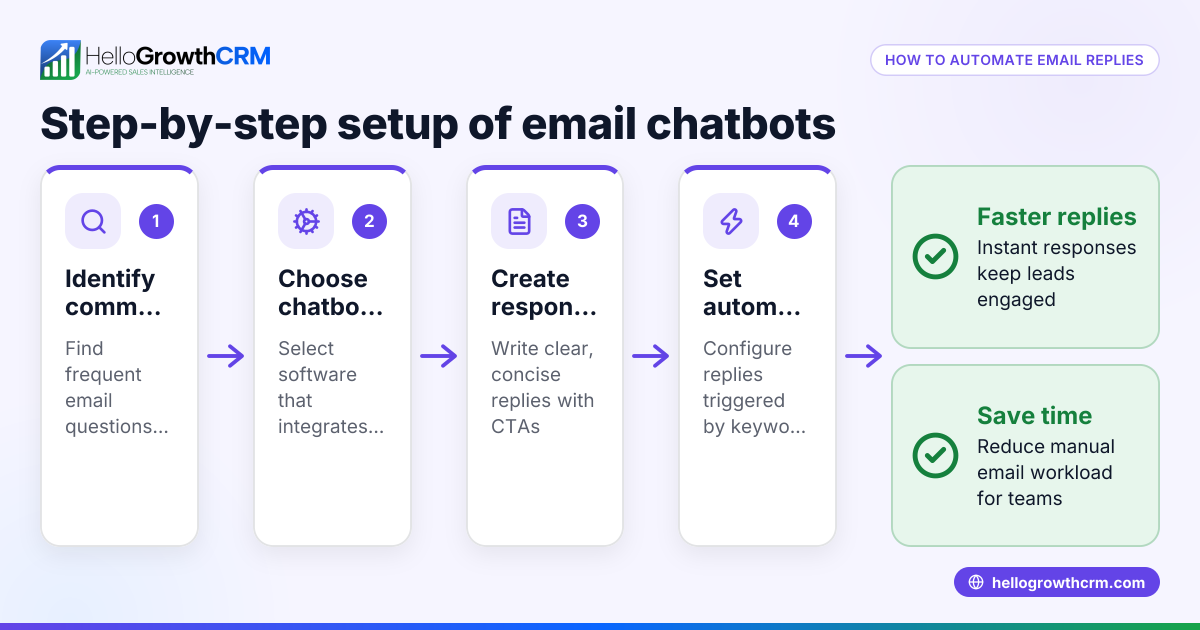
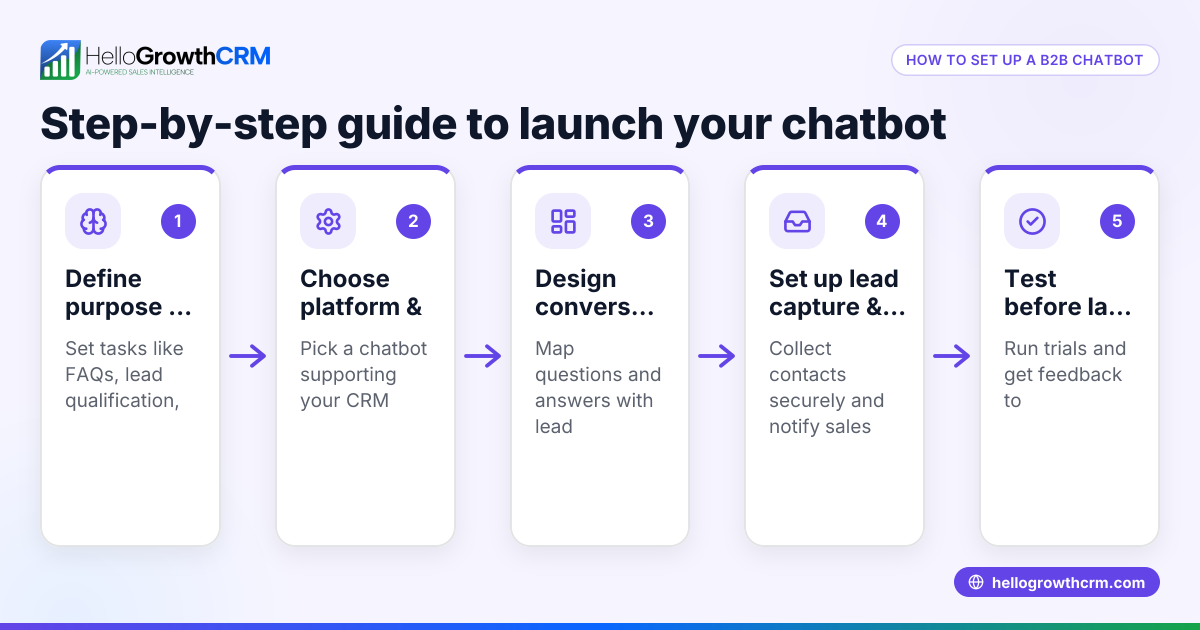
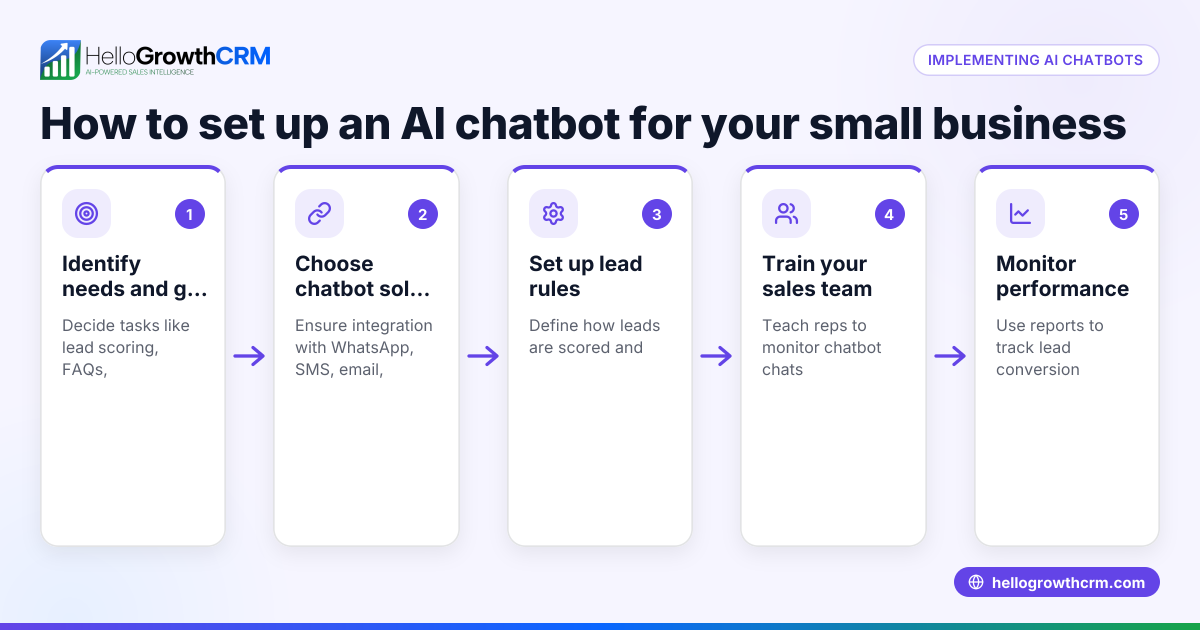
- Identify your call center needs: Decide which customer interactions to automate—common questions, appointment scheduling, or lead qualification.
- Choose chatbot software compatible with your phone system: Check if the chatbot integrates with your CRM or dialer to log interactions automatically.
- Design conversation flows: Map out typical customer questions and responses, including when to transfer to a live agent.
- Test the chatbot thoroughly: Run scenarios to ensure it understands queries and routes calls correctly.
- Train your team on using chatbot data: Ensure sales reps know how to access chatbot logs and follow up on leads.
- Monitor performance and adjust: Use metrics like call deflection rates and customer satisfaction to improve the chatbot over time.
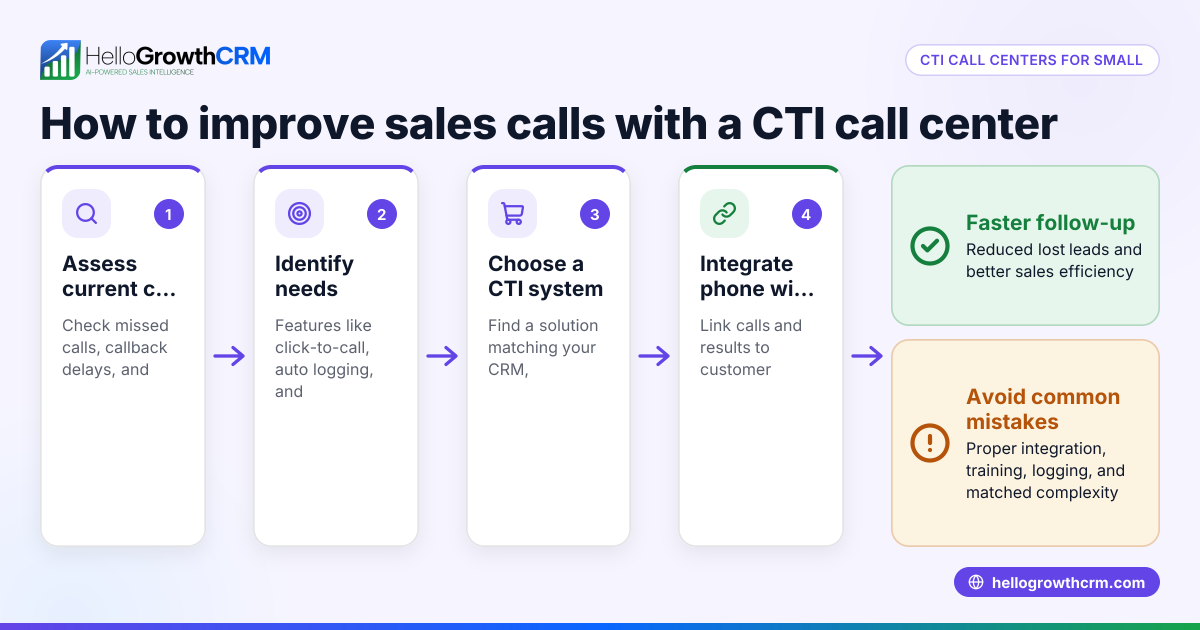
- Integrate with your CRM dialer: Use tools like a built-in dialer to manage callbacks and log call outcomes efficiently. See built-in CRM dialer.
Example (fictional figures)
A Denver-based B2B software reseller wants to reduce lost leads from missed calls. They invest $5,000 in a call center chatbot setup on 03/01/2026, expecting to improve lead follow-up.
- Initial cost: $5,000
- Current lost leads per month: 50 leads
- Average deal value: $1,200
- Conversion rate improvement expected: 10 leads/month
Calculation:
10 leads × $1,200 = $12,000 additional revenue per month
$12,000 × 1 month = $12,000 total additional revenue
$12,000 - $5,000 = $7,000 net gain in the first month
The chatbot pays for itself in less than half a month if it recovers just 10 leads. The reseller uses a CRM dialer to call back leads quickly and log outcomes, improving team efficiency.
Common mistakes
- Not defining chatbot goals clearly: Prevent by outlining specific tasks the chatbot should handle before purchasing software.
- Ignoring integration with CRM and dialers: Prevent by choosing chatbot solutions that connect with your sales tools, such as a built-in dialer built-in CRM dialer.
- Overcomplicating conversation flows: Prevent by keeping scripts simple and focused on common customer needs.
- Neglecting team training: Prevent by involving your sales team early and showing how chatbot data supports their work.
- Failing to monitor and update: Prevent by regularly reviewing chatbot interactions and making improvements.
- Not using SMS or WhatsApp follow-ups: Prevent by integrating messaging sequences to reach leads where they respond best. See WhatsApp and SMS CRM.
Doing this in HelloGrowthCRM
A CRM with a built-in dialer lets reps work through lead lists directly inside the system. Each call’s outcome is logged automatically on the lead record, keeping your sales pipeline organized. While chatbot automation is separate, integrating a chatbot with this dialer helps your team follow up leads efficiently and track every interaction. Learn more about the built-in CRM dialer and how it supports US businesses at HelloGrowthCRM for the United States.
Frequently asked questions
What is a call center chatbot used for? A call center chatbot automates answering common customer questions, routing calls, and qualifying leads to reduce wait times and improve efficiency.
Can a chatbot replace live call agents? Chatbots handle routine inquiries but typically transfer complex issues to human agents. They complement rather than replace live staff.
How do I integrate a chatbot with my existing CRM? Choose chatbot software that supports integration via APIs or native connectors to log conversations and update lead records automatically.
Does a CRM with a built-in dialer include chatbot automation? A CRM dialer lets reps call leads and log outcomes but does not provide chatbot automation itself. However, it works well alongside chatbot tools.
How can I measure chatbot effectiveness? Track metrics like call deflection rate, average handling time, customer satisfaction, and lead conversion improvements.
Why use WhatsApp and SMS sequences with chatbots? Messaging sequences via WhatsApp or SMS complement calls by reaching customers on popular channels, improving lead engagement. See WhatsApp and SMS CRM.
Key takeaways
- A call center chatbot automates routine customer calls to improve lead handling and reduce wait times.
- Small businesses benefit by freeing sales teams to focus on qualified leads.
- Setup involves defining goals, choosing compatible software, designing flows, testing, training, and monitoring.
- Avoid common mistakes by integrating with your CRM and keeping conversation flows simple.
- Using SMS and WhatsApp messaging sequences increases lead engagement.
- A CRM with a built-in dialer supports efficient follow-up by logging call outcomes inside the CRM.
Start managing your leads and calls better today. Start on the Free Forever plan (200 leads, no credit card).
Ready to put this into practice?
Set up your pipeline, WhatsApp follow-ups, and AI lead scoring in minutes — free, no credit card.
Try HelloGrowthCRM freeGet CRM tips in your inbox
Join thousands of sales professionals who get weekly insights on CRM strategy, AI automation, and pipeline optimization.

The HelloGrowthCRM team publishes guides on CRM strategy, AI sales tools, and revenue operations for small business sales teams.