HelloGrowthCRM software
Built for real small-business sales teams
HelloGrowthCRM helps reps qualify faster, follow up on time, and close more deals—with practical automation in one place.
- AI lead scoring and pipeline visibility
- Built-in dialer, WhatsApp, and email automation
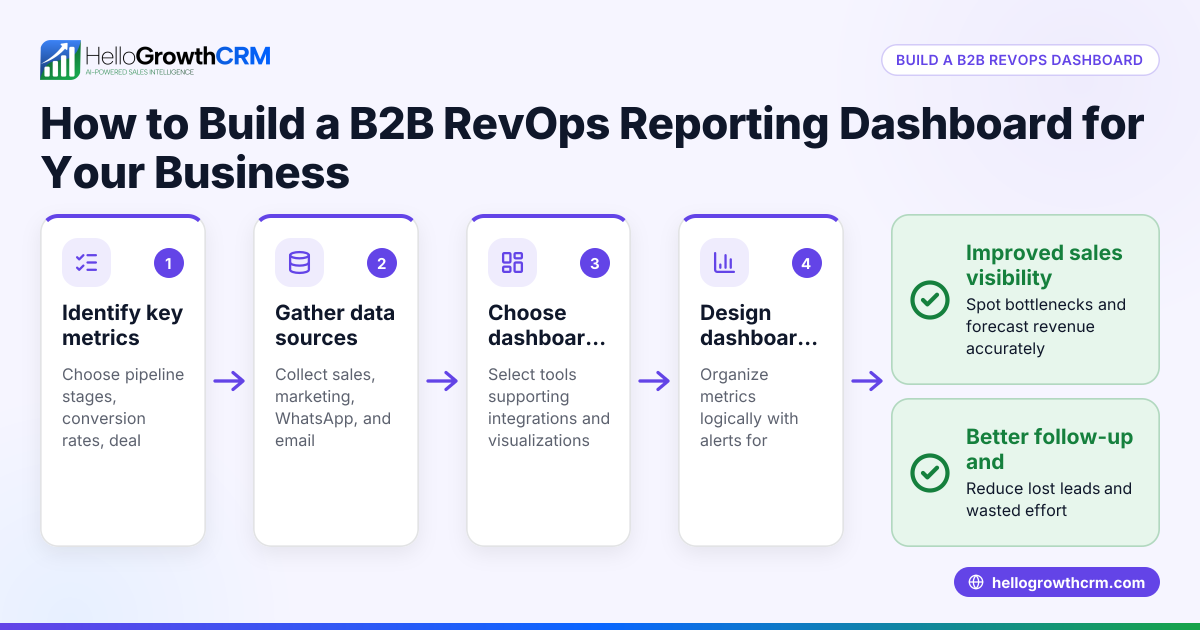
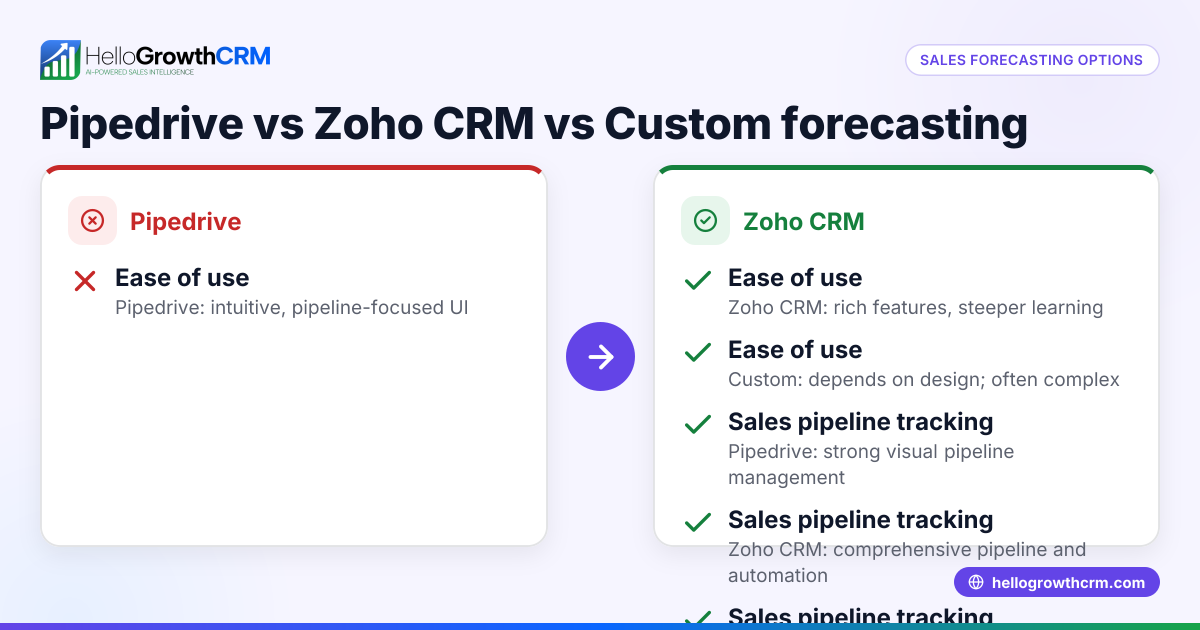
- Sales forecasting and RevOps-ready reporting
Custom reporting tools allow small businesses to generate reports tailored to their specific needs, such as sales performance, lead tracking, or customer engagement. These tools let you organize data in ways that standard reports cannot, helping you make better decisions based on your unique business processes.
Why this comes up / what goes wrong
Many small-business owners look for custom reporting tools when their current software or spreadsheets fail to provide clear insights. They might be juggling sales data from multiple sources like text messages, emails, and spreadsheets, making it hard to track progress or spot issues quickly. Without custom reports, teams can miss slow lead follow-ups or fail to forecast revenue accurately. This leads to lost sales and inefficient workflows.
Step-by-step
- Define Your Reporting Goals: Identify what questions you want your reports to answer. Examples include tracking monthly sales by product, measuring lead response times, or forecasting revenue.
- Inventory Your Data Sources: List where your data currently lives (e.g., email, WhatsApp messages, spreadsheets, web forms). Check if the reporting tool can connect to these sources or import data easily.
- Assess User Skills and Access Needs: Decide who will use the reports and their comfort level with software. Choose tools with user-friendly interfaces if your team is not tech-savvy.
- Check Customization Options: Look for features like drag-and-drop report builders, filters, and the ability to create dashboards. Confirm if you can save and share reports with your team.
- Evaluate Integration and Automation: Determine if the tool can automate data refreshes and integrate with your CRM or communication platforms, reducing manual work.
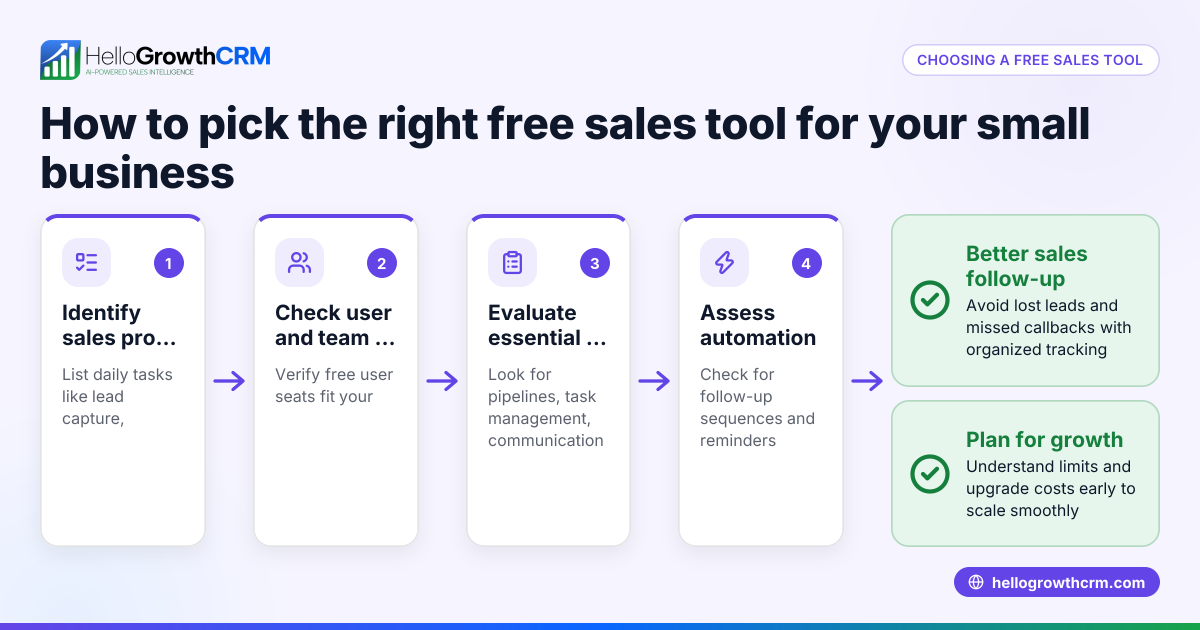
- Consider Cost and Support: Compare pricing models and check what support and training are available. Free tools or templates can be a good start.
- Test with Sample Data: Before committing, try creating a few reports using your data. This hands-on test reveals if the tool meets your needs.
For more resources, check out free sales tools and calculators to find templates that can jumpstart your reporting.
Example (fictional figures)
A residential real-estate team in Phoenix, Arizona wants to track their monthly sales and lead follow-up efficiency.
- Total leads received in April 2026: 150
- Leads followed up within 24 hours: 90
- Closed sales in April 2026: 12
- Average sale price: $350,000
They want a report showing:
- Lead follow-up rate
- Sales conversion rate
- Total revenue generated
Calculations:
Lead follow-up rate = (Leads followed up within 24 hours ÷ Total leads) × 100 Lead follow-up rate = (90 ÷ 150) × 100 = 60%
Sales conversion rate = (Closed sales ÷ Total leads) × 100 Sales conversion rate = (12 ÷ 150) × 100 = 8%
Total revenue = Closed sales × Average sale price Total revenue = 12 × $350,000 = $4,200,000
This report helps the team see their lead follow-up and sales conversion clearly and track progress monthly.
Common mistakes
- Ignoring data source compatibility: Prevent by verifying the tool can connect or import all your relevant data.
- Overcomplicating reports: Keep reports focused on key metrics to avoid confusion.
- Not involving end users: Include team members who will use reports in the selection process to ensure usability.
- Skipping trial runs: Always test tools with your data before buying.
- Neglecting automation features: Choose tools that reduce manual data entry to save time.
- Overlooking free resources: Use free templates and calculators like those available at free sales tools and calculators to build foundational reports.
Doing this in HelloGrowthCRM
HelloGrowthCRM offers free sales tools, templates, and calculators that can help small businesses start with custom reporting without signing up. You can download follow-up cadence templates or pipeline templates to organize your sales data and track key metrics. These resources are designed for B2B teams and include ROI calculators and pipeline health scorecards. Visit free sales tools and calculators to access these resources.
Frequently asked questions
What are custom reporting tools? Custom reporting tools let you create reports tailored to your business needs by selecting specific data points, filters, and layouts. They differ from standard reports by offering flexibility and deeper insights.
How do I know if I need a custom reporting tool? If your current reports don’t answer your key business questions or you spend too much time manually compiling data, a custom reporting tool can save time and improve decision-making.
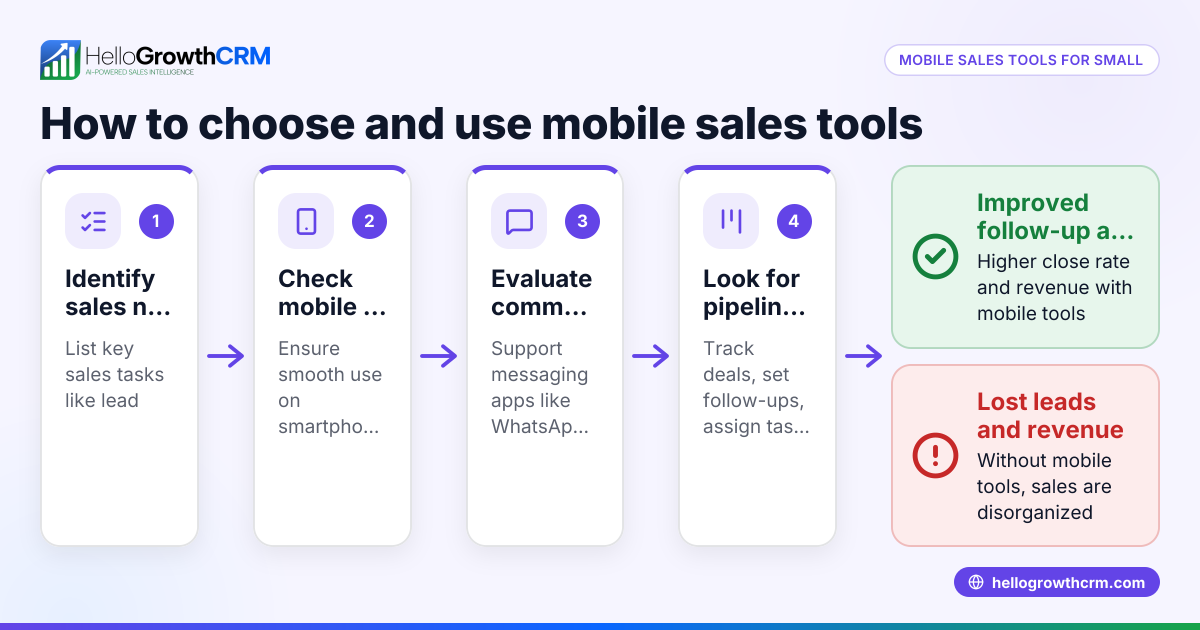
Can custom reporting tools integrate with WhatsApp and SMS data? Some reporting tools can integrate with communication platforms like WhatsApp and SMS, especially if your CRM supports these channels. Check the tool’s integration capabilities before choosing.
Are there free options for custom reporting? Yes, many free templates and calculators can help you start custom reporting without cost. HelloGrowthCRM offers a variety of free sales tools that you can download without an account at free sales tools and calculators.
What should I ask software vendors about custom reporting? Ask about data source compatibility, ease of use, customization options, automation features, and support availability.
Key takeaways
- Define clear reporting goals before choosing a tool.
- Ensure compatibility with your data sources, including communication channels.
- Test tools with your actual data to confirm they meet your needs.
- Avoid overly complex reports; focus on actionable metrics.
- Use free sales tools and templates as a starting point.
- Involve your team in selecting and using reporting tools.
Start organizing your sales data and improving follow-up with easy-to-use templates from HelloGrowthCRM’s free sales tools and calculators. For US-based teams using WhatsApp and SMS for sales, explore HelloGrowthCRM for the United States and its WhatsApp and SMS CRM features.
Ready to get started? Start on the Free Forever plan (200 leads, no credit card) today and see how custom reporting can boost your sales process.
Ready to put this into practice?
Set up your pipeline, WhatsApp follow-ups, and AI lead scoring in minutes — free, no credit card.
Try HelloGrowthCRM freeGet CRM tips in your inbox
Join thousands of sales professionals who get weekly insights on CRM strategy, AI automation, and pipeline optimization.

The HelloGrowthCRM team publishes guides on CRM strategy, AI sales tools, and revenue operations for small business sales teams.