HelloGrowthCRM software
Built for real small-business sales teams
HelloGrowthCRM helps reps qualify faster, follow up on time, and close more deals—with practical automation in one place.
- AI lead scoring and pipeline visibility
- Built-in dialer, WhatsApp, and email automation
- Sales forecasting and RevOps-ready reporting
Customer experience analysis is the process of examining how customers interact with your business at every touchpoint to identify strengths and weaknesses. It helps you improve satisfaction, retention, and sales. This article explains why small businesses need it, walks you through the steps to perform it, provides a practical example with US figures, highlights common mistakes, and shows how HelloGrowthCRM supports this process.
Why this comes up / what goes wrong
Small business owners often realize they need customer experience analysis when they notice lost sales, slow follow-up, or inconsistent service. For example, a local service company might get leads from their website, WhatsApp, and email but lacks a clear way to track how customers move through inquiry, purchase, and support. Without analysis, they miss where customers drop off or get frustrated. This leads to lost repeat business and poor reviews.
Customer experience analysis helps owners understand what customers really feel and how their interactions impact loyalty and revenue. It also reveals bottlenecks in sales or service processes that slow down follow-up or cause errors.
Step-by-step
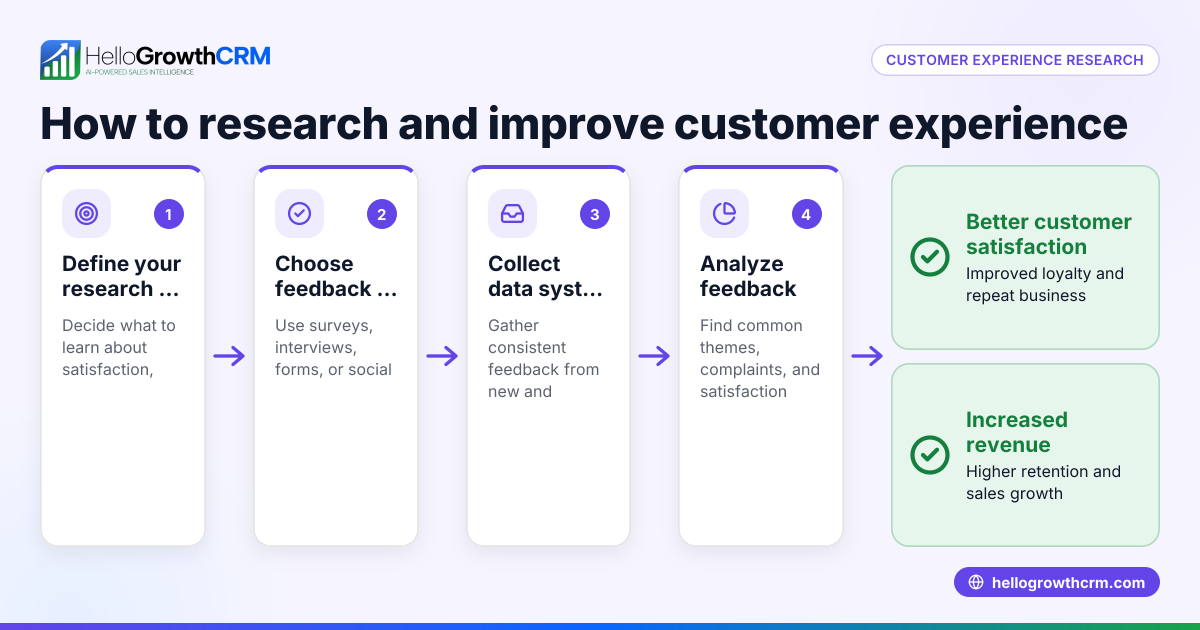
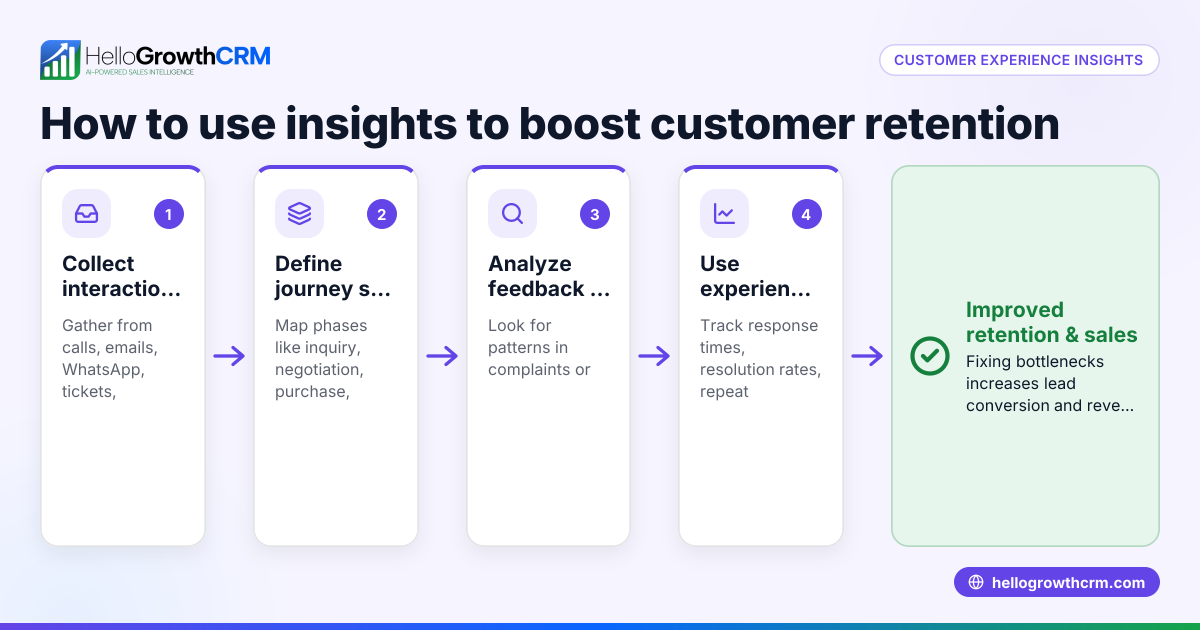
- Gather customer interaction data: Collect information from all channels customers use to contact you — phone calls, emails, WhatsApp messages, web forms, and in-person visits. Check that data is centralized and accessible.
- Map the customer journey: Outline each stage a customer goes through, from initial contact to purchase and after-sale support. Identify touchpoints like website visits, inquiries, quotes, purchase, and service requests.
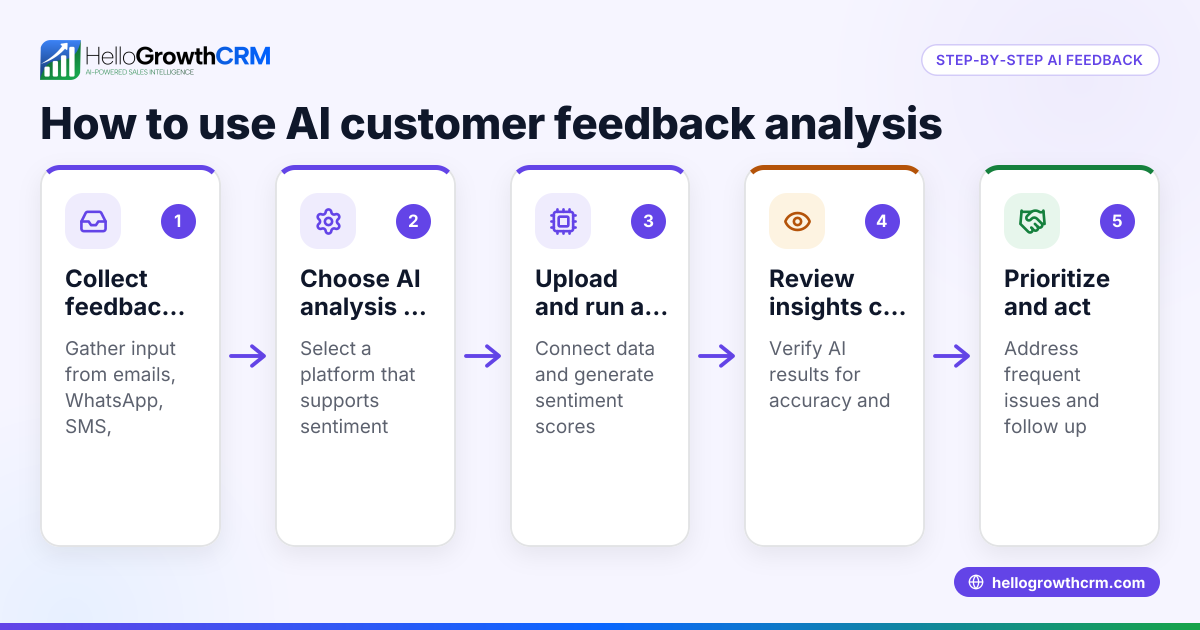
- Collect customer feedback: Use surveys, direct questions, or analyze messages and tickets to understand customer satisfaction and pain points at each stage.
- Analyze response times and outcomes: Measure how quickly your team responds to inquiries and resolves issues. Check conversion rates at each stage — how many leads become customers, and how many customers return.
- Identify bottlenecks and pain points: Look for stages where customers drop off or express dissatisfaction. These are areas needing improvement.
- Develop improvement actions: Plan specific changes like faster follow-up, clearer communication, or better service processes.
- Implement changes and monitor results: Make adjustments and track if customer satisfaction and sales improve over time.
- Use tools to automate and improve: Consider CRM systems that capture leads from multiple sources, track customer interactions, and manage support tickets efficiently.
Example (fictional figures)
A two-location dental practice in Columbus, Ohio, wants to analyze customer experience for January 2026.
- Total new patient inquiries: 400
- Website form inquiries: 150
- WhatsApp messages: 100
- Phone calls: 150
Step 1: Gather data from all channels.
Step 2: Map journey stages: Inquiry → Appointment booking → First visit → Follow-up care.
Step 3: Customer feedback shows some patients find booking confusing, especially online.
Step 4: Response times:
- Website form: average 24 hours
- WhatsApp: average 2 hours
- Phone calls: immediate
Conversion rates:
- Inquiries to appointments booked = 400 × 50% = 200
- Appointments kept = 200 × 90% = 180
Step 5: Bottleneck is slow website form follow-up.
Step 6: Action: Automate website inquiry responses and assign staff to monitor forms daily.
Step 7: After implementing, January follow-up time drops to 6 hours.
Step 8: Monitor February data for improved appointment rates.
Common mistakes
- Ignoring multi-channel data: Only analyzing phone calls or email misses WhatsApp or online forms. Prevent by centralizing data using tools like WhatsApp and SMS CRM.
- Not mapping the full journey: Overlooking after-sale support leads to missed improvement areas. Use customer health score tracking to monitor ongoing satisfaction, see customer health score.
- Failing to act on feedback: Collecting feedback but not improving frustrates customers. Assign tickets and track resolutions to close the loop.
- Slow or inconsistent follow-up: Customers lose interest if responses lag. Automate sequences and set clear SLA policies.
- Using spreadsheets alone: Manual tracking leads to errors and delays. Adopt a CRM that integrates lead capture and customer records.
Doing this in HelloGrowthCRM
HelloGrowthCRM offers a branded self-service customer portal where customers can submit support requests, which stay linked on the same customer record as the deal. It also tracks referrals and includes a knowledge base to support fast issue resolution. These features help you keep the full customer journey visible and manage after-sale service efficiently. Learn more about these capabilities at customer health score.
Frequently asked questions
What is the difference between customer experience analysis and customer satisfaction surveys? Customer experience analysis looks at all interactions and processes customers go through, while satisfaction surveys collect direct feedback on specific experiences. Both are important; analysis provides context for survey results.
How often should I perform customer experience analysis? Regularly reviewing customer experience—quarterly or after major changes—is best to catch issues early and adapt your processes.
Can small businesses do customer experience analysis without expensive tools? Yes. Start by gathering all customer data in one place, mapping journeys on paper or spreadsheets, and collecting feedback directly. Tools like HelloGrowthCRM can automate and improve this as you grow.
How does tracking referrals help with customer experience? Referrals indicate customer satisfaction and trust. Tracking them helps you identify your happiest customers and improve service to encourage more referrals.
What role does after-sale support play in customer experience? After-sale service impacts loyalty and repeat business. Keeping service requests linked to customer records ensures quick, personalized responses.
Key takeaways
- Customer experience analysis examines every interaction to improve satisfaction and sales.
- Collect and centralize data from all customer channels, including WhatsApp and web forms.
- Map the full customer journey and identify bottlenecks and pain points.
- Act on feedback and track follow-up times to prevent lost leads.
- Avoid common mistakes like ignoring multi-channel data and relying solely on spreadsheets.
- Use tools like HelloGrowthCRM for integrated customer records, support tickets, and referral tracking.
Start your customer experience analysis today to improve your business's growth and customer loyalty. You can Start on the Free Forever plan (200 leads, no credit card) with HelloGrowthCRM to organize your leads and customer interactions efficiently.
Ready to put this into practice?
Set up your pipeline, WhatsApp follow-ups, and AI lead scoring in minutes — free, no credit card.
Try HelloGrowthCRM freeGet CRM tips in your inbox
Join thousands of sales professionals who get weekly insights on CRM strategy, AI automation, and pipeline optimization.

The HelloGrowthCRM team publishes guides on CRM strategy, AI sales tools, and revenue operations for small business sales teams.