HelloGrowthCRM software
Built for real small-business sales teams
HelloGrowthCRM helps reps qualify faster, follow up on time, and close more deals—with practical automation in one place.
- AI lead scoring and pipeline visibility
- Built-in dialer, WhatsApp, and email automation
- Sales forecasting and RevOps-ready reporting
Customer experience best practices mean creating smooth, helpful, and reliable interactions that meet your customers’ expectations at every touchpoint. This involves listening to feedback, promptly resolving issues, and making it easy for customers to get help or referrals. This article explains why small businesses often face challenges in customer experience, provides actionable steps to improve, shares an example with numbers, highlights mistakes to avoid, and shows how HelloGrowthCRM helps track service requests and referrals after the sale.
Why this comes up / what goes wrong
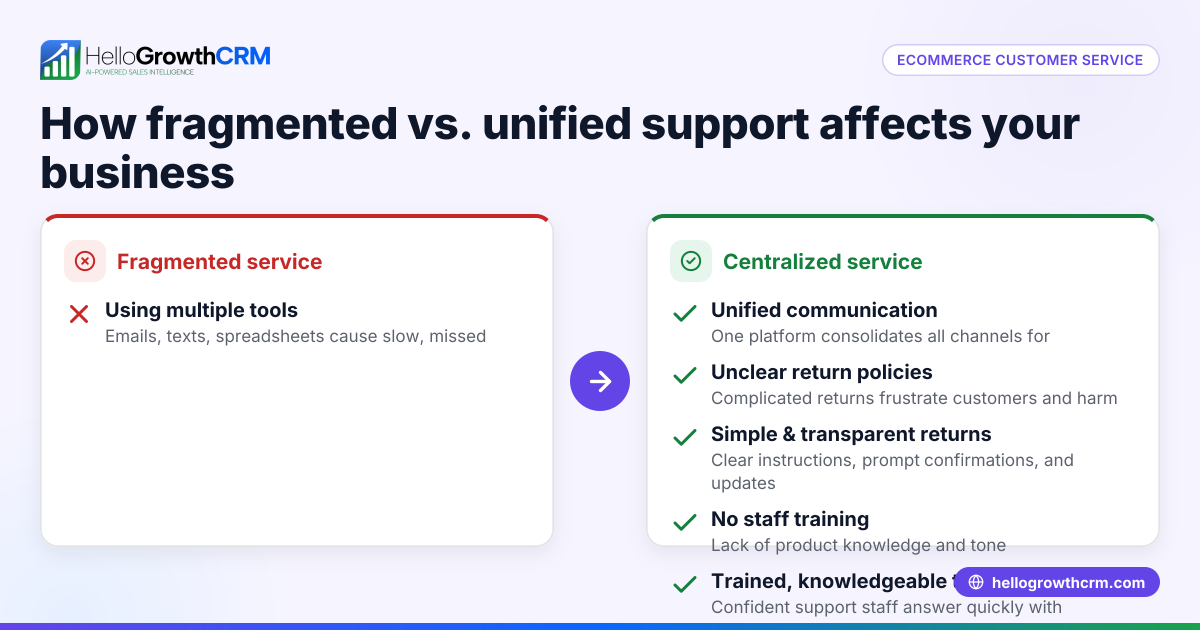
Small-business owners often juggle many roles, including sales, marketing, and customer service. Without dedicated tools, customer requests, complaints, and referrals get lost in emails or spreadsheets. Slow follow-up frustrates buyers and leads to lost sales or repeat business. Many businesses run sales on text messages, emails, and spreadsheets, which are not designed for tracking customer histories or service requests.
This scattered approach makes it hard to deliver consistent service or quickly resolve issues. Customers expect fast answers and personalized attention, but small teams may lack the processes or software to provide that. When service requests aren’t linked to the original deal or customer record, teams repeat questions or miss opportunities for upselling or referrals.
Step-by-step
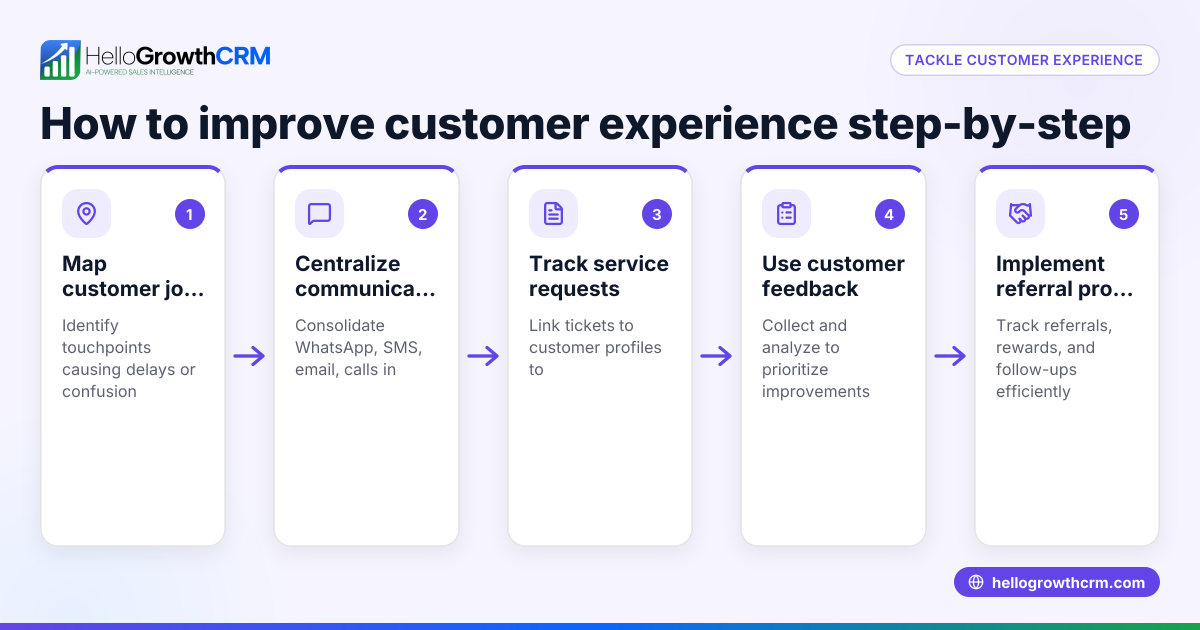
- Map your customer journey: Identify every stage your customer goes through, from first contact to post-sale support. Check that you capture contact info, preferences, and pain points at each stage.
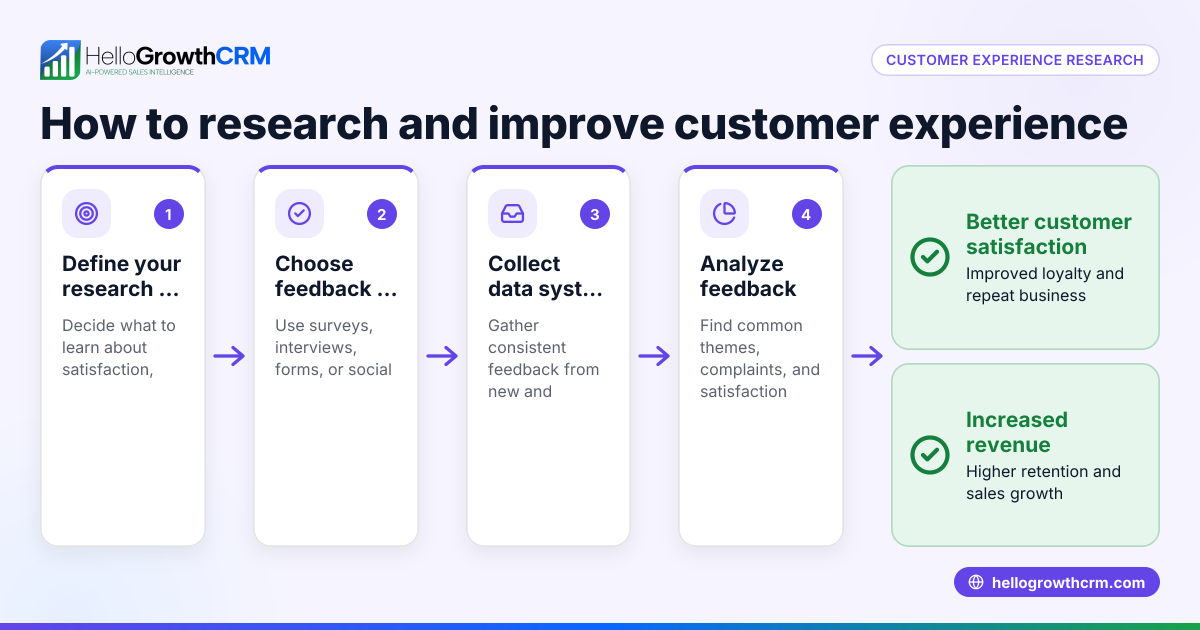
- Collect feedback regularly: Use surveys or direct outreach to understand customer satisfaction and areas needing improvement. Check that surveys are short, focused, and timed well (e.g., right after purchase).
- Set clear response times: Define how quickly your team will respond to inquiries or complaints. Check that you meet these SLAs consistently.
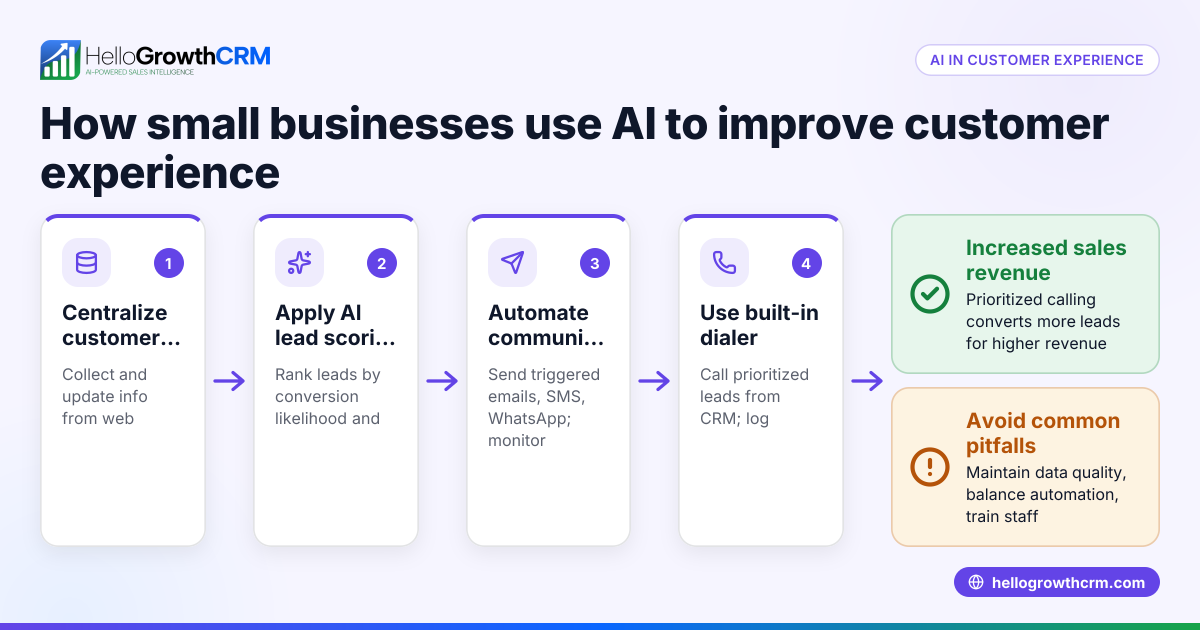
- Centralize customer data: Use a CRM or system where all customer info, tickets, referrals, and past interactions are stored together. Check that your team can access this easily.
- Train your team: Ensure everyone understands customer experience goals and how to use your tools. Check that training is updated regularly.
- Encourage referrals: Create a program to track and reward customer referrals. Check that it’s simple for customers to participate.
- Use automation carefully: Automate routine follow-ups and reminders without losing the personal touch. Check that messages are relevant and not spammy.
- Monitor and improve: Regularly analyze customer health score and ticket resolution times to find bottlenecks. Check that improvements are tracked over time.
Example (fictional figures)
A B2B software reseller in Denver, Colorado, decided to improve customer experience starting 01/01/2026. They tracked customer inquiries and referrals for 3 months.
- Total customers: 500
- Average tickets per customer: 0.4
- Average resolution time before: 5 days
- Goal resolution time: 2 days
After implementing a customer portal and ticket system:
- Tickets handled: 500 × 0.4 = 200
- Time saved per ticket: 5 days - 2 days = 3 days
- Total time saved: 200 × 3 days = 600 days
Assuming an average support cost of $150 per day saved (staff time and opportunity cost):
- Cost savings: 600 × $150 = $90,000
They also launched a referral program that generated 50 new leads, converting 10% into paying customers at an average sale of $10,000:
- New customers: 50 × 10% = 5
- Revenue from referrals: 5 × $10,000 = $50,000
This example shows how investing in customer experience tools and processes can save time and generate revenue.
Common mistakes
- Ignoring feedback: Not acting on survey results or complaints leads to repeated issues. Prevent this by assigning responsibility for reviewing feedback.
- Slow response times: Delays frustrate customers. Prevent by setting and monitoring clear SLAs.
- Disorganized customer data: Scattered info causes repeated questions and missed opportunities. Prevent by centralizing data in a CRM.
- Over-automating: Automated messages that feel robotic can annoy customers. Prevent by personalizing and limiting automation.
- No referral tracking: Without tracking, referral programs fail. Prevent by using software that records referrals linked to customers.
- Lack of team training: Tools go unused if staff don’t know how to use them properly. Prevent by scheduling regular training.
Doing this in HelloGrowthCRM
HelloGrowthCRM includes a branded self-service customer portal, referral program tracking, support tickets, and knowledge base features. After the sale, service requests stay linked on the same customer record as the deal, helping your team track issues and resolutions in one place. These tools help maintain consistent service and encourage referrals. Learn more about the customer health score and how HelloGrowthCRM supports WhatsApp and SMS CRM and works for HelloGrowthCRM for the United States.
Frequently asked questions
What are the best practices for customer surveys? Keep surveys short and focused on key experience areas. Send them promptly after purchase or service interaction. Use clear questions and allow open feedback. Analyze results regularly and act on them.
How can I improve customer response times? Set clear internal response time goals and monitor them. Use a CRM or ticketing system to track incoming requests and assign responsibility. Automate reminders but keep communication personal.
Why is centralizing customer data important? Centralized data prevents lost information and duplicate work. It helps your team see the full customer history, improving service quality and enabling upselling or referrals.
How do referral programs impact customer experience? Referral programs encourage satisfied customers to promote your business. Tracking referrals ensures rewards are given fairly and motivates more participation, enhancing loyalty.
What role does automation play in customer experience? Automation helps handle routine tasks like follow-ups and reminders, freeing your team for personalized service. However, overuse can feel impersonal, so balance is key.
Key takeaways
- Map and understand your customer's journey to meet their needs at every stage.
- Collect and act on customer feedback regularly to improve service.
- Centralize customer information and service requests in one system.
- Set and monitor response time goals to ensure timely support.
- Use referral tracking to boost new business and reward loyal customers.
- Train your team to use tools effectively and maintain customer experience standards.
Start improving your customer experience today. Start on the Free Forever plan (200 leads, no credit card) with HelloGrowthCRM and manage customer service, referrals, and tickets all in one place.
Ready to put this into practice?
Set up your pipeline, WhatsApp follow-ups, and AI lead scoring in minutes — free, no credit card.
Try HelloGrowthCRM freeGet CRM tips in your inbox
Join thousands of sales professionals who get weekly insights on CRM strategy, AI automation, and pipeline optimization.

The HelloGrowthCRM team publishes guides on CRM strategy, AI sales tools, and revenue operations for small business sales teams.