HelloGrowthCRM software
Built for real small-business sales teams
HelloGrowthCRM helps reps qualify faster, follow up on time, and close more deals—with practical automation in one place.
- AI lead scoring and pipeline visibility
- Built-in dialer, WhatsApp, and email automation
- Sales forecasting and RevOps-ready reporting
A customer pipeline is a structured view of your sales opportunities arranged by stages such as lead, contacted, quote sent, and closed. It helps you see where each potential customer is in your sales process, so you can prioritize follow-ups and forecast revenue. This article covers why small businesses need a customer pipeline, how to set one up in clear steps, an example with realistic figures, common errors to avoid, and how HelloGrowthCRM supports pipeline management.
Why this comes up / what goes wrong
Small business owners often lose sales because they don’t have a clear way to track potential customers. Leads come in from various sources like web forms, phone calls, or referrals, but without a pipeline, it’s easy to forget to follow up or miss opportunities stuck in certain stages. Managing sales with just spreadsheets, text messages, or email threads leads to slow responses and lost deals. A customer pipeline gives you a clear snapshot of all leads and deals, their current stage, and what action is needed next.
Step-by-step
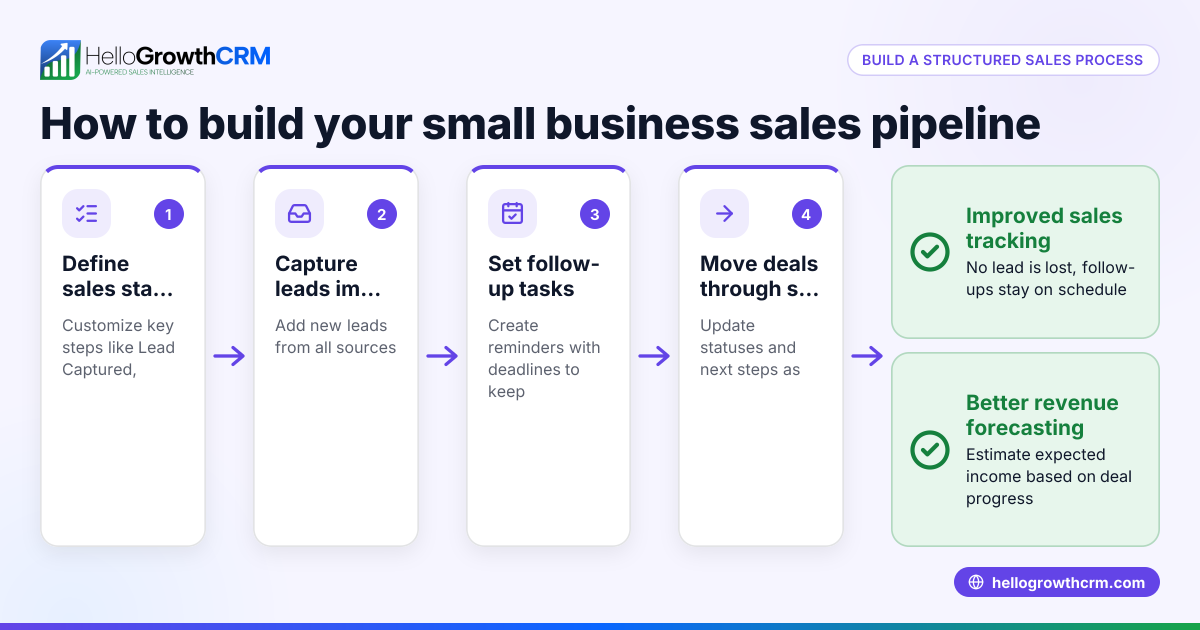
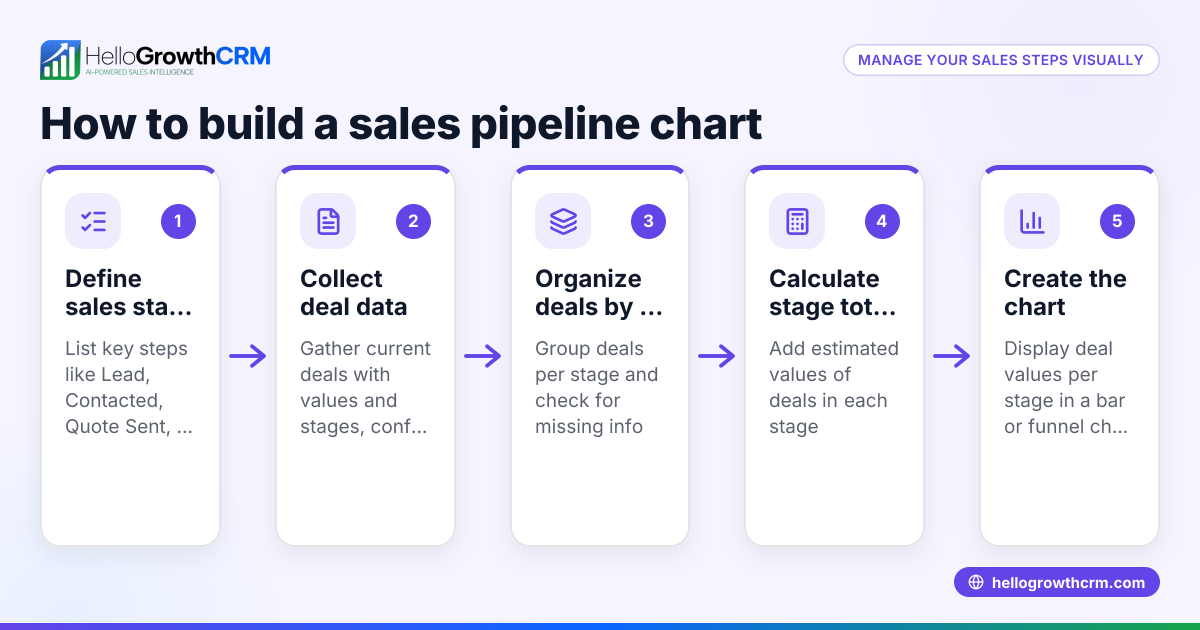
- Define your sales stages: Decide the key steps your customers go through. Common stages are New Lead, Contacted, Quote Sent, Negotiation, and Closed (Won or Lost). Check that these stages reflect your actual sales process.
- Collect and enter leads: Capture leads from your website, referrals, or calls. Enter them into your pipeline under the first stage, such as New Lead. Make sure you record contact details and any initial information.
- Assign follow-up tasks: For each lead, set a clear next action and a follow-up date. For example, if you sent a quote, schedule a follow-up call in 3 days. Check that no lead stays too long without contact.
- Move deals through stages: As conversations progress, move each deal to the next stage. For example, when the customer shows interest after a quote, move the deal to Negotiation. Check that stage movements happen promptly to avoid stalling.
- Review your pipeline regularly: At least once a week, review all deals and their stages. Identify any deals stuck too long or with no recent activity. Check that your pipeline reflects current reality.
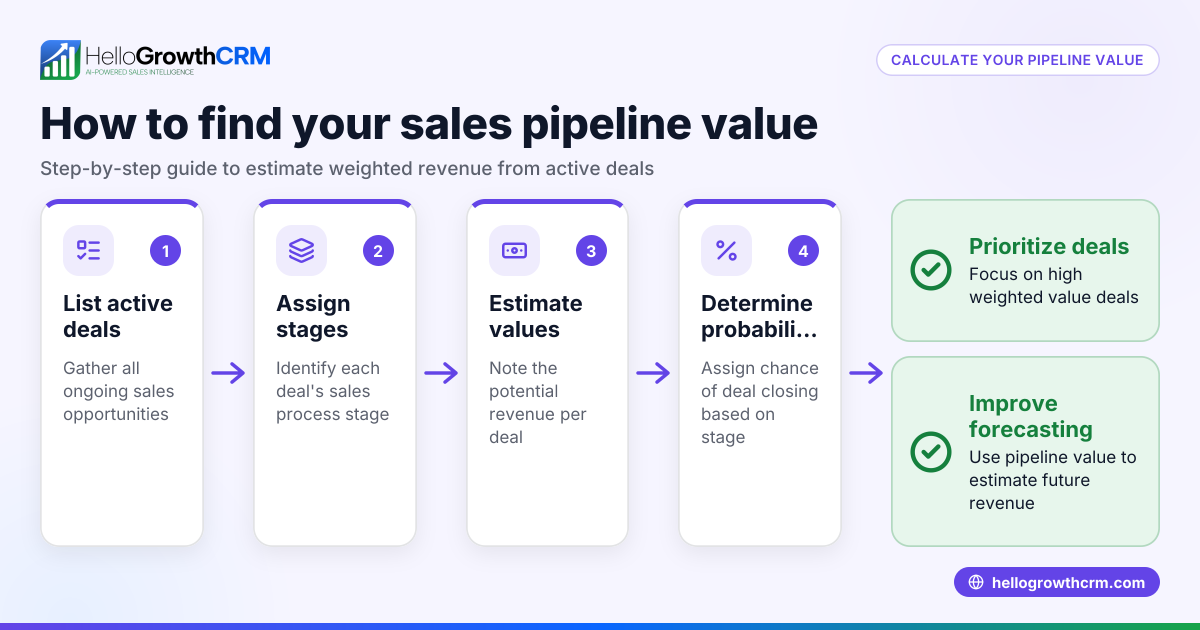
- Forecast sales: Use your pipeline data to estimate expected revenue by multiplying deal values by their probability of closing at each stage. Check that your forecasts are realistic and updated.
- Close deals and update records: When a deal is won or lost, update it immediately. For won deals, add notes about next steps like delivery or service. Check that closed deals are archived but accessible for reference.
Example (fictional figures)
A landscaping contractor in Charlotte, North Carolina, tracks his customer pipeline on 06/01/2026. He has these deals:
- Deal A: Quote sent for $15,000, follow-up scheduled for 06/05/2026, 60% chance to close
- Deal B: Contacted, interested, $8,000, 40% chance
- Deal C: New lead, $5,000, 20% chance
Calculate expected revenue:
$15,000 × 60% = $9,000
$8,000 × 40% = $3,200
$5,000 × 20% = $1,000
Total expected revenue = $9,000 + $3,200 + $1,000 = $13,200
This forecast helps him plan cash flow and prioritize Deal A for follow-up.
Common mistakes
- Not defining clear sales stages: Without clear stages, tracking progress is confusing. Prevent this by mapping your actual sales steps before building the pipeline.
- Ignoring follow-up dates: Leads can slip through if no follow-up is scheduled. Always assign and check follow-up tasks.
- Letting deals stall in one stage: Deals stuck too long indicate problems. Review pipeline weekly to move or close stalled deals.
- Using spreadsheets without updates: Spreadsheets can become outdated and hard to share. Update your pipeline tool regularly and keep it accessible.
- Not forecasting sales: Without forecasting, planning is guesswork. Use pipeline data to estimate revenue and adjust sales efforts.
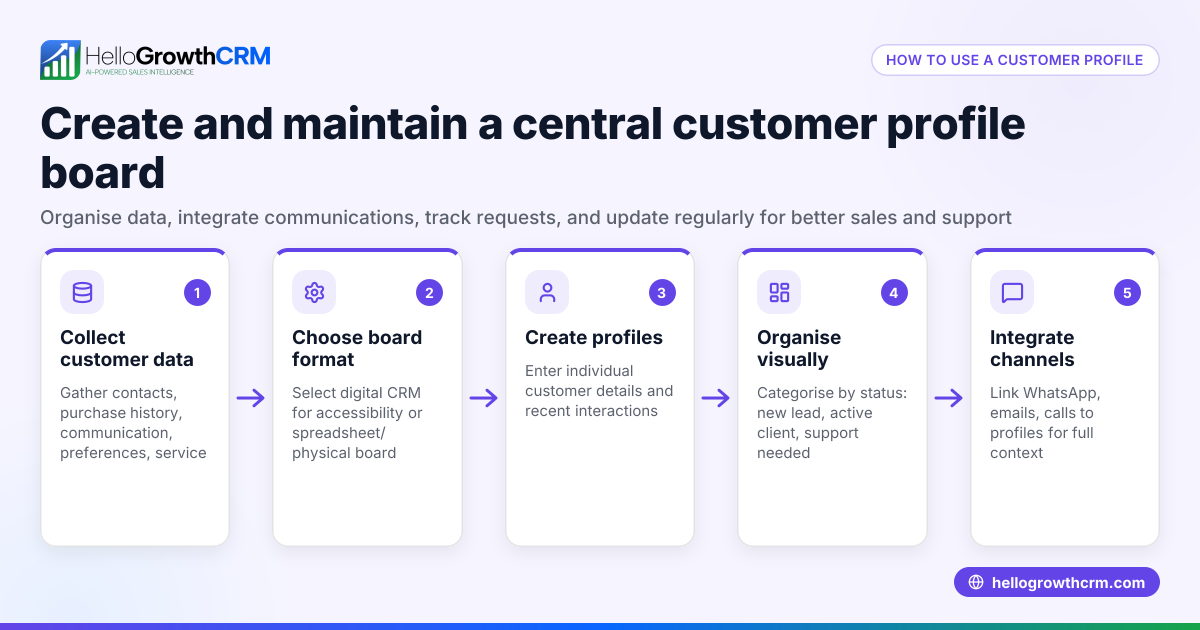
- Separating sales and service records: Losing customer context after sale causes poor service. Keep all customer info and service requests linked to the deal.
Doing this in HelloGrowthCRM
HelloGrowthCRM offers a Deals (pipeline) feature that tracks your open opportunities from first contact through close. For example, a quotation sent last week appears as a deal at the 'quote sent' stage with a follow-up date, so no deal is forgotten. The pipeline forecast and AI insights show which stages deals are stalling in without needing to build spreadsheets, helping you focus your efforts. After the sale, service requests stay on the same customer record as the deal through the customer portal, referrals, tickets, and knowledge base features. This keeps all customer interactions organized and accessible. Learn more about the AI CRM, sales forecasting, and customer health score features.
Frequently asked questions
What is the difference between a sales funnel and a customer pipeline? A sales funnel is a marketing concept showing how many leads drop off at each stage, while a customer pipeline is a practical tool tracking individual deals through your sales stages. The pipeline helps manage follow-ups and forecast revenue.
How often should I update my customer pipeline? Ideally, update your pipeline daily or at least weekly. Regular updates ensure you don’t miss follow-ups and your sales forecast remains accurate.
Can I manage a customer pipeline without software? Yes, you can use spreadsheets or paper, but it’s harder to keep information current and share with your team. A CRM like HelloGrowthCRM automates tracking, reminders, and forecasting.
How does forecasting work in a customer pipeline? Forecasting multiplies each deal’s value by its probability of closing based on its stage. Adding these gives an expected revenue figure to help plan sales and cash flow.
What happens after a deal is won in the pipeline? After closing, you update the deal status to won and continue managing customer service requests, referrals, and support on the same customer record for seamless follow-up.
Key takeaways
- A customer pipeline organizes and tracks sales opportunities by stage to improve follow-up and closing rates.
- Define clear sales stages and assign follow-up tasks with dates to avoid losing deals.
- Regularly review and update your pipeline to identify stalled deals and forecast revenue.
- Avoid common mistakes like unclear stages, ignoring follow-ups, and outdated spreadsheets.
- HelloGrowthCRM’s Deals pipeline, AI forecasting, and integrated customer service features help manage your pipeline efficiently.
Start managing your customer pipeline today with HelloGrowthCRM. Start on the Free Forever plan (200 leads, no credit card).
Ready to put this into practice?
Set up your pipeline, WhatsApp follow-ups, and AI lead scoring in minutes — free, no credit card.
Try HelloGrowthCRM freeGet CRM tips in your inbox
Join thousands of sales professionals who get weekly insights on CRM strategy, AI automation, and pipeline optimization.

The HelloGrowthCRM team publishes guides on CRM strategy, AI sales tools, and revenue operations for small business sales teams.