HelloGrowthCRM software
Built for real small-business sales teams
HelloGrowthCRM helps reps qualify faster, follow up on time, and close more deals—with practical automation in one place.
- AI lead scoring and pipeline visibility
- Built-in dialer, WhatsApp, and email automation
- Sales forecasting and RevOps-ready reporting
Customer relations and Customer Relationship Management (CRM) are terms frequently used to describe how businesses engage with their customers. While customer relations focuses on the direct interactions and relationships with customers, CRM refers to the systems and processes used to manage these interactions efficiently.
Why this comes up / what goes wrong
Small-business owners often hear customer relations and CRM used interchangeably but may feel unclear about the difference and how to apply them. This confusion can lead to missed opportunities in managing leads, follow-ups, and after-sale service. For example, a business owner might rely on manual tracking with spreadsheets and text messages, causing slow follow-up and lost leads. Understanding the overlap helps in choosing the right tools and processes to keep customers satisfied and sales moving.
Step-by-step
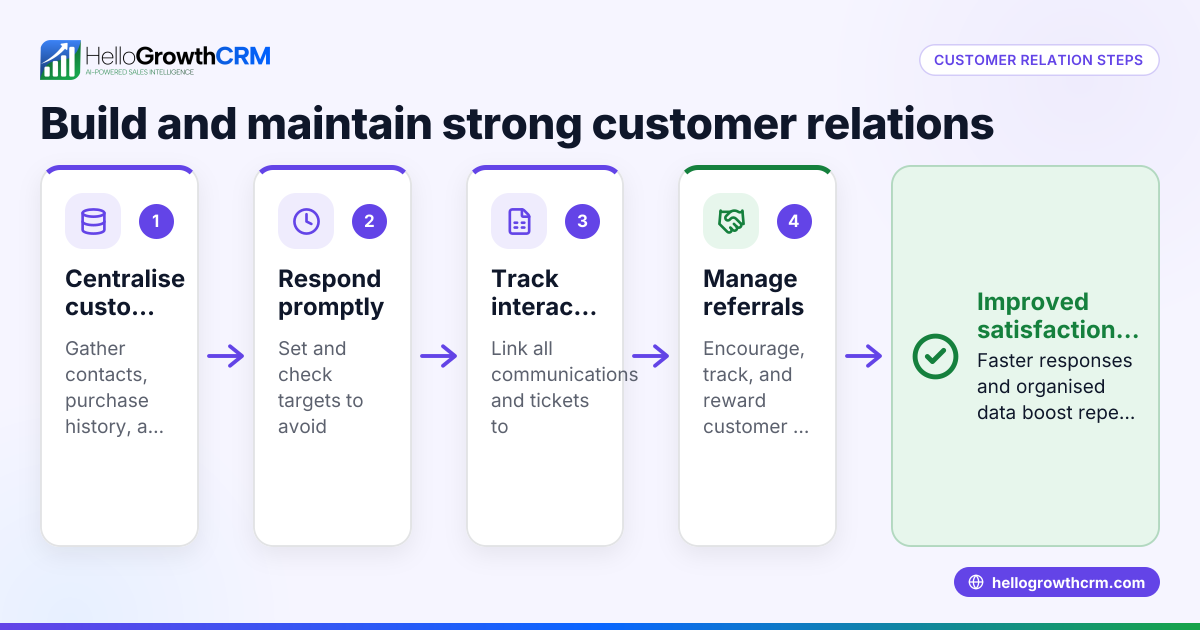
- Define your customer relations goals: Decide what you want from your customer interactions—whether it's building loyalty, encouraging referrals, or resolving complaints quickly. Check if your current method supports these goals.
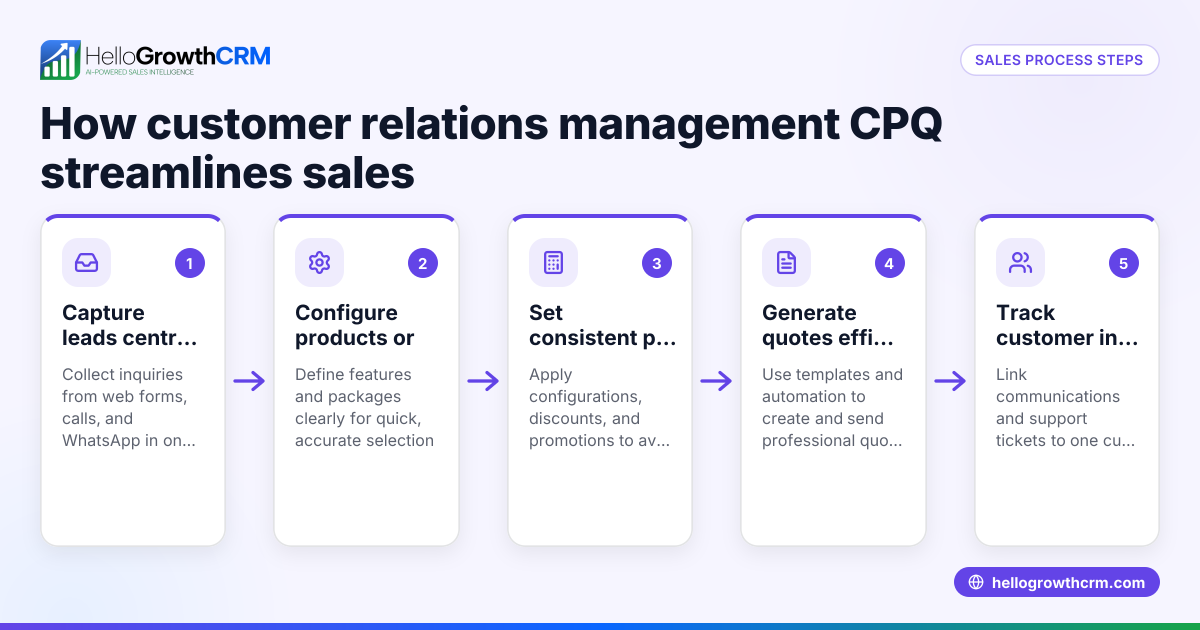
- Choose a CRM system that fits your needs: Look for CRM software that integrates your communication channels (email, WhatsApp, SMS) and tracks customer history in one place. Check if it supports lead capture and follow-up automation.
- Organize customer data consistently: Ensure every customer interaction is recorded under the same profile to avoid scattered information. Check for duplicate or missing data regularly.
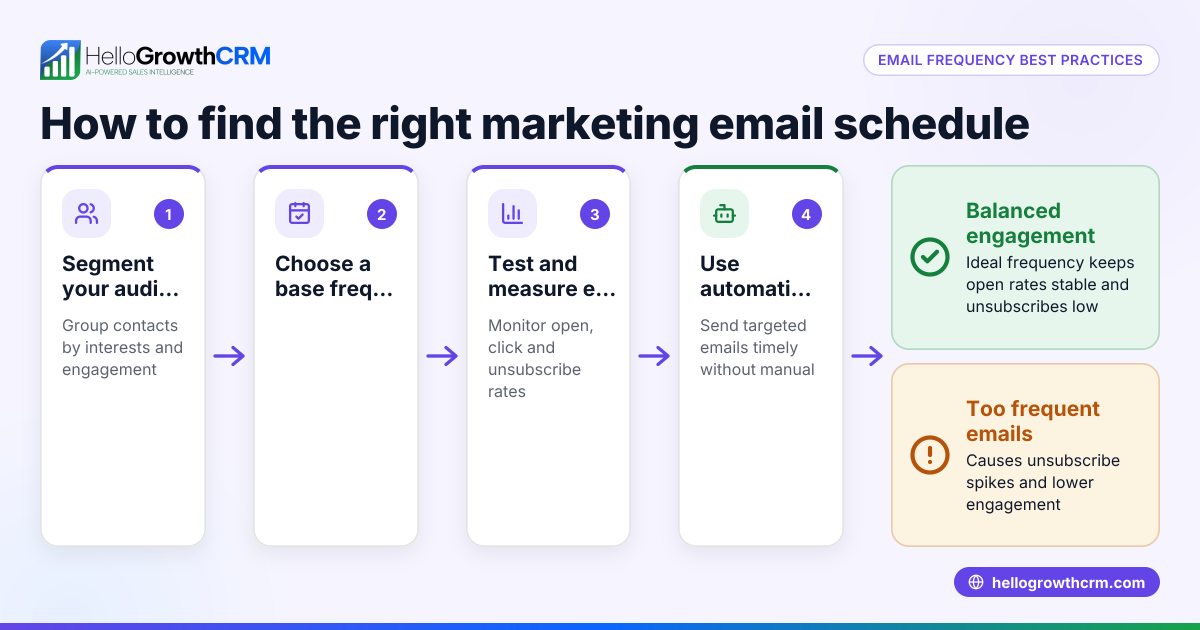
- Use automation to speed up follow-ups: Set up sequences for emails, WhatsApp, or SMS to nurture leads and remind your team of tasks. Check that these sequences are personalized and timely.
- Track customer service requests on the same record: After the sale, keep service tickets and support history linked to the original customer record. Check that your CRM allows seamless tracking without switching systems.
- Measure customer health and referrals: Use tools that score customer engagement and manage referral programs to identify your happiest customers. Check reports regularly to adjust your approach.
Example (fictional figures)
A two-location dental practice in Columbus, Ohio, wants to improve its customer relations by using a CRM.
- Annual new patient leads captured: 1,200
- Average conversion rate before CRM: 25%
- Average conversion rate after CRM implementation: 35%
Calculations:
Leads converted before CRM = 1,200 × 25% = 300
Leads converted after CRM = 1,200 × 35% = 420
Additional patients gained = 420 - 300 = 120
Assuming average revenue per patient is $500:
Additional revenue = 120 × $500 = $60,000
This shows how improving customer relations with CRM can increase conversions and revenue.
Common mistakes
- Using multiple disconnected tools: Prevent this by consolidating communication and data in one CRM platform to avoid lost information.
- Neglecting after-sale service tracking: Prevent by using CRM features that keep tickets and support linked to customer records, ensuring quick resolution.
- Ignoring automation: Manual follow-ups slow down sales; prevent this by setting up automated sequences for emails, WhatsApp, and SMS.
- Failing to update customer data regularly: Outdated information leads to poor communication; prevent by scheduling regular data audits.
- Overcomplicating the CRM setup: Complex systems deter team use; prevent by choosing user-friendly CRM solutions tailored for small businesses.
Learn more about managing customer health scores and referrals in your CRM to avoid these pitfalls at customer health score.
Doing this in HelloGrowthCRM
HelloGrowthCRM offers a branded self-service customer portal that keeps customer interactions centralized. After the sale, service requests stay on the same customer record as the deal, ensuring your team has full context. The platform also supports referral program tracking, tickets, and a knowledge base to streamline customer support and engagement. For small businesses in the US, HelloGrowthCRM integrates WhatsApp and SMS communication, helping your team follow up faster and more effectively. Learn more about WhatsApp and SMS CRM and explore HelloGrowthCRM tailored for the United States.
Frequently asked questions
What is the difference between customer relations and CRM? Customer relations refers to the actual interactions and relationship-building with customers, while CRM is the system or software that helps manage those interactions efficiently. Both work together to improve customer satisfaction and sales.
Why do small businesses confuse customer relations with CRM? Because CRM systems are designed to improve customer relations, the terms are often used interchangeably. However, CRM is a tool, whereas customer relations is the ongoing process of managing customer interactions.
How can I improve customer relations without a CRM? You can improve customer relations by organizing customer information, responding promptly to inquiries, and following up regularly. However, without a CRM, this can be time-consuming and prone to errors.
What features should a CRM have to support customer relations? Look for features like a customer portal, ticket management, referral tracking, and communication channels integration (email, WhatsApp, SMS). These help maintain a smooth customer experience.
How does HelloGrowthCRM help with customer relations? HelloGrowthCRM keeps service requests on the same customer record as the deal, offers a branded customer portal, and supports referral tracking and tickets. This centralizes customer information and improves follow-up efficiency.
Key takeaways
- Customer relations and CRM are closely linked but not identical; CRM supports managing customer relations.
- Clear goals and organized data are essential for effective customer relations.
- Automating communication and tracking service requests improve follow-up speed and customer satisfaction.
- Avoid common mistakes like scattered tools and outdated data by consolidating in one CRM.
- HelloGrowthCRM offers features like customer portals, tickets, and referral tracking to manage customer relations efficiently.
Start improving your customer relations today with HelloGrowthCRM. Start on the Free Forever plan (200 leads, no credit card).
Ready to put this into practice?
Set up your pipeline, WhatsApp follow-ups, and AI lead scoring in minutes — free, no credit card.
Try HelloGrowthCRM freeGet CRM tips in your inbox
Join thousands of sales professionals who get weekly insights on CRM strategy, AI automation, and pipeline optimization.

The HelloGrowthCRM team publishes guides on CRM strategy, AI sales tools, and revenue operations for small business sales teams.