HelloGrowthCRM software
Built for real small-business sales teams
HelloGrowthCRM helps reps qualify faster, follow up on time, and close more deals—with practical automation in one place.
- AI lead scoring and pipeline visibility
- Built-in dialer, WhatsApp, and email automation
- Sales forecasting and RevOps-ready reporting
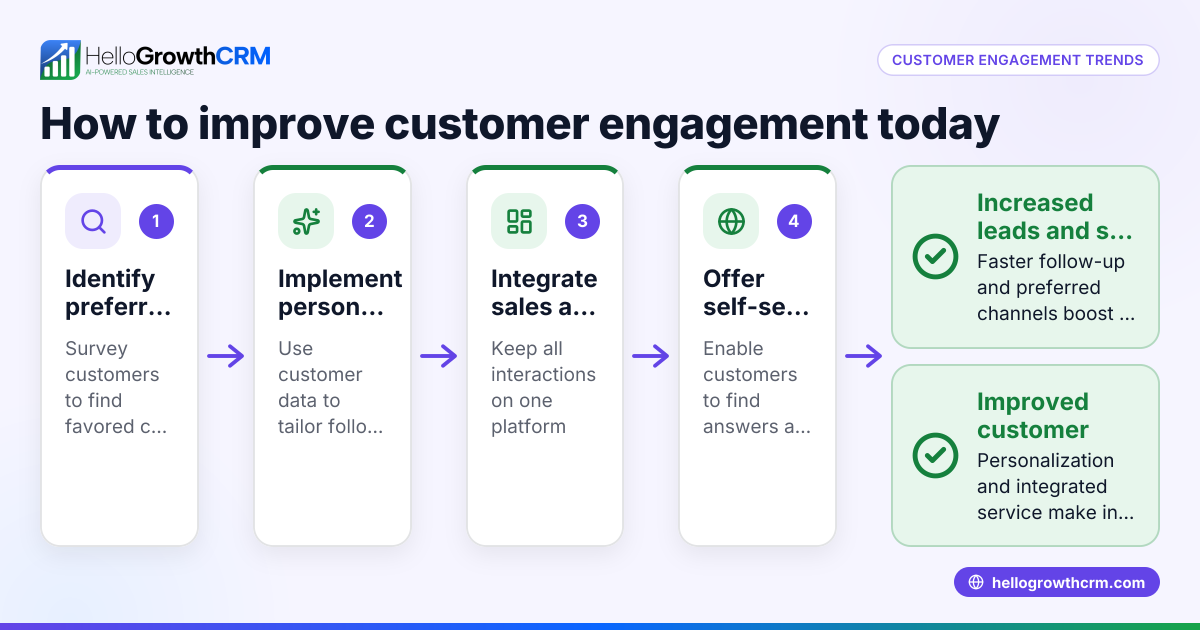
Customer self service trends focus on enabling customers to find answers and resolve issues independently using online portals, knowledge bases, and automated tools. These trends help reduce support workload and improve customer satisfaction by giving customers quick, convenient access to support resources.
Why this comes up / what goes wrong
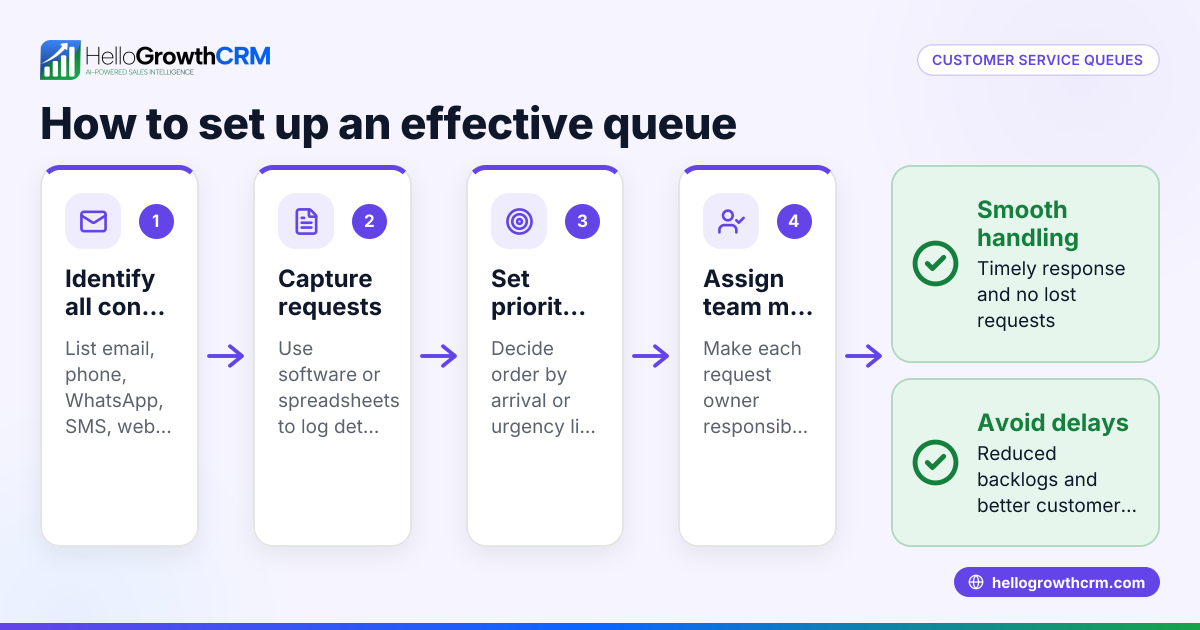
Small-business owners often struggle to keep up with growing customer support demands. Customers want fast answers anytime, but without self service options, support requests pile up, causing slow responses and lost leads. Many small businesses still rely on phone calls, text messages, or email threads without central tracking, leading to inefficiencies and frustrated customers. Understanding customer self service trends helps owners build scalable, customer-friendly support systems.
Step-by-step
- Assess customer needs and common questions. Review support requests to identify frequent issues customers face. This helps decide what content to create for self service.
- Choose a self service platform. Select software offering a branded customer portal, searchable knowledge base, and ticket management. Check it integrates well with your sales and customer records.
- Create a knowledge base. Write clear, organized articles answering common questions and troubleshooting steps. Use visuals and easy navigation.
- Set up a customer portal. Enable customers to log in, view orders or service status, submit tickets, and access the knowledge base. Make sure the portal works well on mobile devices.
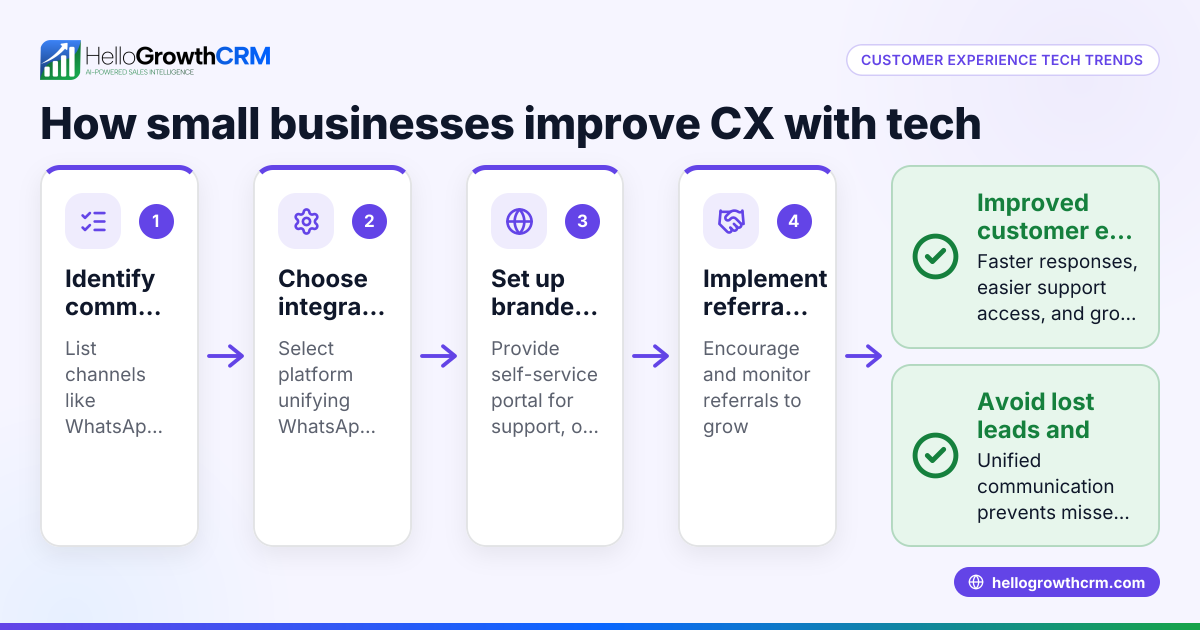
- Implement ticketing and referral tracking. Let customers submit support tickets linked to their customer record for faster resolution. Track referrals to encourage customer advocacy.
- Train your team. Teach staff to update the knowledge base regularly and monitor tickets for issues needing personal follow-up.
- Promote self service options. Inform customers about the portal and knowledge base through email, website, and sales conversations.
- Monitor usage and feedback. Use analytics to see which articles customers use most and where they still need help. Update content and processes accordingly.
These steps help small businesses adopt customer self service effectively, reducing support load and improving customer experience. For more on tracking customer engagement, see customer health score.
Example (fictional figures)
A plumbing company in Austin, Texas, called "AquaFix" wants to reduce phone calls and improve customer support efficiency by introducing self service.
- Current monthly support calls: 1,000
- Average call handling time: 10 minutes
- Staff cost per hour: $20
Calculate current monthly support cost: 1,000 calls × 10 minutes = 10,000 minutes 10,000 minutes ÷ 60 = 167 hours 167 hours × $20 = $3,340 monthly support cost
After launching a customer portal with knowledge base and ticketing system, AquaFix expects to reduce calls by 400 per month through self service.
New call volume: 1,000 - 400 = 600 calls
New monthly support cost: 600 calls × 10 minutes = 6,000 minutes 6,000 minutes ÷ 60 = 100 hours 100 hours × $20 = $2,000 monthly support cost
Monthly savings: $3,340 - $2,000 = $1,340
AquaFix also gains better customer satisfaction and faster issue resolution through the portal.
Common mistakes
- Not updating the knowledge base regularly. Prevent this by scheduling monthly reviews and assigning responsibility for updates.
- Making the portal hard to find or use. Ensure easy access from your website and mobile devices with simple navigation.
- Ignoring ticket follow-up. Monitor tickets daily and respond promptly to avoid frustrated customers.
- Failing to train staff. Provide training on using the portal, managing tickets, and updating content.
- Overlooking analytics. Use data on portal usage and ticket trends to improve self service continuously. Learn more about tracking customer engagement at customer health score.
- Not integrating self service with sales and customer data. Use a CRM that connects support tickets and referrals to customer records to keep all information in one place.
Doing this in HelloGrowthCRM
HelloGrowthCRM includes a branded customer portal, support tickets, referral tracking, and a knowledge base. After the sale, service requests stay linked on the same customer record as the deal, helping your team manage all customer interactions efficiently. Learn more at WhatsApp and SMS CRM and HelloGrowthCRM for the United States.
Frequently asked questions
What are the benefits of customer self service? Self service reduces support costs, speeds up issue resolution, and improves customer satisfaction by allowing customers to get help anytime without waiting for an agent.
How do I start building a knowledge base? Begin by listing frequent customer questions and problems. Write clear, step-by-step articles with images or videos. Organize content by topic for easy searching.
Can small businesses afford self service portals? Yes, many affordable CRM platforms include customer portals and knowledge bases as part of their packages, making self service accessible for small businesses.
How do I measure the success of self service? Track metrics like reduction in support calls, ticket resolution time, portal usage rates, and customer feedback to evaluate effectiveness.
What if customers still want to talk to a person? Self service should complement, not replace, personal support. Provide easy options to escalate tickets or call when needed.
Key takeaways
- Customer self service lets customers solve issues independently, improving satisfaction and lowering support costs.
- Start by assessing customer needs, then build a knowledge base and customer portal.
- Use ticketing systems linked to customer records for efficient support management.
- Regularly update content, train staff, and monitor analytics to improve self service.
- HelloGrowthCRM supports self service with a branded portal, tickets, knowledge base, and referral tracking.
Customer self service trends are essential for small businesses aiming to improve support efficiency and customer experience. To get started, explore how HelloGrowthCRM can help by signing up for the Free Forever plan (200 leads, no credit card).
Ready to put this into practice?
Set up your pipeline, WhatsApp follow-ups, and AI lead scoring in minutes — free, no credit card.
Try HelloGrowthCRM freeGet CRM tips in your inbox
Join thousands of sales professionals who get weekly insights on CRM strategy, AI automation, and pipeline optimization.

The HelloGrowthCRM team publishes guides on CRM strategy, AI sales tools, and revenue operations for small business sales teams.