HelloGrowthCRM software
Built for real small-business sales teams
HelloGrowthCRM helps reps qualify faster, follow up on time, and close more deals—with practical automation in one place.
- AI lead scoring and pipeline visibility
- Built-in dialer, WhatsApp, and email automation
- Sales forecasting and RevOps-ready reporting
A customer service dashboard is a centralised interface that shows real-time data about customer support activities, such as ticket status, response times, and customer satisfaction. For UK small businesses, it helps track service quality and manage customer relationships efficiently without juggling multiple apps or spreadsheets.
Why this comes up / what goes wrong
Many small business owners in the UK handle customer service requests across various channels like emails, WhatsApp, phone calls, and spreadsheets. This scattered approach makes it difficult to keep track of all requests, causing slow responses, missed tickets, and unhappy customers. Without a clear overview of ongoing issues and team performance, it is hard to prioritise tasks or identify bottlenecks. A customer service dashboard solves this by consolidating all relevant data in one place, making it easier to monitor service levels and improve customer satisfaction.
Step-by-step
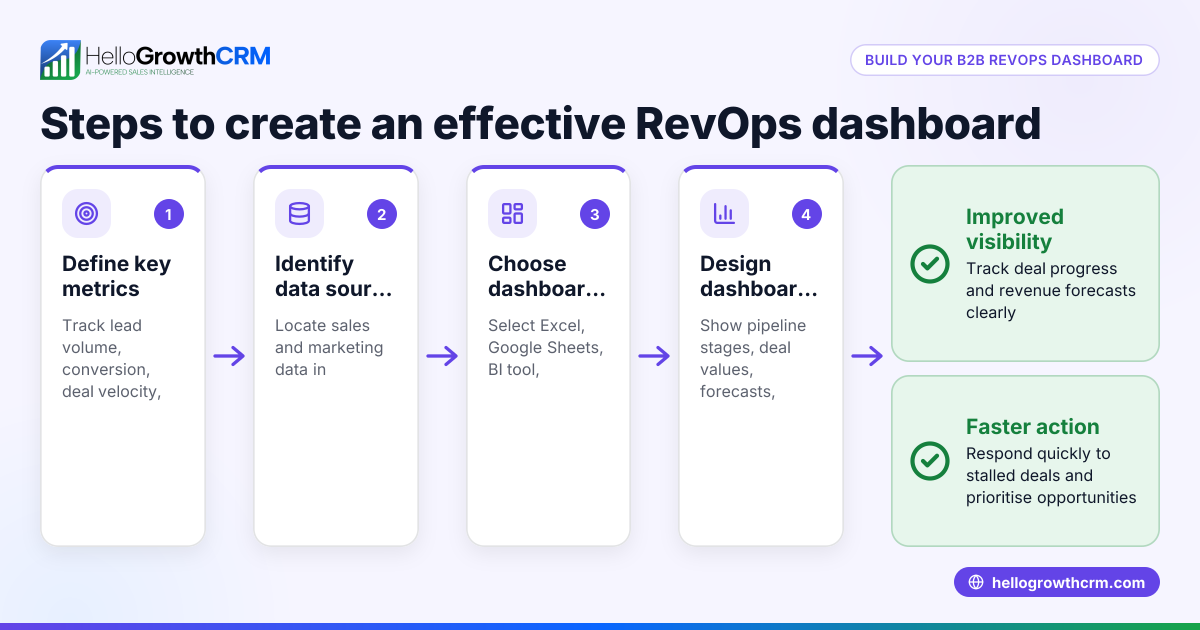
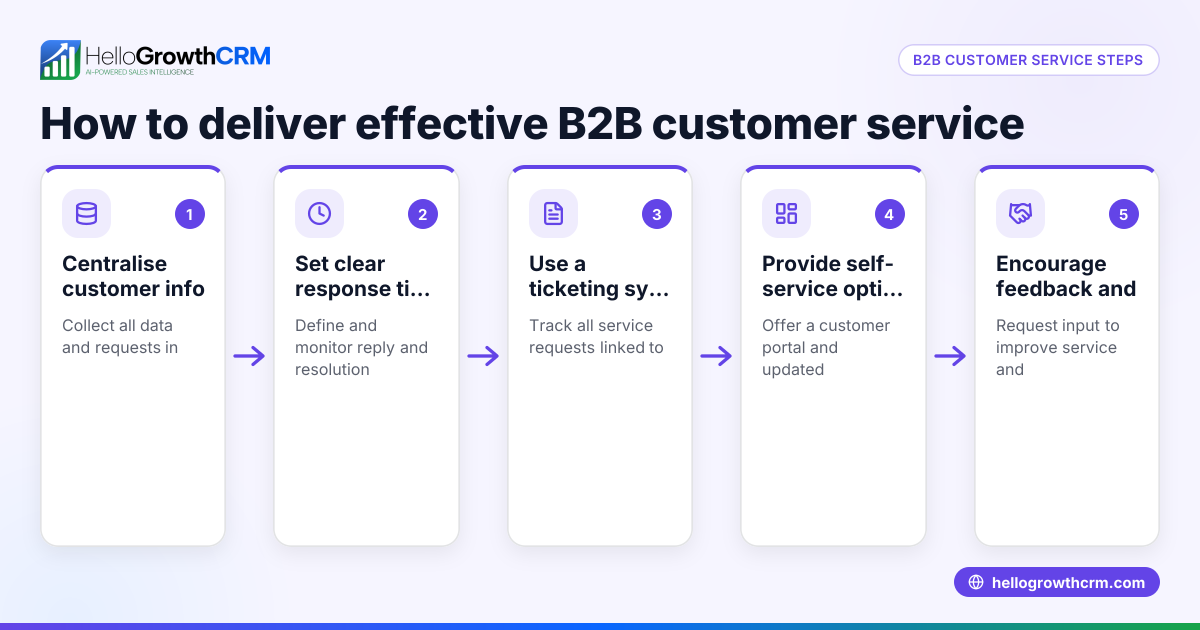
- Identify key metrics to track. Decide on the most important indicators for your business, such as ticket volume, average response time, resolution rate, and customer satisfaction scores. Regularly check these metrics to understand your service performance.
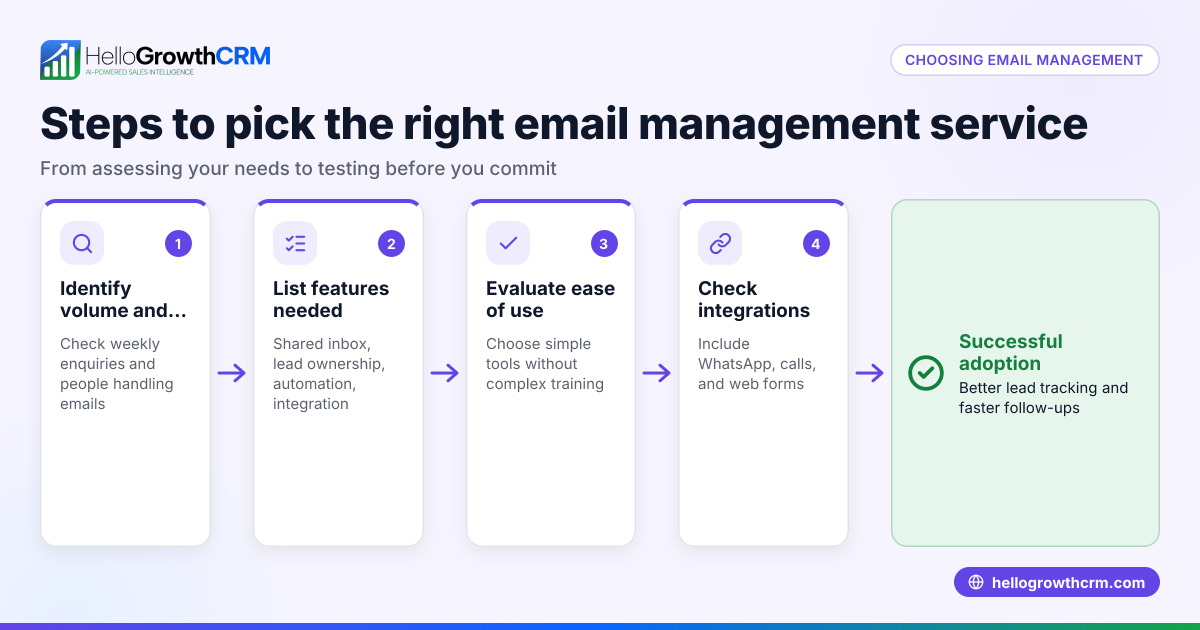
- Choose a platform that integrates your communication channels. Ensure that emails, WhatsApp messages, phone calls, and any support forms feed automatically into the dashboard to avoid missing requests.
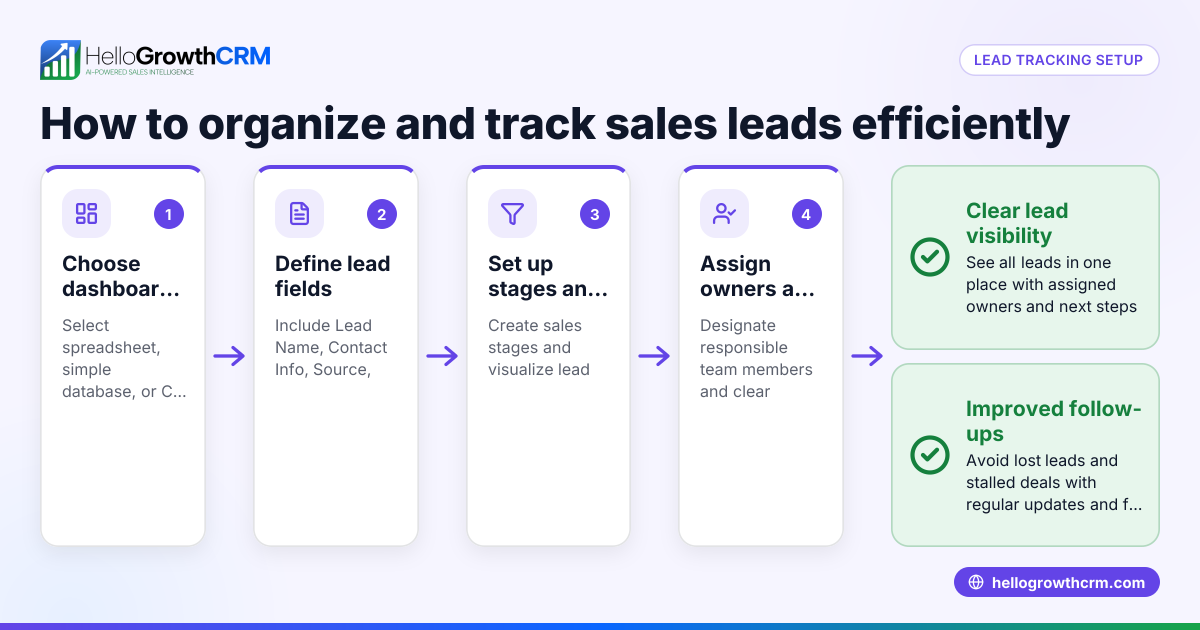
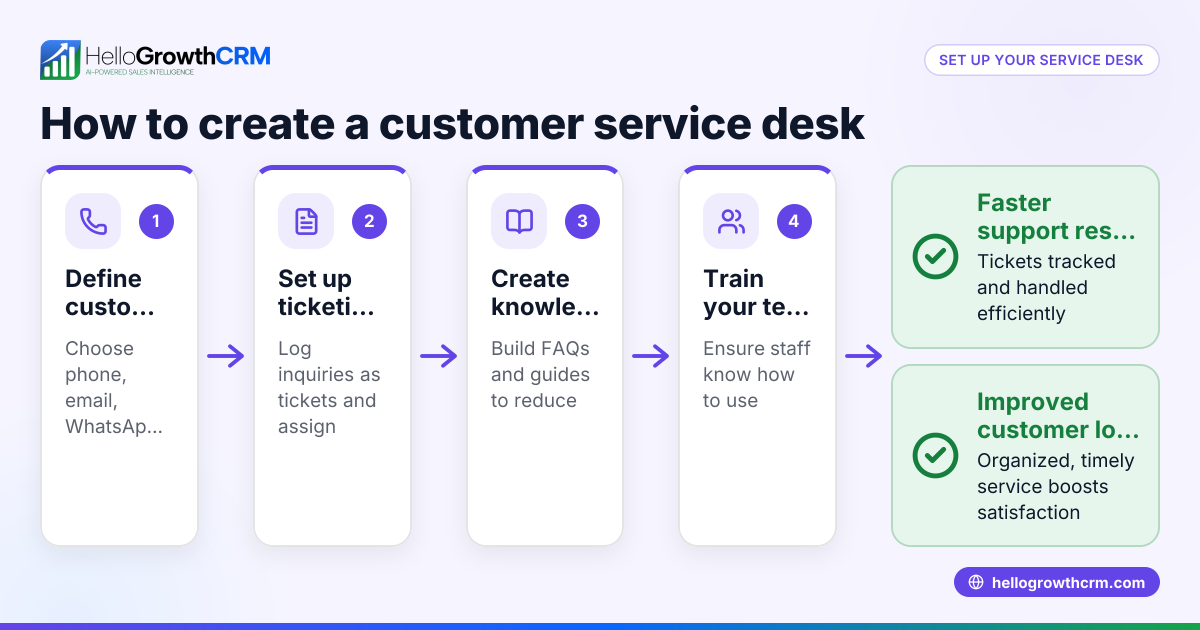
- Set up ticket tracking and categorisation. Create clear statuses (for example, new, in progress, resolved) and categories (such as billing, technical, or delivery) to organise and prioritise requests effectively.
- Assign tickets and tasks. Allocate each customer issue to a team member and set deadlines to prevent delays in resolution.
- Monitor performance with reports and alerts. Use the dashboard to identify stalled tickets or overdue responses and adjust workloads accordingly.
- Gather customer feedback and update your knowledge base. Incorporate solutions and frequently asked questions to reduce repeat queries and improve first-contact resolution.
- Review dashboard data regularly. Look for trends like frequent issues or peak times to plan resources and improve service.
- Ensure team adoption. Train your staff to use the dashboard daily and encourage them to keep information up to date.
Example (fictional figures)
A kitchen-fitting company in Leeds started using a customer service dashboard on 01/03/2026. They tracked the number of open tickets and average response time to improve their customer service.
- Tickets opened in March: 120
- Tickets resolved in March: 108
- Average response time before dashboard: 24 hours
- Average response time after dashboard: 12 hours
Calculation of resolution rate:
108 resolved tickets ÷ 120 opened tickets = 0.9 (90%) resolution rate
Improvement in response time:
24 hours - 12 hours = 12 hours faster response
By monitoring these metrics on the dashboard, the company reduced delays and increased customer satisfaction.
Common mistakes
- Ignoring integration of all channels. Prevent this by linking WhatsApp, email and phone calls into one dashboard to avoid lost or missed tickets. See how WhatsApp and SMS CRM can help.
- Overlooking team training. Prevent by ensuring every team member knows how to use the dashboard daily and understands its benefits.
- Setting vague ticket categories. Prevent by defining clear, specific categories to speed up assignment and resolution.
- Not reviewing dashboard data regularly. Prevent by scheduling weekly reviews to spot trends and bottlenecks early.
- Relying on manual updates. Prevent by automating data capture wherever possible to keep information current.
- Neglecting customer feedback. Prevent by incorporating feedback into the dashboard and updating the knowledge base regularly.
Doing this in HelloGrowthCRM
HelloGrowthCRM offers Pipeline forecast and AI insights, allowing you to see where deals stall without building spreadsheets. Its customer portal, tickets and knowledge base keep service requests on the same customer record as the deal, making follow-up easier and more organised. This centralises communication and support tasks in one place, ideal for small UK businesses wanting to improve customer service efficiency. Learn more about customer health score and how HelloGrowthCRM supports UK businesses at HelloGrowthCRM for the United Kingdom.
Frequently asked questions
What is the main benefit of a customer service dashboard? A customer service dashboard provides a clear overview of support activities, helping small businesses manage tickets, monitor response times and improve customer satisfaction without juggling multiple systems.
Can a customer service dashboard integrate WhatsApp messages? Yes, many dashboards integrate WhatsApp and SMS communications directly, ensuring all customer messages are tracked in one place. Using solutions like WhatsApp and SMS CRM helps centralise these channels.
How often should I review my customer service dashboard? Regular reviews are essential. Weekly checks help spot trends and bottlenecks, while daily monitoring ensures no tickets are overlooked.
What metrics should I prioritise on my dashboard? Prioritise metrics like ticket volume, average response time, resolution rate and customer satisfaction scores to measure service quality effectively.
How can I encourage my team to use the dashboard? Provide training, demonstrate benefits, and integrate dashboard use into daily routines to increase adoption and keep data accurate.
Key takeaways
- A customer service dashboard centralises support data for better visibility and faster response.
- Integrating all communication channels avoids lost or missed tickets.
- Regular monitoring and clear ticket categorisation improve team efficiency.
- Training staff on dashboard use ensures accurate, up-to-date information.
- HelloGrowthCRM combines pipeline forecasting with customer service tools for seamless management.
Start managing your customer service more effectively by trying HelloGrowthCRM. Start on the Free Forever plan (200 leads, no credit card).
Ready to put this into practice?
Set up your pipeline, WhatsApp follow-ups, and AI lead scoring in minutes — free, no credit card.
Try HelloGrowthCRM freeGet CRM tips in your inbox
Join thousands of sales professionals who get weekly insights on CRM strategy, AI automation, and pipeline optimization.

The HelloGrowthCRM team publishes guides on CRM strategy, AI sales tools, and revenue operations for small business sales teams.