HelloGrowthCRM software
Built for real small-business sales teams
HelloGrowthCRM helps reps qualify faster, follow up on time, and close more deals—with practical automation in one place.
- AI lead scoring and pipeline visibility
- Built-in dialer, WhatsApp, and email automation
- Sales forecasting and RevOps-ready reporting
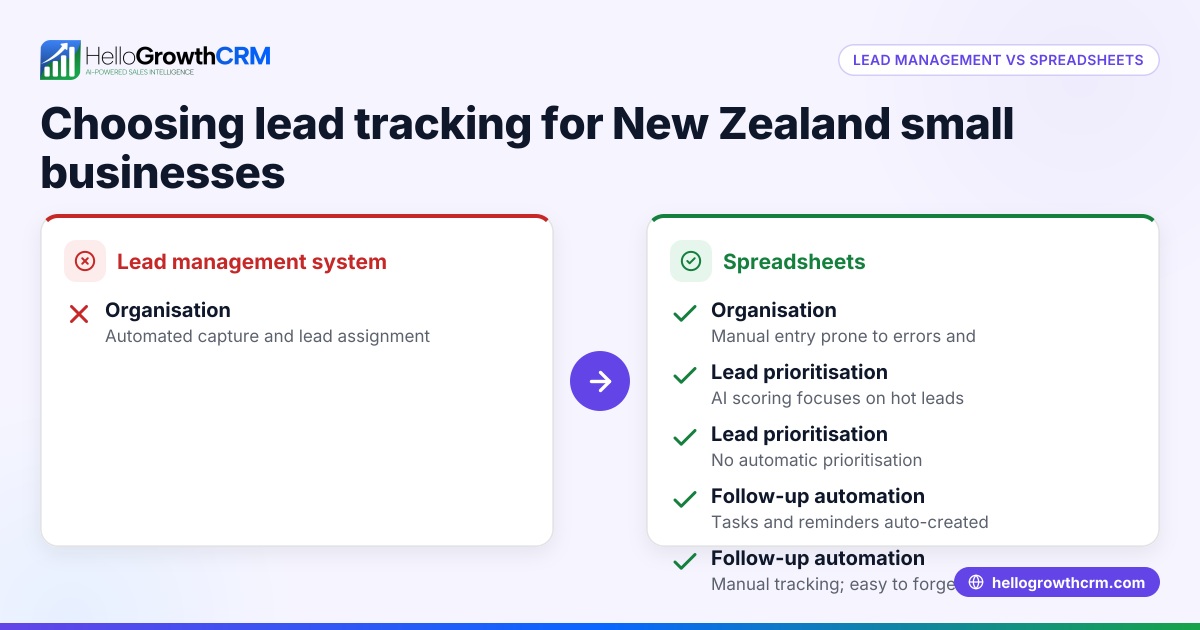
Customer support CRM vs spreadsheets is a common question for small New Zealand businesses managing leads and service requests. This article covers why this choice matters, compares both tools on important criteria, shares a realistic example, explains common mistakes, and shows how HelloGrowthCRM can help.
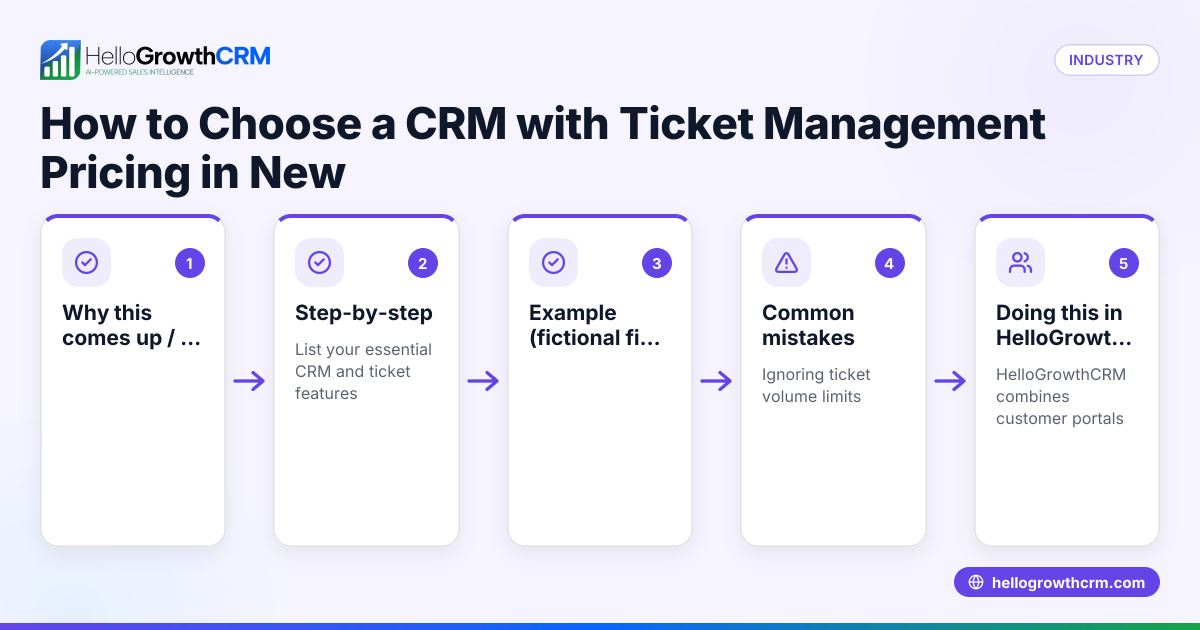
Why this comes up / what goes wrong
Many small businesses in New Zealand start managing customer data and support requests with spreadsheets because they are free and familiar. However, as the business grows beyond a handful of customers or salespeople, spreadsheets become hard to maintain. Leads get lost, follow-ups are missed, and customer history is scattered across files or emails. This slows down response times and risks losing sales or damaging customer relationships.
At the same time, some hesitate to invest in a customer support CRM, fearing complexity or cost. They want to know if a CRM really offers enough benefit over spreadsheets to justify the switch. This is especially true for businesses with limited staff and tight budgets.
Step-by-step
| Criteria | Customer Support CRM | Spreadsheets | Which fits best? |
|---|---|---|---|
| Data organisation | Centralised customer records with linked support tickets and deals | Separate sheets or files, manual linking | CRM for organised, easy access |
| Collaboration | Multiple users can update records in real time | Difficult to share without version conflicts | CRM for team use |
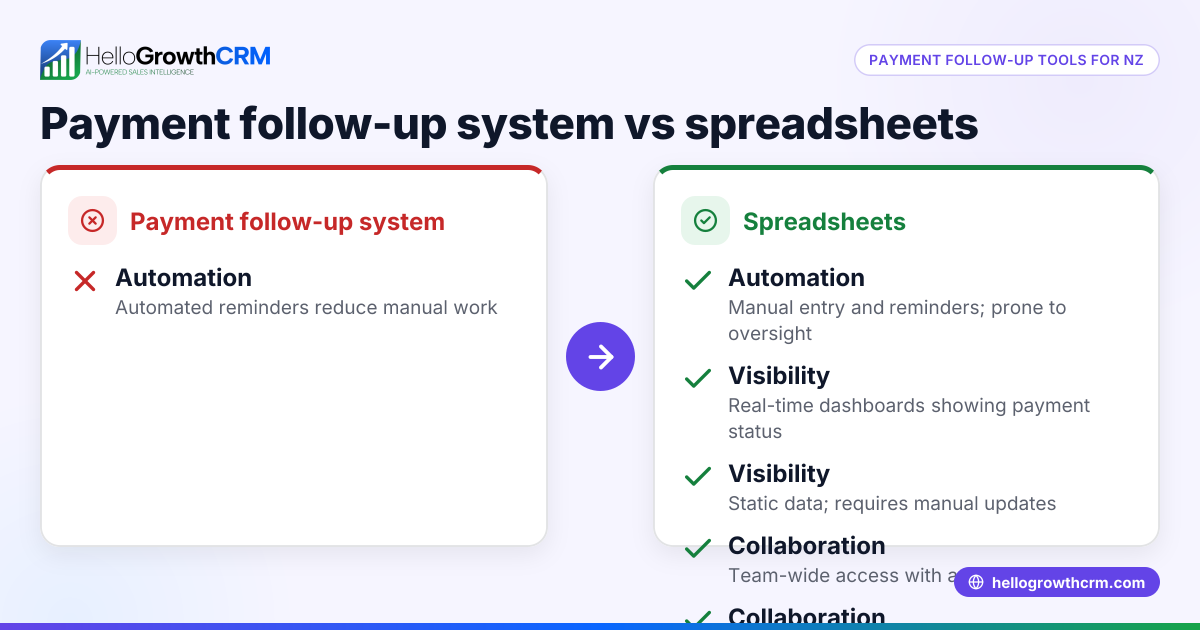
| Automation | Automated ticket routing, follow-up reminders, AI drafting messages | Manual updates and reminders | CRM for saving time |
| Communication channels | Integrated WhatsApp, SMS, email conversations logged on customer record | Communication outside spreadsheet, scattered | CRM for unified communication |
| Reporting and insights | Built-in sales forecasting, ticket status, customer health scores | Manual report creation, error-prone | CRM for quick insights |
| Scalability | Handles growing leads and support tickets smoothly | Becomes unwieldy as data grows | CRM for growth |
| Cost | Subscription fee (varies by vendor and plan) | Usually free but time cost higher | Spreadsheets for very small or early-stage businesses |
Small businesses with fewer than 10 customers and simple needs may start with spreadsheets. Businesses planning to grow, with multiple team members or complex support requests, benefit from a customer support CRM.
For more on measuring customer engagement, see customer health score.
Example (fictional figures)
A Queenstown-based tourism operator manages customer bookings and support requests. They currently use spreadsheets but want to compare costs and benefits.
- Current time spent managing spreadsheets: 10 hours/week
- Staff hourly rate: NZ$30
- Time saved by CRM automation: 60%
- CRM subscription cost: NZ$150/month
Calculate weekly labour cost for spreadsheets:
10 hours × NZ$30 = NZ$300
Calculate weekly labour cost after CRM adoption:
10 hours × 40% = 4 hours 4 hours × NZ$30 = NZ$120
Weekly labour cost savings:
NZ$300 - NZ$120 = NZ$180
Monthly labour cost savings:
NZ$180 × 4 = NZ$720
Subtract CRM subscription cost:
NZ$720 - NZ$150 = NZ$570 net savings per month
This example shows that even with subscription costs, a CRM can save significant labour expenses and reduce errors.
Common mistakes
- Underestimating growth needs: Starting with spreadsheets is fine, but not planning for growth leads to data chaos. Prevent by reviewing your system regularly and switching to CRM before spreadsheets become unmanageable.
- Ignoring team collaboration: Spreadsheets often cause version conflicts. Use cloud-based CRM with real-time updates to avoid duplicated or lost data.
- Missing follow-ups: Without automated reminders, leads and tickets slip through. Use CRM automation or set strict manual reminder routines.
- Scattering communication: Logging conversations outside your system causes loss of context. Use CRM channels like WhatsApp and SMS integration to keep all contact history in one place.
- Overcomplicating spreadsheets: Adding too many formulas and sheets makes spreadsheets fragile. Keep them simple or move to CRM.
For more on choosing the right tool, see compare CRMs.
Doing this in HelloGrowthCRM
HelloGrowthCRM helps New Zealand businesses manage customer support efficiently with features like a branded customer portal where service requests stay linked to the original deal. It integrates WhatsApp and SMS conversations directly into the lead record, making follow-ups easy and logged automatically. AI agents draft follow-up messages after calls for quick review and sending, reducing manual work. Learn more about HelloGrowthCRM for New Zealand here.
Frequently asked questions
Can I keep using spreadsheets if my business grows? Spreadsheets become harder to manage as your customer base and support tickets increase. A CRM is designed to scale with your business and improve team collaboration.
Are customer support CRMs expensive for small NZ businesses? Costs vary, but many CRMs offer plans suitable for small businesses. Consider the time saved and improved customer retention when evaluating cost.
How does a CRM improve customer communication? CRMs integrate channels like WhatsApp and SMS, logging conversations on customer records. This keeps history in one place and enables timely follow-ups.
Can I automate support ticket handling with a CRM? Yes, CRMs can automate ticket routing, reminders, and responses, reducing manual effort and improving response times.
Is data secure in a CRM compared to spreadsheets? CRMs typically offer better data security, backups, and access controls than spreadsheets saved on local drives.
Key takeaways
- Spreadsheets work for very small, simple customer support needs but struggle with growth and collaboration.
- Customer support CRMs organise data centrally, automate tasks, and integrate communication channels.
- CRMs save time and reduce errors, often offsetting subscription costs with labour savings.
- Avoid common mistakes like ignoring growth or scattering communication.
- HelloGrowthCRM offers features like customer portals, WhatsApp and SMS integration, and AI agents to streamline support.
Start managing your customer support more effectively by trying HelloGrowthCRM. Start on the Free Forever plan (200 leads, no credit card).
Ready to put this into practice?
Set up your pipeline, WhatsApp follow-ups, and AI lead scoring in minutes — free, no credit card.
Try HelloGrowthCRM freeGet CRM tips in your inbox
Join thousands of sales professionals who get weekly insights on CRM strategy, AI automation, and pipeline optimization.

The HelloGrowthCRM team publishes guides on CRM strategy, AI sales tools, and revenue operations for small business sales teams.