HelloGrowthCRM software
Built for real small-business sales teams
HelloGrowthCRM helps reps qualify faster, follow up on time, and close more deals—with practical automation in one place.
- AI lead scoring and pipeline visibility
- Built-in dialer, WhatsApp, and email automation
- Sales forecasting and RevOps-ready reporting
A workflow management service is a system that helps businesses automate, organize, and track their work processes step by step, ensuring tasks move smoothly without delays or confusion. This article explains why small businesses need workflow management, how to set it up, common mistakes to avoid, and how HelloGrowthCRM’s features support managing workflows efficiently.
Why this comes up / what goes wrong
Small-business owners often juggle multiple tasks like handling customer inquiries, managing sales leads, scheduling follow-ups, and tracking progress. Without a clear system, leads get lost in notebooks, emails, or text messages. Follow-ups are slow or missed, causing lost sales opportunities. Teams working with spreadsheets or separate apps struggle to stay coordinated. These problems create delays, reduce productivity, and lower revenue.
A workflow management service addresses these issues by automating task assignments, tracking each step in a process, and keeping everyone on the same page. It makes sure no lead or task slips through the cracks and that work flows logically from start to finish.
Step-by-step
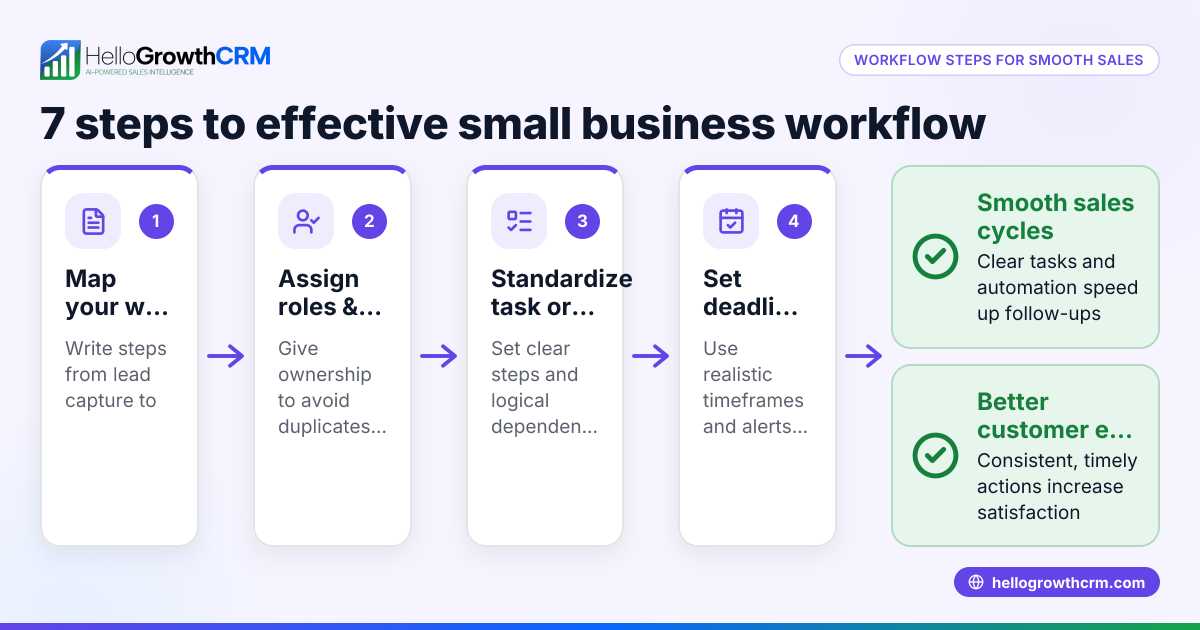
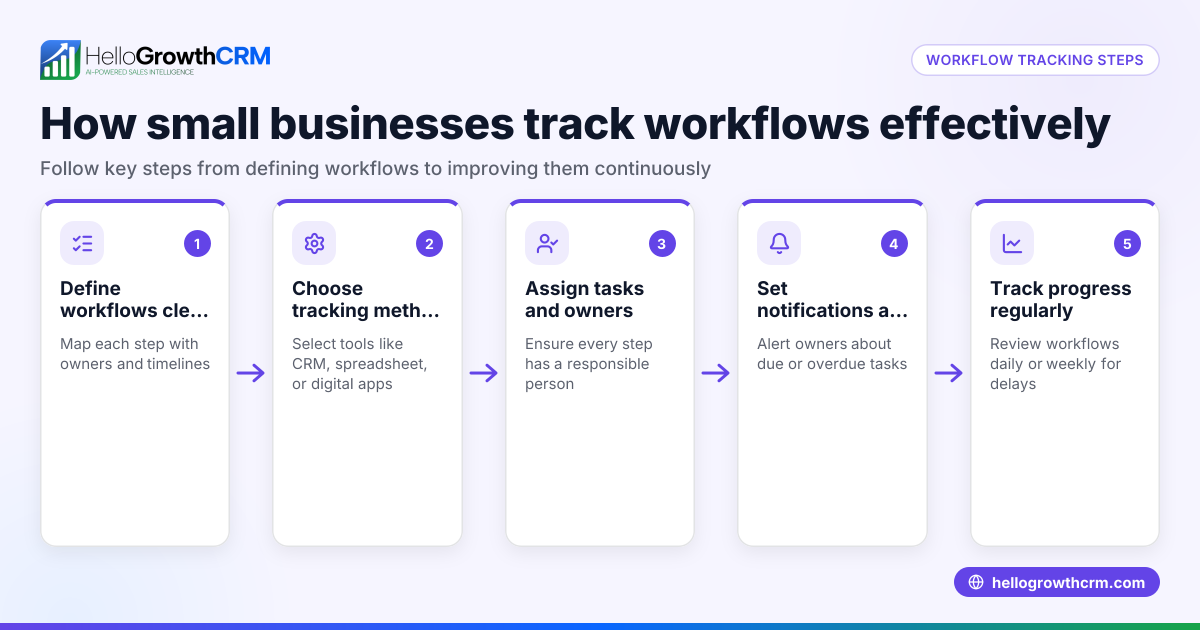
- Identify your core workflows: Write down the key processes you want to manage, such as lead capture, follow-up calls, or order fulfillment. Check that each workflow has clear start and end points.
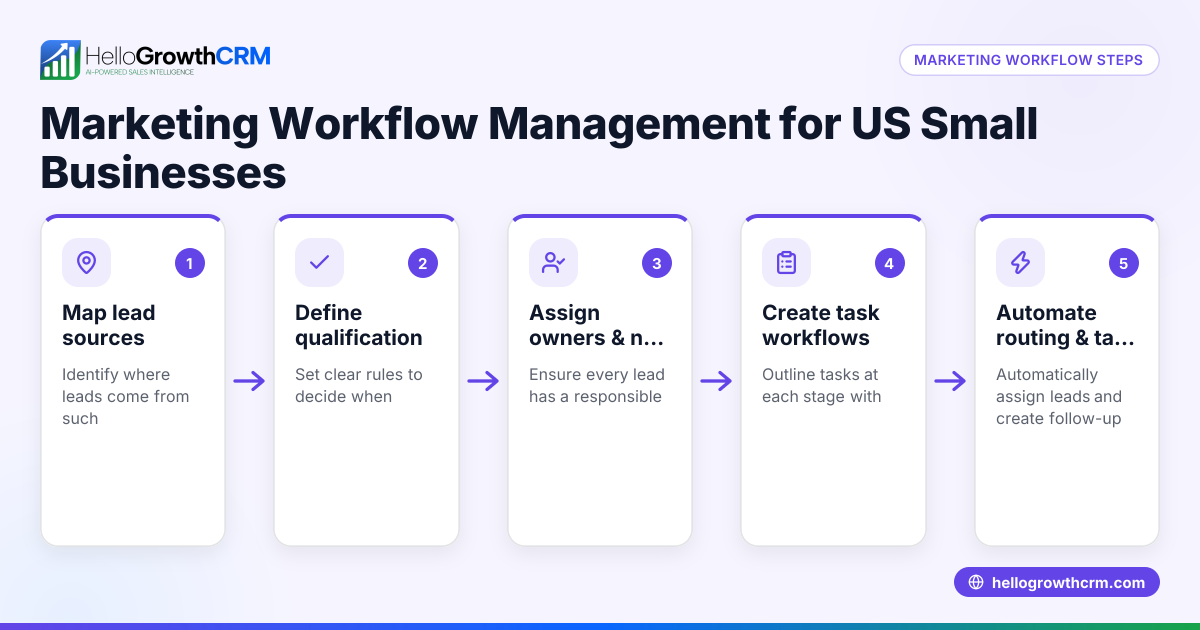
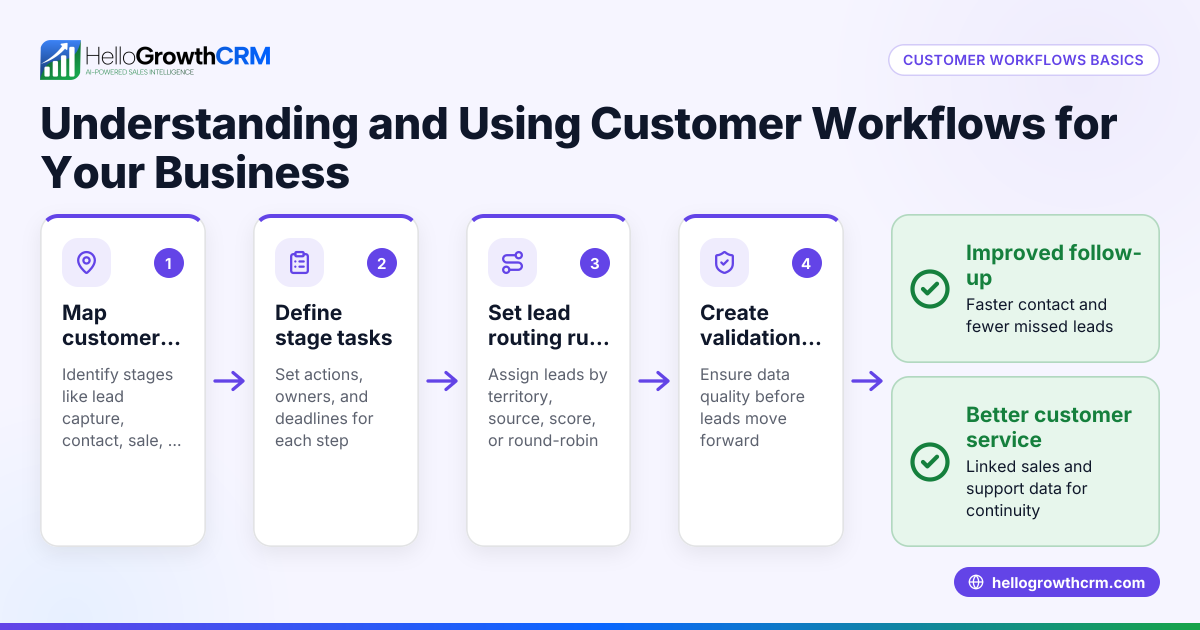
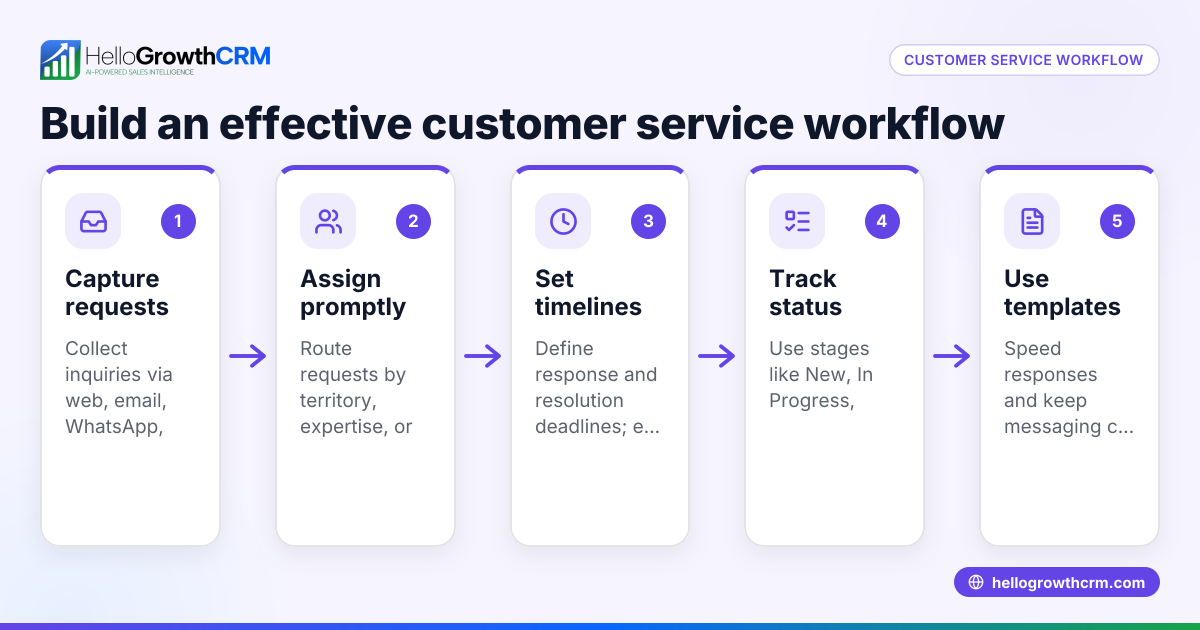
- Map the steps in each workflow: For each process, list every action needed. For example, a sales lead workflow might include capturing the lead, assigning it to a sales rep, making a first call, scheduling a demo, and closing the sale.
- Assign owners and deadlines: Decide who on your team is responsible for each step and set reasonable deadlines to keep things moving.
- Choose a workflow management tool: Pick a system that fits your team size and needs. Check it supports automation like task creation, notifications, and lead routing.
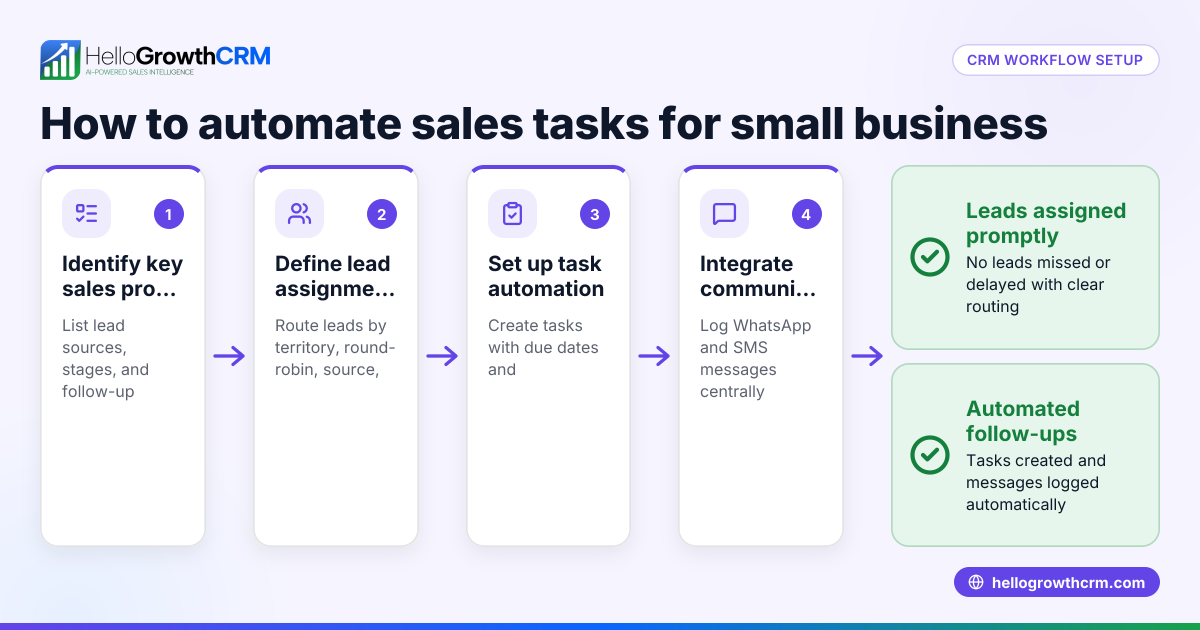
- Set up automated rules: Configure the tool to assign leads automatically (for example, round-robin among sales reps), create follow-up tasks, and send reminders.
- Test the workflow: Run a few leads through the system to make sure tasks are assigned correctly and notifications work.
- Train your team: Show your team how to use the system and emphasize the importance of updating task status promptly.
- Monitor and adjust: Regularly review workflow reports to spot bottlenecks or missed steps and tweak the process for better efficiency.
Example (fictional figures)
A two-location dental practice in Columbus, Ohio, wants to improve its patient appointment workflow. They track leads from web form inquiries to appointment confirmation.
- Total inquiries in June: 500
- Average conversion rate before workflow: 40% (200 appointments booked)
- Goal: increase conversion rate to 50% (250 appointments)
Steps:
- Assign new web form inquiries evenly to two front desk staff (round-robin).
- Automatically create a follow-up call task within 24 hours.
- Staff calls patient to confirm appointment and updates status.
Results after one month:
- 500 inquiries assigned round-robin = 250 leads per staff
- Follow-up calls completed on 225 leads
- Conversion rate improved to 50% = 250 appointments booked
Calculation:
500 inquiries × 50% conversion = 250 appointments
This workflow ensures no lead is missed and timely follow-up boosts appointments.
Common mistakes
- Not mapping workflows clearly: Without a detailed step list, tasks get missed. Prevent this by documenting every action before automation.
- Assigning tasks without owners or deadlines: Leads sit idle if no one is responsible. Always assign a clear owner and due date.
- Using too many separate tools: Switching between email, spreadsheets, and messaging causes confusion. Use an integrated system or CRM that centralizes workflows, like HelloGrowthCRM’s features.
- Ignoring team training: A tool is only effective if your team knows how to use it. Provide training and support.
- Not reviewing workflow performance: Without monitoring, inefficiencies persist. Regularly check reports and adjust workflows.
- Over-automating without flexibility: Some tasks need human judgment. Balance automation with manual checks.
Doing this in HelloGrowthCRM
HelloGrowthCRM provides automated workflows and lead routing to help small and mid-sized businesses manage their sales processes efficiently. For example, a new web-form inquiry is assigned round-robin to sales reps automatically, and a first-call task is created without manual effort. Every inquiry from forms, calls, or WhatsApp is captured as a lead with an owner and a next step, keeping leads organized and moving through the pipeline instead of lost in notebooks or spreadsheets. Learn more about the workflows and lead routing features and how leads are captured and managed in the leads system.
Frequently asked questions
What is the main benefit of a workflow management service? A workflow management service streamlines business processes by automating task assignments and tracking progress. This reduces delays and errors, ensuring work moves efficiently from start to finish.
Can a small business use workflow management without technical expertise? Yes. Many workflow tools, including HelloGrowthCRM, offer user-friendly interfaces and automation builders that don’t require coding. Training your team on the system is important for success.
How does lead routing improve sales workflows? Lead routing automatically assigns new inquiries to the right sales rep based on rules like round-robin or territory. This speeds up response times and balances workloads, improving conversion rates.
Is it possible to customize workflows for different business needs? Most workflow management services allow customization of steps, owners, deadlines, and automation rules to fit your unique processes. HelloGrowthCRM supports multi-step workflows and validation rules for flexibility.
How do I know if my workflows are working well? Regularly review workflow reports and metrics like task completion rates and lead conversion. Identify bottlenecks or missed steps and adjust your workflows accordingly.
Can workflow management integrate with communication channels like WhatsApp? Yes. HelloGrowthCRM integrates lead capture and communication through WhatsApp and SMS, centralizing messages and follow-ups within the CRM to streamline workflows. See WhatsApp and SMS CRM for details.
Key takeaways
- A workflow management service automates and organizes business processes to prevent lost leads and delays.
- Map your workflows clearly, assign owners and deadlines, then automate task creation and lead routing.
- Avoid common mistakes like unclear workflows, missing task owners, and using too many disconnected tools.
- HelloGrowthCRM supports workflows with automated lead routing, task creation, and lead capture from forms and WhatsApp.
- Regularly monitor workflow performance and train your team to keep processes efficient.
Start managing your sales workflows more effectively. Start on the Free Forever plan (200 leads, no credit card).
Ready to put this into practice?
Set up your pipeline, WhatsApp follow-ups, and AI lead scoring in minutes — free, no credit card.
Try HelloGrowthCRM freeGet CRM tips in your inbox
Join thousands of sales professionals who get weekly insights on CRM strategy, AI automation, and pipeline optimization.

The HelloGrowthCRM team publishes guides on CRM strategy, AI sales tools, and revenue operations for small business sales teams.