HelloGrowthCRM software
Built for real small-business sales teams
HelloGrowthCRM helps reps qualify faster, follow up on time, and close more deals—with practical automation in one place.
- AI lead scoring and pipeline visibility
- Built-in dialer, WhatsApp, and email automation
- Sales forecasting and RevOps-ready reporting
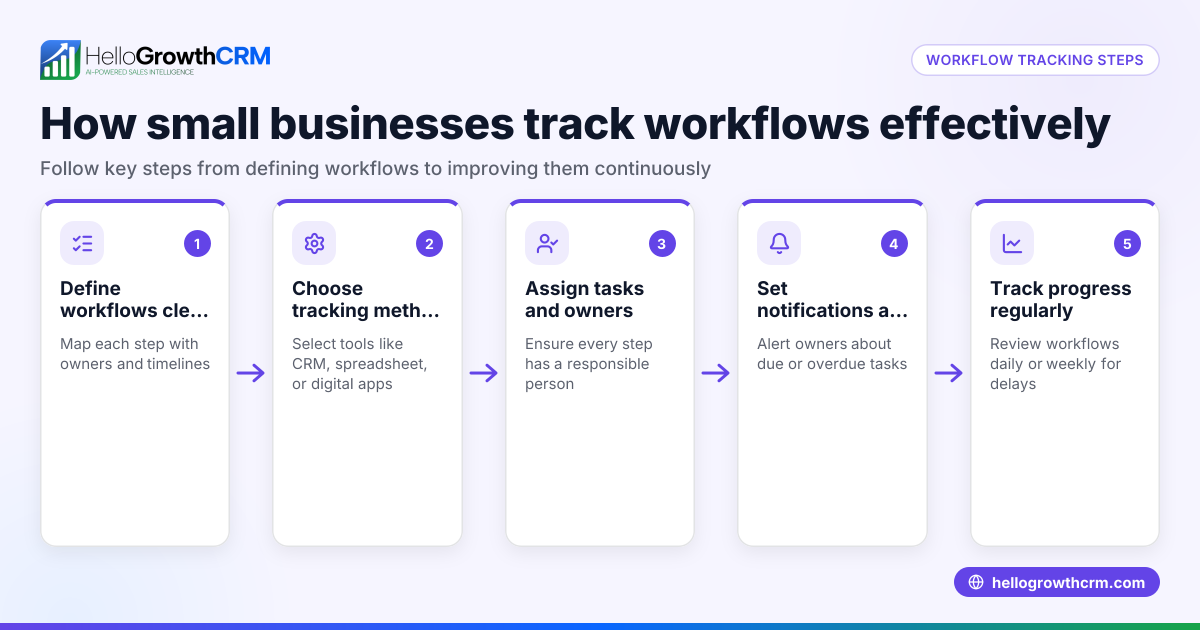
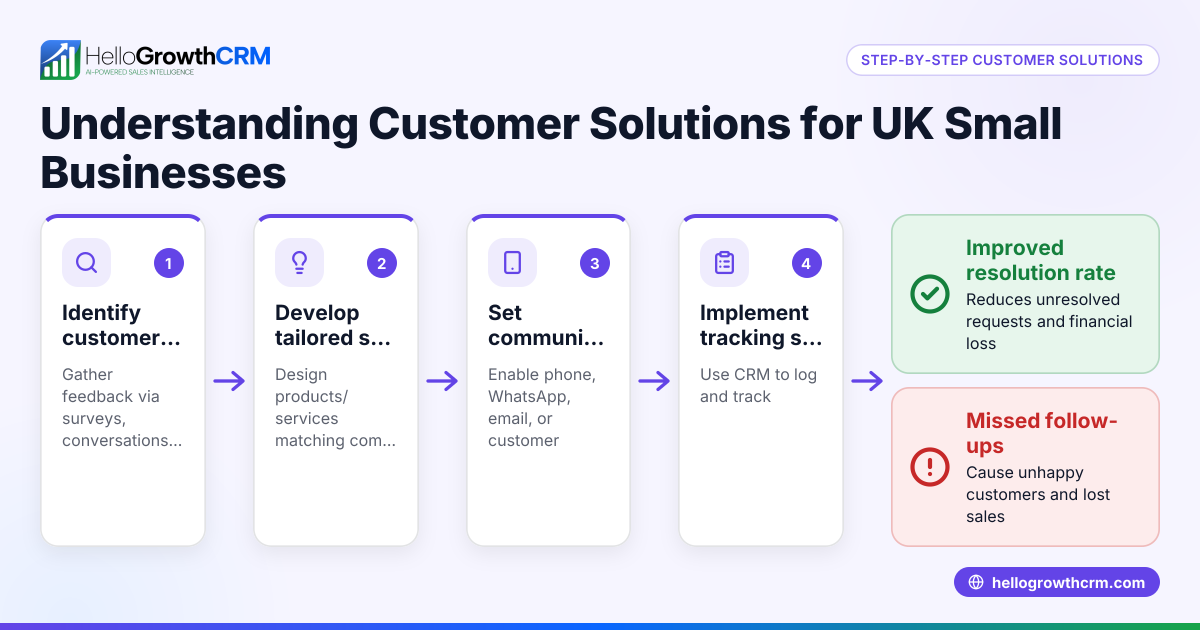
A customer service workflow guides your team through handling customer requests in a clear, repeatable process. It helps avoid lost or delayed responses by defining who does what and when. For small businesses, this means happier customers and smoother operations.
Why this comes up / what goes wrong
Many small-business owners struggle because customer requests come in through multiple channels—email, phone, text, WhatsApp—and get lost in spreadsheets or personal inboxes. Without a clear workflow, follow-ups slip, tasks go unassigned, and customers get frustrated. Sales and service teams working without a shared system waste time duplicating efforts or missing key details. This leads to lost sales and poor customer retention.
Step-by-step
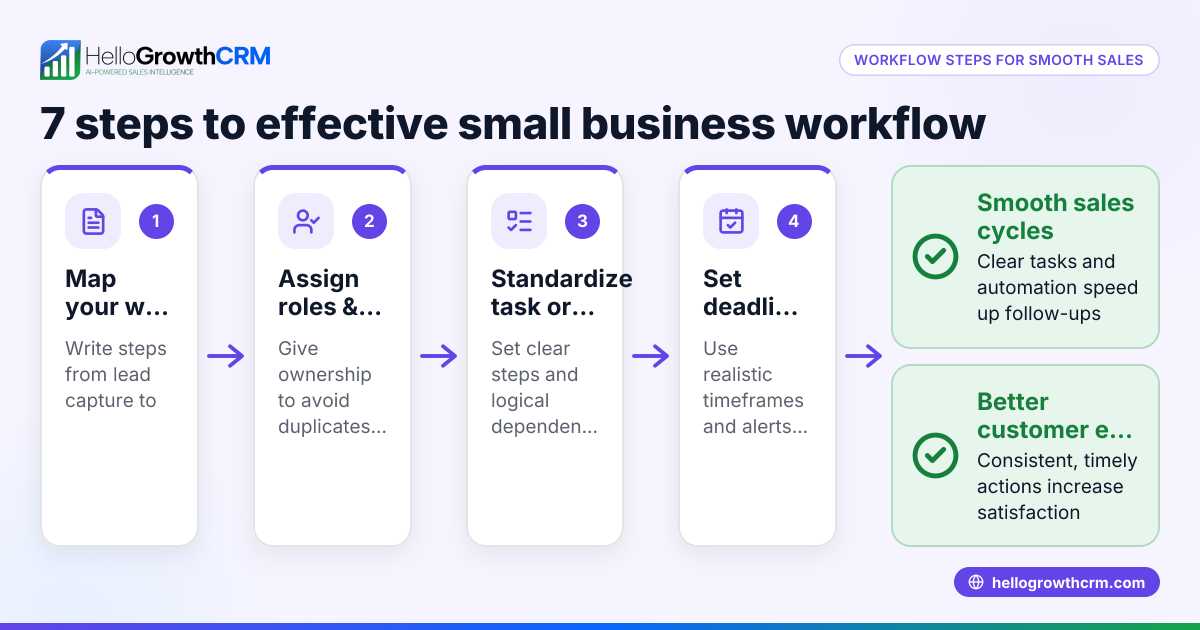
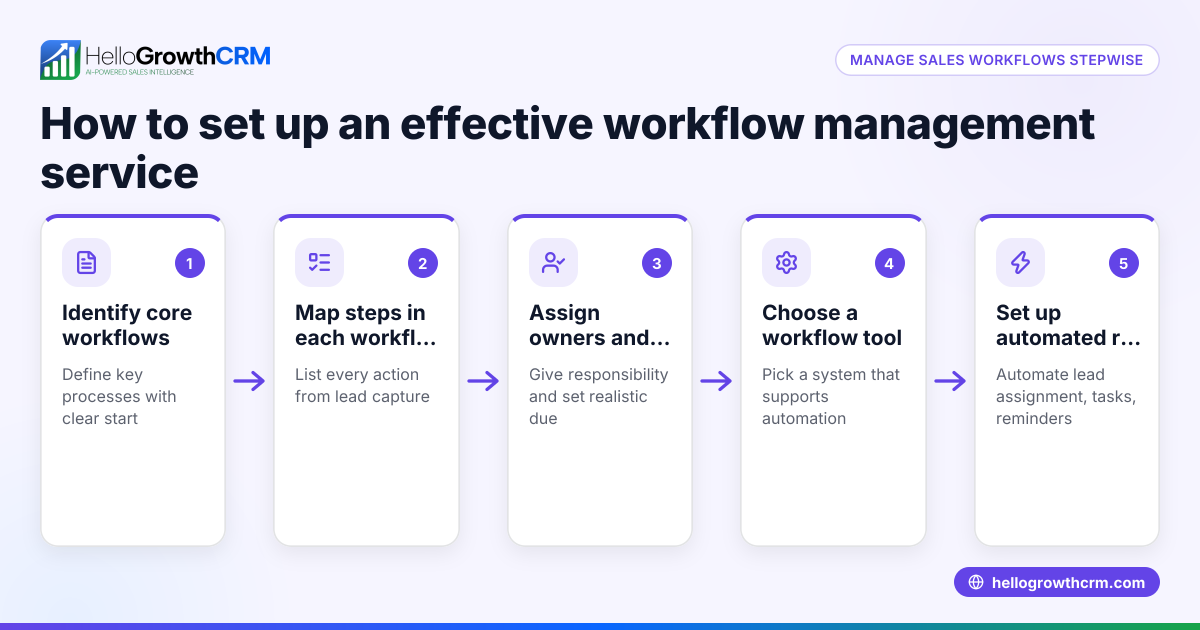
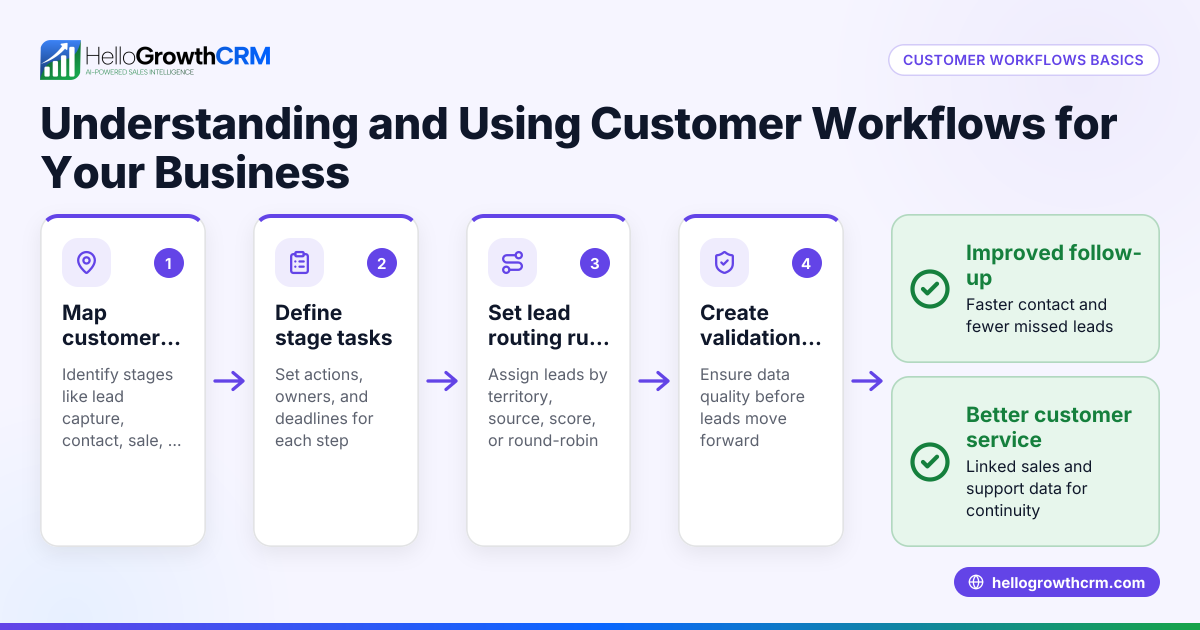
- Capture customer requests consistently: Use web forms, email, WhatsApp, or phone calls to collect requests. Check that every inquiry creates a ticket or task automatically to avoid missing any.
- Assign requests promptly: Route each request to the right team member based on territory, expertise, or workload. Check that assignments are balanced and no requests stay unassigned.
- Set clear response and resolution timelines: Define how quickly each type of request should be acknowledged and resolved. Check that your team meets these deadlines.
- Track progress with status updates: Use stages like New, In Progress, Waiting on Customer, and Resolved. Check regularly for stalled tickets.
- Use templates and sequences for common replies: This speeds up responses and keeps messaging consistent. Check that templates are updated and personalized.
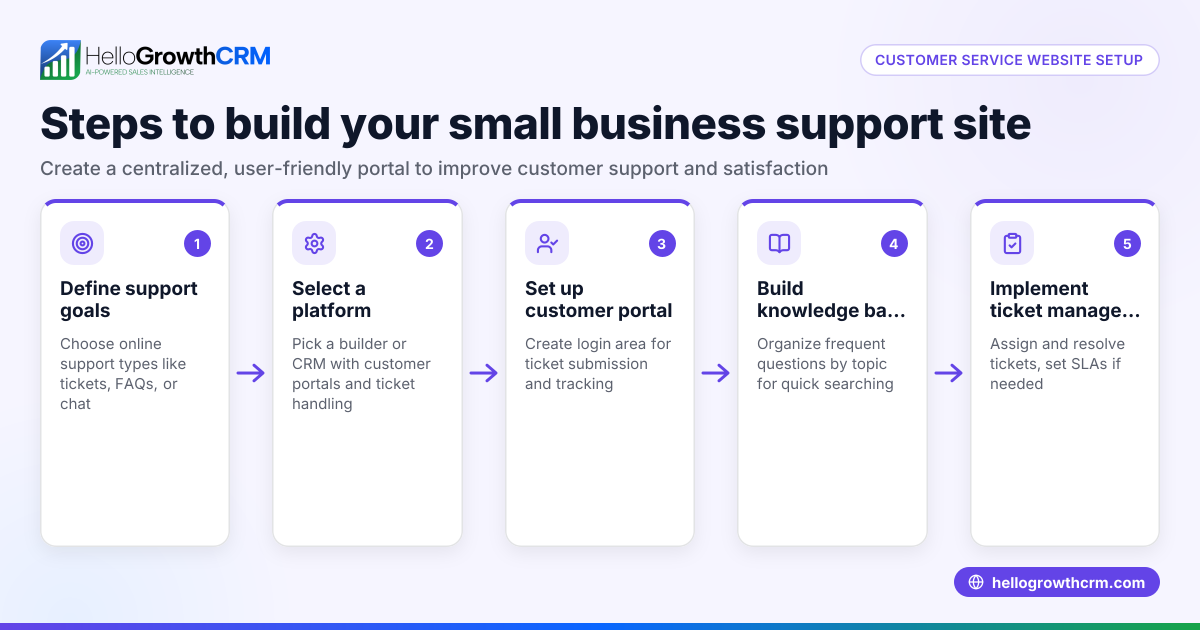
- Document solutions in a knowledge base: This helps your team resolve similar issues faster and empowers customers through self-service.
- Follow up after resolution: Confirm customer satisfaction and close the loop. Check for any outstanding issues or feedback.
Example (fictional figures)
A plumbing company in Austin, Texas, receives 100 service requests in March 2026. They implement a workflow to assign and resolve these efficiently.
- Total requests: 100
- Average assignment time: 2 hours
- Average resolution time: 24 hours
Calculations:
If each plumber handles 10 requests per week, and the company has 5 plumbers:
5 plumbers × 10 requests = 50 requests per week
Since 100 requests come in March (4 weeks):
50 requests/week × 4 weeks = 200 requests capacity
Their capacity exceeds demand, allowing for timely responses.
By tracking progress and following up, the company improves customer interactions and reduces repeat visits.
Common mistakes
- No centralized system: Leads get lost in emails or spreadsheets. Prevent this by using a CRM with workflows and lead routing like HelloGrowthCRM.
- Unclear task ownership: Requests stay unassigned or multiple people think they’re responsible. Prevent by setting round-robin or territory-based assignment rules.
- Ignoring follow-ups: Customers get no updates after initial contact. Prevent by scheduling follow-up tasks and using status tracking.
- No knowledge base: Repetitive questions waste time. Prevent by documenting solutions and enabling a customer portal.
- Not measuring response times: Without data, you can’t improve. Prevent by tracking and reporting on key metrics.
Doing this in HelloGrowthCRM
HelloGrowthCRM supports customer service workflows with automated workflows, lead routing, and validation rules. For example, new inquiries can be assigned round-robin and tasks created automatically. After the sale, service requests stay on the same customer record as the deal, making follow-up and history easy to track. The customer portal, referrals, tickets, and knowledge base features help you manage requests and empower customers all in one place. Learn more about WhatsApp and SMS CRM and customer health score to improve your service quality.
Frequently asked questions
What is a customer service workflow? A customer service workflow is a defined process your team follows to handle customer inquiries from receipt to resolution. It ensures consistent, timely responses and clear accountability.
Why does my small business need a customer service workflow? Without a workflow, requests can get lost or delayed, leading to unhappy customers and lost revenue. A workflow organizes your team’s efforts, improving response times and satisfaction.
How can I track customer service tasks effectively? Use a CRM with task boards and status tracking. This lets you see which requests are new, in progress, or waiting on customer input, so nothing slips through.
Can I automate customer service assignments? Yes. Tools like HelloGrowthCRM offer lead routing rules that assign requests automatically by territory, round-robin, or lead source, saving time and balancing workload.
How does a knowledge base help my customer service? A knowledge base stores answers to common questions, speeding up resolutions and enabling customers to find solutions themselves through a self-service portal.
What’s the best way to follow up with customers after resolving their issue? Schedule follow-up tasks to check customer satisfaction and confirm the issue is fully resolved. This builds trust and helps catch any lingering problems.
Key takeaways
- A customer service workflow ensures every request is captured, assigned, tracked, and resolved efficiently.
- Automate lead routing and task creation to prevent lost or delayed responses.
- Use status tracking and follow-up tasks to keep requests moving and customers informed.
- Document solutions in a knowledge base and offer a customer portal for self-service.
- HelloGrowthCRM supports these workflows with automation, routing, and integrated service records.
Start building your customer service workflow today to improve response times and customer satisfaction. Start on the Free Forever plan (200 leads, no credit card).
Ready to put this into practice?
Set up your pipeline, WhatsApp follow-ups, and AI lead scoring in minutes — free, no credit card.
Try HelloGrowthCRM freeGet CRM tips in your inbox
Join thousands of sales professionals who get weekly insights on CRM strategy, AI automation, and pipeline optimization.

The HelloGrowthCRM team publishes guides on CRM strategy, AI sales tools, and revenue operations for small business sales teams.