HelloGrowthCRM software
Built for real small-business sales teams
HelloGrowthCRM helps reps qualify faster, follow up on time, and close more deals—with practical automation in one place.
- AI lead scoring and pipeline visibility
- Built-in dialer, WhatsApp, and email automation
- Sales forecasting and RevOps-ready reporting
A discount offer email template is a practical tool for small businesses to announce special promotions or price reductions clearly and effectively. It helps ensure your message is consistent, easy to understand, and encourages customers to act quickly. This article explains why small-business owners need such templates, how to write one step-by-step, includes a worked example with US business figures and arithmetic, common mistakes to avoid, and how HelloGrowthCRM’s features can assist your sales process.
Why this comes up / what goes wrong
Small-business owners often want to send discount offers to increase sales, reward loyal customers, or clear inventory. Without a ready-to-use template, emails can be inconsistent, unclear, or lack urgency. Owners may struggle to word the offer clearly, include all necessary details, or follow up efficiently. This can lead to missed sales opportunities or customer confusion.
Step-by-step
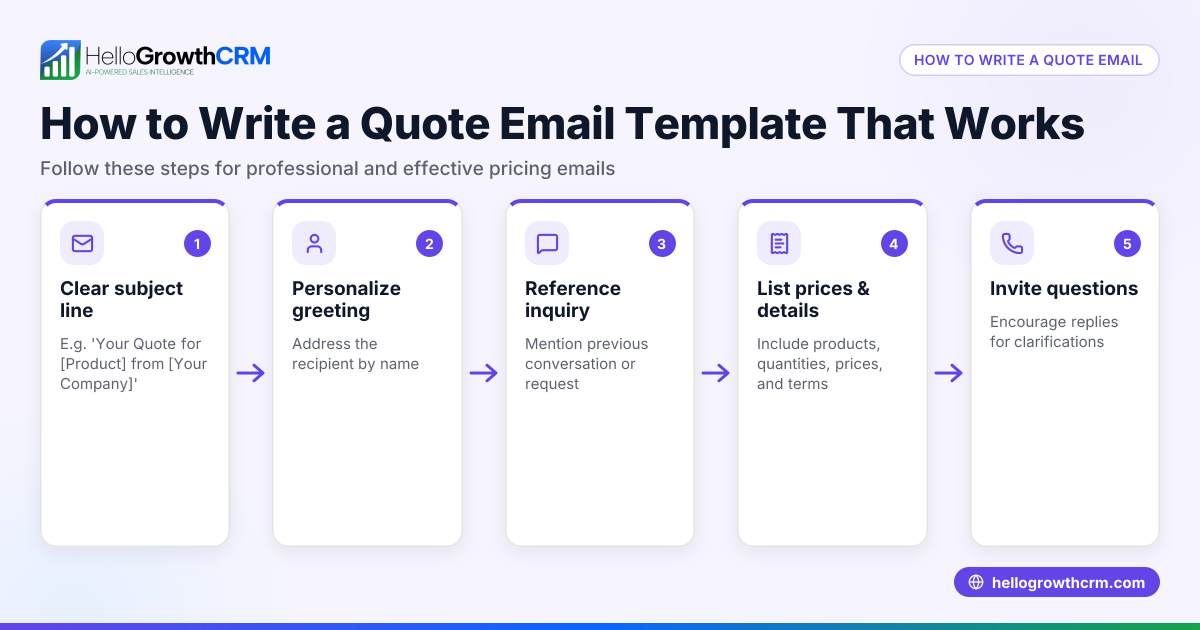
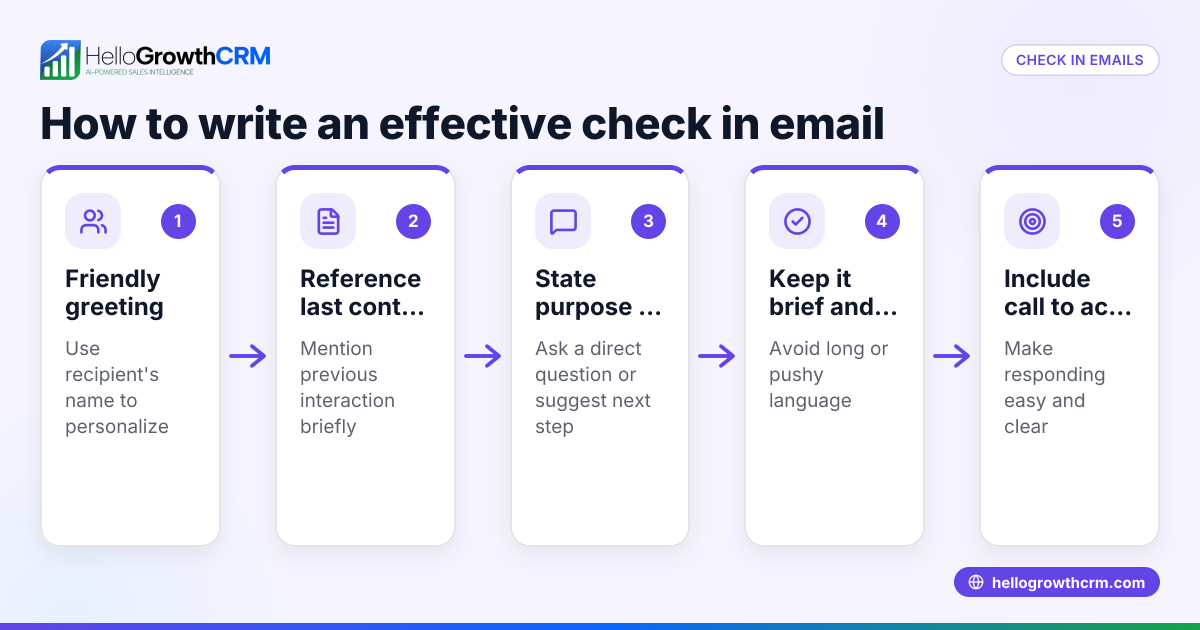
- Write a clear subject line: Use a direct headline like "Exclusive 20% Discount Just for You" to grab attention. Check that it’s concise and not misleading.
- Greet the recipient personally: Use their name if possible to make the email feel tailored.
- State the offer upfront: Clearly mention the discount percentage or amount and what it applies to (e.g., "Get 20% off all dental cleanings until 06/30/2026"). Verify the accuracy of these details.
- Add a brief explanation or reason: For example, "To celebrate our new clinic location," or "Limited-time summer special."
- Include the validity period: Specify start and end dates to create urgency.
- Explain how to redeem: Provide instructions such as "Use promo code SAVE20 at checkout" or "Call us at (555) 123-4567 to book your appointment."
- Add a clear call to action (CTA): Use buttons or links like "Book Now" or "Shop Today".
- Include your contact details and business name: So recipients can reach you easily.
- Proofread carefully: Check for typos, correct figures, and clarity.
- Plan follow-up emails: Prepare a sequence to remind prospects who haven’t responded yet. You can download free sales templates and follow-up cadence tools to help with this at free sales tools and calculators.
Example (fictional figures)
A two-location dental practice in Columbus, Ohio, runs a summer discount campaign.
Subject line: "Save 20% on Your Next Cleaning – Offer Ends 06/30/2026"
Email body:
"Hi Jane,
To celebrate our new clinic location, we’re offering 20% off all dental cleanings booked by 06/30/2026.
Regular cleaning price: $150
Discount amount: $30
Calculation: $150 × 20% = $30
Discounted price: $120
Calculation: $150 - $30 = $120
Call (614) 555-7890 or reply to this email to book your appointment.
Don’t miss out – this offer expires on 06/30/2026.
Best regards, Columbus Smiles Dental"
This email clearly states the offer, price before and after discount with arithmetic, contact info, and deadline.
Common mistakes
- Vague subject lines: Avoid generic titles like "Special Offer"; be specific to increase open rates. Use clear wording and numbers.
- Missing expiration date: Always include a deadline to create urgency and avoid confusion.
- No clear call to action: Tell recipients exactly what to do next (call, click, reply).
- Overloading with details: Keep the email focused on the offer; too much information can distract.
- Not following up: Many lose leads by failing to send reminder emails. Use email automation and sequences to run follow-ups automatically; see email automation and sequences.
- Ignoring team visibility: When replies come in, ensure the whole sales team can see them to avoid duplicated effort or missed responses. HelloMail shared inbox helps with this.
Doing this in HelloGrowthCRM
HelloGrowthCRM provides features to help you manage discount offer emails efficiently. The HelloMail shared inbox lets your sales team see all replies to quotation or offer emails on the deal, avoiding missed messages. You can download free sales tools and templates, including follow-up cadences and pipeline templates, without needing an account at free sales tools and calculators. For automated outreach, set up sequences and campaigns that send a five-step follow-up over two weeks and stop as soon as the prospect replies, saving time and effort. Learn more at email automation and sequences.
Frequently asked questions
What should a discount offer email include? A discount offer email should have a clear subject line, a personalized greeting, details of the discount (percentage or amount), the validity period, instructions on how to redeem, a call to action, and your contact information.
How long should a discount offer email be? Keep it concise—typically 100 to 200 words. Focus on the key points: the offer, how to redeem it, and the deadline. Avoid unnecessary details that may distract the reader.
How can I follow up on a discount offer email? Plan a series of follow-up emails reminding recipients about the offer before it expires. Using tools like email automation and sequences helps schedule these automatically and stops when the prospect replies, improving efficiency.
Can I personalize discount offer emails? Yes, personalizing with the recipient’s name and relevant details increases engagement. Using CRM tools can help automate this personalization across your email list.
What is the best time to send a discount offer email? Timing depends on your audience, but midweek mornings often see higher open rates. Test different times and track results to find what works best for your business.
Key takeaways
- Use a clear subject line and state the discount upfront.
- Include a deadline and clear instructions to redeem the offer.
- Keep the email concise and focused on one offer.
- Plan and automate follow-up emails to boost response rates.
- Use tools like HelloGrowthCRM’s shared inbox and sequences to manage replies and automate outreach.
Start your discount email campaigns easily with HelloGrowthCRM. Start on the Free Forever plan (200 leads, no credit card) to try these features and free sales templates.
Ready to put this into practice?
Set up your pipeline, WhatsApp follow-ups, and AI lead scoring in minutes — free, no credit card.
Try HelloGrowthCRM freeGet CRM tips in your inbox
Join thousands of sales professionals who get weekly insights on CRM strategy, AI automation, and pipeline optimization.

The HelloGrowthCRM team publishes guides on CRM strategy, AI sales tools, and revenue operations for small business sales teams.