HelloGrowthCRM software
Built for real small-business sales teams
HelloGrowthCRM helps reps qualify faster, follow up on time, and close more deals—with practical automation in one place.
- AI lead scoring and pipeline visibility
- Built-in dialer, WhatsApp, and email automation
- Sales forecasting and RevOps-ready reporting
Dynamic call center scripting is a method where call scripts adapt in real time based on the caller's responses and data inputs, rather than following a fixed script. This approach helps agents personalize calls, improve engagement, and increase conversions. This article explains why dynamic scripting matters for small businesses, provides a step-by-step guide to implementing it, highlights common pitfalls, and shows how HelloGrowthCRM supports call teams with its built-in dialer.
Why this comes up / what goes wrong
Small-business owners often rely on call centers or inside sales teams to connect with leads and customers. Traditional call scripts are static: every agent reads the same lines regardless of how the conversation flows. This can frustrate customers, reduce conversions, and waste agent time. Without flexibility, agents struggle to handle objections or shift focus based on the prospect’s needs. Slow follow-up and inconsistent messaging cause lost leads and missed sales opportunities, especially when calls are managed on spreadsheets or disconnected tools.
Dynamic call center scripting addresses these challenges by providing agents with adaptable scripts that change during the call. This helps small businesses keep conversations relevant and efficient, improving lead engagement and sales outcomes.
Step-by-step
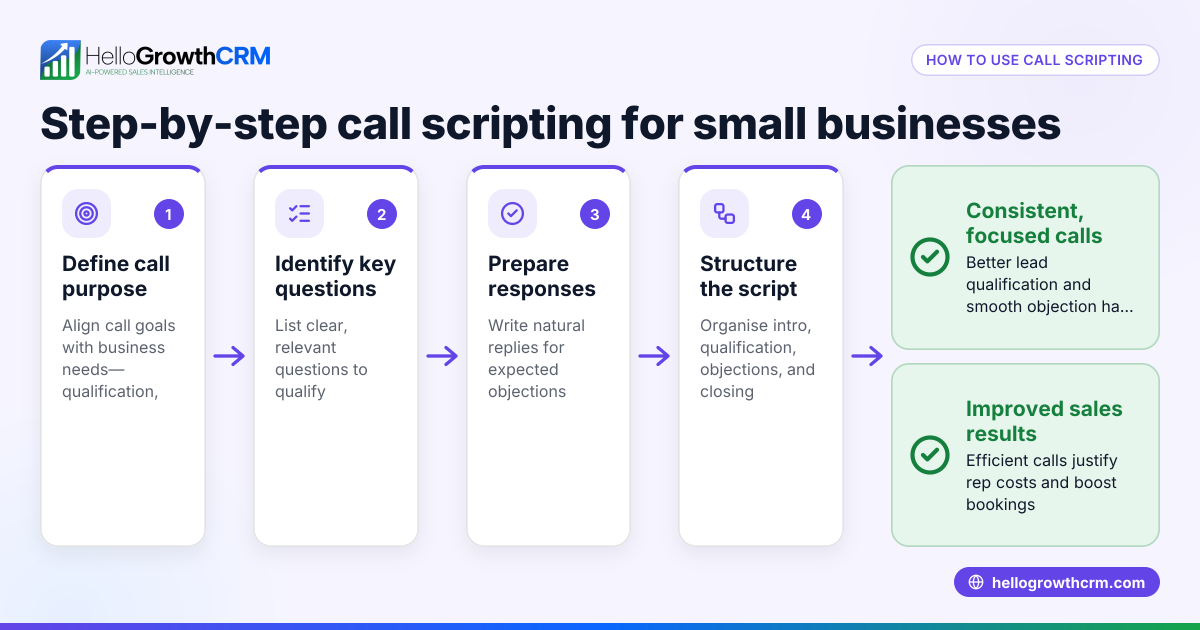
- Map your common call scenarios
- Identify typical call types: cold calls, follow-ups, support, upsells.
- List common customer questions and objections.
- Check that your scenarios cover all typical customer journeys.
- Design modular script components
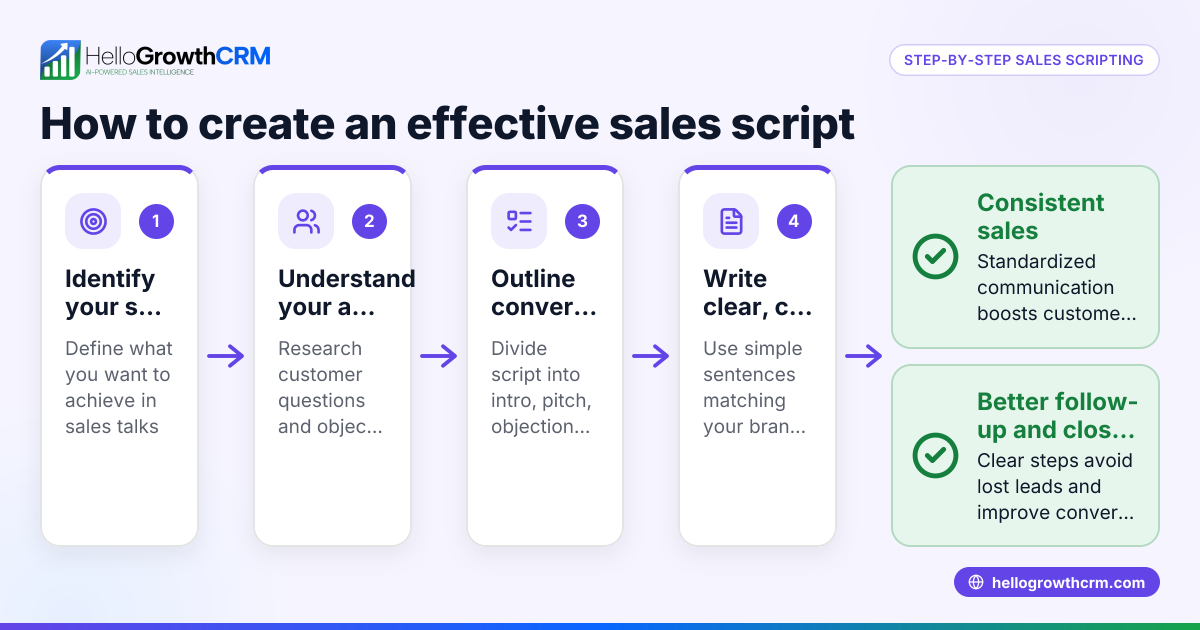
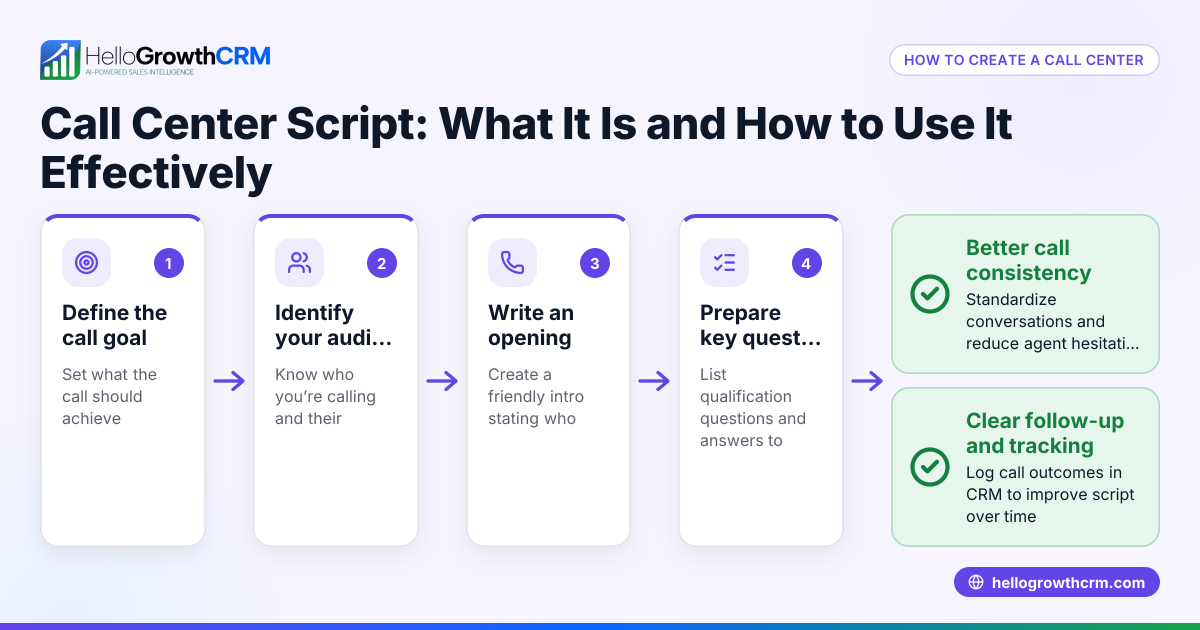
- Break scripts into sections: introduction, qualifying questions, objection handling, closing.
- Create alternative wording or paths for each section based on possible responses.
- Check that each module flows logically into others.
- Choose triggers for script changes
- Decide what customer answers or data points will switch the script path.
- Examples: if the customer says "not interested," switch to an objection-handling module.
- Verify triggers are clear and unambiguous.
- Train agents on using dynamic scripts
- Explain the purpose and how to navigate script options.
- Role-play common scenarios to build confidence.
- Check agents understand when and how to adapt the script.
- Implement software or tools supporting dynamic scripts
- Use CRM or call center software that allows script branching.
- Test scripts in live calls, gather agent feedback.
- Check call outcomes and adjust scripts as needed.
- Monitor and optimize continuously
- Track call metrics: conversion rates, call duration, customer satisfaction.
- Review recordings or call logs for script adherence.
- Update scripts regularly based on results and new insights.
Dynamic scripting requires planning, training, and the right tools to be effective.
Example (fictional figures)
A residential real-estate team in Phoenix, Arizona wants to improve their cold call success rate. They currently have a fixed script and convert 5% of calls into appointments.
- They map common objections: "not ready," "too expensive," "already have an agent."
- They design script modules for each objection with tailored responses.
- They train agents on switching scripts dynamically.
- After implementation, their conversion rate rises to 12%.
Calculation of improvement:
Calls made per month = 1,000
Old appointments = 1,000 × 5% = 50
New appointments = 1,000 × 12% = 120
Increase in appointments = 120 - 50 = 70
Assuming each appointment leads to a $10,000 commission:
Old revenue = 50 × $10,000 = $500,000
New revenue = 120 × $10,000 = $1,200,000
Revenue increase = $1,200,000 - $500,000 = $700,000
This example shows how dynamic scripting can significantly boost sales outcomes.
Common mistakes
- Using overly complex scripts: Agents get confused if scripts have too many branches. Prevent by keeping scripts simple and focused.
- Not training agents properly: Without training, agents may ignore dynamic options. Prevent by role-playing and ongoing coaching.
- Ignoring customer data: Scripts that don’t use available customer info miss personalization chances. Prevent by integrating CRM data into scripts.
- Failing to update scripts: Static scripts become outdated. Prevent by scheduling regular script reviews.
- Relying on manual call tracking: Leads get lost if call outcomes aren’t logged properly. Prevent by using a CRM with call logging.
Doing this in HelloGrowthCRM
HelloGrowthCRM offers a built-in dialer that lets reps work a list directly inside the CRM. Each call outcome is logged on the lead record, keeping full call history tied to contacts and deals. This helps teams manage calls efficiently and ensures no lead falls through the cracks. For more details, see the built-in CRM dialer.
Frequently asked questions
What is the difference between static and dynamic call scripts? Static scripts are fixed and read the same way on every call. Dynamic scripts change based on the conversation or data inputs, allowing more personalized and flexible calls.
How do I start implementing dynamic scripting in a small business? Begin by mapping your typical call scenarios and common objections. Then design script modules that address these with branching options. Train your agents and use software that supports dynamic scripts.
Can dynamic scripting improve customer satisfaction? Yes. By tailoring conversations to the customer's specific needs and responses, dynamic scripting creates a more engaging and helpful experience.
What tools support dynamic call center scripting? Many CRM and call center platforms offer scripting features. HelloGrowthCRM’s built-in dialer helps manage calls and logs outcomes but does not itself create scripts. You can integrate scripts externally or use templates from resources like sales templates.
How often should I update my call scripts? Regular updates are important. Review scripts quarterly or after major feedback to keep them relevant and effective.
Key takeaways
- Dynamic call center scripting adapts scripts in real time based on customer responses.
- It helps small businesses personalize calls, improving engagement and conversions.
- Implementing it involves mapping scenarios, designing modular scripts, training agents, and using supportive tools.
- Avoid overly complex scripts and ensure regular updates.
- HelloGrowthCRM’s built-in dialer helps log call outcomes and manage calling lists efficiently.
Start improving your call center efficiency and lead follow-up by trying dynamic scripting. You can begin easily with HelloGrowthCRM’s built-in CRM dialer and explore sales templates to support your scripts.
Ready to get started? Start on the Free Forever plan (200 leads, no credit card) today.
Ready to put this into practice?
Set up your pipeline, WhatsApp follow-ups, and AI lead scoring in minutes — free, no credit card.
Try HelloGrowthCRM freeGet CRM tips in your inbox
Join thousands of sales professionals who get weekly insights on CRM strategy, AI automation, and pipeline optimization.

The HelloGrowthCRM team publishes guides on CRM strategy, AI sales tools, and revenue operations for small business sales teams.