HelloGrowthCRM software
Built for real small-business sales teams
HelloGrowthCRM helps reps qualify faster, follow up on time, and close more deals—with practical automation in one place.
- AI lead scoring and pipeline visibility
- Built-in dialer, WhatsApp, and email automation
- Sales forecasting and RevOps-ready reporting
An e-introduction email template is a ready-to-use email format designed to introduce yourself, your company, or a connection to a new contact via email in a clear and professional way. It usually includes a brief introduction, the reason for reaching out, and a call to action that invites the recipient to respond or take the next step. Using a template saves time and ensures your message covers all key points effectively.
Why this comes up / what goes wrong
Small business owners often need to reach new prospects, partners, or suppliers but struggle to write introduction emails that get responses. Without a clear format, emails can be too vague, overly long, or miss a call to action, leading to missed opportunities. Other common issues include sending emails without personalizing the recipient’s name or company, which can appear unprofessional and reduce engagement. Slow or no follow-up after the initial email also causes lost leads.
Step-by-step
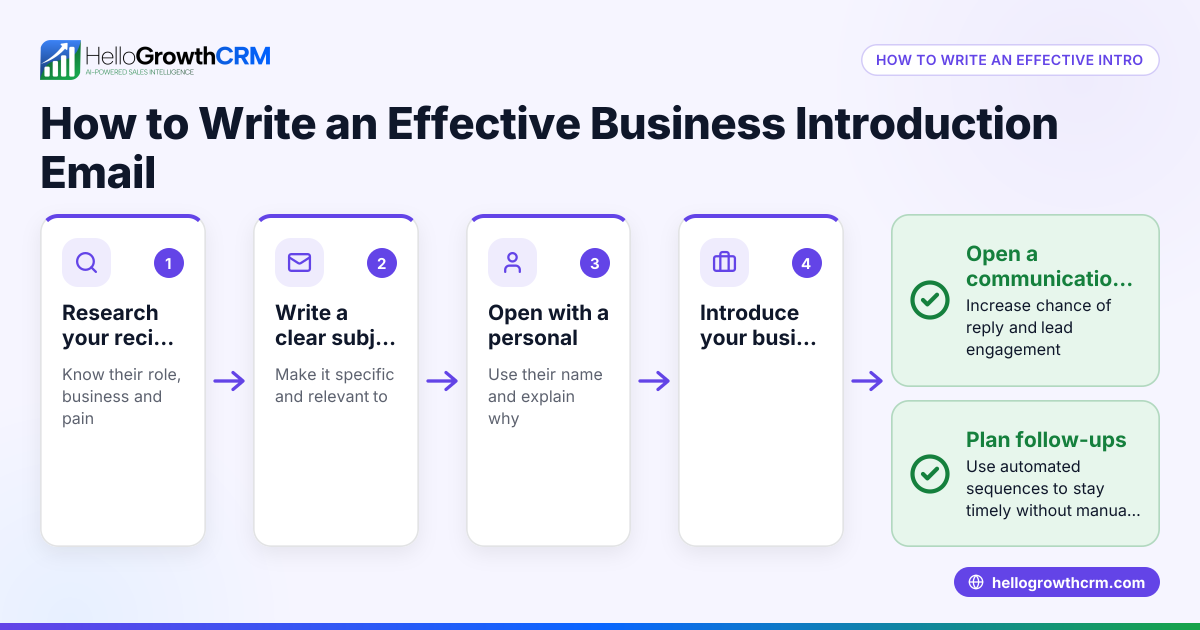
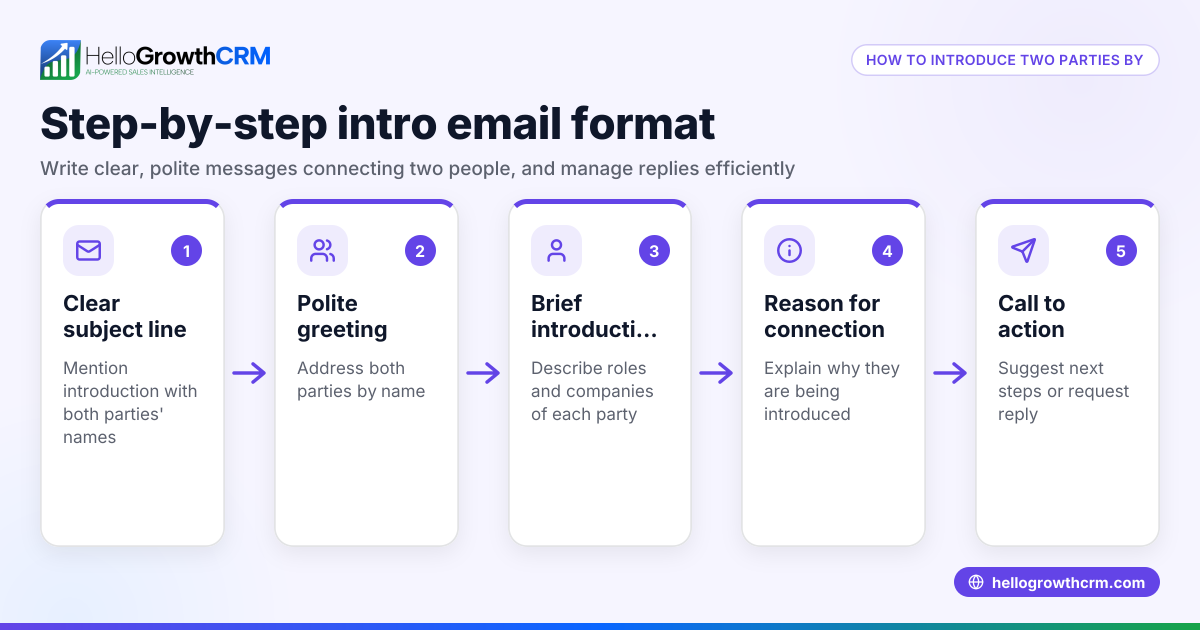
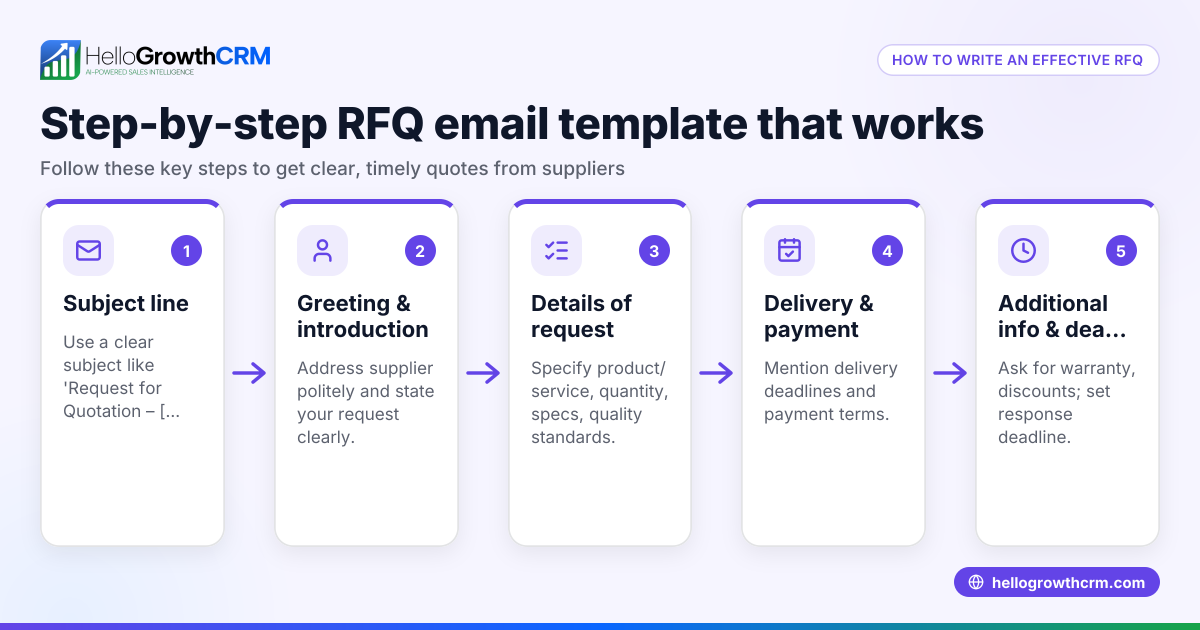
- Write a clear subject line: Use something simple and relevant, such as "Introduction from [Your Name] at [Your Company]". Check that it is concise and specific.
- Use a personalized greeting: Address the recipient by name if possible. Avoid generic greetings like "To whom it may concern".
- Introduce yourself briefly: Include your name, your role, and your company in one sentence.
- State the purpose of your email: Explain why you are reaching out—whether to introduce yourself, a colleague, or a product/service.
- Include a clear call to action: Suggest a next step, such as scheduling a call, meeting, or asking if they want more information.
- Keep the email concise: Limit to 3-5 short paragraphs. Avoid jargon and lengthy explanations.
- Close politely: Use a professional sign-off like "Best regards" or "Sincerely," followed by your full name and contact details.
- Proofread and verify details: Confirm the recipient’s name, company, and email address are correct. Check for grammar and typos.
- Send and plan follow-up: If you don’t get a reply within about a week, send a polite follow-up email.
For ready-to-use formats, download free sales email templates and follow-up cadence templates from our free sales tools and calculators. You can also explore sales templates for more options.
Example (fictional figures)
Imagine you run a B2B software reseller in Denver, Colorado, and want to introduce your company to a potential client.
Subject: Introduction from Sarah Lee at DenverSoft Solutions
Email body:
"Hi John,
My name is Sarah Lee, and I’m the Sales Manager at DenverSoft Solutions. We specialize in providing cloud software solutions tailored for small businesses in Colorado.
I wanted to introduce myself and see if you’d be interested in a quick call to discuss how our products could help streamline your operations.
Would you be available for a 15-minute call next week?
Best regards, Sarah Lee Sales Manager DenverSoft Solutions (303) 555-1234 sarah.lee@denversoft.com"
Suppose Sarah closes a deal after the introduction call worth $12,500 in software licenses and $3,500 in setup fees.
Total deal value calculation:
$12,500 + $3,500 = $16,000
This clear, concise email with a call to action helped Sarah start the conversation that led to a $16,000 sale.
Common mistakes
- Using a vague subject line: Prevent this by making your subject specific and relevant to the recipient.
- Failing to personalize: Always include the recipient’s correct name and company to avoid seeming generic.
- Writing too much: Keep your email brief and focused to respect the recipient’s time.
- No clear call to action: Always suggest what you want the recipient to do next.
- Sending without proofreading: Double-check all details and grammar before sending.
- Not following up: Plan a polite follow-up if you don’t get a reply after about a week. Use email automation and sequences to automate this.
Doing this in HelloGrowthCRM
HelloGrowthCRM offers tools to simplify your email outreach. Use the HelloMail shared inbox so your whole sales team can see replies to your introduction emails and coordinate follow-up. You can also download free sales templates and follow-up cadence templates from our free sales tools and calculators without needing an account. For ongoing outreach, set up sequences and campaigns to run a five-step follow-up over two weeks automatically, stopping as soon as the prospect replies. Learn more about these features at email automation and sequences.
Frequently asked questions
What should I include in an e-introduction email? Include a brief introduction of yourself and your company, the purpose of your email, and a clear call to action like scheduling a call or meeting.
How long should an introduction email be? Keep it short and concise—just a few paragraphs or a brief message. This respects the recipient’s time and improves the chances they’ll read it.
When should I follow up if I don’t get a reply? Wait about one week before sending a polite follow-up. Automated follow-ups can help manage this without manual effort.
Can I use the same template for all contacts? Personalize each email with the recipient’s name and company to avoid seeming generic. This increases engagement.
How can I track responses to my introduction emails? Using a CRM with a shared inbox like HelloMail helps your team see replies in one place and manage follow-ups efficiently.
Key takeaways
- Use a clear subject line and personalized greeting.
- Keep the email brief with a clear introduction and call to action.
- Proofread and confirm recipient details before sending.
- Follow up politely if you don’t get a response within a week.
- Use free sales templates and automation tools to save time and improve follow-up.
Start your outreach easily and manage contacts better by trying HelloGrowthCRM. Start on the Free Forever plan (200 leads, no credit card).
Ready to put this into practice?
Set up your pipeline, WhatsApp follow-ups, and AI lead scoring in minutes — free, no credit card.
Try HelloGrowthCRM freeGet CRM tips in your inbox
Join thousands of sales professionals who get weekly insights on CRM strategy, AI automation, and pipeline optimization.

The HelloGrowthCRM team publishes guides on CRM strategy, AI sales tools, and revenue operations for small business sales teams.