HelloGrowthCRM software
Built for real small-business sales teams
HelloGrowthCRM helps reps qualify faster, follow up on time, and close more deals—with practical automation in one place.
- AI lead scoring and pipeline visibility
- Built-in dialer, WhatsApp, and email automation
- Sales forecasting and RevOps-ready reporting
An appointment reminder email template is a short, clear message you send to clients ahead of a scheduled appointment. Its purpose is to confirm the meeting details, reduce no-shows, and provide an easy way for clients to confirm or reschedule. A good template includes the appointment date, time, location, a polite reminder, and a call to action.
Why this comes up / what goes wrong
Small-business owners in the US often face missed appointments because clients forget or get confused about their bookings. This leads to lost revenue and wasted time chasing no-shows. Many businesses rely on manual follow-up methods like text messages, emails, or spreadsheets, which can be slow, inconsistent, or error-prone. Without a reliable, clear reminder template, communication can be unprofessional or incomplete, frustrating clients and staff alike. Using a structured email template helps ensure every reminder is clear, polite, and complete.
Step-by-step
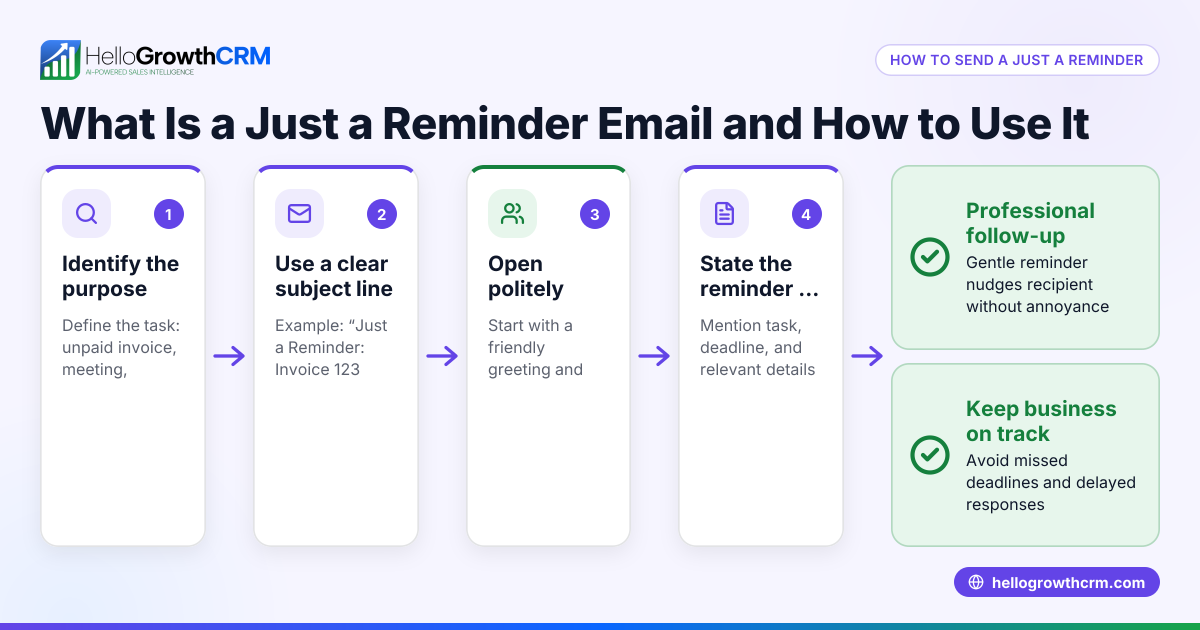
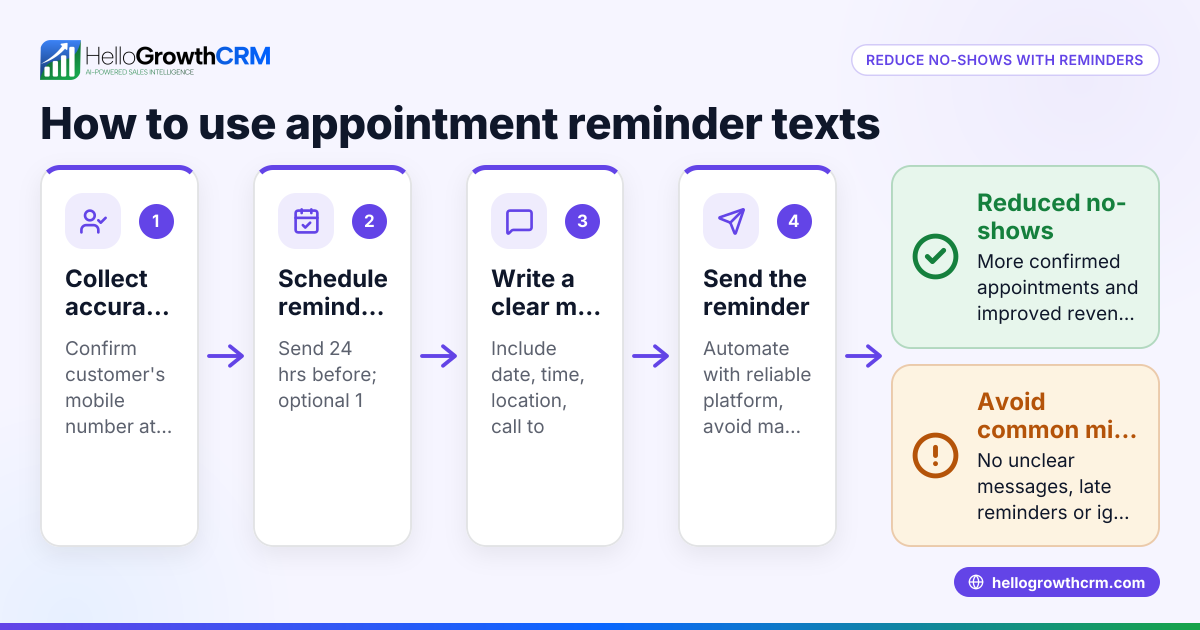
- Write a clear subject line: Use a direct subject like "Reminder: Your Appointment on [Date] at [Time]". This immediately informs the recipient what the email is about.
- Personalize the greeting: Address the client by their first name to engage them personally.
- State the appointment details clearly: Include the exact date, time, location (or online meeting link), and the purpose of the appointment.
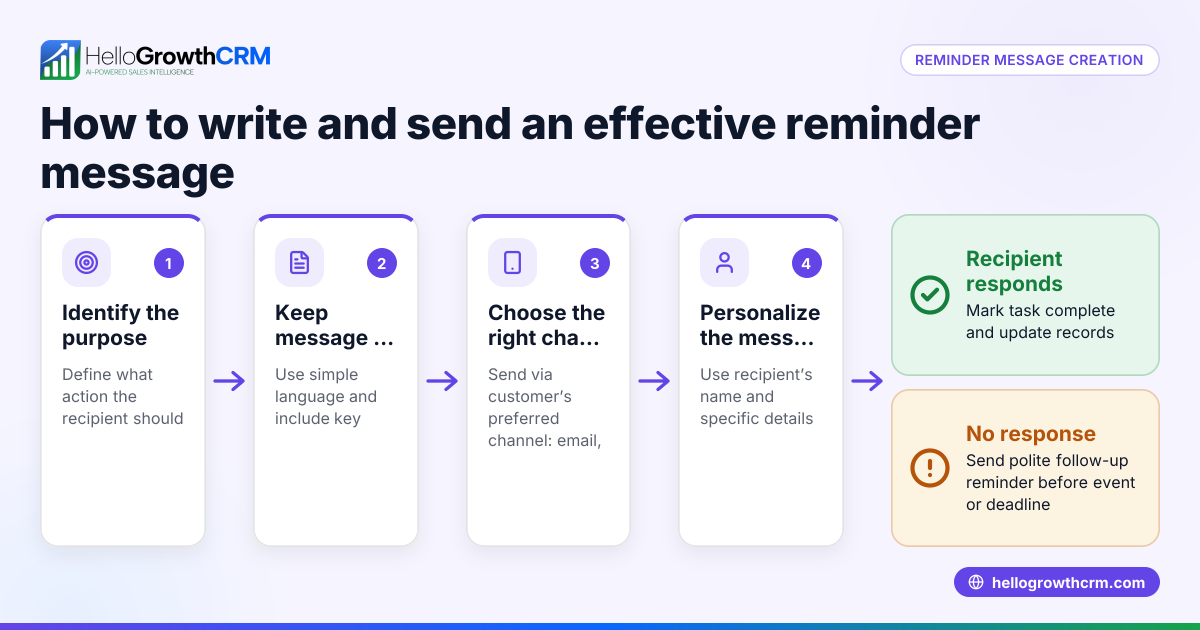
- Add a polite reminder message: For example, "We look forward to seeing you" or "Please let us know if you need to reschedule."
- Include a call to action (CTA): Provide a phone number, email address, or link where the client can confirm, cancel, or reschedule the appointment.
- Close with a courteous sign-off: Use phrases like "Thank you," followed by your name and company name.
- Check for accuracy and typos: Verify all details are correct and the email is free of spelling or grammatical errors.
Using tools like sales task boards can help your team schedule and track follow-ups efficiently. You can also automate reminders with email automation and sequences to reduce manual work and errors.
Example (fictional figures)
Sarah runs Green Thumb Landscaping in Charlotte, North Carolina. She wants to remind a client about a consultation.
Subject: Reminder: Your Landscaping Consultation on 07/15/2026 at 2:00 PM
Email body:
"Hi John,
This is a friendly reminder of your landscaping consultation scheduled for 07/15/2026 at 2:00 PM at your home, 123 Oak Street, Charlotte, NC.
Please reply to this email or call us at (704) 555-1234 if you need to reschedule.
Thank you, Sarah Green Green Thumb Landscaping"
Sarah charges $150 per consultation. If John cancels last minute, she loses this income.
Calculations:
Consultation fee = $150
If John cancels without notice, lost revenue = $150 × 1 = $150
If Sarah sends a reminder 48 hours before, the chance of cancellation with notice increases, reducing lost revenue.
This simple reminder helps protect Sarah’s income and keeps her schedule organized.
Common mistakes
- Too vague on details: Always include the exact date, time, and location to avoid confusion. Double-check these before sending.
- No call to action: Without a clear way for clients to confirm or reschedule, they may ignore the email. Always add contact info or a rescheduling link.
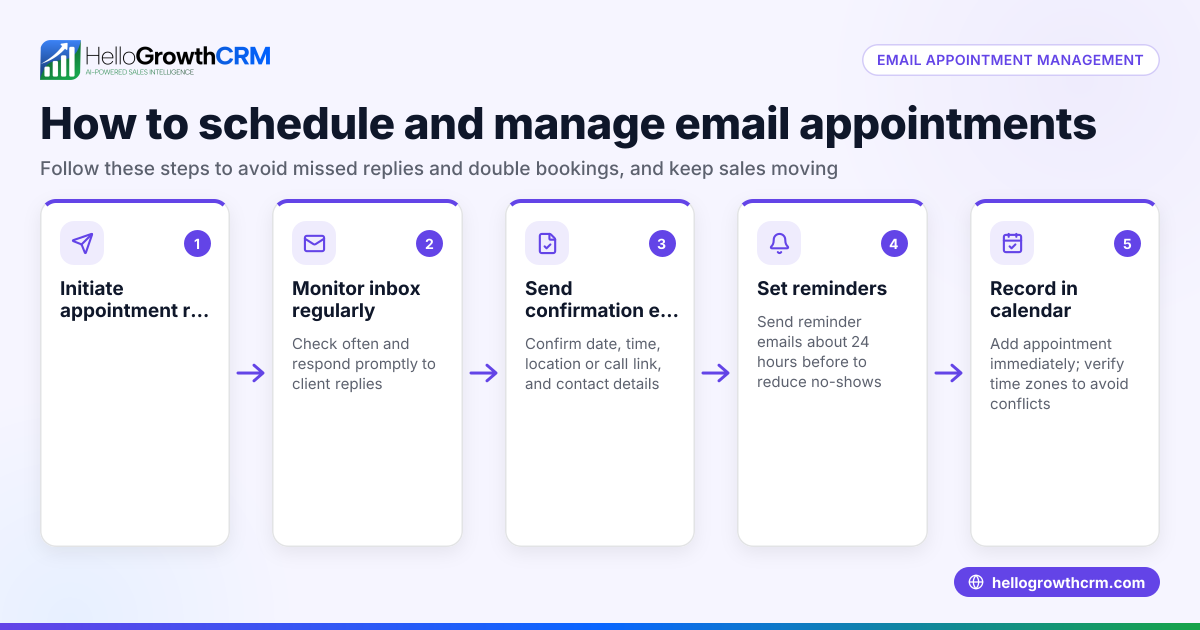
- Sending reminders too late or too early: The best window is 24-48 hours before the appointment. Too early, and clients may forget; too late, and they have little time to respond.
- Using impersonal or overly formal language: Keep the tone friendly and professional to encourage a positive response.
- Not verifying contact information: Mistyped phone numbers or email addresses frustrate clients and prevent responses.
- Relying on manual tracking: Manual follow-up can lead to missed reminders. Using a meeting scheduler tool reduces errors and saves time.
Doing this in HelloGrowthCRM
HelloGrowthCRM offers scheduling and booking features that let prospects pick a meeting slot from a link, eliminating back-and-forth messages. Each follow-up becomes a task with a due date on activities and task boards, so your team never misses sending a reminder. For email follow-ups, the HelloMail shared inbox keeps replies visible to your whole team, ensuring smooth communication.
Frequently asked questions
What is the best time to send an appointment reminder email? Send your reminder 24 to 48 hours before the appointment. This timing is close enough to the date to be helpful but gives the client time to reschedule if needed.
Can I use the same template for meeting reminders? Yes, the format is similar. Just adjust the details to fit the meeting context. For more tailored templates, see our sales templates.
How do I handle rescheduling requests from clients? Include a clear call to action in your reminder email with contact info or a rescheduling link. Using a meeting scheduler tool can simplify this process.
Should I send multiple reminders? Two reminders, such as one 3 days and another 1 day before, are usually more effective than a single reminder 24-48 hours before. (pubmed.ncbi.nlm.nih.gov) For very important appointments, a brief follow-up a few hours before can help.
How can I automate appointment reminders? Use CRM tools like HelloGrowthCRM’s email automation and sequences to schedule and send reminders automatically, reducing manual work and errors.
Key takeaways
- Use a clear subject line and personalized greeting.
- Include all appointment details and a call to action.
- Send reminders 24-48 hours before appointments.
- Avoid vague language and verify all contact info.
- Use scheduling and task tools to automate and track reminders.
Start using a structured appointment reminder email template today to reduce no-shows and improve your client communication. To streamline your scheduling and follow-ups, try HelloGrowthCRM’s free plan with up to 200 leads and no credit card required at Start on the Free Forever plan (200 leads, no credit card).
Ready to put this into practice?
Set up your pipeline, WhatsApp follow-ups, and AI lead scoring in minutes — free, no credit card.
Try HelloGrowthCRM freeGet CRM tips in your inbox
Join thousands of sales professionals who get weekly insights on CRM strategy, AI automation, and pipeline optimization.

The HelloGrowthCRM team publishes guides on CRM strategy, AI sales tools, and revenue operations for small business sales teams.