HelloGrowthCRM software
Built for real small-business sales teams
HelloGrowthCRM helps reps qualify faster, follow up on time, and close more deals—with practical automation in one place.
- AI lead scoring and pipeline visibility
- Built-in dialer, WhatsApp, and email automation
- Sales forecasting and RevOps-ready reporting
An email address book is a digital list or database of email contacts used to store and organise the email addresses of customers, suppliers, or other business contacts. It helps you quickly find, manage, and communicate with your contacts. This article explains why small businesses need an email address book, how to create and maintain one, common mistakes to avoid, and how HelloGrowthCRM can improve your email follow-up.
Why this comes up / what goes wrong
Many small business owners in the UK start by storing email contacts in a basic spreadsheet, or scattered across email clients, WhatsApp, and notes. This can cause lost or duplicated contacts, slow response times, and missed sales opportunities. Without a centralised and organised email address book, teams struggle to share contact information and keep track of communication history. This leads to confusion, repeated outreach, or leads slipping through the cracks.
Step-by-step
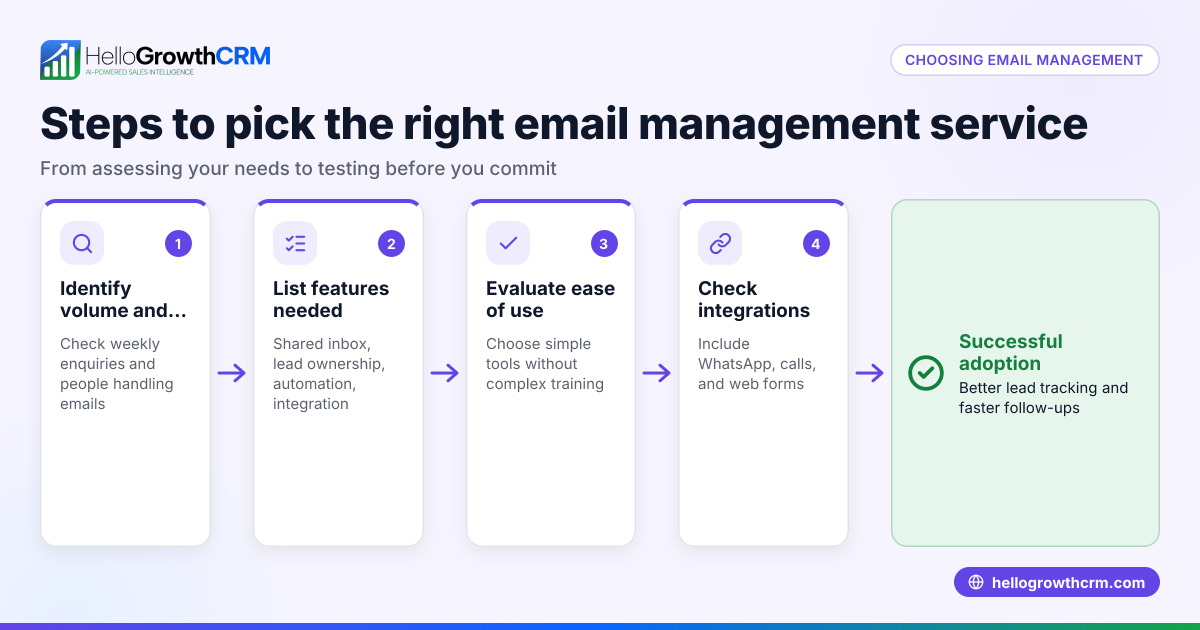
- Choose your storage method: Decide whether you want a simple spreadsheet, an email client address book, or a CRM system. Check it supports easy import and export of contacts.
- Collect contacts systematically: Add contacts from web forms, business cards, emails, and phone calls. Check each entry includes a valid email address and key details like name, company, and phone number.
- Organise contacts with tags or groups: Use categories such as prospects, customers, suppliers, or by region. This helps target communications effectively.
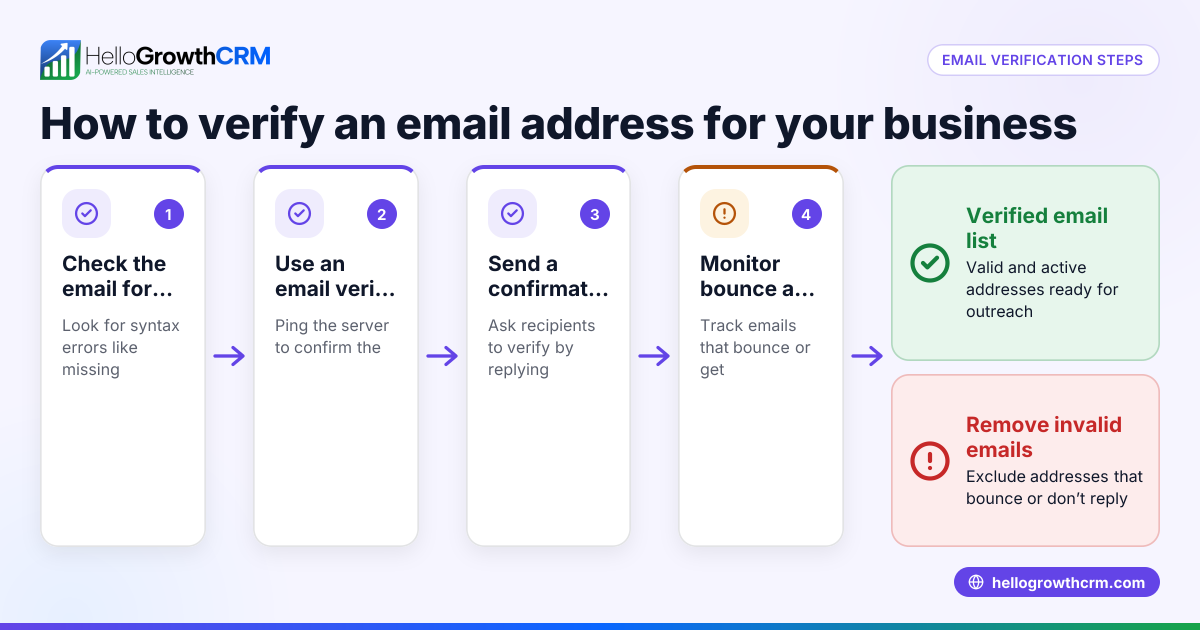
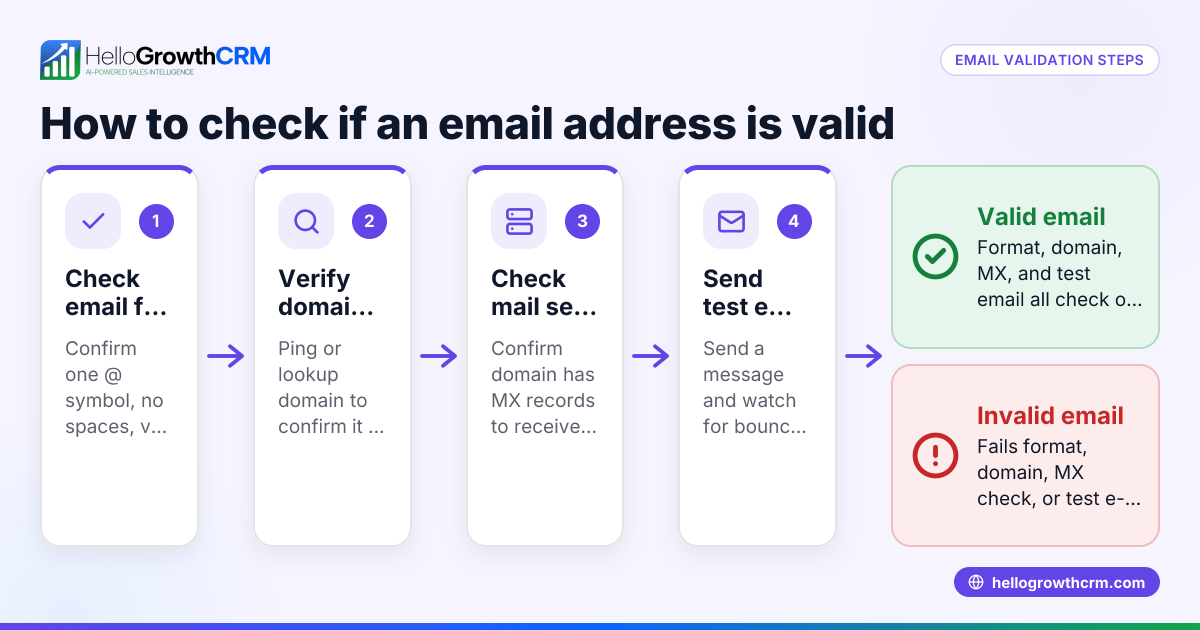
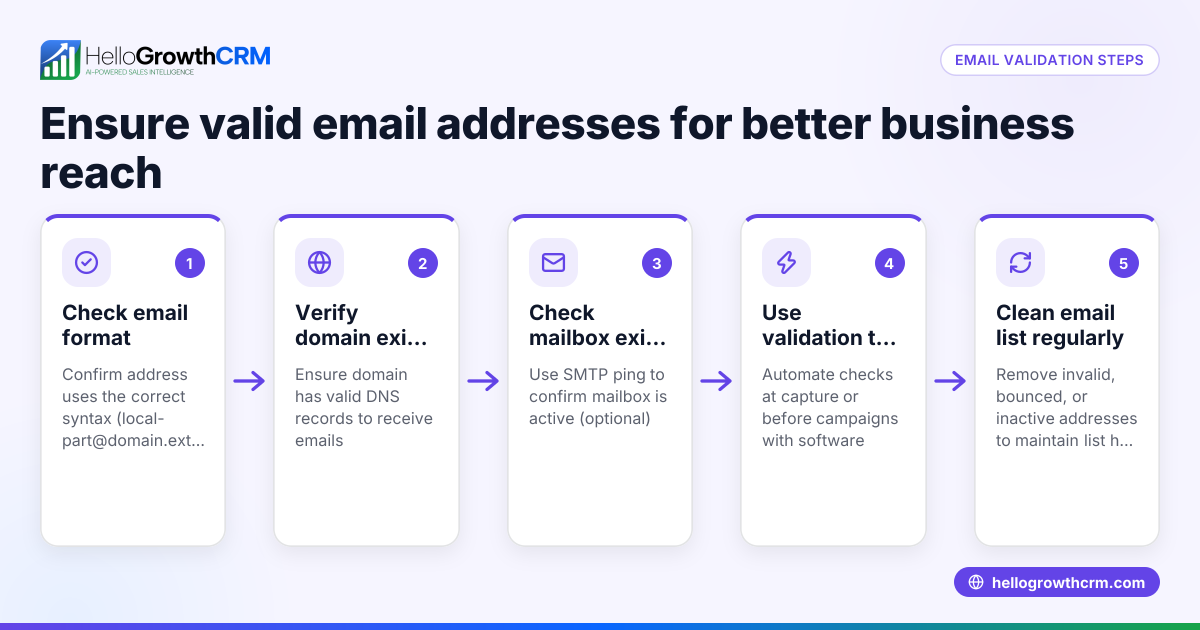
- Regularly update and clean your list: Remove duplicates, correct errors, and delete inactive contacts. Check email addresses for validity to reduce bounce rates.
- Back up your address book: Keep a secure copy to prevent data loss.
- Integrate with your communication tools: Ensure your email address book works smoothly with your email client or CRM for seamless sending and tracking.
- Set up follow-up sequences: Use automated email sequences to stay engaged with leads without manual effort. Check that sequences stop automatically when a prospect replies to avoid over-contacting.
For more on automated follow-up, see email automation and sequences.
Example (fictional figures)
Manchester Lettings Ltd, a letting agency in Manchester, wants to organise its email contacts for better follow-up.
- They start with 1,200 contacts in a spreadsheet, but 150 are duplicates or outdated.
- Cleaning removes 150 contacts, leaving 1,050 valid contacts.
- They tag 700 as tenants, 250 as landlords, and 100 as suppliers.
- They import these into a CRM with email automation.
- They set a five-step follow-up sequence over two weeks for new landlord leads.
This helps Manchester Lettings Ltd avoid missed replies and speeds up communication.
Common mistakes
- Not centralising contacts: Prevent by using one address book or CRM instead of scattered lists.
- Ignoring data quality: Prevent by regularly cleaning and verifying email addresses.
- Failing to update contact details: Prevent by scheduling periodic reviews and asking contacts to confirm their info.
- Over-emailing contacts: Prevent by using automated sequences that stop when a reply is received.
- Not sharing contact info with the team: Prevent by using a shared inbox or CRM so everyone sees replies and contact history.
For tips on team email management, see WhatsApp and SMS CRM.
Doing this in HelloGrowthCRM
HelloGrowthCRM offers a HelloMail shared inbox where replies to quotation emails are visible to the entire team on the deal, preventing missed messages or duplicated outreach. You can also set up sequences and campaigns: automated five-step follow-ups over two weeks that run without manual effort and stop immediately when a prospect replies. This keeps your email address book active and your follow-up timely. Learn more about these features at email automation and sequences.
Frequently asked questions
What is the difference between an email address book and a CRM? An email address book is a list of email contacts for sending messages, while a CRM stores contacts plus sales data, communication history, and helps manage the sales pipeline. A CRM often includes an email address book but adds tools to improve follow-up and collaboration.
How can I avoid duplicates in my email address book? Use software features to detect duplicates or import contacts carefully. Regularly clean your list by merging or deleting duplicated entries. Some CRMs automate this process.
Can I use my email address book to send bulk emails? Yes, but be cautious to comply with UK spam laws. Use bulk email tools or CRM campaigns that allow personalisation and manage unsubscribes.
How do automated email sequences work? They send a series of timed emails to prospects or customers automatically. The sequence pauses or stops when the recipient replies, preventing over-contacting. This improves response rates and saves time.
Is it safe to share an email address book with my team? Sharing a centralised address book or inbox in a CRM improves team coordination. Make sure your CRM has permission controls and security measures to protect contact data.
For more on CRM for UK businesses, see HelloGrowthCRM for the United Kingdom.
Key takeaways
- An email address book stores and organises your email contacts for quick access.
- Centralising and cleaning your contacts prevents errors and missed opportunities.
- Use tags or groups to segment contacts for targeted communication.
- Automate follow-up with sequences that stop when a prospect replies.
- Share your email address book or inbox with your team to improve collaboration.
- HelloGrowthCRM offers shared inbox and automated sequences to manage email follow-up efficiently.
Start organising your email contacts and improve your follow-up today. Start on the Free Forever plan (200 leads, no credit card).
Ready to put this into practice?
Set up your pipeline, WhatsApp follow-ups, and AI lead scoring in minutes — free, no credit card.
Try HelloGrowthCRM freeGet CRM tips in your inbox
Join thousands of sales professionals who get weekly insights on CRM strategy, AI automation, and pipeline optimization.

The HelloGrowthCRM team publishes guides on CRM strategy, AI sales tools, and revenue operations for small business sales teams.