HelloGrowthCRM software
Built for real small-business sales teams
HelloGrowthCRM helps reps qualify faster, follow up on time, and close more deals—with practical automation in one place.
- AI lead scoring and pipeline visibility
- Built-in dialer, WhatsApp, and email automation
- Sales forecasting and RevOps-ready reporting
Email appointments are meetings or calls scheduled by exchanging emails to propose and confirm specific dates and times. Small-business owners often use email for appointments because it provides a written record and flexibility for clients to respond at their convenience. Managing these appointments effectively can prevent lost leads, scheduling conflicts, and miscommunication.
Why this comes up / what goes wrong
Small-business owners frequently rely on email for appointments due to its accessibility and asynchronous nature. However, without a clear system, emails can get lost or overlooked, replies may be missed, and double bookings can occur. Slow follow-up or unclear appointment requests can frustrate prospects and reduce sales opportunities. Many owners also struggle to send timely reminders or follow-ups, leading to no-shows or stalled deals. Managing email appointments well helps keep your sales process moving and your clients engaged.
Step-by-step
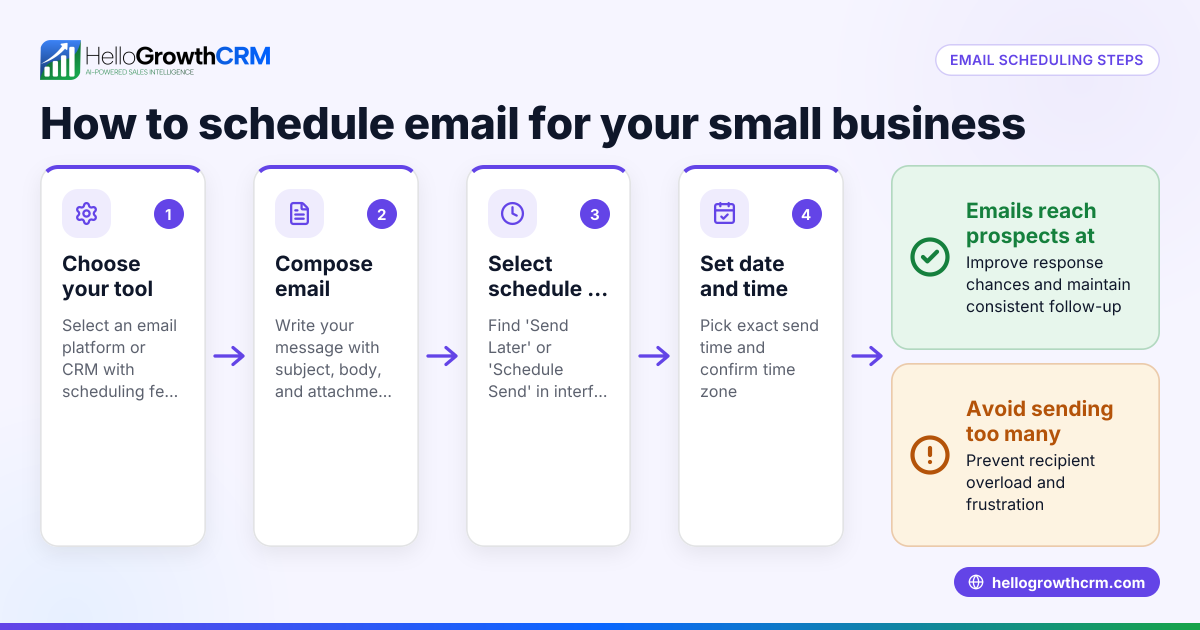
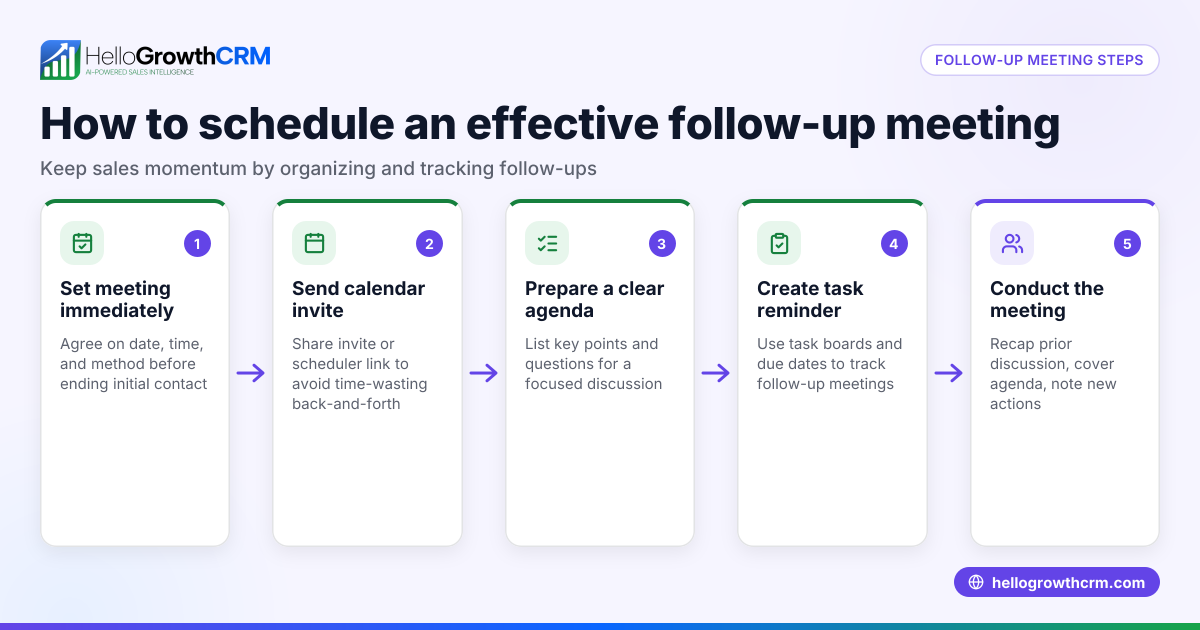
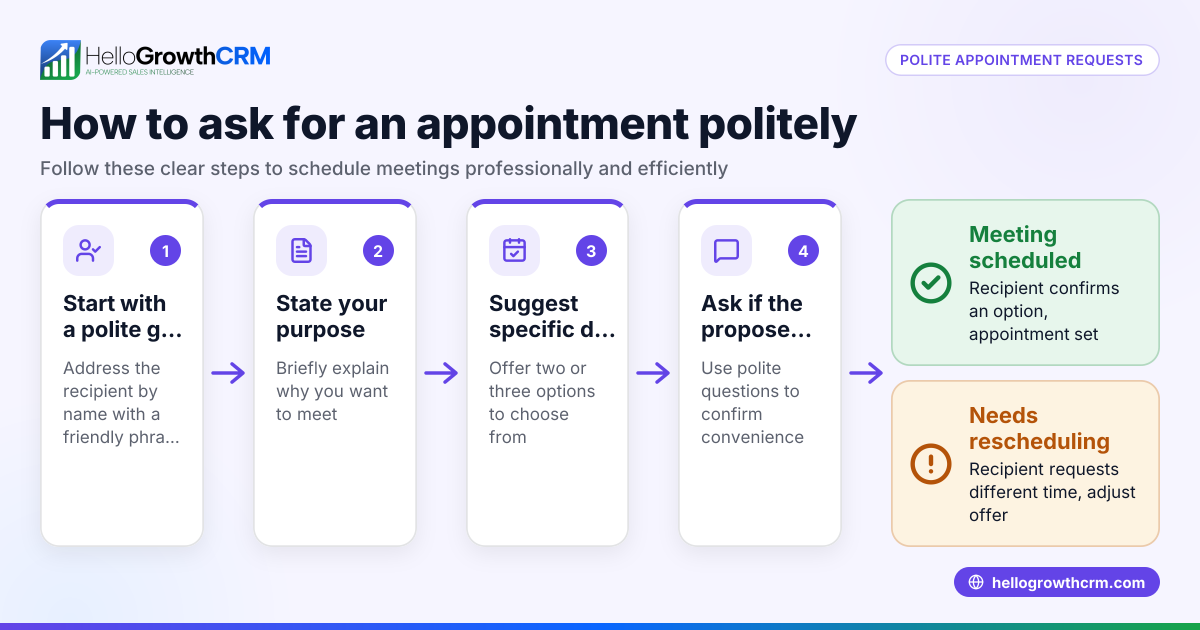
- Initiate the Appointment Request: Send an email proposing two or three specific dates and times for the meeting. Clearly state the purpose and expected duration to help the recipient decide quickly.
- Monitor Your Inbox Regularly: Check for replies often to avoid delays. Respond promptly once the client agrees to a time.
- Send a Confirmation Email: After agreement, send a clear confirmation including date, time, location or call link, and contact details. This ensures everyone is on the same page.
- Set Reminders: Send a reminder email about 24 hours before the appointment to reduce no-shows. This can be done manually or automated using email sequences.
- Record the Appointment in Your Calendar: Immediately add the confirmed appointment to your calendar system, verifying time zones if relevant, to avoid conflicts.
- Follow Up After the Appointment: Send a thank-you or next-step email to maintain engagement and advance the deal.
Make sure each email is professional and easy to understand. Using tools like a meeting scheduler can simplify this process and reduce back-and-forth emails.
Example (fictional figures)
A B2B software reseller in Denver, Colorado, wants to schedule a product demo with a prospect.
- On 06/01/2026, the owner emails: "Can we meet on 06/05/2026 at 10:00 AM or 2:00 PM for a 30-minute demo?"
- The prospect replies on 06/02/2026 agreeing to 2:00 PM.
- The owner confirms on 06/02/2026: "Confirmed for 06/05/2026 at 2:00 PM. Here is the Zoom link."
- On 06/04/2026, the owner sends a reminder email.
Financial impact example:
- The demo leads to a sale of $12,500 software license.
- The owner expects a 15% commission on the sale.
Calculations: $12,500 × 15% = $1,875 commission
This clear scheduling and follow-up process helps secure the sale and commission promptly.
Common mistakes
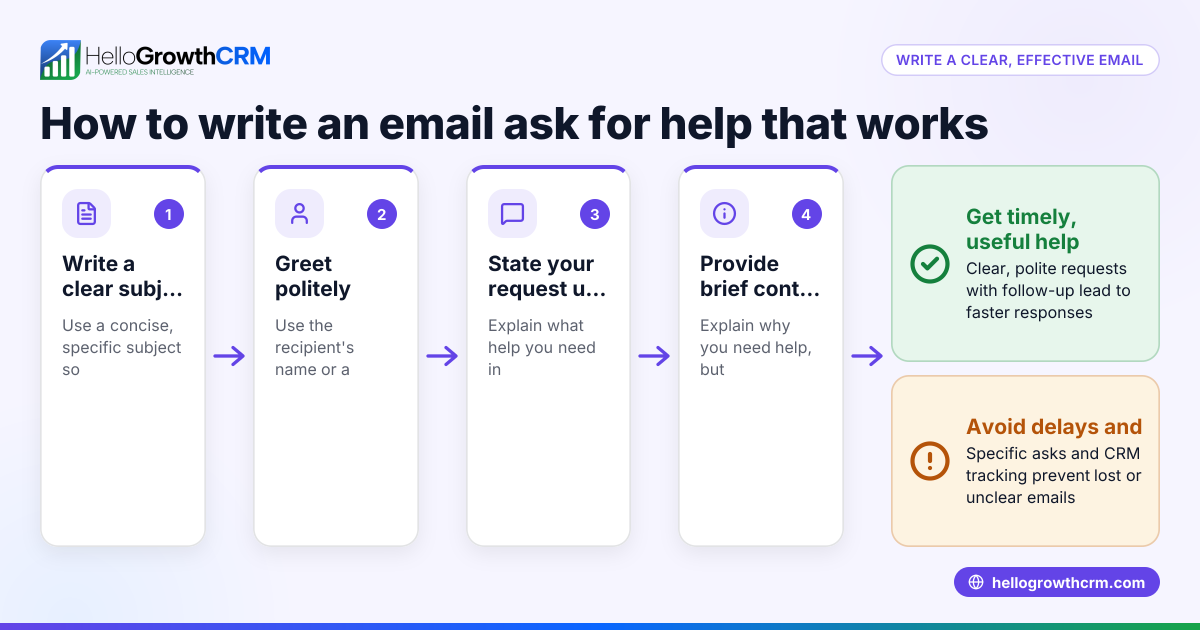
- Sending vague appointment requests: Prevent by proposing specific, limited options that are easy to choose from.
- Not confirming appointments promptly: Prevent by sending confirmation emails immediately after agreement.
- Forgetting reminders: Prevent by scheduling automatic reminders or calendar alerts.
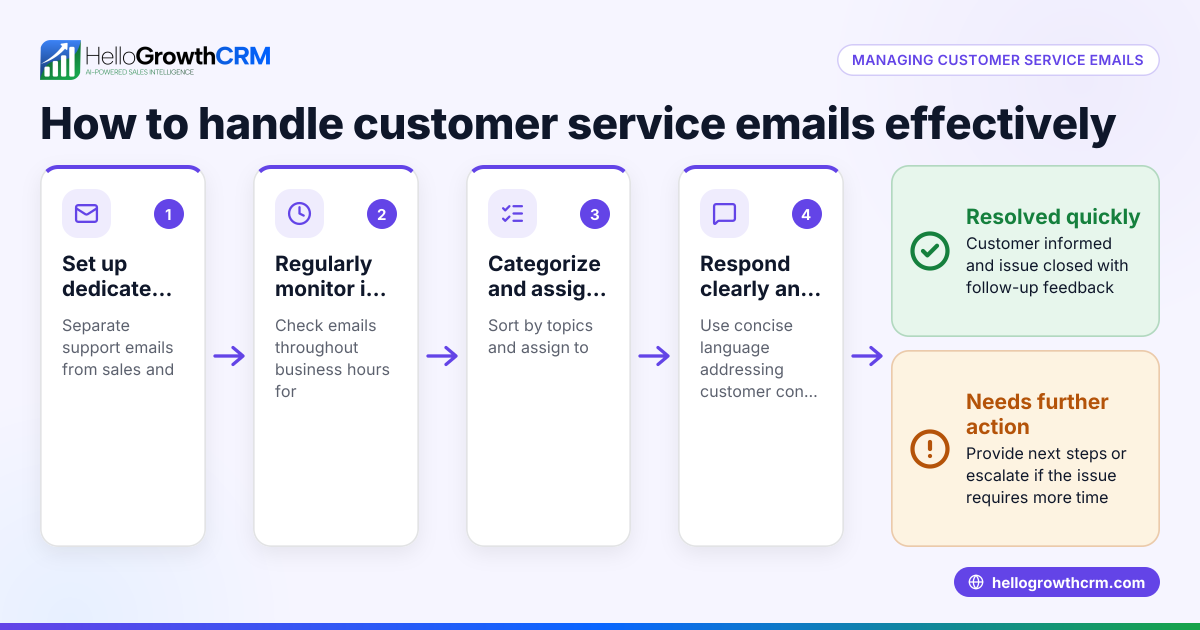
- Ignoring replies buried in inbox: Prevent by using a shared inbox or CRM to track communications and ensure no replies are missed.
- Not following up after the meeting: Prevent by planning follow-up emails to maintain engagement and move the deal forward.
- Failing to verify time zones: Prevent by clearly stating time zones in emails to avoid confusion.
Using email automation and sequences can help automate reminders and follow-ups, reducing manual effort and errors.
Doing this in HelloGrowthCRM
HelloGrowthCRM offers the HelloMail shared inbox feature, which allows your team to manage inbound email from leads and customers without switching to a separate email client. Replies to appointment emails are visible to the whole team on the deal, improving coordination and reducing missed replies. Additionally, you can set up sequences and campaigns to automate a five-step follow-up over two weeks that stops as soon as the prospect replies. These features help ensure timely responses, reduce missed opportunities, and keep your sales process efficient.
Frequently asked questions
What is the best way to propose appointment times in an email? Offer two or three specific date and time options to make it easy for the recipient to choose. This reduces back-and-forth emails and speeds scheduling.
How can I avoid no-shows for email-scheduled appointments? Send a reminder email 24 hours before the appointment and consider asking for a brief confirmation. Automated reminders through CRM sequences can help maintain attendance.
Can I integrate email appointment scheduling with calendar apps? Yes, many CRMs and scheduling tools sync with calendar apps to automatically add confirmed appointments, keeping your schedule up to date.
What if the client prefers texting or WhatsApp over email? Use multi-channel communication tools like HelloGrowthCRM’s sequences that include SMS and WhatsApp to reach clients on their preferred platforms.
How do I track appointment emails with my team? A shared inbox like HelloMail within HelloGrowthCRM lets your team view all appointment-related emails centrally, improving coordination and reducing missed replies.
Is it helpful to use a meeting scheduler instead of email alone? Yes, meeting schedulers can reduce the back-and-forth by allowing clients to pick from your available times directly. HelloGrowthCRM supports integration with meeting schedulers to streamline this.
Key takeaways
- Email appointments involve proposing, confirming, and reminding about meetings via email.
- Clear, specific appointment requests and prompt confirmations reduce confusion and delays.
- Sending reminders and following up after appointments improves attendance and client engagement.
- Common mistakes include vague requests, missed confirmations, overlooked replies, and no reminders.
- Using HelloGrowthCRM’s HelloMail shared inbox and automated sequences helps manage email appointments efficiently.
- Integrating meeting schedulers can further simplify booking and reduce email traffic.
Start managing your email appointments more efficiently today. Start on the Free Forever plan (200 leads, no credit card).
Ready to put this into practice?
Set up your pipeline, WhatsApp follow-ups, and AI lead scoring in minutes — free, no credit card.
Try HelloGrowthCRM freeGet CRM tips in your inbox
Join thousands of sales professionals who get weekly insights on CRM strategy, AI automation, and pipeline optimization.

The HelloGrowthCRM team publishes guides on CRM strategy, AI sales tools, and revenue operations for small business sales teams.